
Editorial note (route consolidation): On 3dv.io, the singular term “3D screen” and the plural term “3D screens” refer to the same product category. The canonical explainer for both forms is the 3D Screens: Technical Explainer. This page consolidates that singular-form intent and adds a buyer-evaluation checklist rather than duplicating the canonical article as a second URL.
A 3D screen on 3dv.io is a glasses-free, autostereoscopic spatial display used for professional review, visualization, education, and communication. It is not a headset, not a projector, and not a TV-style passive 3D panel. The defining characteristic is that depth is delivered optically at the panel, so a single viewer can perceive spatial content without wearing 3D glasses. For broader category context, see the 3D Display: Technical Explainer, and for the product family, see the Spatial 3D Display: Technical Explainer.
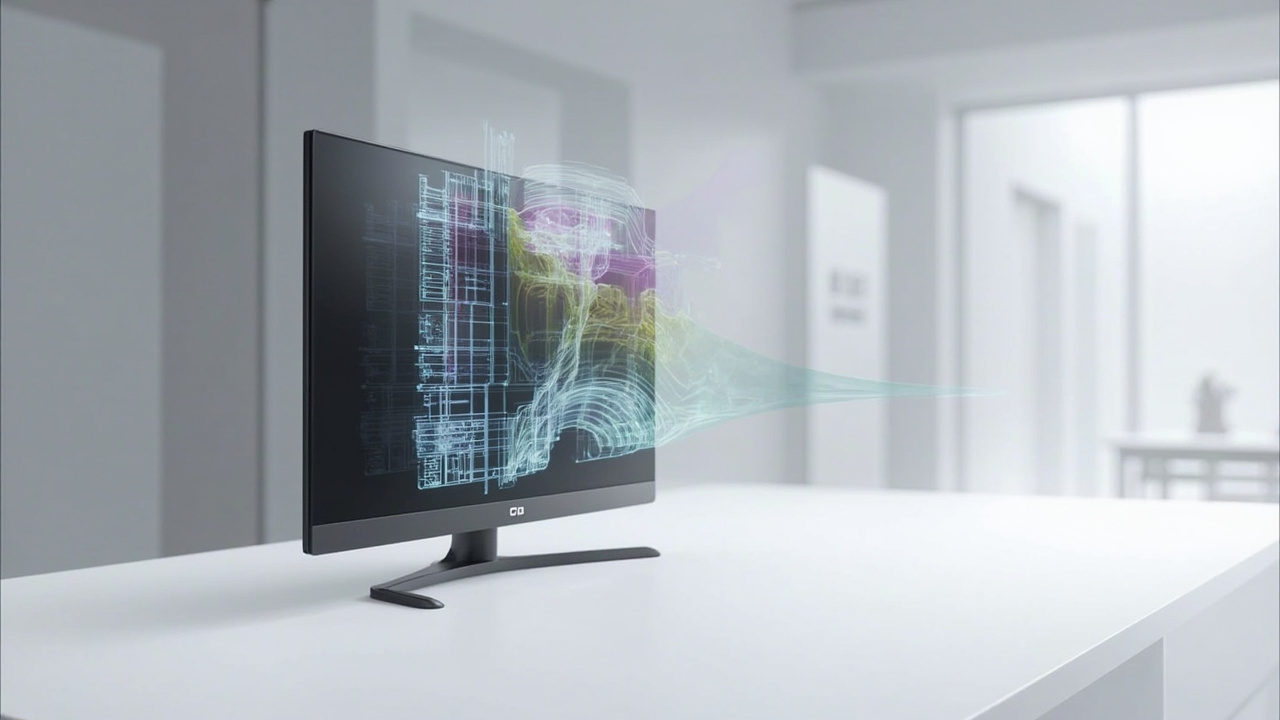
A 3D screen delivers glasses-free stereoscopic depth on a monitor-style workstation.
How depth is produced on a 3D screen
A 3D screen places an optical layer in front of the LCD or OLED panel. In 3DV Spatial Displays, this layer is a lenticular microlens array. Combined with structured-light eye tracking and display-side FPGA processing, the system dynamically routes two viewpoints — left-eye and right-eye views — toward the viewer’s eyes. The brain fuses those views into a stereoscopic depth image. Background on the optical approach is in the Autostereoscopy: Technical Explainer, and the viewing experience is summarized in the Naked-Eye 3D: Technical Explainer.
Because the routing is eye-tracked rather than fixed, the supported viewing zone is designed for a single tracked viewer at a comfortable workstation distance. This is the principal engineering difference compared with legacy 3D Ready Monitor: Technical Explainer designs, which still require glasses and rely on a fixed stereoscopic sweet spot.
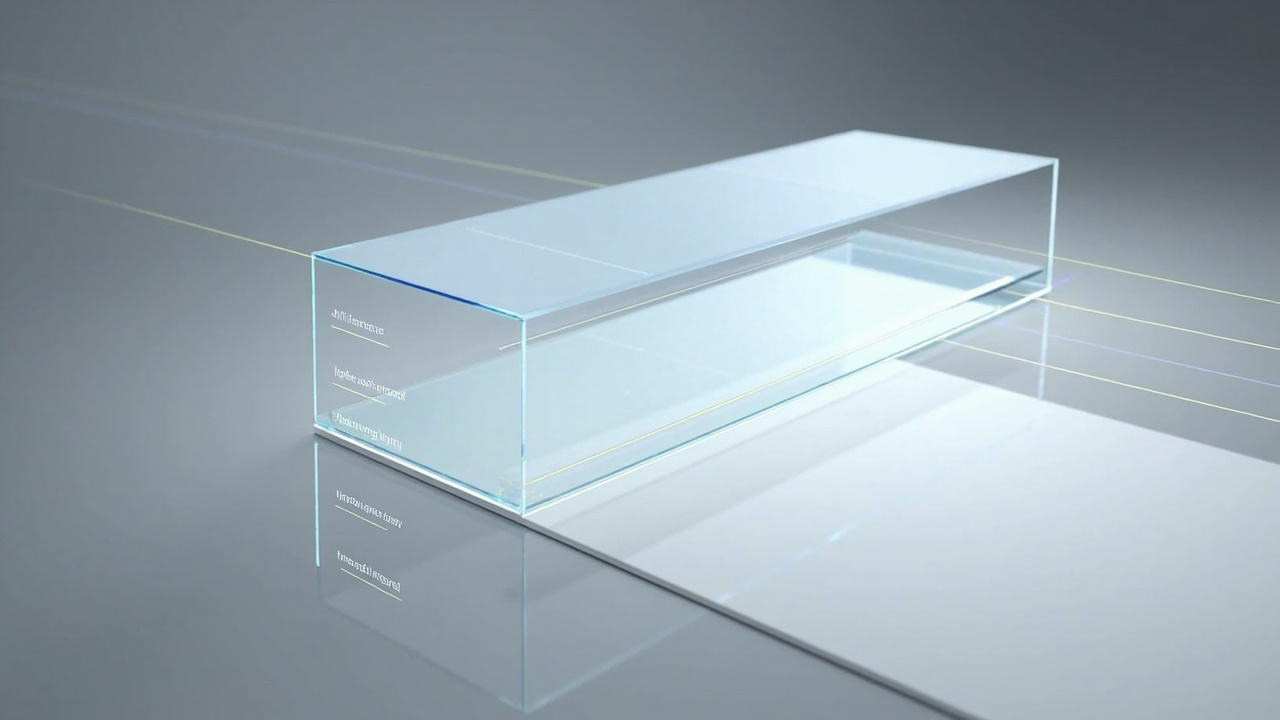
Cross-section of a 3D screen: panel, microlens optical layer, and eye-tracked viewpoint routing.
Content compatibility for a 3D screen
A 3D screen works best when the source content already carries stereo information. Compatible input types include:
- Side-by-side (SBS) stereo video and images.
- CAD and 3D model viewers that can output stereo or SBS.
- Medical or industrial 3D exports (CT, MRI, DICOM stacks with stereo output, NDT reconstructions).
- Unity, Unreal, WebGL, and custom 3D applications that drive a stereo backbuffer.
Content that does not already carry stereo depth must be prepared or re-rendered before it gains real value on a 3D screen. Ordinary 2D video, flat images, and software that only outputs a single 2D view will not produce stereoscopic depth on their own. The wider stereo pipeline is covered in the Stereoscopic 3D: Technical Explainer and the Stereoscopic Display: Technical Explainer.
Workflow fit: Pro vs Essential
The 3DV Spatial Display line is organized into two series that fit different usage patterns:
- Pro series (15.6 inch, 27 inch): stronger fit when the buyer frequently switches between high-quality 2D work and 3D review on the same panel. The 2D / 3D switching workflow is a Pro series feature.
- Essential series (14 inch, 32 inch): stronger fit when the display is mainly a dedicated 3D spatial monitor for a fixed review, lab, classroom, or showroom setup.
Current 3DV Spatial Display positioning is non-touch. Workflow framing should treat these as monitor-style review stations, not as interactive touch displays. For the adjacent decision path that uses the phrase “3D display screen” as a buying query, the 3D Display Screen: Technical Explainer covers the comparison framing.
Limits buyers should evaluate
Before selecting a 3D screen, a professional buyer should evaluate the following limits, which are common across the category and not unique to any single brand or certification claim:
- Single tracked viewer at a time. The depth experience is delivered for one primary viewer; collaborative viewing is sequential rather than simultaneous.
- Stereo content requirement. Source assets must output stereo, SBS, or a 3D-ready render path; flat 2D content does not gain depth automatically.
- Viewer position sensitivity. The eye-tracked depth zone has a defined comfortable workstation distance; large head movements can break the fused view.
- Non-touch positioning. Current Spatial Display models are positioned as non-touch review displays, not as touch walls or interactive kiosks.
No certifications, pricing, or benchmark figures are claimed here. For pricing, request current shop data, and for any medical or clinical use, restrict claims to visualization, review, education, training, and communication uses only.
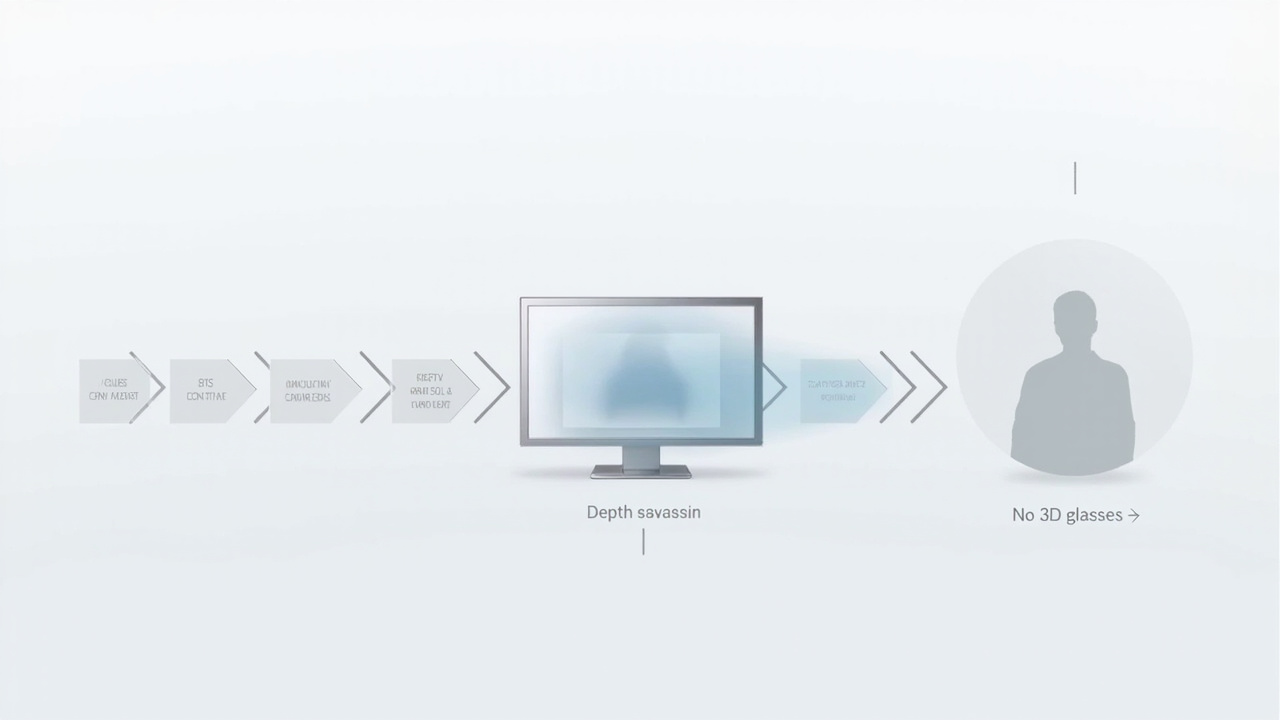
3D screen content pipeline: SBS, Unity, Unreal, WebGL, and CAD sources routed to a glasses-free review workflow.
Five-step next-steps path for buyers
Use this structured checklist to decide whether a 3D screen fits a specific workflow:
- Map your source content. List which of your assets already output stereo, SBS, or a 3D render path. If most are flat 2D, plan a content preparation step before hardware evaluation.
- Confirm the viewer model. Identify whether the primary user is a single reviewer per session or whether the workflow needs simultaneous multi-viewer depth. A 3D screen is designed for the single tracked viewer case.
- Choose the series. Pick Pro if the workflow alternates between 2D and 3D on the same panel. Pick Essential if the panel is a dedicated 3D review station.
- Validate the workflow path. Run a representative asset through a 3DV-compatible stereo pipeline (SBS player, Unity/Unreal/WebGL stereo output, or a CAD 3D viewer with stereo output) before committing to a deployment.
- Request a structured demo. Bring the actual content, the actual viewing distance, and the actual room layout. Ask the supplier to demonstrate the same asset on the candidate model series in that environment.
For deployment guidance beyond evaluation, route through the official 3dv.io support paths and the canonical 3D Screens: Technical Explainer.