
Stereoscopic 3D: Technical Explainer
Stereoscopic 3D is the practice of presenting two slightly different views of the same scene, one for each eye, so the viewer perceives depth rather than a flat image. In professional review workflows it is the foundation that lets teams examine CAD geometry, medical volumes, industrial scans, and prepared 3D content with real spatial context, instead of inferring depth from shading and rotation alone.
This explainer focuses on how stereoscopic 3D works, where it fits a working team, and what to verify before adopting it. It is written for professional buyers evaluating glasses-free and glasses-based stereo paths, and it is framed around workflow fit rather than product rankings.
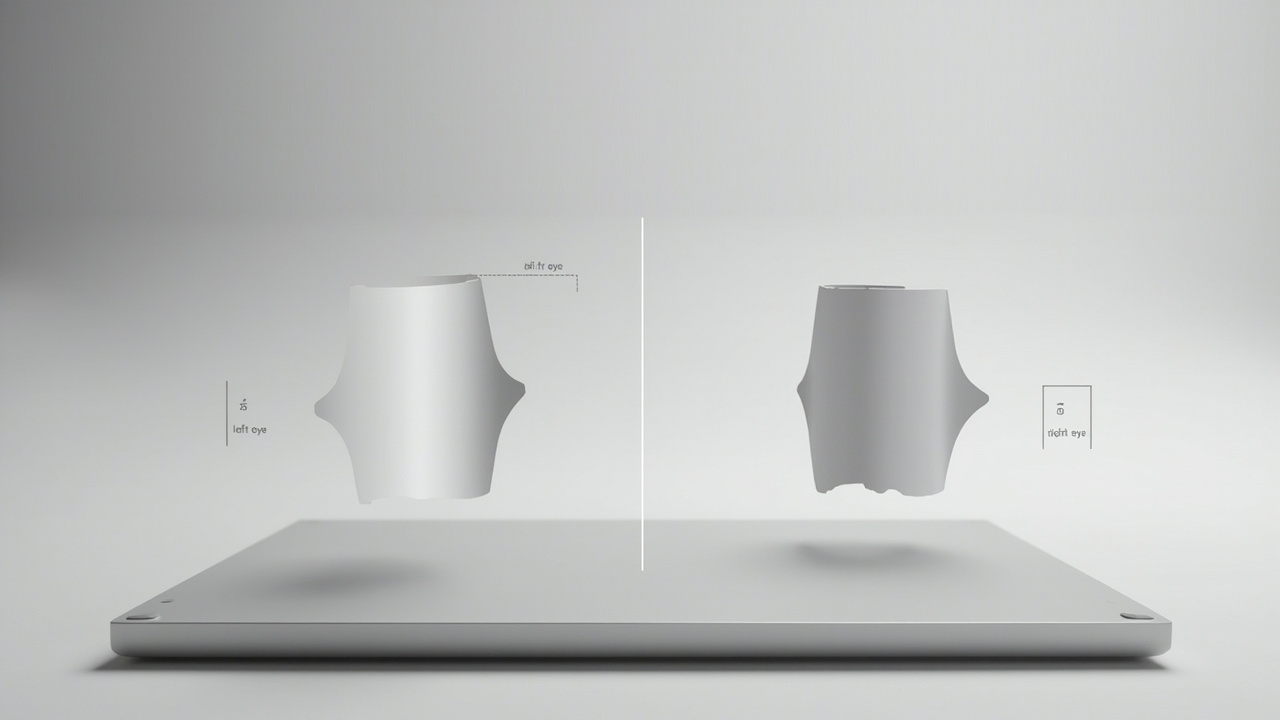
Stereoscopic 3D delivers separate left- and right-eye views that the brain fuses into a single depth image.
How left-eye and right-eye views produce depth
Human depth perception combines several cues. Two of the most important are binocular disparity, the small horizontal difference between what the left eye and the right eye see, and vergence, the way the eyes angle inward to focus on a near point. Stereoscopic 3D is engineered to deliver controlled binocular disparity to the viewer.
A stereoscopic pipeline normally looks like this:
- The source content is generated, rendered, or exported as two views. These can come from a stereo camera pair, a dual-camera virtual camera rig in a 3D engine, a medical or industrial scanner with stereo output, or a software path that synthesizes left and right views from a 3D model.
- The two views are packaged for delivery. Common packagings include side-by-side (SBS) layouts, top-bottom stacking, frame-sequential alternation, and per-view dual projectors.
- The display system presents the left view to the left eye and the right view to the right eye. This step is where the technology paths diverge most sharply.
- The brain fuses the two views into a single percept that carries depth, much as it does with normal real-world viewing.
The perceived depth depends on the disparity values encoded in the source. Small disparities read as subtle relief, larger disparities read as pronounced depth, and excessive disparities can cause visual discomfort. Stereo content is therefore not just two pictures placed side by side, it is content with intentional, calibrated disparity.
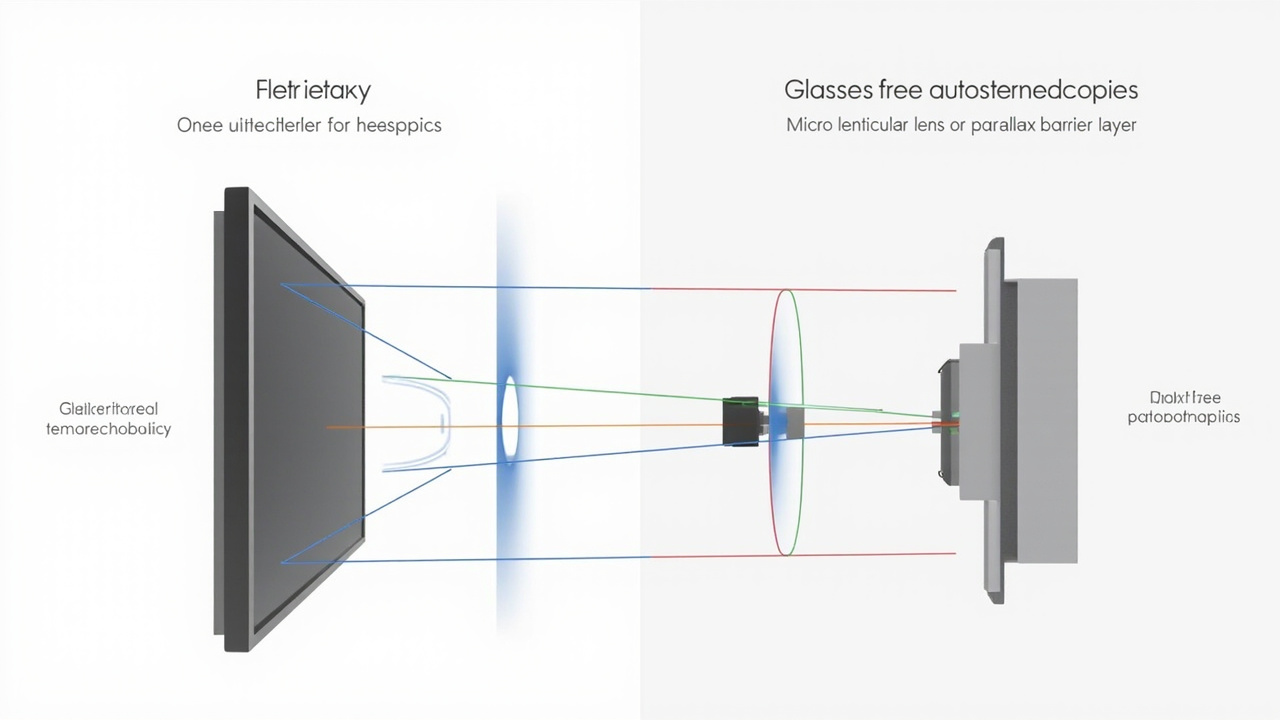
Glasses-based paths rely on eyewear to separate views, while glasses-free autostereoscopic paths separate views at the display surface.
Glasses-based vs. glasses-free delivery
Stereoscopic 3D can be delivered with glasses or without them. The choice has a direct effect on workflow fit.
Glasses-based paths rely on eyewear to separate the views. Active-shutter glasses alternate which eye sees the image in sync with a display that flips between left and right views. Polarized glasses rely on orthogonal polarization filters so each eye receives a different polarized image. Anaglyph glasses use color filters. These paths are well established and remain common in theaters, training rooms, and some surgical and engineering theaters, but they require every viewer to wear, clean, charge, and tolerate the glasses, and they break down if a viewer cannot or prefers not to wear eyewear.
Glasses-free paths, often described as autostereoscopic, separate the views optically at the display surface. A lenticular lens layer or a parallax barrier directs different sub-pixel columns toward different viewing angles. Eye tracking can be added so the system dynamically adjusts the view mapping to the viewer’s position. For professional teams, glasses-free delivery matters because it preserves a monitor-style workflow: viewers walk up to the screen, look at it, and discuss what they see, with no eyewear to manage.
The trade-off is control. Glasses-based systems typically deliver a very stable, well-controlled stereo image because the separation is enforced by the eyewear. Glasses-free autostereoscopic displays deliver freedom from glasses but depend on optical alignment, viewing distance, and in many designs on eye tracking, so the working sweet spot is narrower. For most professional buyers, the choice comes down to whether the team can operate within the glasses-free viewing envelope, and whether the workflow gains from removing eyewear outweigh any loss of flexibility.
Where stereoscopic 3D fits in a professional workflow
Stereoscopic 3D is most useful when the work depends on understanding true spatial relationships rather than interpreting flat imagery. Common professional fits include:
- Medical visualization and education. Reviewing volumetric reconstructions, anatomy education assets, and prepared clinical visuals where depth cues support understanding of structure and relationships.
- Industrial inspection and nondestructive testing. Examining CT, X-ray, and 3D scan data where internal features and layered geometry benefit from depth.
- CAD and design review. Inspecting assemblies, mechanisms, and tolerance relationships where flat rendering can hide fit problems.
- Microscope and laboratory review. Sharing stereo microscope imagery or reconstructed volumetric data with a colleague who can walk up to a display and discuss the sample.
- Demonstration and showroom contexts. Presenting prepared 3D content to stakeholders without requiring them to put on equipment.
In each of these fits, stereoscopic 3D is a review tool. It is meant to help a human reach a faster, more confident judgment about a model, a sample, a scan, or a design, with workflow fit determining whether the benefit justifies the preparation overhead.
Content and compatibility requirements
Stereoscopic 3D is only as good as the source content that feeds it. A workflow that cannot produce stereo or 3D-ready output will not benefit from a stereo display.
Content types that typically work well:
- SBS side-by-side stereo assets, including stereo video and stereo stills
- 3D engines and viewers that can output dual views, such as Unity, Unreal, WebGL-based viewers, and CAD tools with stereo export
- Medical and industrial 3D exports with volumetric or dual-view data
- Stereo camera rigs and stereo-ready visualization pipelines
Content types that may need preparation:
- Ordinary 2D video and flat stills, which carry no disparity and will appear as a flat image
- Software that only outputs a single 2D view
- 3D applications without a stereo camera or SBS output option
Before adopting stereoscopic 3D, teams should verify that their primary source tools can produce stereo or 3D-ready content. Compatibility checks and content-path planning belong before hardware selection, because the display cannot add depth that the source does not contain.
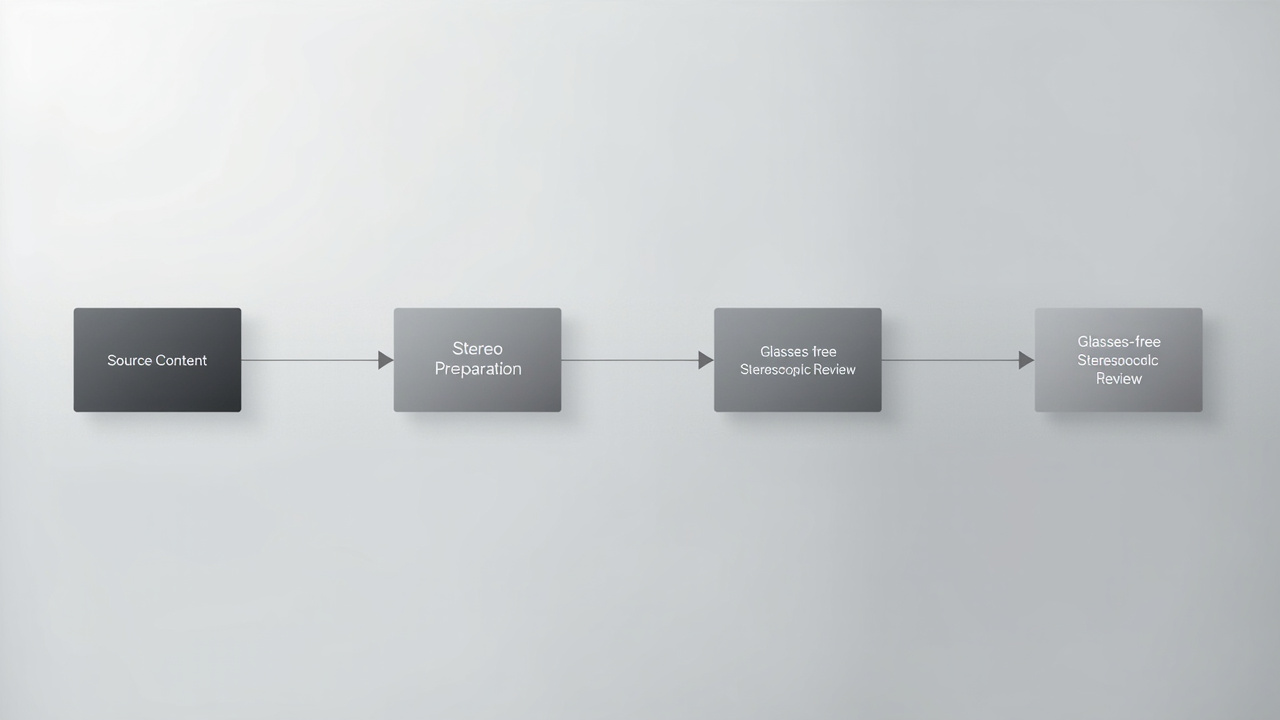
A stereoscopic review workflow starts with stereo-capable source content and ends with depth-aware review on a glasses-free display.
Limits and trade-offs to plan around
A few constraints are common across delivery paths and worth planning around rather than discovering mid-project:
- Viewing envelope. Glasses-free systems have a defined range of viewing distances and lateral positions where the stereo image holds together. Outside that envelope the image can break into flat zones or cross-talk artifacts.
- Comfort and disparity. Disparities that exceed comfortable ranges cause eye strain, headaches, or nausea. Stereo content should be authored with calibrated disparity, not produced ad hoc.
- Preparation cost. Stereo-ready content takes more effort to generate than ordinary 2D assets. Workflows that rely on ad-hoc screen capture or quick 2D snapshots will not benefit.
- One vs. several viewers. Some glasses-free designs are tuned for a single sweet-spot viewer, while others support multiple simultaneous viewers. The team should confirm which behavior matches their use case.
- Source pipeline. Existing software, asset libraries, and capture processes may need adjustment to produce stereo output. This is often the largest single investment in a stereoscopic deployment.
- Ambient conditions. Lighting, reflections, and viewing angle affect both glasses-based and glasses-free systems. A glare-heavy room degrades the experience in ways that are not visible in a controlled demo.
Planning for these constraints up front is usually the difference between a stereoscopic system that becomes part of the daily review process and one that ends up relegated to occasional demos.
Workflow fit summary and next steps
Stereoscopic 3D is a way of delivering depth, not a product category in itself. The professional question is whether your content can produce it, whether your team can operate inside its delivery envelope, and whether removing or reducing eyewear changes the workflow enough to justify the investment.
For teams whose primary work is reviewing prepared 3D content such as CAD assemblies, medical volumes, industrial scans, and stereo-ready visualization, stereoscopic 3D on a glasses-free autostereoscopic display can replace a headset-bound process with a monitor-style review station. For teams whose work is mostly 2D, the value of stereo is limited and the preparation cost may not pay back.
A practical next step is to map one representative workflow end to end, from source content to display, and confirm where stereo output is available, where it is not, and what changes would be required to close the gaps. Compatibility paths, model selection, and pre-purchase questions are the natural follow-on steps once that map is clear.
For further reading, the related explainers in this collection cover the broader category of stereoscopic displays, the related terminology in the autostereoscopy glossary, and the workflow side of preparing stereo-ready source content.