
3D Display: Technical Explainer
A 3D display is a monitor or screen that presents left-eye and right-eye views so the viewer perceives real depth, rather than a flat image. 3D displays are used in professional review environments where spatial relationships matter, including medical visualization, industrial inspection, CAD review, and microscope collaboration. This explainer walks through how 3D displays work, how glasses-free designs differ from glasses-based systems, and where 3DV spatial displays fit a professional workflow.
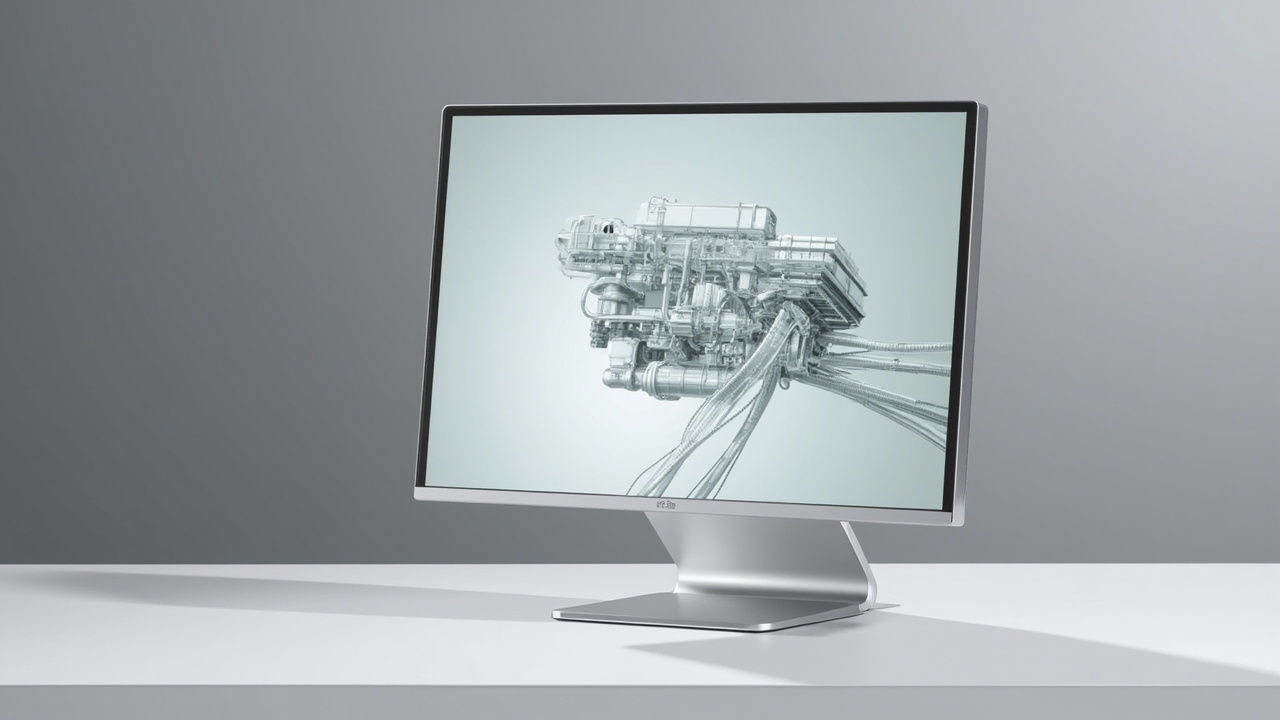
A 3D display delivers left- and right-eye views without glasses, creating real depth on a desktop monitor.
What is a 3D display
A 3D display is any display device engineered to deliver separate visual information to the viewer’s left and right eyes. The brain combines these two views into a single perception of depth, producing a stereoscopic effect that a flat 2D monitor cannot reproduce.
In practice, 3D displays serve buyers who need to:
- Review CAD models, engineering data, or product geometry with true depth cues.
- Examine medical imaging, anatomical structures, or volumetric data.
- Inspect industrial CT, NDT, or quality-assurance imagery.
- Collaborate on microscope workflows where depth perception changes interpretation.
- Present prepared 3D content to clients, trainees, or stakeholders.
3DV builds professional glasses-free 3D display systems positioned for these review scenarios.
How 3D displays create depth
Depth perception on a 3D display depends on delivering two slightly different images, one per eye, and aligning them correctly with the viewer. The main mechanisms are:
- Stereoscopic delivery: separate left and right images, combined with a viewing aid (glasses or a head tracker).
- Parallax control: directing each eye’s image toward the correct viewing position using optics at the display surface.
- Eye tracking (active systems): dynamically adjusting the image direction to follow the viewer’s head and eyes.
- Multiview or light-field methods: producing several viewing zones across a wider area, supporting more than one viewer at a time.
3DV spatial displays rely on parallax-based autostereoscopic delivery with active eye tracking, which is covered in the next section.
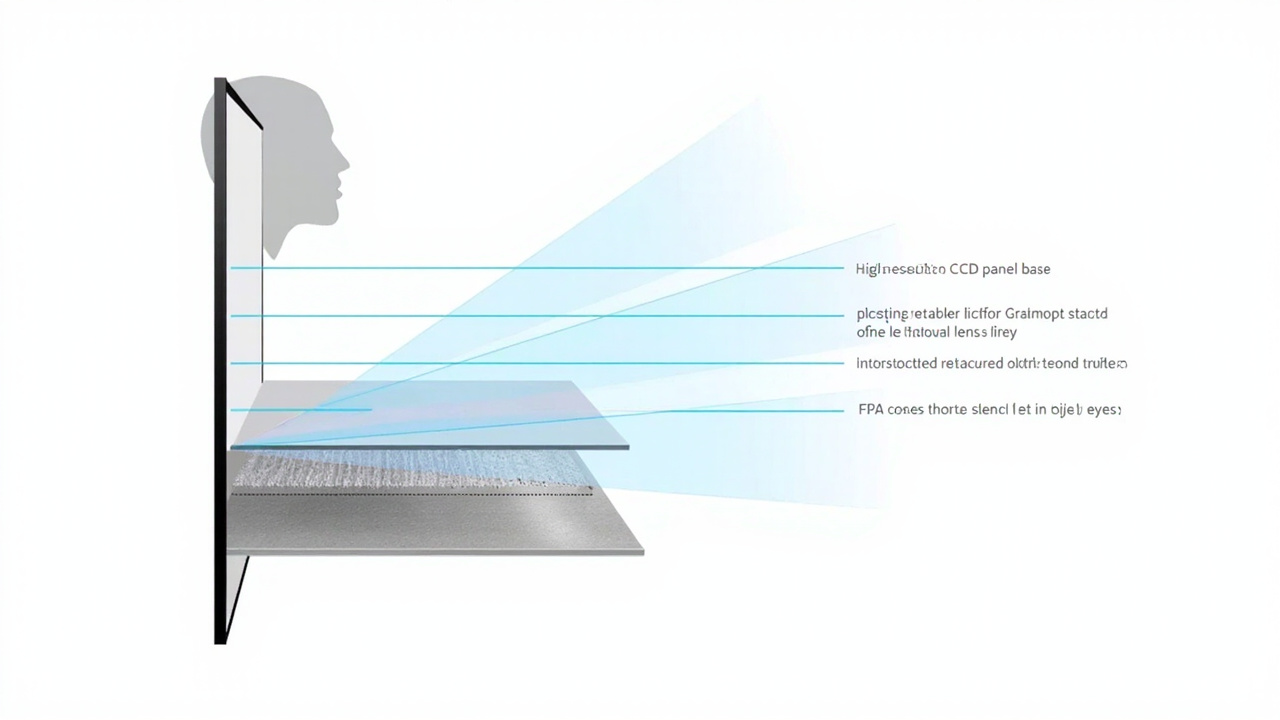
An autostereoscopic 3D display layers a lenticular optical sheet and eye tracking over a high-refresh panel to direct separate images to each eye.
Glasses-based vs glasses-free 3D displays
3D displays fall into two broad families based on whether the viewer wears anything.
Glasses-based 3D displays (stereoscopic)
- Use active-shutter or polarized glasses to separate left and right views.
- Require each viewer to wear, charge, and maintain a pair of glasses.
- Work well in controlled single-viewer environments such as home theaters.
- Less suited to shared review, training, or collaborative stations.
Glasses-free 3D displays (autostereoscopic)
- Use an optical layer on or in front of the panel, often a lenticular lens array, parallax barrier, or microlens-based structure.
- Combine that layer with eye-tracking or fixed-view mapping to deliver each eye its correct image.
- Let multiple people view the same display without preparation, which fits shared review and team workflows.
- Keep a monitor-style posture, instead of a headset-style one.
For professional teams reviewing 3D content together, glasses-free systems typically remove the largest friction point of glasses-based 3D displays.
Autostereoscopic display architecture
Autostereoscopic 3D displays, the glasses-free category that 3DV uses for its spatial displays, are built from several coordinated layers:
- Display panel: typically a high-quality LCD panel that can run at high refresh rates, often 120Hz or above, so left and right views can be interleaved.
- Optical layer: a lenticular lens or microlens array bonded to or aligned with the panel, directing each column of pixels toward a specific viewing direction.
- Eye-tracking module: structured-light or camera-based tracking that locates the viewer’s eyes in space.
- Display-side processing: FPGA or equivalent hardware that re-maps the left and right views in real time as the viewer moves.
- Dynamic stereo view mapping: software and firmware logic that ensures the left image reaches the left eye and the right image reaches the right eye at the current head position.
This architecture is why 3DV spatial displays can present real depth without headsets, glasses, or per-user setup, and why eye-tracked designs are sensitive to viewing distance and head position.
Where 3D displays fit in professional workflows
3D displays are not general-purpose monitors. They earn their place in workflows where depth perception changes the outcome of a review.
Common professional use cases:
- Medical visualization: anatomy review, surgical planning discussion, case preparation, and education sessions where volume relationships matter.
- Industrial inspection and NDT: reviewing CT scans, weld inspections, casting defects, and electronics inspection imagery in true depth.
- CAD and design review: evaluating product geometry, assemblies, and architectural models where occlusion and parallax reveal problems a flat view hides.
- Microscope collaboration: shared observation sessions for medical, biological, or materials review where specialists benefit from depth context.
- Sales, training, and demonstration: showing prepared 3D content to stakeholders in showrooms, labs, or client meetings.
3DV positions its spatial displays for these review-focused workflows rather than for entertainment or general office use.
Content compatibility for 3D displays
A 3D display only delivers depth when the source content is stereo- or 3D-ready. Workflow fit depends heavily on the content pipeline.
Best-fit content for 3DV spatial displays:
- Side-by-side (SBS) stereo content.
- CAD viewers and 3D model viewers with stereo output.
- Medical or industrial 3D exports designed for depth review.
- Unity, Unreal, WebGL, or custom 3D applications that can render stereo.
- Stereo-ready video or visualization pipelines.
Content that usually needs preparation:
- Ordinary 2D video or flat imagery.
- Software that only outputs a single 2D view.
- 3D applications without stereo camera, SBS, or quad-buffer output.
Buyers evaluating a 3D display should check their content pipeline before deciding on a model. 3DV provides a Content-to-3D Path Checker, a Spatial Display Simulator, and an SBS player for this evaluation. The Spatial Display Content Compatibility article also outlines which content types fit directly and which require preparation.
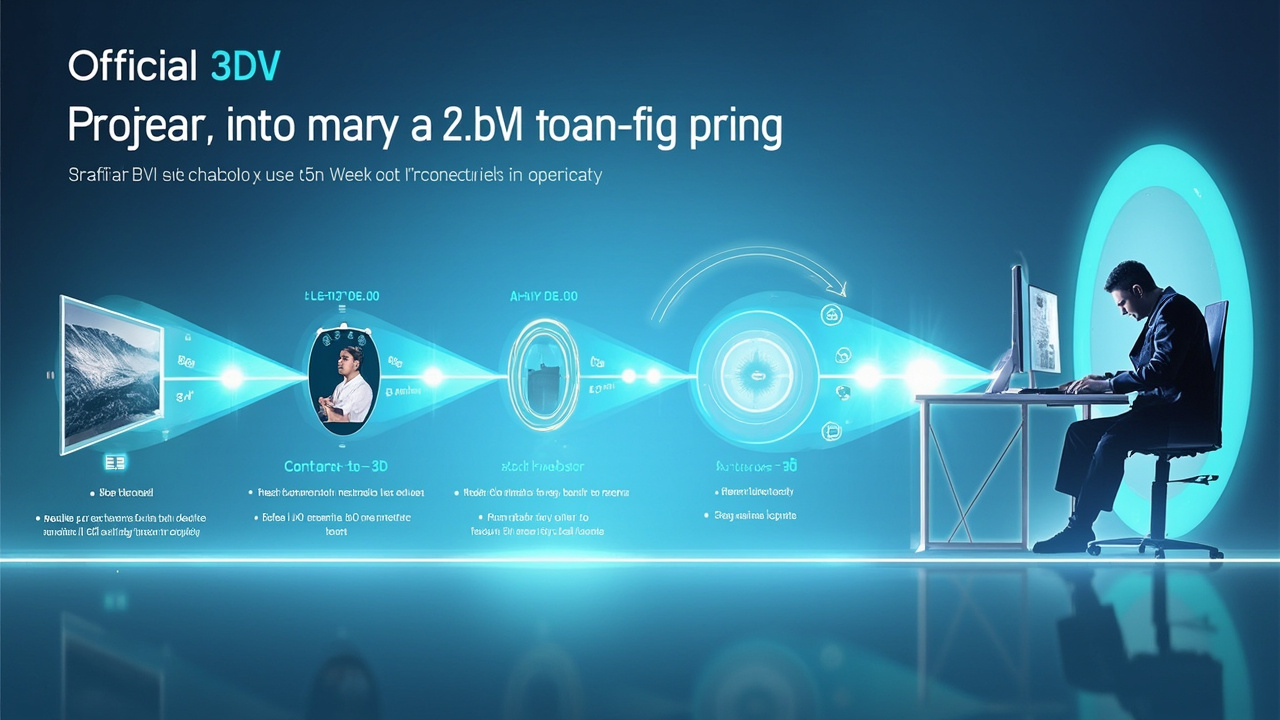
A 3D display workflow moves from stereo-ready source content, through a content-to-3D path checker, to the spatial display and viewer.
Model fit: Essential vs Pro 3D displays
3DV currently offers spatial displays in two series, each suited to a different review pattern.
- 14 inch Essential: compact footprint, suited to dedicated 3D review setups and smaller demo stations.
- 15.6 inch Pro: portable mixed 2D and 3D workstation use, well suited to a laptop-adjacent workflow.
- 27 inch Pro: the main professional review station, balanced for daily mixed 2D and 3D work.
- 32 inch Essential: larger dedicated 3D review room, lab, showroom, or classroom.
Series framing:
- Pro series fits buyers who frequently switch between high-quality 2D use and 3D review on the same display.
- Essential series fits buyers who treat the display primarily as a dedicated 3D spatial monitor.
The Display Selector guides buyers through this decision based on room size, primary content type, and viewer pattern. Current model and pricing details are maintained on shop.3dv.io.
Requirements, limits, and trade-offs
Before adopting a 3D display, professional buyers should weigh several practical requirements and limits.
Typical requirements
- Stereo-ready source content or a software pipeline that can output stereo.
- A stable viewing distance and a reasonably stationary viewer, especially for eye-tracked models.
- Adequate ambient lighting control for consistent depth perception.
- Workstation hardware capable of driving the panel at its native mode.
Known trade-offs
- Single-viewer sweet spot: most eye-tracked glasses-free designs optimize for one viewer at a time; multi-viewer setups need fixed-multiview or light-field panels.
- 2D use: depth displays trade some 2D brightness or pixel density against 3D performance. Pro models mitigate this with 2D / 3D switching for mixed workflows.
- Content preparation: existing 2D assets may need to be re-rendered or re-exported for stereo output.
- Non-touch positioning: current 3DV spatial displays are positioned as non-touch review monitors. Touch-driven workflows belong to other 3DV product lines, such as Interactive Technology.
Next steps and resources
To evaluate a 3D display for a specific workflow, 3DV recommends the following path.
- Review the Spatial 3D Display: Technical Explainer for product-line context.
- Confirm content fit using the Spatial Display Content Compatibility guide and the Stereoscopic Display Software Workflow and Compatibility Guide.
- Run a quick check with the Spatial Display Simulator or SBS player.
- Shortlist a model with the Display Selector, then verify current pricing and availability on shop.3dv.io.
- Use the Ask Before Ordering path for pre-purchase workflow questions, or submit a Request Demo for a guided evaluation.
For teams comparing display families, the 3D Screens, Lenticular 3D Display, Stereoscopic 3D Display, and Autostereoscopy explainers provide additional architectural context.