Back to Spatial 3D

technology-explainer

Spatial 3D Display: Technical Explainer

A practical, workflow-fit explainer on spatial 3D display technology, how glasses-free autostereoscopic systems work, and how to evaluate fit for medical, industrial, CAD, and education review workflows.

By 3DV Editorial Team Published 2026-07-13 Updated 2026-07-13 1 min read

3DV Editorial Team writes practical guidance for glasses-free 3D display evaluation, content preparation, and professional deployment workflows.

Spatial 3D Display: Technical Explainer

A spatial 3D display is a professional monitor that renders depth without requiring viewers to wear glasses, headsets, or tracked eyewear. The category is also commonly described as a glasses-free 3D display or an autostereoscopic display. For technical buyers, the practical question is not whether the technology sounds impressive, but whether it fits a real review workflow for medical visualization, industrial inspection, CAD review, microscope collaboration, or education.

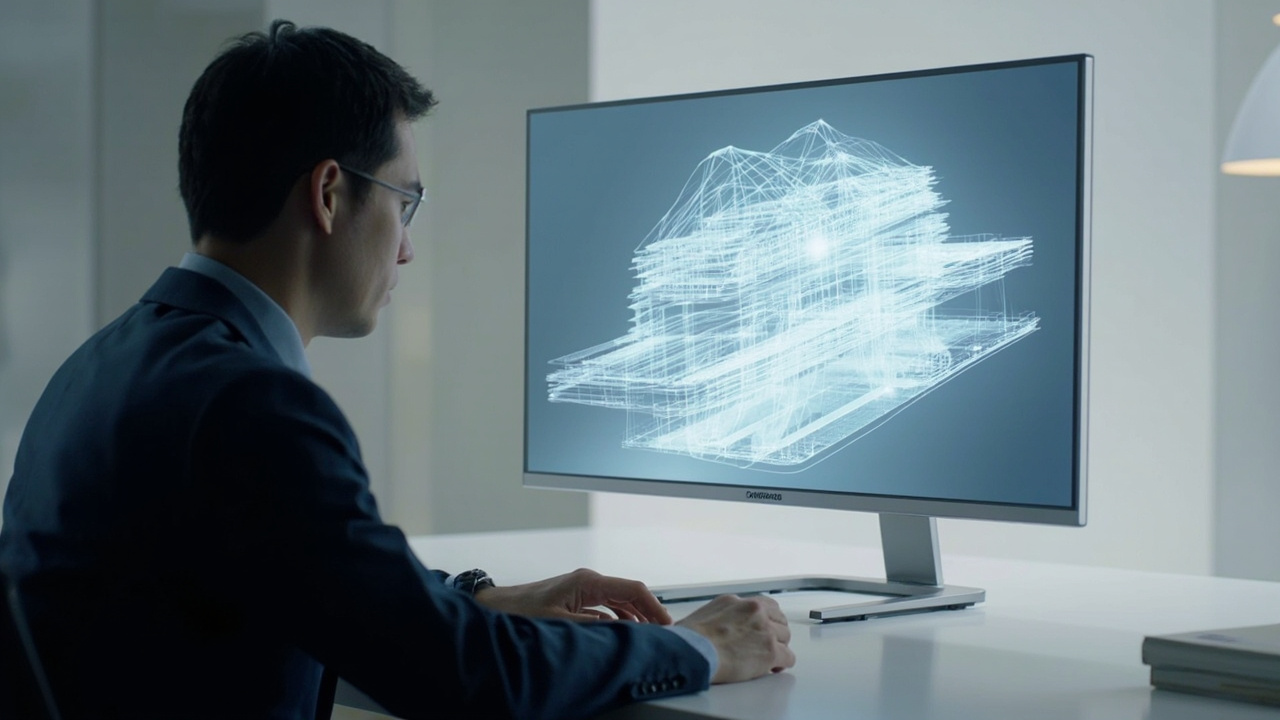
A professional sitting at a desk reviewing a 3D model on a glasses-free spatial 3D display, with depth visible without any headset or glasses.

Spatial 3D displays deliver depth perception on a monitor-style setup without glasses or headsets.

This explainer walks through what a spatial 3D display is, how it works, where it fits, and what to evaluate before adopting one.

What a Spatial 3D Display Is

A spatial 3D display is a flat-panel display system that delivers separate left-eye and right-eye views to a viewer in real space, producing a perceivable sense of depth on a 2D surface. The defining trait is that no glasses, VR headset, or wearable tracker is required.

Within 3DV’s product positioning, the term refers specifically to glasses-free 3D spatial display systems built for professional 3D review. These are monitor-style workstations, not immersive VR rigs, and they are intended to sit alongside existing review tools rather than replace them.

Key defining traits:

  • Glasses-free depth perception for the viewer
  • Monitor-style ergonomics rather than headset-style isolation
  • Built for shared or guided review rather than solo immersion
  • Tuned for stereo or 3D-ready source content

How a Glasses-Free Spatial 3D Display Works

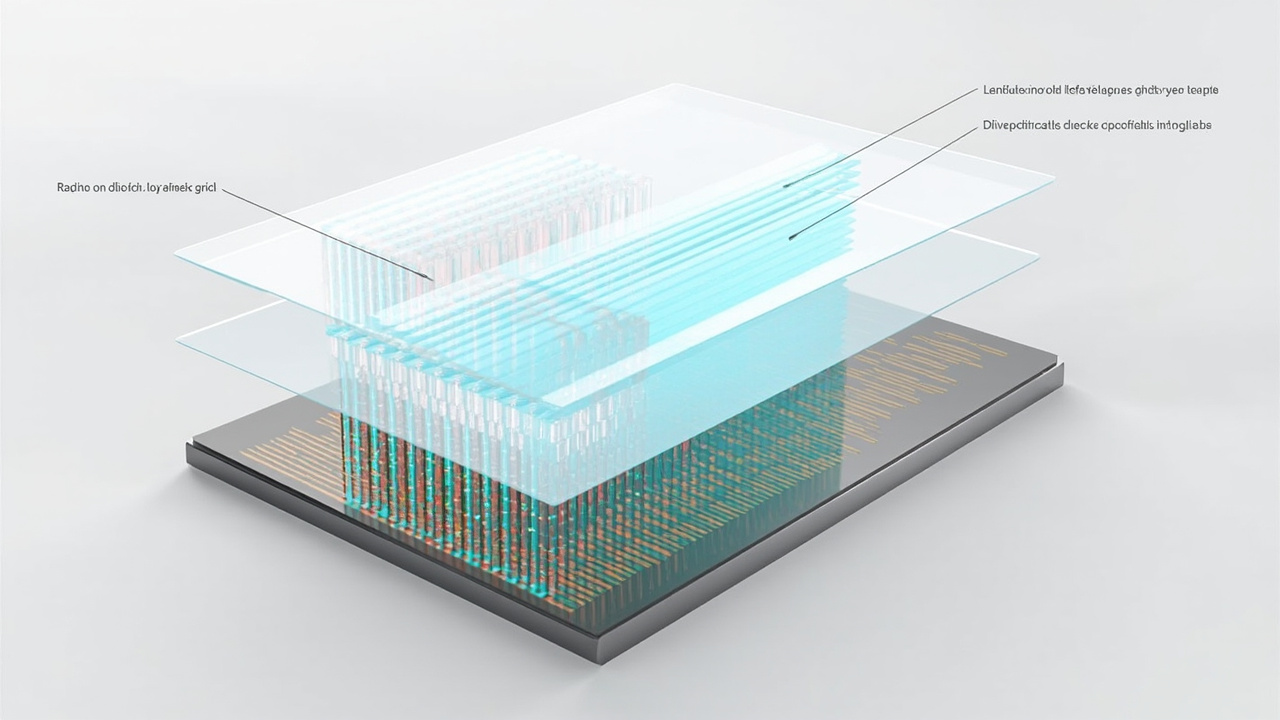
Cutaway diagram of an autostereoscopic panel showing the underlying LCD layer, the lenticular optical layer, and the left-eye and right-eye view directions toward a tracked viewer.

Autostereoscopic panels combine an LCD layer with an optical layer to route separate left-eye and right-eye views.

The technical foundation of most spatial 3D displays is autostereoscopy. The display pairs a conventional high-resolution panel with an optical layer, typically a lenticular lens array or a parallax barrier, and then coordinates the output of left-eye and right-eye views through that layer.

Important technical concepts used in this category:

  • Eye-tracked autostereoscopic display: A camera-based eye tracker locates the viewer’s pupils and updates the stereo view mapping in real time so each eye continues to receive the correct view as the viewer moves.
  • Structured-light eye tracking: A method that uses projected light patterns to detect eye position reliably under normal office lighting.
  • Dynamic stereo view mapping: The display shifts which columns or subpixels feed the left eye and which feed the right eye based on the tracked eye position.
  • Display-side FPGA processing: Dedicated hardware on the display handles the real-time mapping between the input signal and the optical layer, keeping latency low.
  • Left-eye and right-eye view delivery: The system renders two coordinated perspectives and routes them through the optical layer so the brain fuses them as depth.
  • 2D and 3D workflow switching: Pro models add the ability to switch between high-quality 2D use and 3D review on the same panel.

For buyers comparing terminology, it helps to keep a few distinctions clear:

  • Autostereoscopic is the umbrella technical term for glasses-free stereo.
  • Spatial 3D display is the 3DV-facing commercial term for monitor-style glasses-free 3D systems.
  • Light-field and holographic displays are related but distinct research directions, and they should not be conflated with current autostereoscopic shipping products.
  • VR headsets are wearable, head-tracked, and isolate the viewer; spatial 3D displays are monitor-style and shared.

Where Spatial 3D Displays Fit in Professional Workflows

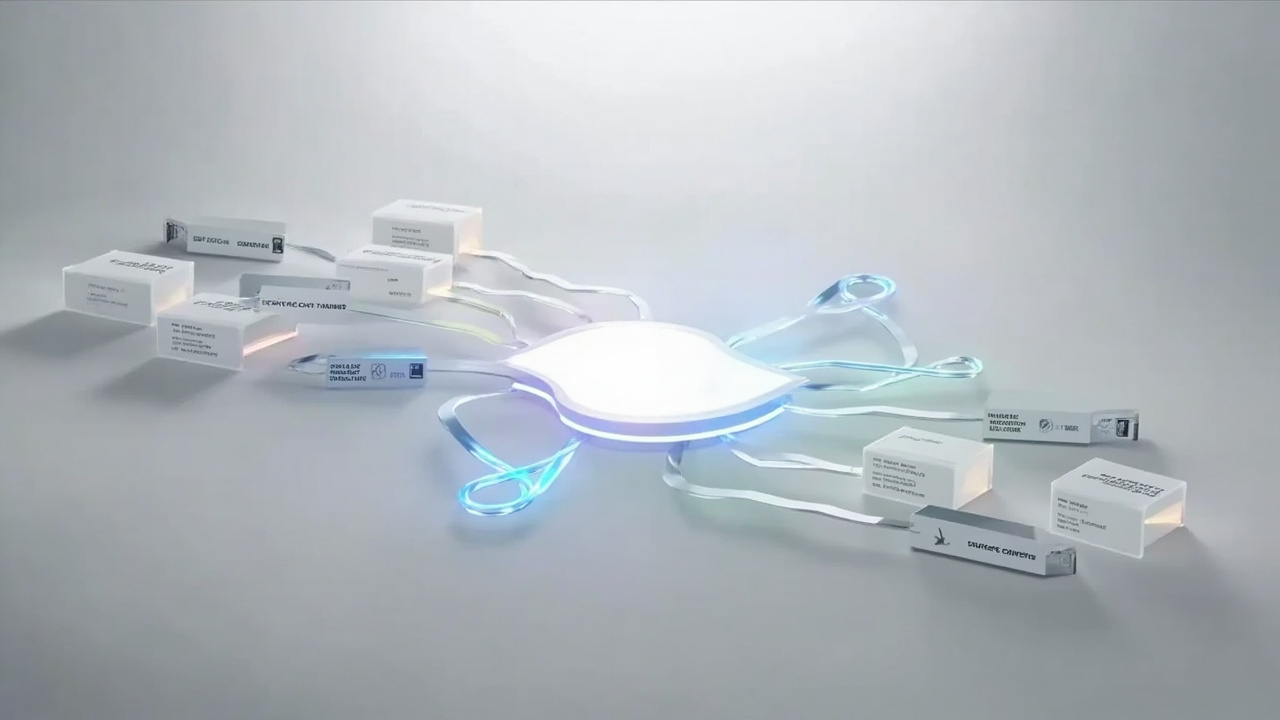
Workflow diagram showing stereo or 3D-ready content sources feeding into a spatial 3D display used for medical, industrial, CAD, and microscope review.

Spatial 3D displays are review endpoints for pipelines that can already produce stereo or 3D-ready content.

Spatial 3D displays are positioned as review tools, not as primary authoring environments. They tend to fit workflows where a team already produces stereo or 3D-ready content and needs a better way to inspect, discuss, and approve that content.

Common fit areas:

  • Medical visualization: anatomy review, surgical education, case discussion, and training communication.
  • Industrial inspection and NDT: CT scan review, defect inspection, QA discussion, and electronics review.
  • CAD and product design: 3D model review, design sign-off, and stakeholder communication.
  • Microscope collaboration: shared observation of stereo microscope content in education and research.
  • Showrooms, museums, and demos: prepared 3D content shown to visitors without handing out eyewear.

For each of these, the workflow value comes from being able to see real depth on a shared screen while keeping a normal office or lab setup.

Content and Workflow Compatibility

A spatial 3D display only delivers its value when the source content can produce stereo or 3D-ready output. This is the most important fit question for buyers, and it should be answered before selecting a model.

Best-fit content types:

  • Side-by-side (SBS) stereo content
  • CAD and 3D model viewers with stereo output
  • Medical and industrial 3D exports such as DICOM volumes or CT reconstructions
  • Unity, Unreal, WebGL, or custom 3D applications with stereo camera support
  • Stereo-ready video pipelines

Content that may need preparation:

  • Ordinary 2D video
  • Flat images
  • Software that only outputs a single 2D view
  • 3D applications without stereo camera or SBS output

For teams that want to test before committing, the Spatial Display Simulator and the 3DV Spatial Player provide low-friction ways to validate source content. Buyers who are unsure whether their pipeline will work should use the ask-before-ordering route before placing a purchase.

Pro Versus Essential Positioning

3DV offers Spatial Display models in two series. The distinction is workflow-oriented rather than purely feature-driven.

  • Pro: stronger fit when the buyer frequently switches between high-quality 2D use and 3D review on the same panel, for example a CAD engineer who needs accurate 2D drafting most of the day and switches to 3D for review sessions.
  • Essential: stronger fit when the display is mainly a dedicated 3D spatial monitor in a lab, classroom, showroom, or specialist review room.

Current Spatial Display model snapshots from the official shop:

ModelSeriesTypical fit
14 inch EssentialEssentialCompact demos and dedicated 3D review setups
15.6 inch ProProPortable mixed 2D / 3D workstation use
27 inch ProProMain professional review station
32 inch EssentialEssentialLarge dedicated 3D room, lab, showroom, or classroom

Buyers who need help matching a model to a specific workflow should use the Display Selector rather than choosing by screen size alone.

Limits and Trade-Offs to Evaluate

A spatial 3D display is a specialized tool. Buyers should weigh its limits alongside its benefits.

  • Content dependency: value is gated by the ability to produce stereo or 3D-ready content. A display will not make flat 2D sources feel 3D.
  • Viewer position: eye-tracked systems tune the sweet spot for one primary viewer at typical desk distance. Multi-viewer setups may need model-specific planning.
  • Current Spatial Display models are non-touch: do not assume touch interaction on current Spatial Display hardware. If touch is required, evaluate the Interactive Technology line instead.
  • Room lighting and glare: optical layers can be sensitive to direct sunlight or strong reflections, so placement matters.
  • Pricing drift: listed prices change over time. Confirm current shop data before quoting, budgeting, or building a pricing report.

Next Steps and Support Routes

For teams evaluating a spatial 3D display, the practical path is:

  1. Confirm that the source content can output stereo or 3D-ready visuals.
  2. Decide whether the display will be a dedicated 3D station or a shared 2D and 3D workstation, which points to Essential or Pro.
  3. Use the Display Selector to shortlist a model based on workspace, viewer count, and content type.
  4. Validate content using the Spatial Display Simulator and the 3DV Spatial Player.
  5. Submit an ask-before-ordering request for any workflow question that is not answered by the public documentation.

This sequence keeps the evaluation grounded in workflow fit rather than screen size alone, which is the most reliable way to decide whether a spatial 3D display is the right tool for a given review environment.

Talk to sales

Need help applying this to your project?

Leave your name, company, and business email. 3DV sales will route you to the right product or workflow discussion.

Required: name, company, and business email. Everything else can wait until the sales reply.

We use this information only to respond to your inquiry.