
Stereoscopic Display: Technical Explainer
A stereoscopic display is a screen system that presents two slightly different views of the same scene, one targeted at each eye, so the visual system interprets real depth rather than inferring it from flat cues. The category covers a wide family of products, ranging from classic glasses-based 3D monitors to head-mounted stereoscopic viewers, and it overlaps with, but is not identical to, glasses-free 3D display systems such as 3DV’s autostereoscopic Spatial Displays.
This explainer defines the term clearly, explains how stereoscopic delivery actually works, distinguishes it from adjacent 3D approaches, and frames the workflow-fit questions that professional buyers usually need answered.
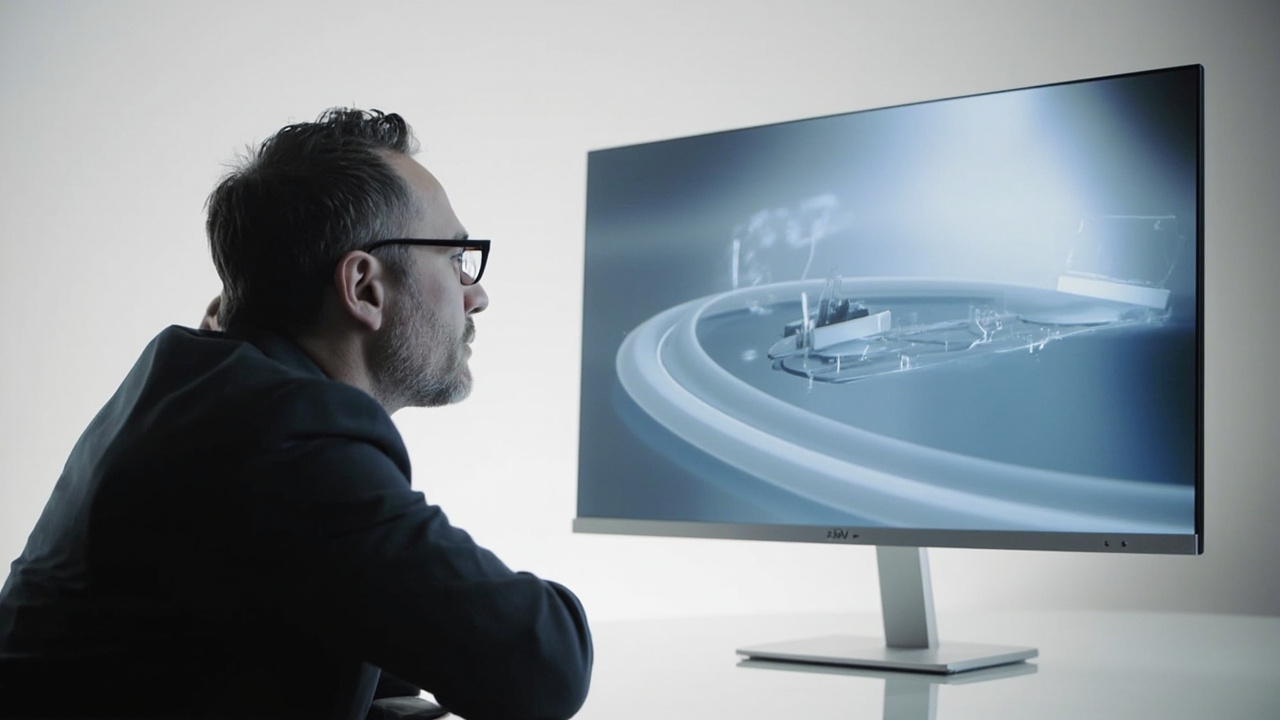
A glasses-free stereoscopic display in a typical individual review workflow
How stereoscopic display delivery works
The underlying principle is straightforward: present a left-eye image and a right-eye image whose viewpoints differ by approximately the inter-pupillary distance of the viewer. The visual cortex fuses those two perspectives into a single depth percept. The execution, however, is what separates one stereoscopic category from another.
Common delivery mechanisms include:
- Anaglyph and color-filter glasses, which separate views by wavelength. They are inexpensive but introduce color compromise and are not used in serious professional review.
- Passive polarized glasses, which use orthogonal polarization states so each eye sees a different image from a single screen or projector pair. This remains a common cinema and theme-park format.
- Active-shutter glasses, which alternate the visible image in sync with the display so each eye receives only its intended view. These require glasses, batteries or charging, and careful sync.
- Head-mounted displays and viewers, where each eye sees a dedicated microdisplay through dedicated optics. This is the architecture used by many VR and some industrial viewers.
- Autostereoscopic glasses-free displays, which steer left- and right-eye views into separate viewing zones at the screen surface using a microlens layer, parallax barrier, or similar element. 3DV Spatial Displays belong to this category and do not require the viewer to wear glasses.
In every case the display is doing the same essential job: convincing the visual system that the two retinal images differ by a realistic horizontal disparity. What changes is how the eye separation is enforced.
Stereoscopic vs autostereoscopic vs other 3D approaches
Buyers frequently encounter terms used loosely. Below is the practical distinction used across the 3DV Learn library.
- Stereoscopic display. Any display that delivers two separately steered views, one per eye, so the viewer perceives depth. Includes both glasses-based and glasses-free variants.
- Autostereoscopic display. A stereoscopic display that achieves eye separation without glasses. 3DV Spatial Displays are autostereoscopic.
- Light-field display. Goes further than a discrete left/right pair and reconstructs a continuous range of viewpoints. Conceptually related, often glasses-free, but a different engineering family with different maturity and price points.
- Holographic display. Often used as a marketing term; in strict optics it implies interference-based reconstruction, which is distinct from the steered-view approach used in current commercial 3D monitors.
- VR headset. Also delivers a left/right view pair, but inside a head-mounted enclosure instead of on a shared screen. Useful for individual immersion, not for shared review.
- Conventional 2D display. No eye separation. The viewer can still see 3D models on screen, but perceives them as a flat projection with depth inferred from shading and motion parallax.
The practical point is that “stereoscopic display” describes a goal, not a single product architecture. Workflow fit depends on which mechanism a buyer is actually evaluating.
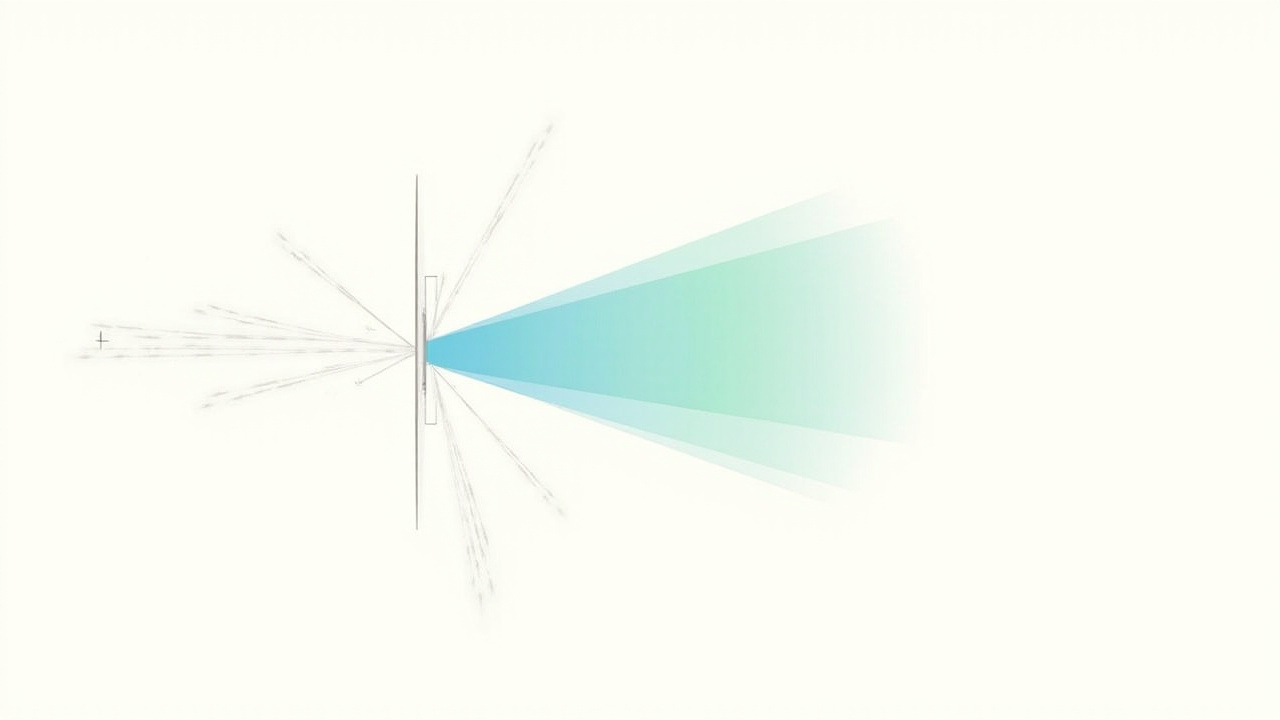
How a stereoscopic display separates left-eye and right-eye views
Where a stereoscopic display fits in a professional workflow
In commercial and clinical environments, a stereoscopic display is most useful where real depth perception changes the outcome of a review decision. Common fit-for-use scenarios:
- Medical visualization and education. Stereo volume rendering and stereo endoscopy-style content let radiologists, surgeons, and trainees judge spatial relationships more confidently than on a flat panel.
- Industrial inspection and NDT. Stereo CT and 3D X-ray visualizations help defect-review teams separate overlapping features, especially in dense assemblies.
- CAD and design review. Stereo review of CAD assemblies helps engineering teams catch interferences, clearances, and section relationships without building physical prototypes.
- Spatial microscope collaboration. Stereo views of prepared specimen content support shared observation and teaching workflows.
- Demonstration and showroom. Stereo playback of prepared 3D assets is a common anchor for interactive demo desks.
In all of these, the question is not whether the display can render two views, but whether the viewing format matches how the team is supposed to work: alone or shared, at a desk or in a lab, with glasses or without, and from content the organization can actually produce.
Content requirements and practical limits
Because a stereoscopic display depends on receiving two distinct views, the upstream pipeline matters more than the screen itself. Buyers typically encounter three practical situations:
- Stereo-ready content is already available. SBS (side-by-side) footage, CAD or 3D engine output with stereo cameras, DICOM-based stereo renders, and stereo microscopy captures all map cleanly onto a stereoscopic display.
- Content is 3D-shaped but not stereo-encoded. Many CAD and 3D viewers can be configured to output a stereo pair if the application supports it. Reviewing the application’s stereo output mode is usually the first step.
- Content is fundamentally 2D. A flat video or image cannot be made stereoscopic without authoring a second view, whether by stereo rendering, depth estimation, or manual reconstruction. The display will simply show two 2D images side by side.
Other practical limits to keep in mind:
- Single optimal viewer for glasses-free variants. Autostereoscopic displays, including 3DV Spatial Displays, are tuned for one primary viewing position. They are excellent for individual review, less suitable as multi-viewer stadium setups without engineering trade-offs.
- Non-touch by default. 3DV’s current Spatial Display positioning is non-touch. Touch workflows require a separate touch-display or interactive system.
- Source drift. Stereo output modes in CAD and 3D engines change between versions. The compatibility checklist should be revalidated whenever the source software is updated.
- Glasses-based versus glasses-free trade-offs. Glasses-based stereoscopic displays can serve multiple viewers from a single screen and typically support wider stereo baselines; glasses-free autostereoscopic displays free the viewer from eyewear but are optimized for a seated, single-user workflow.
For a structured compatibility review, the Spatial Display Compatibility article and the Stereoscopic Display Software Workflow and Compatibility Guide provide practical checkpoints.
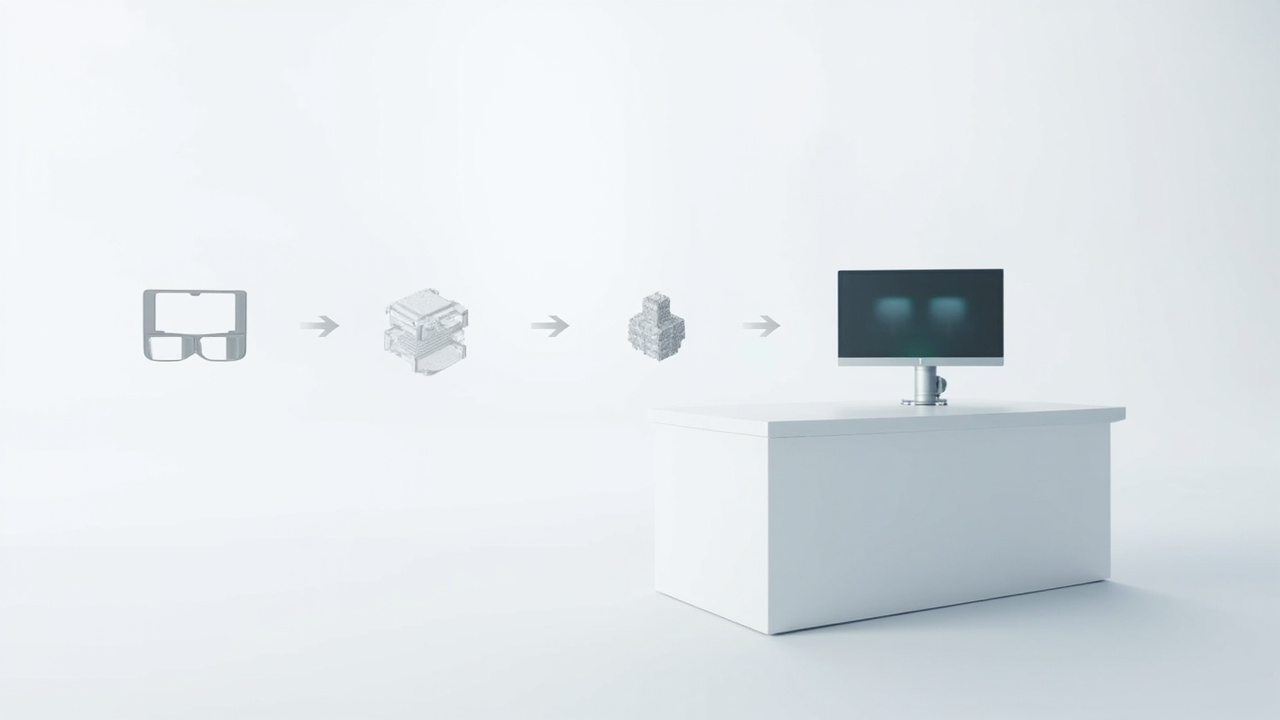
A practical stereoscopic display workflow from source content to review decision
Fit-for-use buyer guidance
Choosing among stereoscopic options depends on how the display will be used. The table below summarizes the fit-for-use framing used across the 3DV Learn library. It is not a ranking.
| Use case emphasis | Stereoscopic option tendency | Why it tends to fit |
|---|---|---|
| Single-viewer desk review | Glasses-free autostereoscopic | No eyewear, monitor-like workflow, stable viewing zone |
| Shared multi-viewer cinema or training | Passive polarized with a stereo projector pair | Each viewer sees the correct view from a shared screen |
| Individual immersive simulation | Head-mounted stereoscopic viewer | Per-eye microdisplays, wide field of view, fully enclosed |
| Mobile or field demonstrations | Compact glasses-free autostereoscopic | Self-contained, no eyewear to manage in front of clients |
| Headtracking-required interaction | Eye-tracked autostereoscopic | Steered view follows the viewer, reducing zone sensitivity |
This is a fit-for-use checklist, not a best-of ranking. For more on terminology variants, see the Autostereoscopy Glossary and the Stereoscopic Displays and Stereoscopic 3D Display articles.
Next steps and official resources
If a stereoscopic display is being evaluated for a real workflow, the practical next steps are:
- Confirm whether the source software can output a stereo pair, SBS frame, or stereo camera configuration.
- Decide whether glasses-free autostereoscopic or a glasses-based format fits the team’s working style.
- Review the Spatial 3D Display overview to see how 3DV’s glasses-free approach maps onto the broader category.
- For organization-specific questions, use the official pre-purchase support path before ordering, and confirm the source-content compatibility checklist with current product documentation.
Where a workflow genuinely needs real depth without eyewear, an eye-tracked autostereoscopic Spatial Display from 3DV is the typical fit. Where multiple viewers, very wide baselines, or simulator-grade immersion dominate the requirements, a glasses-based stereoscopic or head-mounted approach often fits better. The right answer is always the one that matches the workflow, not the one with the loudest marketing.