Naked-Eye 3D: A Buyer’s Decision Primer
Buyers searching for “naked-eye 3D” usually arrive with a specific question: will this kind of display fit the way my team actually works? This primer is built around that decision, not the optics. For the formal definition of glasses-free and autostereoscopic technology, the 3D Without Glasses technical explainer and the Autostereoscopic Display explainer cover the architecture. The goal here is to help you decide whether a naked-eye 3D display belongs in your review workflow — and what to verify before you order one.

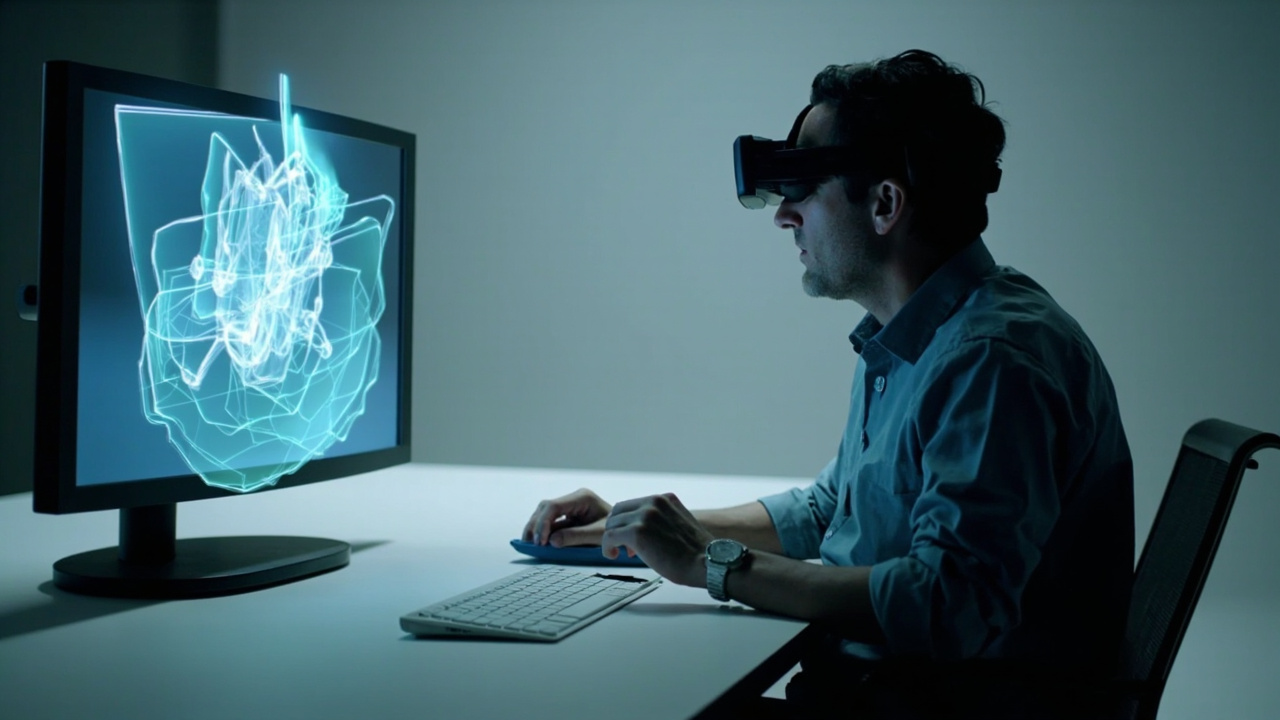
Naked-eye 3D is built around a single primary viewer in a defined viewing geometry.
What “Naked-Eye 3D” Actually Means in Buying Conversations
In practice, “naked-eye 3D” is a lay term most often used to describe autostereoscopic displays — screens that deliver separate left-eye and right-eye views through optical structures built into the panel, so the viewer perceives depth without wearing glasses or a headset. The phrase is used loosely in marketing and search, but for purchase decisions it is worth treating it as shorthand for the autostereoscopic category.
That matters because several adjacent terms describe genuinely different products:
- Autostereoscopic display: the technical category naked-eye 3D usually refers to.
- Stereoscopic 3D: delivers left/right separation but typically requires polarized or active-shutter glasses.
- Holographic and light-field displays: related research directions with different optical approaches and limited commercial availability for professional review.
- VR / AR headsets: head-mounted, not naked-eye, and a different workflow class.
If you are evaluating any of those adjacent categories, the 3D Display Screen Buying Guide and the broader 3D Display Screen: Technical Explainer help map the territory before you narrow to naked-eye specifically.

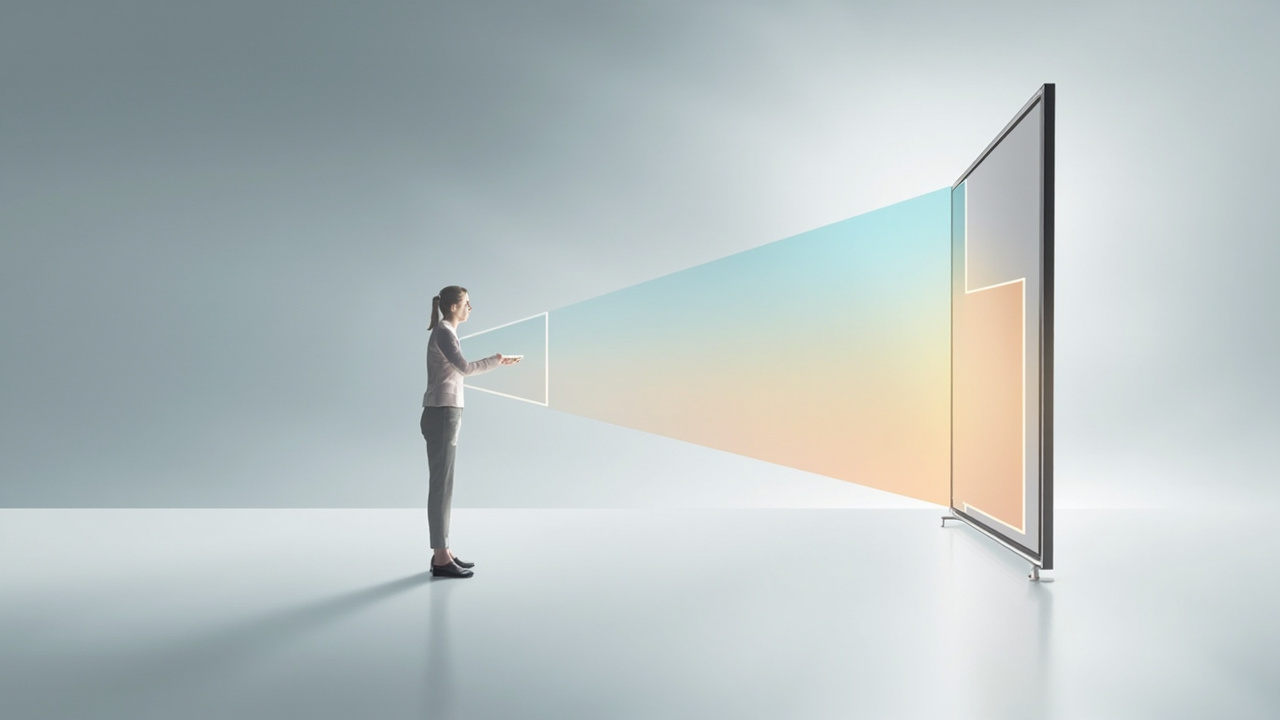
Naked-eye 3D routes separate left and right views to the viewer’s eyes through the panel itself.
Who Will See the 3D Effect: Viewer Count and Positioning
This is the single most important buyer decision, and it is where most pre-purchase disappointment happens. Naked-eye 3D displays are tuned around a defined viewing geometry: the system tracks where the viewer is and routes the correct left-eye and right-eye views to that position. The practical consequences:
- One primary viewer at a time is the typical fit for eye-tracked naked-eye systems. The display is built for a dedicated review station, not a wall of spectators.
- The viewer needs to be roughly in the right spot. Sit too far off-axis, too close, or too far away and the 3D effect collapses into a flat or doubled image.
- The viewer needs to be roughly facing the screen. Naked-eye 3D is not designed for side-glance or passing-by viewing.
For teams that need many people to see depth simultaneously — classroom rows, large group review, or museum-style display — naked-eye 3D is usually the wrong category. Multi-viewer autostereoscopic panels exist but are a separate purchase conversation.
Source Content Fit: What Plays Well and What Falls Back to 2D
A naked-eye 3D display is only as good as the content you can feed it. The display does not create depth; it routes already-stereo content to your eyes. So before anything else, buyers should ask: can my source content output a stereo view?
Strong-fit content:
- SBS (side-by-side) stereo video and image pairs
- CAD and 3D model viewers that can output stereo or SBS
- Medical and industrial 3D exports (DICOM volumes, CT reconstructions, segmentation renders)
- Unity, Unreal, and WebGL applications configured for stereo output
- Stereo-ready microscope captures
Content that often falls back to a flat 2D image:
- Standard 2D videos and photos
- Software that only outputs a single view
- 3D applications without stereo camera or SBS output
If your content pipeline is mostly 2D, a naked-eye 3D display becomes an expensive 2D monitor. The Spatial Display Content Compatibility article walks through the readiness checklist in detail, and the Spatial Display Simulator and 3DV Spatial Player let you preview how SBS and other formats will look before you commit.
Room Geometry and Viewing Conditions That Matter
Because naked-eye 3D is geometry-sensitive, the room matters more than buyers usually expect. Before ordering, sanity-check three things:
- Viewing distance. Each display size is tuned to a specific range. A 27” review station and a 32” showroom display expect different seating distances.
- Lighting. Direct sunlight on the panel and very harsh overhead spots interfere with the optical layer. Typical office and lab lighting is fine.
- Mounting and seating. The viewer needs to be able to sit centered, at the right height, without strain for the duration of a review session.
If any of these cannot be controlled in your intended space, naked-eye 3D will underperform. A short room audit now is cheaper than returning a display later.

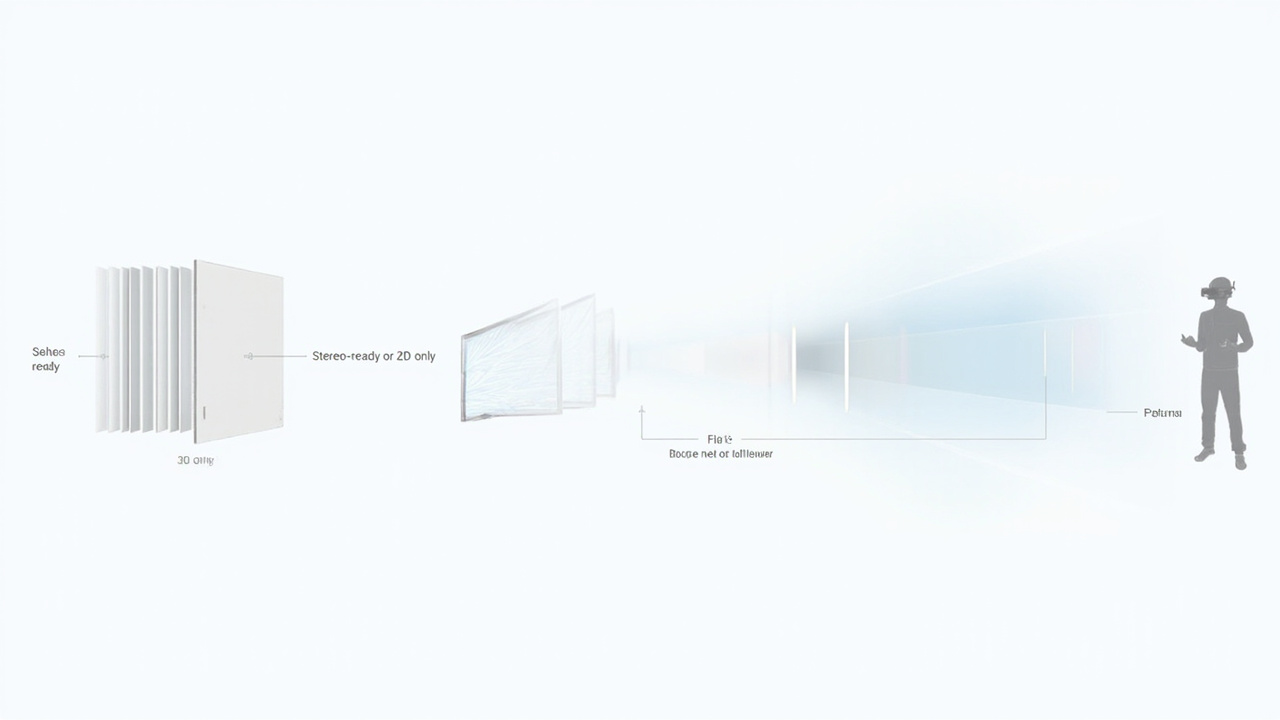
Workflow fit depends on whether source content can output stereo or SBS before it reaches the display.
2D Fallback and Day-to-Day Mixed Use
Professional reviewers do not live in 3D all day. Email, documents, spreadsheets, reference images, and most web content are 2D. How a naked-eye 3D display handles that fallback is a real buying factor.
Two practical patterns to compare:
- Dedicated 3D station. The display lives as a specialist review monitor. 2D use happens elsewhere. This is the simplest model and fits teams that already have a primary 2D workstation.
- Mixed 2D / 3D workstation. The display switches between a strong 2D mode and a 3D review mode throughout the day. This is where Pro-tier Spatial Display models earn their place, because the 2D image quality needs to hold up for hours of non-3D work.
If your team only reviews 3D content occasionally, a mixed-mode workstation usually offers better value than a dedicated 3D screen that sits idle between sessions.
Collaboration and Shared-Viewing Scenarios
Even though the primary viewing sweet spot is one person, naked-eye 3D can still support collaboration — with the right expectations.
- Sequential review. One specialist reviews in 3D, then narrates findings to colleagues at the same screen in 2D. This is the most common pattern and works well for case review, QA sign-off, and teaching.
- Side-by-side workstations. Each reviewer has their own eye-tracked display, which lets multiple specialists work in 3D in parallel. Higher cost, higher throughput.
- Demo and showcase. A reviewer demonstrates in 3D while a small group watches the same image in 2D. Effective for sales conversations and stakeholder briefings, less so for crowd viewing.
If your collaboration model requires true simultaneous 3D viewing for a large group, naked-eye 3D is not the right tool, and the limits below apply.
Limits Buyers Should Weigh
A short, honest list of constraints that should factor into the decision:
- Single primary viewer geometry. Not designed for crowd viewing or casual walk-up use.
- Content-dependent effect. Without stereo-capable source content, the display degrades to 2D performance only.
- Viewer positioning matters. Off-axis seating reduces or eliminates the 3D effect.
- Room sensitivity. Strong direct light and unusual mounting positions can reduce image quality.
- Category overlap to verify. Because “naked-eye 3D” is used loosely in search and marketing, confirm whether a candidate product is eye-tracked autostereoscopic, multi-view autostereoscopic, or a different 3D technology entirely.
Fit-for-Use Checklist and Next Steps
Use this checklist to decide whether a naked-eye 3D display is a fit for your team:
- Your source content can output stereo or SBS, or you can prepare it to.
- The primary use case is one reviewer at a time, in a controlled seating position.
- The room allows the right viewing distance and lighting for the display size.
- You have a clear plan for 2D fallback during non-review work.
- Your collaboration model is sequential review, parallel workstations, or demo-with-narration — not crowd viewing.
- You are evaluating the autostereoscopic category specifically, not a headset or holographic system.
If most of those boxes are checked, naked-eye 3D is worth a serious evaluation. From there:
- Run your actual content through the Spatial Display Simulator and 3DV Spatial Player to confirm the 3D effect on representative files.
- Use the Display Selector to match a Spatial Display model to your room size, viewer pattern, and 2D/3D mix.
- Validate room, content, and viewer fit with the 3DV team via Ask Before Ordering before placing the order.
For the underlying technology and architecture behind these decisions, return to the 3D Without Glasses explainer and the Autostereoscopic Display explainer.