
Anatomy and pathology teaching
Explain structure and orientation in practical courses where students need to see spatial context, not only memorize labels.
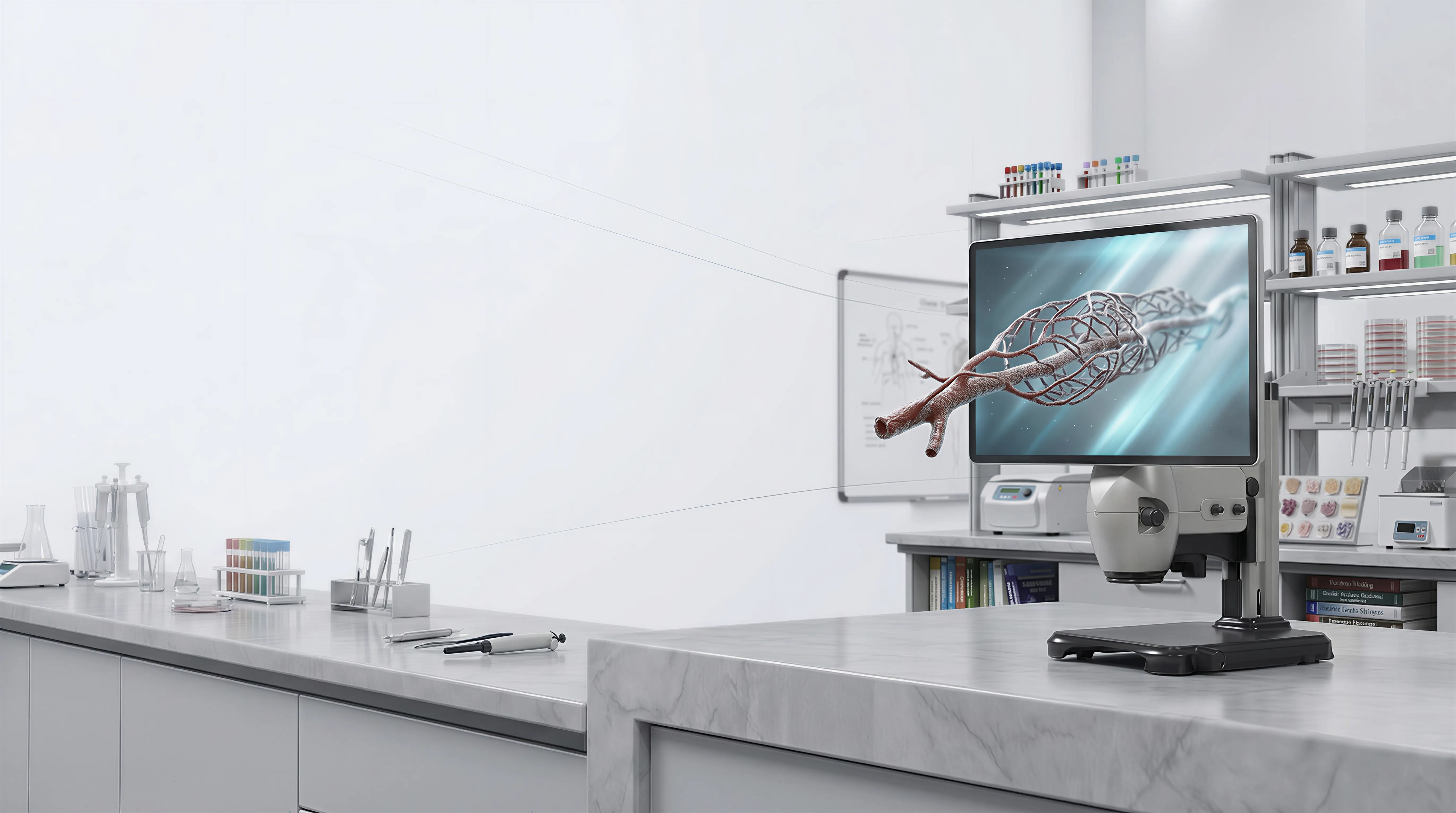
Solutions / Spatial Microscope / Education
Traditional microscope teaching is still limited by one-eyepiece demonstration and repeated verbal explanation of depth.
This solution supports instructors who need to teach structure, orientation, and micro-level changes to groups in one session. Students can follow the same image at the same time and ask better questions sooner through a glasses-free 3D microscope teaching display.
Common Uses
Explain structure and orientation in practical courses where students need to see spatial context, not only memorize labels.
Teach fracture surface, grain boundaries, and defect forms with clearer depth cues during guided instruction.
Run demonstrations for full groups without rotating students through individual eyepieces.
Review student interpretation in group sessions where instructors can compare understanding against the same live image.
Detailed View
Teams usually adopt this when they want less passive watching and more accurate visual understanding in lab-based learning.
Students read the same specimen from the same perspective, so discussion focuses on analysis instead of access to the microscope.
Instructors can point out spatial relationships directly, which reduces confusion in early-stage practical learning.
Shared screen sessions are easier to document for repeat teaching, quality control, and asynchronous follow-up.
Why Teams Evaluate It
What Good Deployment Starts With
Course type
Start with one lab course where microscope explanation takes the most time today.
Session format
Define whether the display supports live demos, guided practice, assessments, or all three.
Classroom setup
Check room layout, student viewing angles, and distance to ensure all participants can follow the same content.
Learning metric
Track measurable outcomes such as faster comprehension, fewer explanation loops, or stronger assessment consistency.
Next Step
Choose one teaching scenario, run it with your instructors and students, and measure whether explanation speed and understanding both improve.
Talk to sales
Share your basic contact details and 3DV will follow up with the right demo or evaluation path.
Required: name, company, and business email. Everything else can wait until the sales reply.
Thanks - your request has been sent.
A 3DV sales specialist will reply with the right next step.