
3D Display Videos: Technical Explainer
3D display videos are moving-image content prepared so a compatible glasses-free 3D display can present real depth to the viewer. On a 3DV spatial display, the screen uses autostereoscopic optics to deliver separate left-eye and right-eye views, so a prepared stereo video plays back with visible depth without VR headsets, polarized glasses, or active shutter eyewear.
This explainer is written for professional evaluation teams that need to understand how 3D display videos work, what source content is required, and where the format fits inside a review or demonstration workflow.
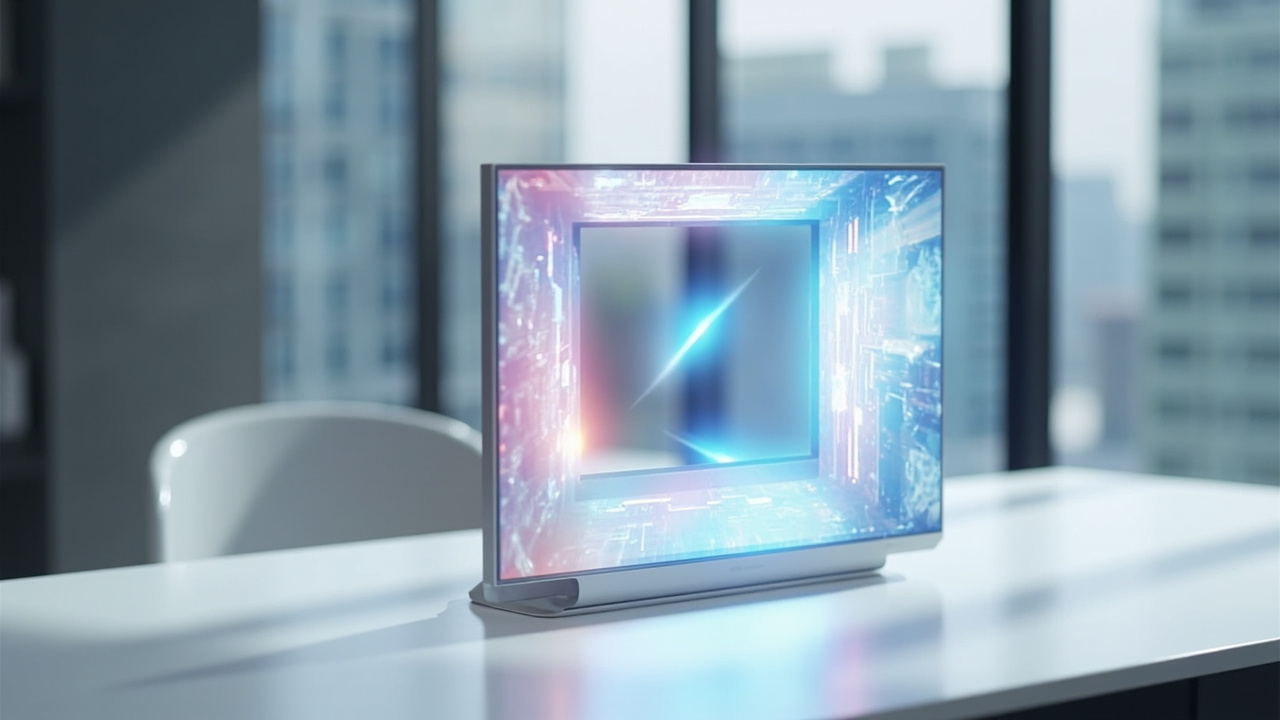
3D display videos deliver left-eye and right-eye views through the display’s autostereoscopic optics.
What 3D display videos are
A 3D display video is not a single conventional video file. It is a stereo image stream that carries two perspectives of the same scene: one intended for the viewer’s left eye and one intended for the right eye. When the display presents both perspectives correctly to each eye, the brain fuses them into a depth perception similar to how it processes the real world.
In practical terms, a 3D display video combines:
- A stereo pair of views, encoded into a single video signal
- A compatible playback pipeline that knows which portion of each frame goes to which eye
- A display with optical elements that direct the correct view to each eye in the viewer’s position
If any one of these three ingredients is missing, the viewer sees a flat image, a doubled image, or a soft blur rather than clean depth. 3D display videos therefore describe both the content and the conditions under which that content becomes a depth experience.
How glasses-free 3D display videos are rendered
3DV spatial displays use eye-tracked autostereoscopic architecture. The key building blocks are:
- A high-resolution panel that outputs two interleaved views per frame
- A microlens or lenticular optical layer that refracts each view toward a specific direction
- Structured-light eye tracking that follows the viewer’s position in real time
- Display-side FPGA processing that maps the correct left-eye and right-eye slices to the correct viewing zones
- Dynamic stereo view mapping that updates the mapping as the viewer moves
The combined effect is that, within the designed viewing window, the left eye receives only the left-eye view and the right eye receives only the right-eye view. Because there are no glasses to put on or calibrate, the workflow stays close to a normal monitor setup. The viewer’s experience is closer to looking into a small window with real depth than to using a head-mounted display.
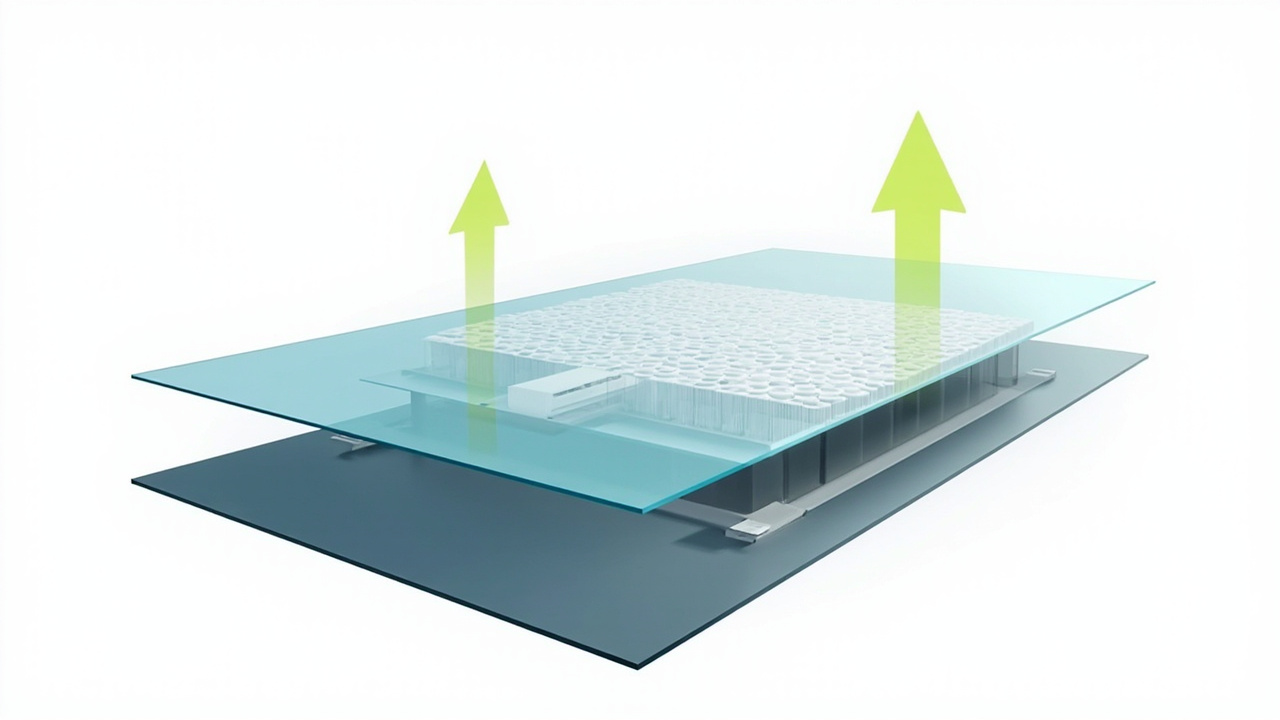
Eye-tracked autostereoscopic rendering routes the correct view to each eye in real time.
Source content formats and stereo signals
3D display videos usually reach the display in one of a few standard forms:
- Side-by-side (SBS) stereo, where the left-eye view and right-eye view share a single frame, placed next to each other horizontally or vertically
- Stereo-ready application output, where a 3D engine such as Unity, Unreal, or a WebGL viewer renders directly to the stereo pair expected by the display
- Prepared stereo video files exported from medical, industrial, or design pipelines, including CT, MRI, CAD review captures, and microscopy recordings
- 2D fallback video, which the display can show in standard mode when no stereo signal is available
The single most important compatibility factor is whether the source can output a stereo pair. Conventional 2D videos do not carry depth information and will play back as flat images. Stereo-prepared content is what makes the 3D display video experience visible.
For buyers evaluating fit, the practical question is not “can the display show video” — every modern display can — but “can the workflow produce the stereo signal this display expects”. That signal is the foundation of every glasses-free 3D video experience.
Workflow fit and viewing considerations
3D display videos fit most naturally into workflows that already need to communicate depth:
- Medical visualization and case review, where clinicians and trainees benefit from seeing anatomical structure in true depth during education, training, and team review
- Industrial inspection and NDT, where defect geometry, internal features, and CT or X-ray reconstructions are easier to assess in stereo
- CAD and design review, where geometry relationships, clearances, and surface curvature become clearer with real depth
- Microscopy review and teaching, where shared observation of a stereo-ready sample benefits from a monitor-style, multi-viewer setup
- Showroom, demo, and exhibit presentations, where prepared 3D display videos can present a product or concept with depth on a single screen
In each of these workflows, the value of 3D display videos comes from keeping the review close to a normal screen experience. There is no headset to wear, no head strap to adjust, and no isolation from colleagues sitting next to the viewer. Teams can review the same content together, and the viewing window can support multiple viewers in sequence rather than locking the experience to a single user.
Viewing considerations to keep in mind:
- There is a designed viewing zone. Sitting outside the comfortable range softens the depth effect.
- A single primary viewer is the strongest fit. Group viewing works, but each viewer should be roughly within the tracked zone for the cleanest effect.
- Ambient light should be controlled for the most stable depth perception, especially for inspection or medical review.
- Content preparation matters. A well-prepared stereo video looks dramatically better than a hastily converted 2D clip.
Limits and preparation steps
3D display videos are a specific tool, not a universal upgrade. Honest evaluation should include the limits:
- 2D-only source content will not gain depth on a 3D display. It will simply play back as 2D.
- Poorly aligned stereo pairs produce eye strain instead of comfortable depth.
- Very fast camera motion in stereo can exaggerate motion discomfort for sensitive viewers.
- The viewing window has boundaries. Content meant for very wide audiences in a showroom needs to account for this.
- Current 3DV spatial displays are non-touch. 3D display videos are a viewing and review surface, not an interactive touch surface.
A practical preparation path looks like this:
- Confirm the source pipeline can output a stereo pair, whether as SBS, as a stereo-enabled 3D application, or as a prepared stereo video file.
- Validate the signal with the 3DV Spatial Player or another compatible playback tool before scheduling a review session.
- Calibrate the viewing distance and seating position so the primary viewer sits inside the tracked zone.
- Run a short pilot review with representative content before committing the full team.
- Document the playback path so future reviews do not have to rediscover the working configuration.
For deeper compatibility guidance, the Stereoscopic Display Software Guide and the 3D Spatial Display Software Guide cover the source-side workflow in detail.
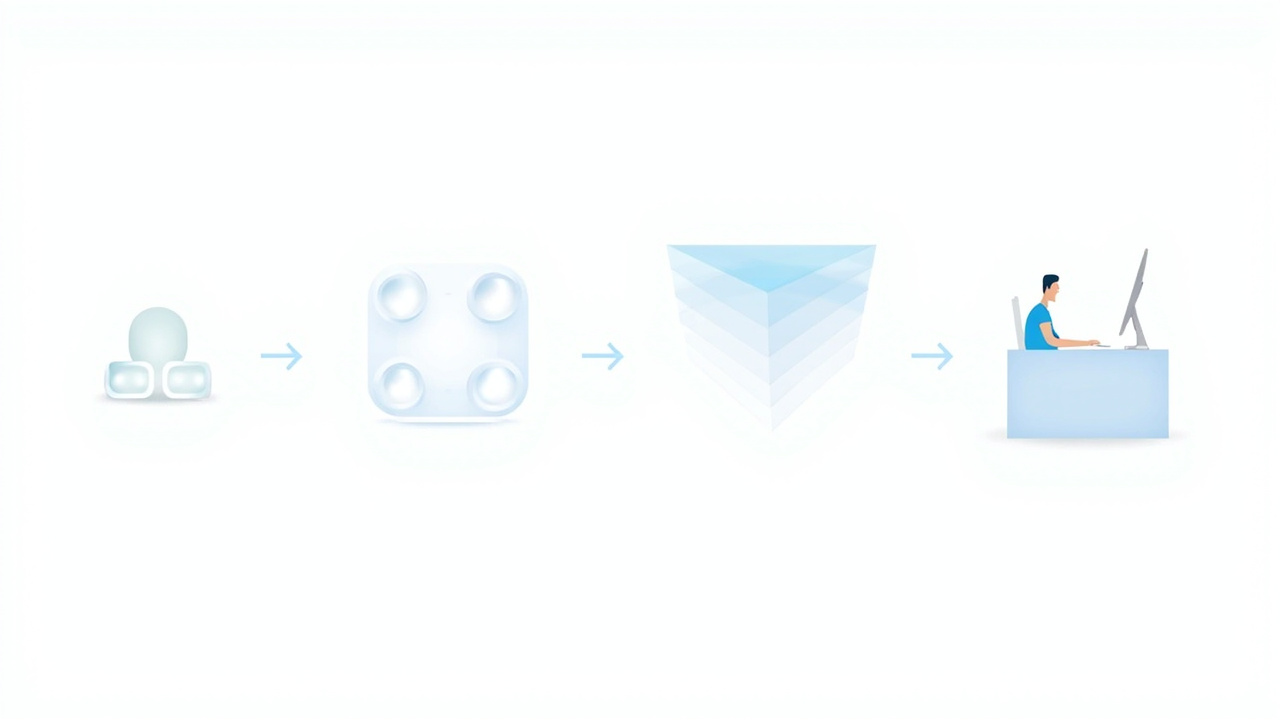
A practical preparation path from stereo source to glasses-free 3D review.
Related 3DV.io resources and next steps
The explainer above is the starting point. The following resources cover the surrounding context in more depth:
- Spatial 3D Display — the product family that plays back 3D display videos
- 3D Display: Technical Explainer — the broader display category
- Glasses-Free 3D Display — the no-glasses viewing model
- Autostereoscopy Glossary — terminology used in stereo display
- Stereoscopic Displays — stereoscopic fundamentals
- Stereoscopic 3D Display — left-eye and right-eye view delivery
- Lenticular 3D Display — the optical layer behind 3D display videos
- Parallax Barrier Display — a related glasses-free approach
For teams ready to move from understanding to evaluation, the Display Selector helps match a 3DV spatial display to the intended 3D video workflow, and the Ask Before Ordering page is the official pre-purchase support route for content compatibility, viewer count, and room fit questions.