
Stereoscopic Display Types: A Selection Guide
Stereoscopic displays all deliver different images to the left and right eyes, but they separate those views in different ways. Active-shutter screens separate them in time, passive systems use polarization, headsets give each eye a dedicated optical path, and autostereoscopic screens direct views without eyewear. The right category depends on audience, interaction, room, content, and operating friction.
For the underlying stereo signal and disparity rules, read Stereoscopic 3D: Views, Disparity, and Formats. This page compares delivery devices.
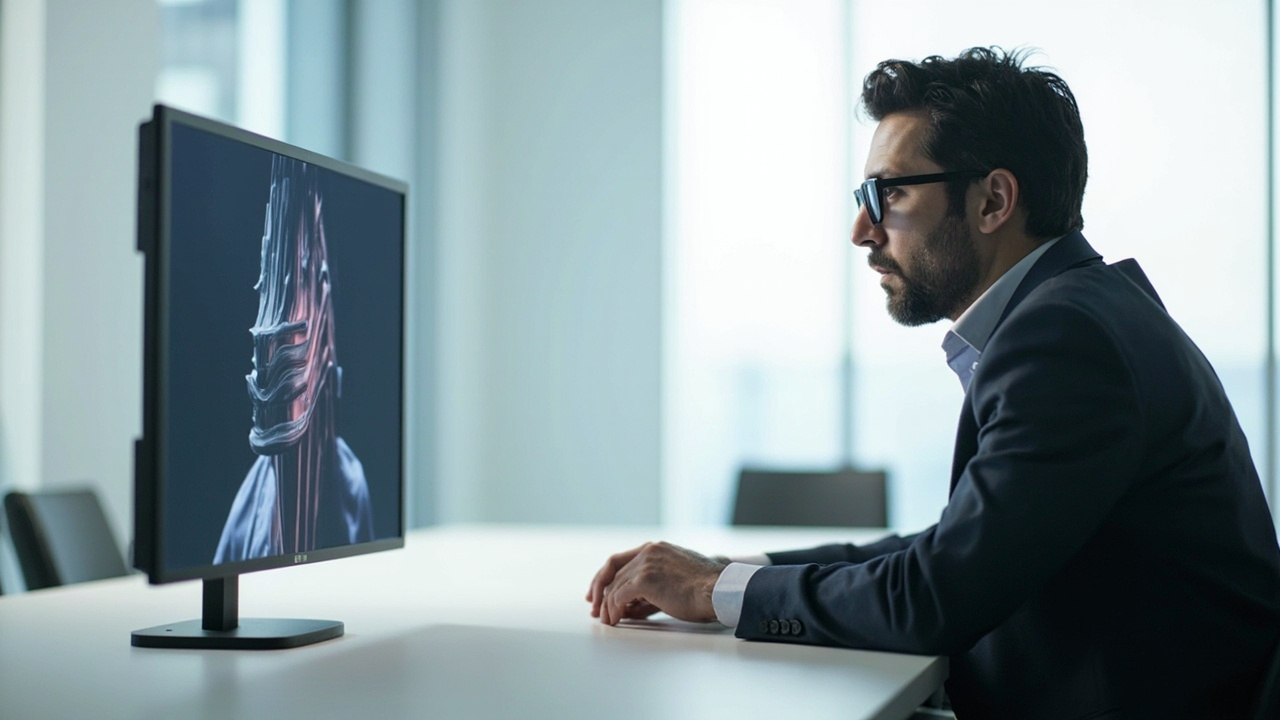
Active-shutter displays
An active system alternates left and right frames while synchronized glasses alternately block each eye. It can preserve full-screen spatial resolution per frame, but depends on high refresh rates, charged eyewear, reliable synchronization, and controlled lighting.
It can fit fixed review rooms where users accept managed glasses and the playback chain is known. Evaluate flicker sensitivity, brightness through the glasses, cross-device synchronization, and the burden of maintaining eyewear.
Passive polarized displays and projection
Passive systems encode the views with different polarization states and use lightweight glasses to separate them. They can scale well to groups and avoid powered eyewear. Depending on the implementation, they may divide panel resolution or require specialized projection surfaces and alignment.
They fit theaters, classrooms, and review rooms where many people need the same stereo presentation. Test viewing angle, head tilt, seating, projection alignment, screen material, and room light.
Head-mounted stereoscopic displays
VR and other head-mounted devices provide separate optical paths for each eye and can update the scene with head movement. They are strong when the task needs immersion, interactive navigation, or an isolated field of view.
Their trade-offs include worn hardware, individual sessions, hygiene and fit management, operator training, and difficulty maintaining ordinary face-to-face discussion. A headset may be the best stereo device even when it is not the best shared-review device.
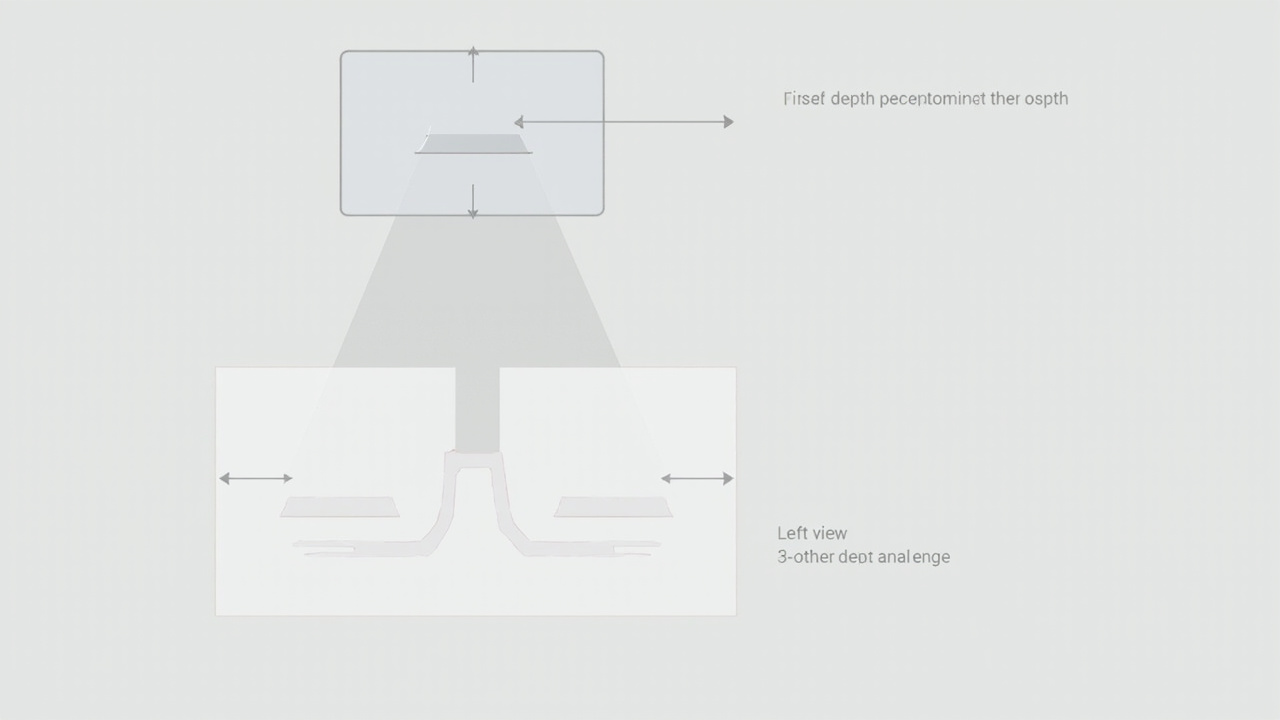
Autostereoscopic or glasses-free displays
An autostereoscopic display uses directional optics to send views toward the unaided eyes. Fixed-view systems rely on defined viewing zones; dynamic systems can use viewer tracking and updated pixel mapping for a primary user.
This category fits workstation review, demos, teaching, and collaborative discussion where removing worn equipment is valuable. It still requires a practical viewing position and stereo-ready content. It should not be assumed to provide unlimited movement or identical depth for a large audience.
Device-class comparison
| Display type | Strongest fit | Main operating cost | Critical test |
|---|---|---|---|
| Active shutter | controlled high-detail stereo station | powered glasses and synchronization | flicker, brightness, crosstalk |
| Passive/polarized | group presentation | glasses inventory and optical setup | seating, alignment, per-eye detail |
| Head-mounted | immersion and interactive navigation | individual hardware, fit, hygiene | comfort, tracking, application performance |
| Autostereoscopic | shared-screen discussion and no-wearable review | content path and viewing-zone setup | natural movement with real content |
No row is universally superior. The comparison describes operating models, not a ranking.
Select by the review moment
Ask these questions in order:
- Is one person immersed, or are several people discussing one screen?
- Is worn equipment acceptable for the session length and environment?
- Does the task require controllers or room-scale movement?
- How controlled are seating, screen distance, and room lighting?
- What stereo format or real-time output already exists?
- Must the same device also support detailed everyday 2D work?
The answers usually eliminate more options than panel specifications do.
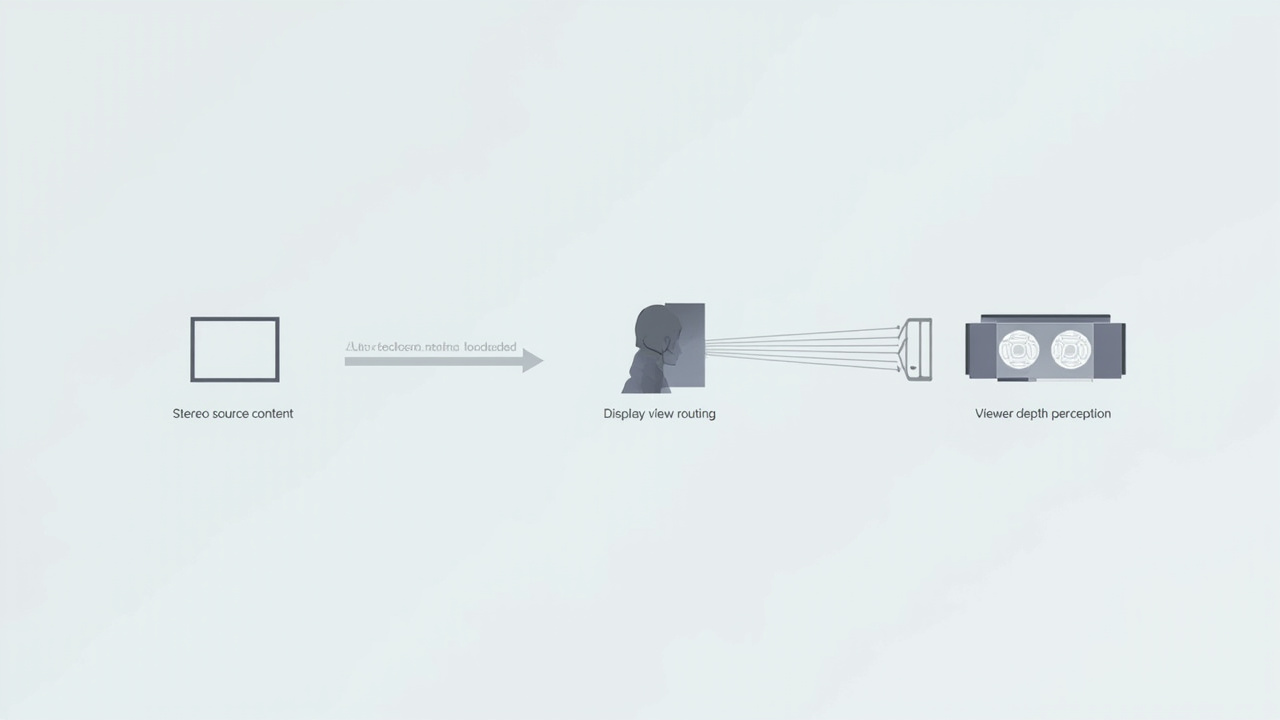
Test equivalent content across candidates
Use the same representative scene, depth range, and task on each device class. Measure whether the operator can complete the review, not just whether depth is visible. Record setup time, required accessories, user training, visual comfort, group participation, and fallback to 2D.
If glasses-free 3D remains the best fit after this category comparison, continue with the go/no-go primer and a real-content compatibility test. If immersion or physical-world alignment is central, compare VR or AR without forcing the workflow into a monitor model.