Stereoscopic 3D Display: Technical Explainer
Stereoscopic 3D display is a category of depth delivery that presents separate left-eye and right-eye views so the brain fuses them into a single image with perceived depth. It is the umbrella under which many glasses-based 3D monitors, projection systems, and head-mounted displays sit, and it is also the historical starting point for the glasses-free category that 3DV builds toward.
This explainer defines what stereoscopic 3D display means, separates it from autostereoscopic, VR, and light-field delivery, and walks through workflow fit, content preparation, and trade-offs for professional review teams.

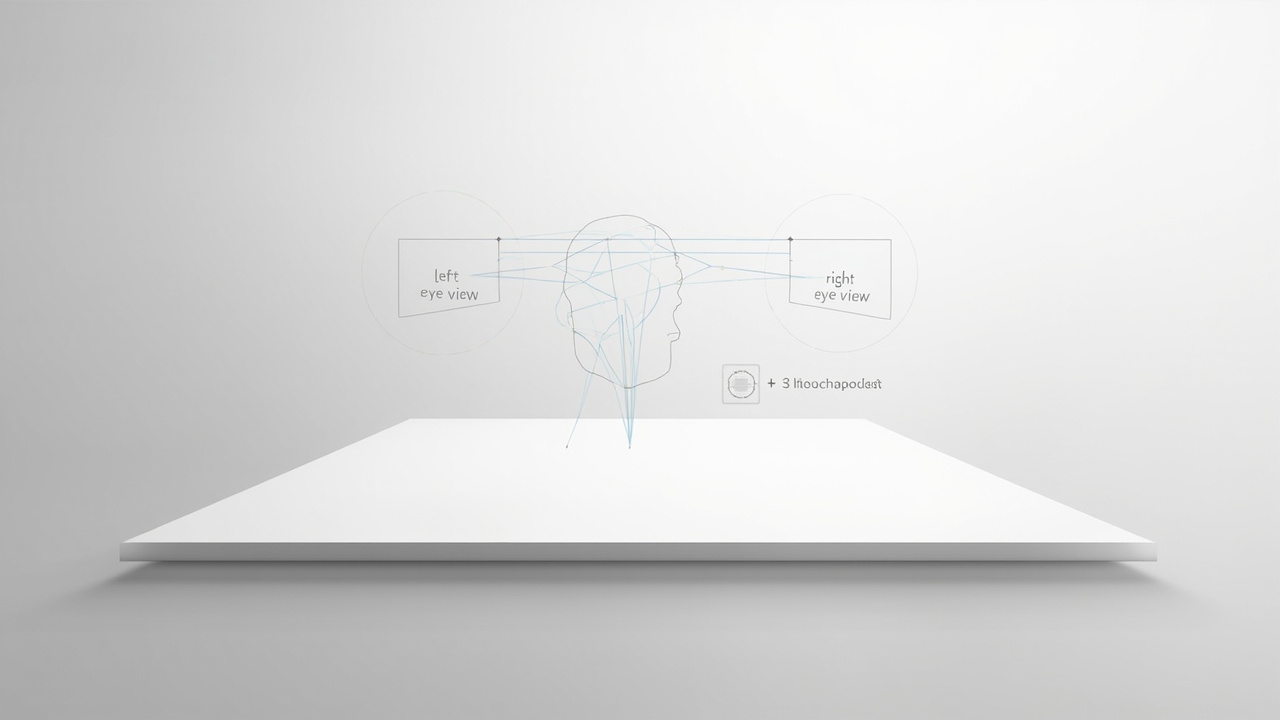
Stereoscopic 3D display separates left and right views so the brain fuses them into a depth image.
What is stereoscopic 3D?
Stereoscopic 3D is any display technique that delivers two offset views, one per eye, so the viewer’s visual system combines them into a depth image. The two views can be separated by:
- Color filtering, as in legacy anaglyph red/cyan 3D glasses.
- Polarization filtering, where left and right views use orthogonal polarizers and matching passive glasses.
- Active shutter glasses, which time-multiplex left and right views and synchronize with the display.
- Head-mounted displays, where each eye looks at its own dedicated microdisplay inside a headset.
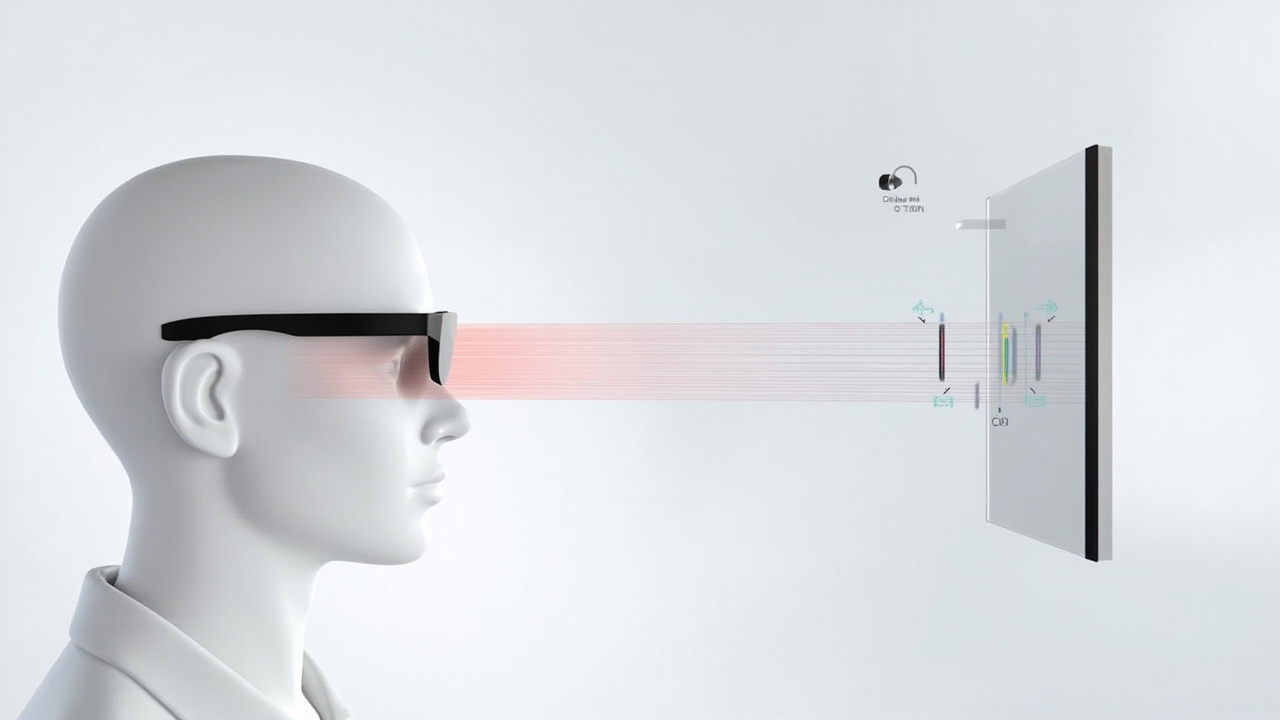
Stereoscopic delivery requires the viewer to wear something, whether passive glasses, active glasses, or a full headset. The defining feature is eye separation, not glasses-free viewing.
Autostereoscopy removes the wearable step. An autostereoscopic display uses an optical layer such as a parallax barrier or lenticular lens array, often combined with eye tracking, to direct the left and right views to each eye without glasses. From the viewer’s standpoint, the experience is similar to stereoscopic 3D, but the delivery mechanism is different and the hardware sits in front of them rather than on them.
For a deeper definition, see the Autostereoscopy: Technical Explainer. For the glasses-based versus glasses-free framing, see Which 3D Does Not Require Glasses: Technical Explainer.
How stereoscopic 3D display works
A stereoscopic 3D display takes a stereo source, encodes it for the chosen separation method, and presents two perspective-correct views synchronized with the viewer’s eyes.
Typical pipeline:
- Stereo source generation. A 3D application, stereo camera pair, CAD tool, medical or industrial scanner, or stereo-rendered scene outputs a left view and a right view.
- Encoding. The pair is packaged into a layout the display can drive. Common layouts include side-by-side (SBS), top-bottom, frame-sequential, or per-eye dedicated channels.
- Delivery. The display emits both views through the chosen separation mechanism (polarization, shutter timing, anaglyph filtering, or per-eye optics).
- Perception. The brain fuses the two views into a single image with perceived depth.
The same pipeline, minus the wearable separation step, is what makes glasses-free autostereoscopic display possible. For an architectural view of how a glasses-free display delivers these views, see the Spatial 3D Display: Technical Explainer.
Resolution note for SBS layout
A side-by-side stereo layout places the left and right views next to each other within a single frame. In that specific layout, each eye’s view occupies roughly half of the horizontal pixel count of the source frame, so the per-eye resolution is lower than the panel’s native horizontal resolution. This effect is specific to SBS and similar packed layouts; it is not a property of stereoscopic 3D display in general. Frame-sequential and dual-input pipelines do not halve resolution in the same way.

Stereoscopic delivery uses glasses or a headset to separate views; autostereoscopic delivery uses the panel’s optical layer.
Stereoscopic vs autostereoscopic vs VR vs light field
Buyers often conflate these four delivery models because they all produce a depth image. The table below separates them by where the eye separation happens, whether the viewer wears anything, and what the typical workflow looks like.
| Dimension | Stereoscopic 3D display | Autostereoscopic 3D display | VR / headset | Light-field display |
|---|---|---|---|---|
| Eye separation mechanism | Passive or active glasses, or shutter timing | Optical layer (parallax barrier or lenticular) with optional eye tracking | Two dedicated microdisplays inside a headset | Multiple directional views reconstructed from a light field |
| Viewer wears eyewear | Yes, glasses or shutter eyewear | No | Yes, full headset | No |
| Typical viewing distance | Fixed, tuned to glasses and seating | Display-defined sweet spot, sometimes tracked | Headset-defined, individual | Display-defined |
| Multi-viewer support | Often supports multiple viewers | Some models support multiple viewers depending on optics and tracking | One viewer per headset | Varies by implementation |
| Workflow style | Shared monitor-like review with glasses | Shared monitor-like review, glasses-free | Isolated immersive review | Shared or single-viewer, depending on product |
| Content format | SBS, top-bottom, frame-sequential, dual-input | Stereo source mapped through display pipeline | Per-eye render targets | Light-field or multi-view source |
| Common limitations | Glasses handling, viewer fatigue, ambient light | Sweet-spot size, content preparation | Isolation from team, headset fatigue | Often higher system cost and lower effective resolution than panel-native 2D |
Stereoscopic 3D display is the broader category. Autostereoscopic is a glasses-free subset of the same depth-delivery goal. VR reaches the same goal through a fully wearable headset. Light-field displays approach the same goal by reconstructing many directional views from a single panel, and trade-offs around effective resolution and cost vary by implementation.
Workflow fit for professional review teams
Stereoscopic 3D display fits workflows where:
- The team already has stereo or 3D-ready source content.
- Reviewers are willing to wear passive glasses, active glasses, or accept a headset.
- The deployment is a fixed room or station rather than a shared open floor.
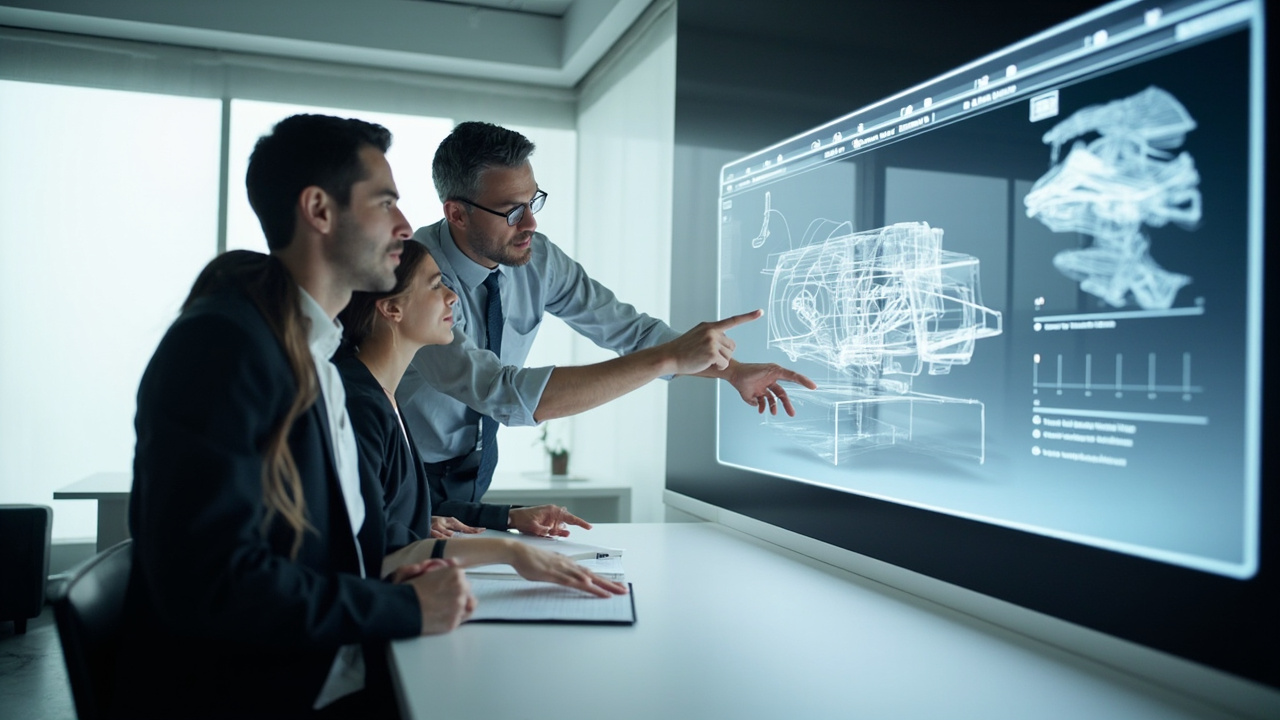
Typical fit scenarios include medical visualization and anatomy review, industrial inspection and CT review, CAD and engineering design review, microscope collaboration, education and training, and museum or showroom demonstrations where glasses are acceptable.
For teams that want the same depth benefit without asking reviewers to wear anything, autostereoscopic 3D display, including the Spatial 3D Display: Technical Explainer lineup, is the natural next step. The transition from glasses-based review to glasses-free review is usually driven by shared-screen collaboration, cleanliness, and ease of use across rotating viewers.

Professional review teams fit stereoscopic and glasses-free 3D displays into shared-screen review workflows.
Content format and preparation checklist
A stereoscopic 3D display only works as well as the source content. Use this checklist before committing a workflow.
Source check
- Can your tool export a stereo source? Look for SBS, top-bottom, frame-sequential, or per-eye output.
- If your tool exports only a single 2D view, the display cannot synthesize depth from a flat image.
- For CAD and 3D models, confirm the viewer supports stereo output rather than only a single perspective render.
Format check
- Match the layout your display expects (SBS, top-bottom, frame-sequential, or dual-input).
- Avoid mismatched layouts. A side-by-side source shown on a frame-sequential display will not separate correctly.
- For packed layouts like SBS, plan for reduced per-eye resolution relative to the panel’s native resolution.
Pipeline check
- Confirm GPU and driver support for the chosen stereo mode.
- Confirm cable and bandwidth support for the chosen resolution and refresh rate.
- Confirm color profile and brightness consistency between left and right views.
Viewer check
- Confirm glasses type matches the display (passive polarized, active shutter, anaglyph, or headset).
- Confirm the viewing distance and seating match the display’s design.
- For multi-viewer stereoscopic setups, confirm the display supports the intended viewer count.
If a workflow cannot meet this checklist, the next step is usually to either prepare the source content properly or move to a glasses-free workflow that handles some of these steps inside the display pipeline.
Limits and trade-offs
Stereoscopic 3D display has predictable trade-offs that buyers should plan around.
Glasses dependency. Passive or active glasses must be available, clean, charged (for active shutter), and correctly matched to the display. In shared or rotating-viewer settings, this is a recurring operations cost.
Viewer fatigue. Long sessions under mismatched brightness, incorrect parallax, or poor stereo alignment can cause eye strain or headaches. Calibrated source content and correct seating help, but they do not eliminate the issue.
Content preparation overhead. Source content must be stereo or 3D-ready. Flat 2D images and ordinary 2D video do not become stereoscopic when shown on a stereoscopic display.
Layout-specific resolution loss. Packed stereo layouts such as SBS reduce per-eye resolution relative to the panel’s native pixel count. Frame-sequential and dual-input pipelines avoid this trade-off but require matching display support.
Ambient and room constraints. Polarized stereoscopic displays can be sensitive to ambient light and screen orientation. Some setups require controlled lighting to preserve separation.
Multi-viewer caveats. Not every stereoscopic 3D display supports more than one viewer at a time. Multi-viewer support depends on the specific model and its optics. Confirm the spec sheet before planning a group review session.
Workflow isolation. Headset-based stereoscopic delivery isolates the viewer from the room, which is a poor fit for shared-screen collaboration, teaching, or stakeholder review.
How this connects to 3DV Spatial Display
3DV builds autostereoscopic glasses-free 3D spatial display systems for professional review teams. The Spatial Display line sits in the autostereoscopic column of the comparison table above, not the stereoscopic column, so it removes the glasses dependency and the headset isolation while keeping the same depth goal.
For buyers evaluating whether to stay on a stereoscopic 3D display or move to a glasses-free Spatial Display, the useful question is not which technology is “best” in the abstract, but which delivery model fits the review workflow. Teams that already manage glasses inventory, control seating and lighting, and have stereo-ready source content may stay on stereoscopic delivery. Teams that want shared-screen collaboration with rotating viewers, or that want to remove the glasses step entirely, usually move toward autostereoscopic spatial display.
For the underlying optical layer that makes some autostereoscopic displays work, see Parallax Barrier Display: Technical Explainer.
Next steps
- Compare glasses-based and glasses-free delivery in Which 3D Does Not Require Glasses: Technical Explainer.
- Review the glasses-free architecture and 3DV Spatial Display model lineup in Spatial 3D Display: Technical Explainer.
- Check whether your existing content will work using the
/compatibility/Content-to-3D Path Checker. - If you are evaluating a glasses-free transition, request a demo through the 3DV site to see how your specific source content looks on a Spatial Display.
Manual review flags: medical scope, similarity advisory (substantial topical overlap with the Spatial 3D Display anchor; merge-or-update advisory recorded), and outstanding pipeline gates for image generation, image upload, and final review.