
How Does 3D Viewing Affect Your Eyes: Workflow Guide for Glasses-Free 3D Displays
Short answer: 3D viewing affects the eyes mainly by asking them to converge on a near object while the displayed image simulates depth through separate left- and right-eye views. For most professional users, short, structured sessions on a glasses-free 3D spatial display are well tolerated, but long uninterrupted viewing, poor content fit, or incorrect viewer distance can produce temporary visual fatigue. This guide focuses on how that process works in practice on autostereoscopic displays used for medical visualization, industrial inspection, and CAD review.
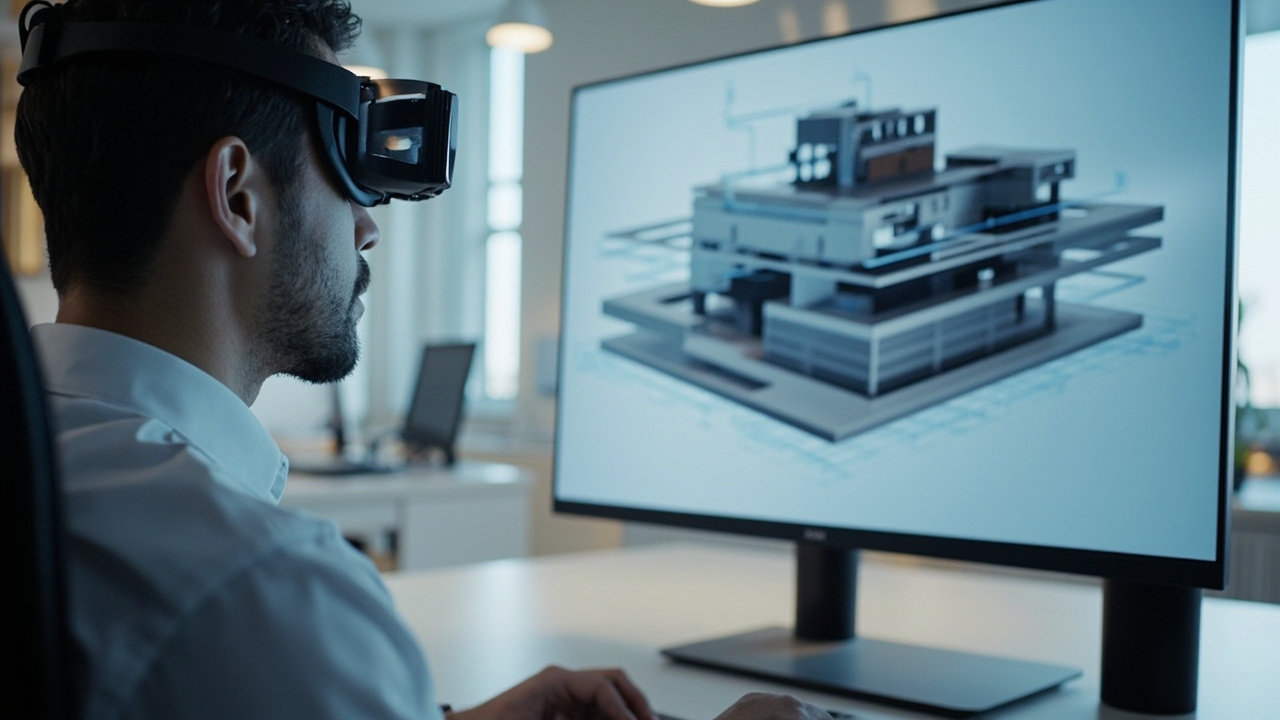
Glasses-free 3D spatial displays deliver stereo depth at monitor-like viewing distances, which shapes how the eyes respond during a 3D viewing session.
What “3D viewing” actually means for the eyes
Human 3D perception depends on several visual cues:
- Binocular disparity: each eye sees a slightly different view, and the brain fuses them into depth.
- Convergence: the eyes rotate inward to point at the same point in space.
- Accommodation: the lens of each eye changes shape to focus at a chosen distance.
- Motion parallax, occlusion, and shading: additional monocular cues that reinforce depth.
When you watch a normal screen, all of these cues line up naturally. The eyes focus on the panel and converge on whatever point the content represents on that panel. With 3D viewing, the display deliberately sends different images to each eye so the brain reconstructs depth that is not actually present in front of the panel. The eyes still accommodate to the screen surface, but they converge on a perceived point that may be in front of, on, or behind the panel.
That small decoupling between accommodation and convergence is the mechanical reason 3D viewing can feel different from ordinary monitor work.
For background on how stereo delivery works, see the Stereoscopic Display Technical Explainer and the Stereoscopic Vision Technical Explainer.
Why glasses-free 3D differs from headset-based 3D viewing
The “does 3D damage your eyes” question is often shaped by experiences with VR headsets or active-shutter 3D TVs. Both of those approaches create specific eye-load conditions that a glasses-free spatial display does not.
| Factor | VR headset | Active-shutter 3D TV | Glasses-free 3D spatial display (3DV approach) |
|---|---|---|---|
| Lenses directly in front of eyes | Yes | No | No |
| Eye-to-screen distance | Fixed, very close | Normal | Normal, monitor-like |
| Room lighting requirement | Closed visor | Dimmed room often recommended | Normal room lighting usable |
| Peripheral vision blocked | Yes | No | No |
| Head and neck posture | Restricted | Normal | Normal |
| Multiple viewers without eyewear | Limited | Limited | Designed for shared viewing |
3DV Spatial Displays use autostereoscopic delivery — explained in the Autostereoscopy Technical Explainer — so viewers perceive depth without wearing any headset or glasses. Eye tracking keeps the left and right views aligned to the viewer, and viewing is done at a normal sitting distance from the panel, much like reviewing a 2D medical or CAD workstation.
Common short-term visual effects during 3D viewing
3DV does not make medical claims, and individual responses vary. The following points describe typical, short-term visual responses that professional users report during or after a 3D viewing session, framed around workflow practice rather than diagnosis.
- Temporary eye fatigue or “tired eyes”: most often linked to long continuous sessions, especially when content is high-contrast or low-quality stereo.
- Mild headache or brow tension: frequently tied to the visual system working harder to fuse a poorly aligned or weakly calibrated stereo image.
- Slight blurred vision immediately after a session: usually resolves within minutes once the user returns to ordinary 2D viewing.
- Awareness of the screen surface (the “flatness reminder”): common when stereo depth cues are weak or when content is essentially 2D presented in a stereo wrapper.
- Dry or irritated eyes: more related to long static sessions and screen time in general than to 3D specifically.
A related practical concern is the tradeoffs discussed in What Are The Disadvantages Of 3D Screens, which covers viewing comfort alongside resolution, viewing angle, and content fit.
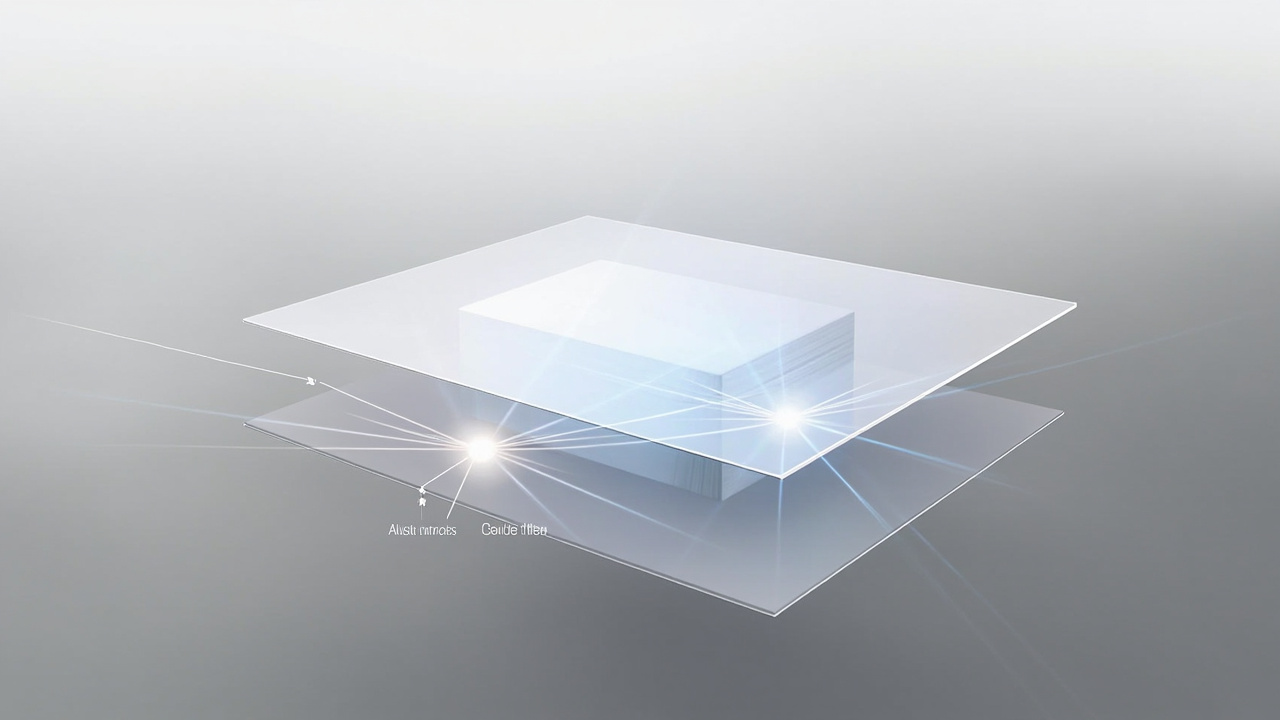
Left- and right-eye views are fused into a perceived depth point while the eyes still focus on the panel surface — the core accommodation–convergence relationship that defines 3D viewing.
Workflow factors that influence eye comfort on a 3D spatial display
Eye comfort during 3D viewing is a workflow outcome, not a hardware spec. For 3DV Spatial Displays, the main factors a professional team can control are:
1. Session length and pacing
- Plan 3D review sessions as discrete blocks rather than continuous hours.
- For long shifts, alternate between 2D documentation tasks and 3D review to let the visual system reset.
- Use the Display Selector to choose the size that matches the typical session length at the viewer’s seat distance.
2. Viewer distance and seat position
- Sit within the display’s recommended viewing range so eye tracking can lock on accurately.
- Avoid placing the screen so high that the neck is tilted up; this adds fatigue independent of the 3D effect.
- Make sure each intended viewer has a clear, unobstructed sightline to the panel.
3. Content preparation
- Use true stereo or SBS content rather than 2D content artificially packaged as 3D. Genuine stereo gives the visual system consistent depth cues.
- Verify depth intensity in the source. Excessive virtual depth is one of the fastest paths to discomfort.
- When evaluating new content pipelines, route them through the Content-to-3D Path Checker before committing to a long review session.
4. Room lighting and screen setup
- Avoid reflections and bright backlights directly behind the panel.
- Keep ambient light consistent; big swings in lighting cause the pupils to work harder.
- Match the panel’s color and brightness profile to the room, not to a darkened cinema.
5. Number of concurrent viewers
- 3DV Spatial Displays are designed around a defined optimal viewing position. If a team needs several people to look at the same content at once, plan the room and seating so each person can be near an optimal viewpoint rather than crowding one spot.
Practical guidance for medical, industrial, and design review teams
The reason 3DV focuses on glasses-free spatial displays is that the professional scenarios they support are already monitor-shaped workflows — radiologists at a reading station, NDT engineers at an inspection bench, CAD reviewers at a design desk. Adding a headset changes that workflow; adding autostereoscopic depth does not.
Practical points that follow from that:
- Medical visualization and anatomy teaching: depth helps separate overlapping structures, but teams should schedule 3D review segments inside otherwise ordinary reading-room work rather than as continuous all-day viewing. The glasses-free format supports shared observation and teaching without forcing every participant into a headset.
- Industrial inspection and NDT: engineers can keep their existing 2D QA tools on the same panel (Pro models) and switch into 3D review when a part, CT slice, or defect needs spatial context. Switching back to 2D is also a useful way to “reset” the visual system between intense 3D segments.
- CAD and design review: depth makes proportion and clearances easier to judge, but reviewers benefit from building in 2D sanity-check moments so the depth interpretation is verified against flat drawings.
In every scenario, the goal is to use depth as an additional review layer, not to replace ordinary 2D reading.
When to consult a specialist and what 3DV does not claim
3DV makes no medical or therapeutic claims about 3D viewing on Spatial Displays. The points in this article are operational and workflow-oriented.
If your team includes people who:
- already manage diagnosed binocular vision, accommodation, or vestibular conditions,
- experience persistent headaches, nausea, or visual disturbance after typical screen use,
- or are working in regulated clinical or occupational settings with specific visual fatigue policies,
then 3D viewing workflows — glasses-free or otherwise — should be introduced in consultation with the appropriate occupational health, optometry, or medical specialist. This is standard professional practice, not a product-specific warning.
For teams evaluating whether a Spatial Display fits their specific content, room, and viewing profile, the Ask Before Ordering route provides a structured way to raise those questions before purchase.
Scheduling 3D review as discrete blocks with 2D reset intervals is the main workflow lever for managing short-term visual fatigue.
Next steps and supporting resources
If your team is evaluating 3D viewing as part of a larger professional workflow decision, the following sequence is the practical starting point used by 3DV customers:
- Read the Spatial 3D Display Technical Explainer to confirm that glasses-free 3D matches your review scenario.
- Use the Display Selector to narrow down a model based on room, viewer count, and session length.
- Run representative content through the Content-to-3D Path Checker so you know your source material produces real stereo before scheduling long sessions.
- If anything is still unclear, send a structured question via Ask Before Ordering so 3DV can confirm the workflow fit before you commit.
For a broader view of the tradeoffs and limitations of 3D screens — including viewing comfort alongside resolution and angle — see What Are The Disadvantages Of 3D Screens. A buyer-oriented framing of glasses-free 3D is also available in the Naked-Eye 3D Buyer Decision Primer.
The short version of “how does 3D viewing affect your eyes” for a professional 3DV workflow is that, with appropriate session pacing, correct viewing distance, and properly prepared stereo content, glasses-free 3D spatial review behaves like a monitor-shaped task with extra depth — not like a headset experience, and not like a medical intervention.