
What Are the Disadvantages of 3D Screens?
The main disadvantages of 3D screens are stricter content requirements, a limited viewing geometry, possible visual discomfort, reduced per-eye detail or brightness in some architectures, more integration work, and higher system cost than an ordinary monitor. These are workflow constraints, not just specifications, and several remain even in well-designed products.
Risk register at a glance
| Risk | Typical symptom | Can it be mitigated? |
|---|---|---|
| content is not stereo-ready | the screen remains flat or needs manual preparation | often, with a supported player/export path |
| viewing-zone constraint | depth ghosts or collapses outside the intended position | partly, through tracking and room setup |
| visual discomfort | fatigue, double edges, unstable depth | often, through better content and system tuning; not for every viewer |
| per-eye detail or light trade-off | fine text softens or 3D looks dimmer | architecture- and mode-dependent |
| integration complexity | demos work but the production application does not | often, with version-specific validation |
| higher total cost | hardware, software, setup, training, and support exceed plan | only by proving workflow value and limiting scope |
1. A “3D file” may not be display-ready
A model, scan, or scene can contain spatial data without producing a left/right pair. The workflow still needs a viewer, renderer, plugin, export, or stereo video path. Ordinary 2D files do not reliably become useful 3D merely because they are shown on a 3D-capable panel.
Mitigation: test representative content before purchase and document the exact application version, output mode, and preparation steps. The content compatibility guide helps classify the source path.
2. The viewer cannot stand anywhere
Every stereoscopic delivery method has geometry. Glasses-free systems direct views toward particular positions; tracking can move the optimized view with a primary user, but the tracked area and optics still have limits.
This matters for group meetings, public spaces, tall/short users, and workstations where people change posture. A setup that works for a seated demo may not work for a moving inspection operator.
Mitigation: define the primary viewer, viewing distance, posture, and room before choosing screen size. Test slow natural movement rather than one fixed pose.
3. Some viewers experience discomfort
Discomfort can come from excessive disparity, vertical mismatch, crosstalk, latency, unstable tracking, shot transitions, or individual sensitivity. A dramatic clip can hide problems that emerge during a 30-minute task.
Mitigation: use a conservative depth budget, correct source errors, validate tracking and mapping together, and provide easy 2D fallback. No supplier should guarantee universal comfort. The visual comfort guide provides a longer evaluation protocol.
4. 3D can trade panel resources for view separation
Depending on the optical architecture, panel pixels or light are divided among views. Fine text, dense UI, brightness, and apparent per-eye resolution may differ from normal 2D output. A high panel resolution does not automatically describe the detail seen by each eye in 3D mode.
Mitigation: compare the exact task in 2D and 3D. Keep reports, annotations, and text-heavy work in 2D when that is clearer. Choose a screen role—main mixed-use monitor or dedicated 3D display—before comparing products.
5. Integration is more than connecting a cable
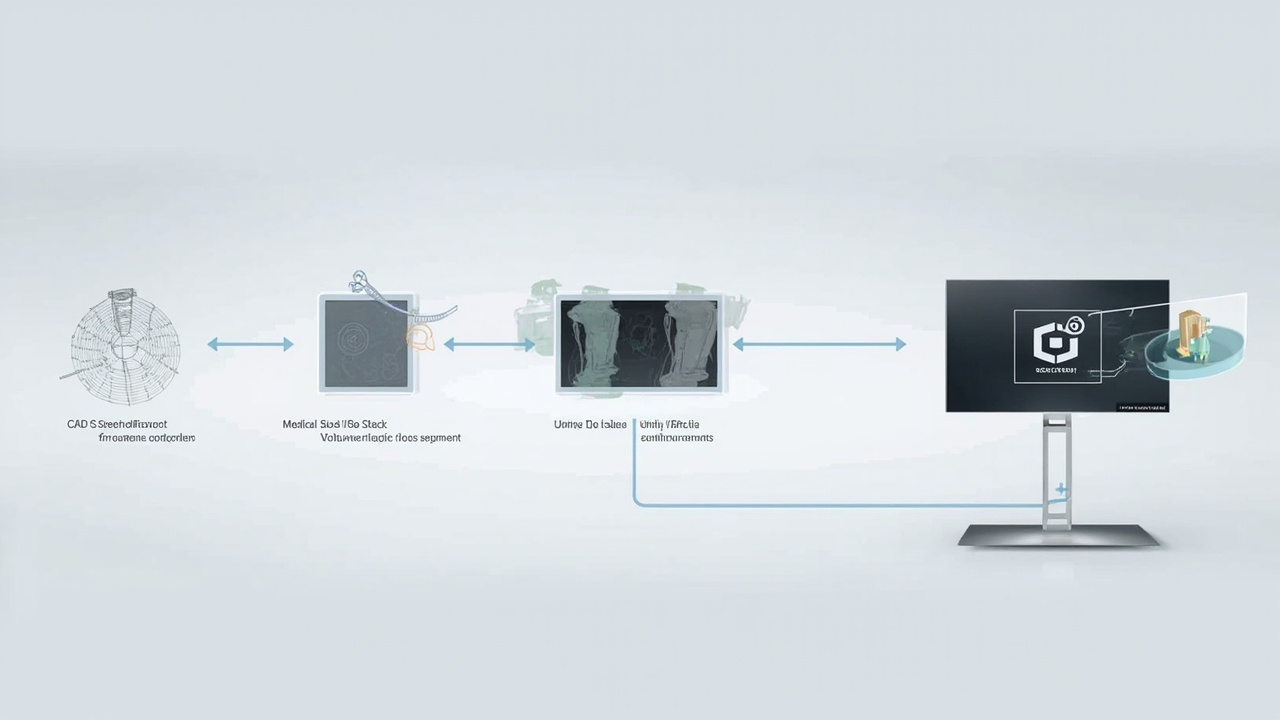
Signal transport, stereo generation, playback, eye order, aspect ratio, application performance, display mode, and viewer tracking form one chain. A standard video connection can show a 2D desktop while the intended 3D workflow remains unsupported.
Mitigation: assign responsibility to the content owner, application, host, and display, then test each boundary with a known-good sample. Record the final configuration so another operator can repeat it.
6. The total system costs more than the screen
Costs can include stereo content creation, software or plugins, a stronger workstation, room changes, calibration, training, support, and time spent maintaining a specialized workflow. The display price alone understates the investment.
Mitigation: limit the first deployment to one observable task and define acceptance criteria. Scale only after the team can repeat the workflow and identify what the depth changes in the review or communication process.
7. 3D is not always the right interaction model
A 3D screen does not provide the immersion and controllers of VR, the physical-world alignment of AR, or the universal readability of a standard 2D monitor. It should not be forced into tasks that need those properties.
Mitigation: compare device categories against the decision moment. The VR/AR decision framework is more useful than comparing headline specifications.
When the trade-offs are acceptable
The disadvantages are manageable when depth supports a specific task, stereo-ready content exists, the viewing position can be planned, users can return to 2D, and the organization will validate the complete system. They are unacceptable when the purchase depends on automatic compatibility, unrestricted group viewing, or a guaranteed outcome that has not been tested.
Use the 3D display buying guide to turn these risks into written procurement and acceptance requirements.