
Is 3DV Technology Expensive: Technical Explainer
The short answer: glasses-free 3D spatial display systems are professional review tools, so they are priced above general consumer monitors. Whether the cost is justified depends on the depth of the workflow, the content you need to review, and how often the display is used. 3DV pricing follows a fit-for-use model rather than a single list price, so the right question is not “is it expensive” but “which model fits which workflow”.
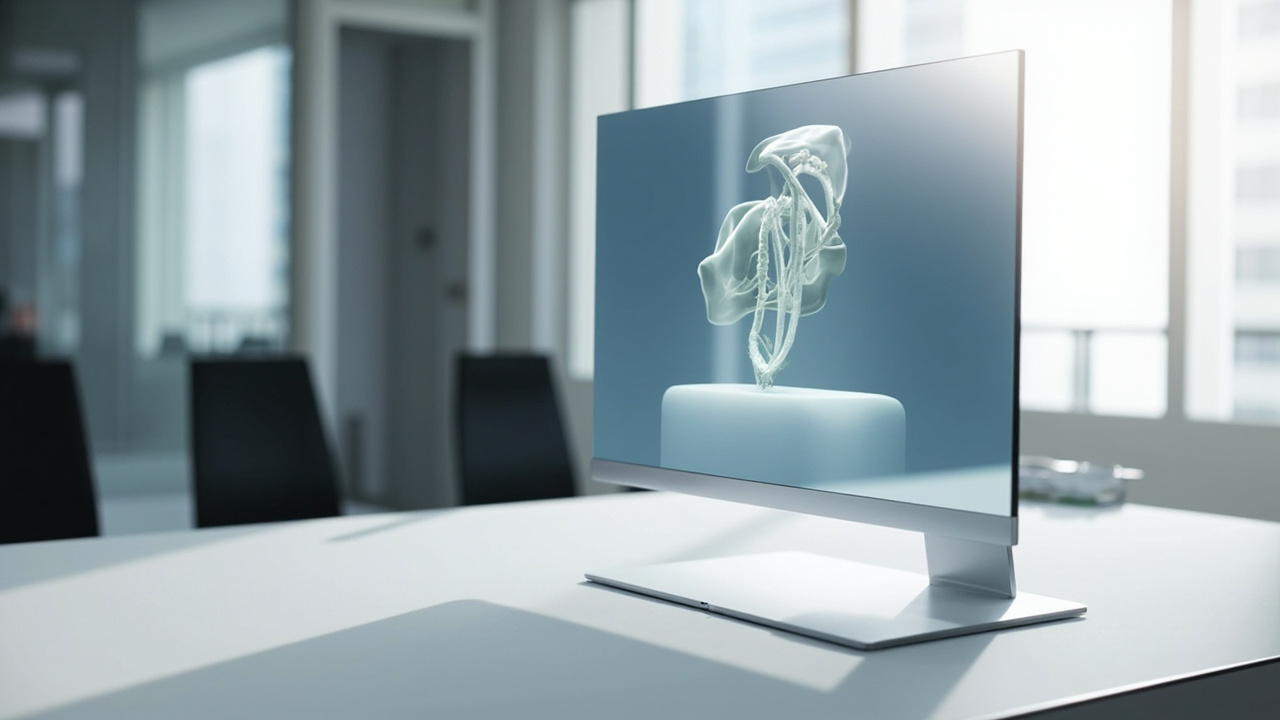
3DV Pro spatial displays are positioned as dedicated professional 3D review workstations rather than general consumer monitors.
Short answer: it depends on the workflow
For teams that already work with 3D-ready content, such as stereo or side-by-side material, CAD reviewers, DICOM visualization pipelines, or stereo-rendered microscope output, a 3DV spatial display often replaces a more expensive combination of VR headsets, projection rigs, or specialized stereoscopic monitors. In that context the cost is closer to that of a professional reference monitor than to consumer 3D equipment.
For teams whose source content is mainly flat 2D and who do not need shared, glasses-free depth review, a 3DV display is generally over-spec, and a conventional professional monitor is a better fit. The price of 3DV technology is therefore best read as the cost of a dedicated 3D review workstation, not as a general monitor upgrade.
What “3DV technology” actually refers to
When buyers ask whether “3DV technology” is expensive, they are usually asking about the 3D Spatial Display product line: autostereoscopic, glasses-free monitors built for professional 3D review. These displays use eye tracking and a stereoscopic 3D display delivery layer to present left- and right-eye views without headsets or shutter glasses.
Adjacent 3DV product lines include the 3D Spatial Microscope for microscope review workflows, the Live Digital Human line for service and presentation scenarios, and Interactive Technology / AI Agents for showroom, touch, and workflow automation contexts. These are distinct product lines with their own fit and pricing logic, and they should not be folded into a single “3DV price” question.
What drives the price of glasses-free 3D spatial display systems
Several engineering elements push a glasses-free 3D display above the cost of an ordinary 2D monitor of the same size:
- Eye-tracked autostereoscopic optics. A microlens or lenticular layer, combined with structured-light or camera-based eye tracking, lets the display deliver separate left- and right-eye views simultaneously. This optical stack is more complex than a standard LCD or OLED panel.
- Display-side processing. Real-time view mapping, stereo separation, and 2D/3D switching (especially on Pro models) require FPGA or dedicated display processing rather than a generic scalar.
- Calibration and uniformity. Professional 3D review depends on consistent geometry, color, and stereo separation across the panel, so factory calibration and quality control add cost versus general-purpose monitors.
- Lower production volume. Glasses-free 3D displays are not mass-consumer products, so economies of scale are limited compared with general monitors or televisions.
These are the structural reasons a 3D spatial display is priced in the professional monitor tier rather than the consumer monitor tier.
How 3DV models are positioned in price terms
3DV publishes current model-level price snapshots on the official shop. The prices below are listed for reference and are drift-prone; verify the shop before quoting or building a purchasing report.
- 14 inch Essential – compact dedicated 3D review and demo setups.
- 15.6 inch Pro – portable mixed 2D / 3D workstation use, useful where a team often switches between standard 2D work and 3D review.
- 27 inch Pro – main professional review station for medical visualization, CAD, or inspection teams.
- 32 inch Essential – large dedicated 3D rooms, labs, showrooms, or classrooms where shared viewing is the priority.
Pro models are positioned for buyers who frequently move between 2D and 3D on the same panel. Essential models are positioned for buyers who treat the display as a dedicated 3D spatial monitor. The price difference between Pro and Essential reflects that workflow choice, not a simple “better vs cheaper” split.
For current model listings, see the Spatial Display product page and the Display Selector tool.
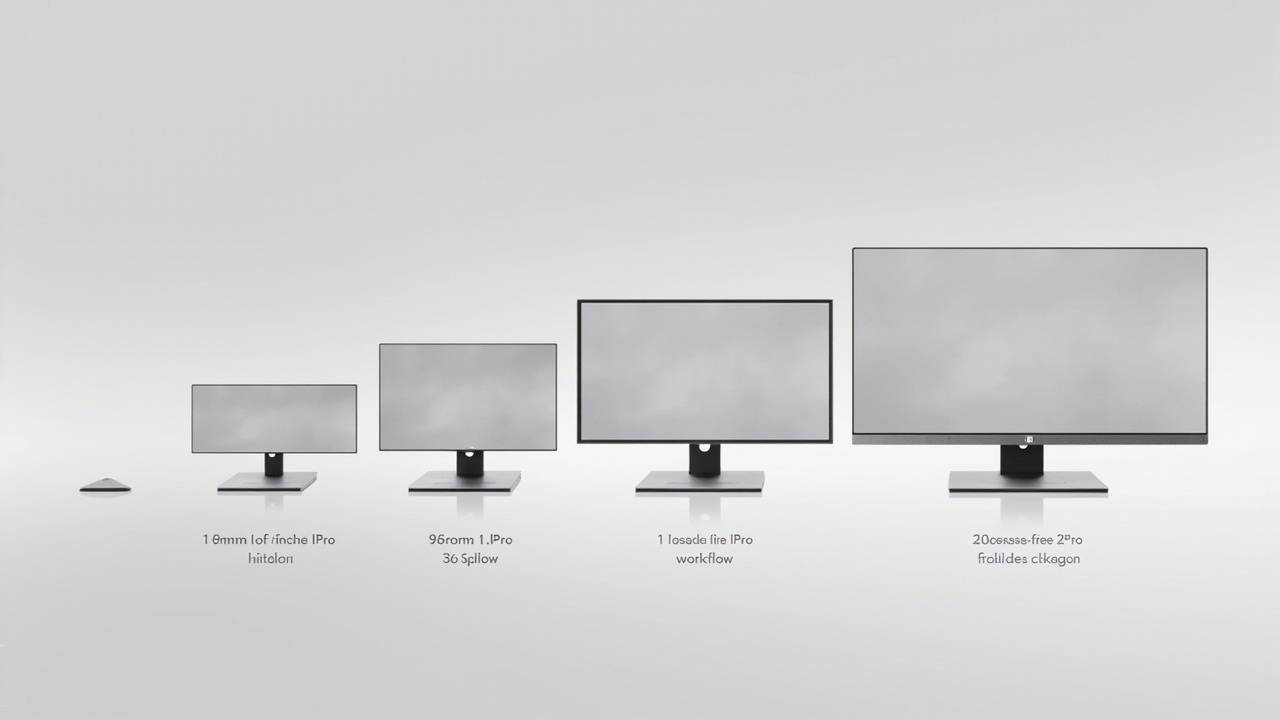
3DV models are split between Essential and Pro tiers, with size and feature choices driven by workflow rather than a single price ladder.
Cost beyond the display: workflow, content, and environment
A useful total-cost view of 3DV technology includes more than the unit price of the panel. Buyers evaluating expense should weigh:
- Source content readiness. A 3DV display only delivers its value when the workflow can output stereo or 3D-ready content, such as side-by-side video, stereo CAD viewers, DICOM visualization with depth, or microscope pipelines. The Spatial Display content compatibility guidance and the Stereoscopic Display Software Workflow and Compatibility Guide help estimate this effort.
- Software and pipeline effort. Some teams already use 3D engines, DICOM viewers, or CAD tools with stereo output. Others need additional preparation, which adds professional services or internal time. The Spatial 3D Display Software Workflow and Compatibility Guide walks through that scope.
- Environment and viewer setup. Eye tracking works best when seating, lighting, and viewer distance are reasonably controlled. A dedicated review station, room, or lab has a setup cost beyond the display itself.
- Replacement and scaling. For teams moving from a single VR headset or a projector-plus-glasses setup to a shared glasses-free display, the per-viewer experience and the absence of consumable glasses can shift the long-term cost picture favorably.
How to decide if 3DV is a fit for your budget
A practical way to frame the “is it expensive” question is to compare the display against the workflow it replaces, not against a generic monitor:
- If the alternative is a VR headset per viewer, recurring 3D glasses, or a projection rig, a 3DV display often sits in a comparable or lower total-cost band while removing the headset requirement.
- If the alternative is a standard 2D professional monitor and the team has no stereo or 3D-ready content pipeline, a 3DV display is over-spec and the cost is hard to justify.
- If the use case is shared review, training, case discussion, or showroom demonstration, a glasses-free panel is often the only ergonomic option, so the price comparison should be against the cost of the meeting not happening effectively, not against consumer hardware.
The How to Choose Stereoscopic 3D Monitor buyer guide is a useful companion for teams still mapping requirements to model fit.
Next steps for evaluation
For buyers who want to confirm fit before committing budget, 3DV provides structured pre-purchase paths:
- Use the Display Selector to map workflow and room size to a model tier.
- Run a content fit check through the Spatial Display content compatibility article and the Ask Before Ordering support path.
- For current model pricing and configuration, refer to the Spatial Display landing page and the official shop before publishing any quoted figures.
Framed this way, 3DV technology is not priced as a consumer accessory, but as a professional review instrument. Its expense is best judged by whether the workflow already produces 3D-ready content, whether shared glasses-free review is a hard requirement, and how the cost compares to the headset or projection alternative it replaces.
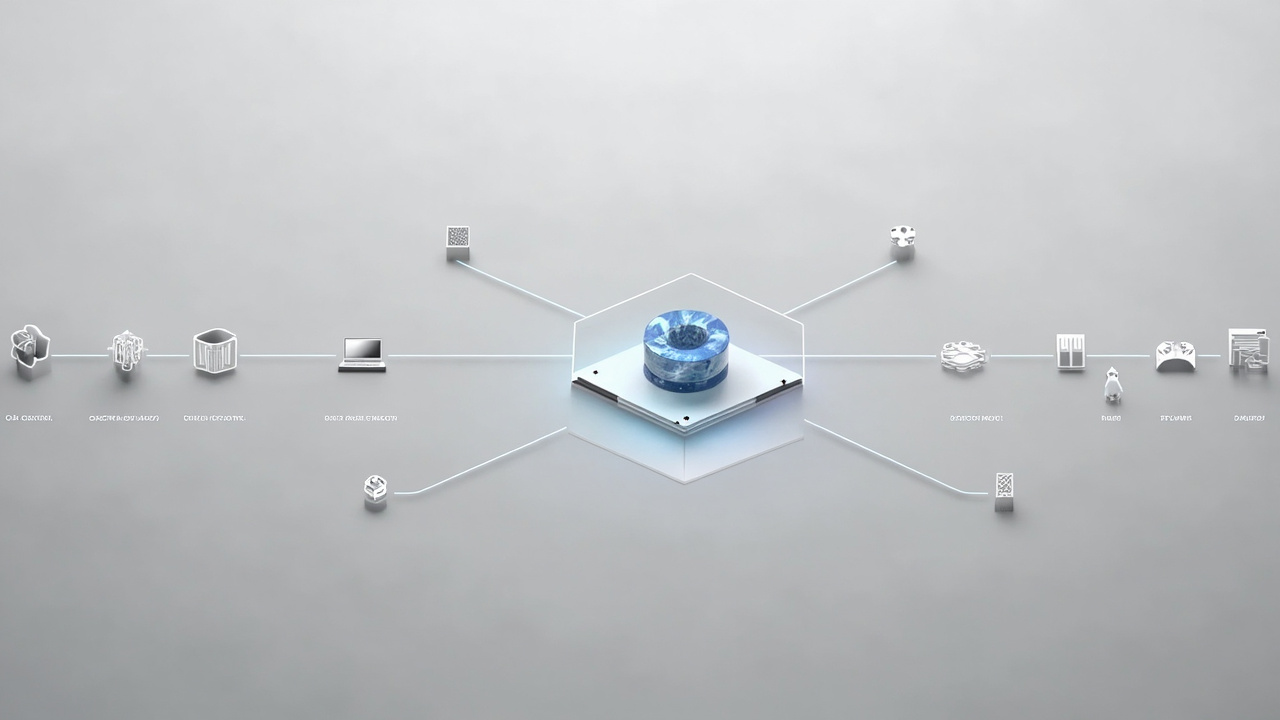
Total cost evaluation should include source content readiness, software preparation, and room environment, not just the panel price.