
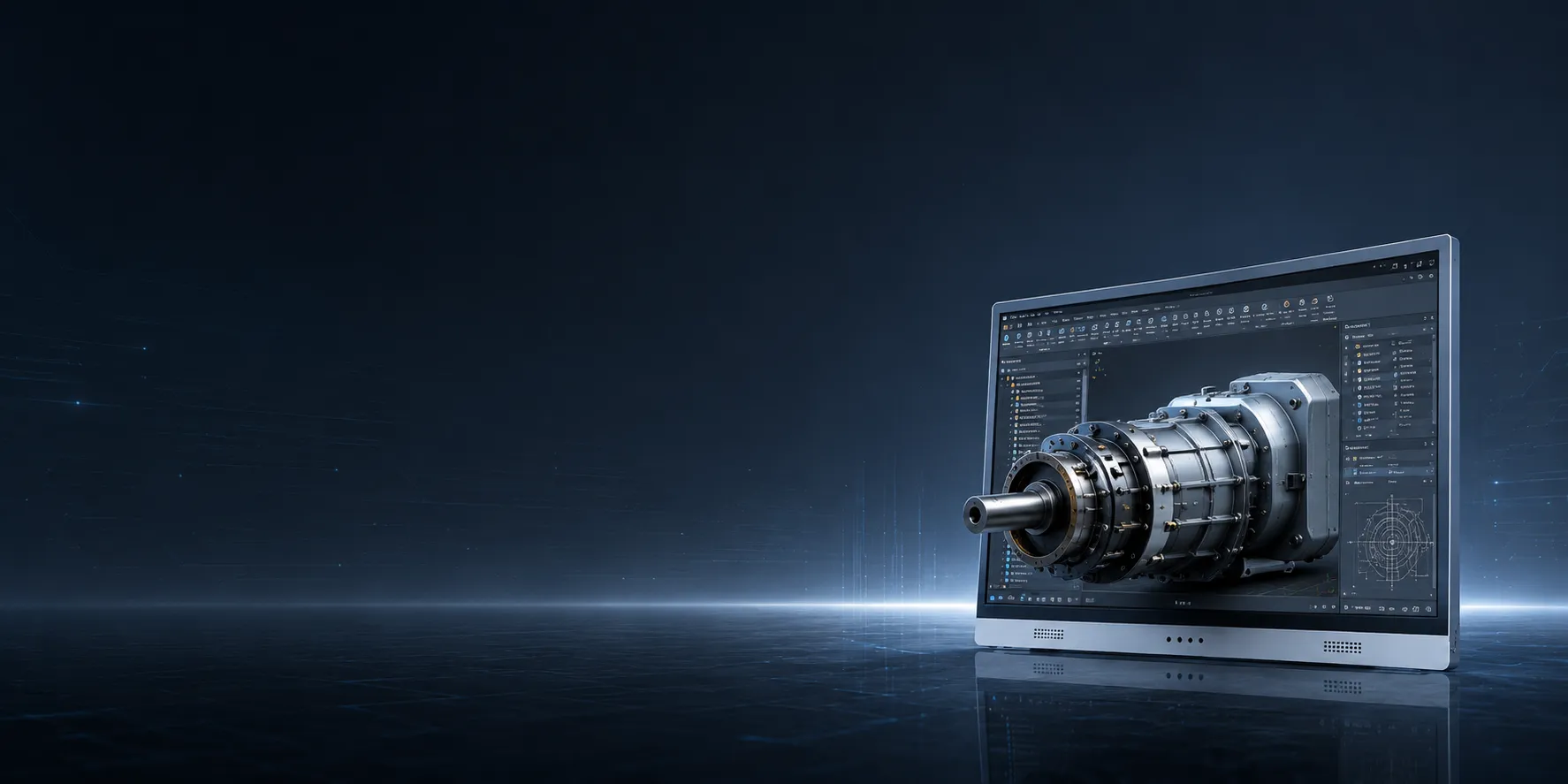
Industrial CT / X-Ray / NDT Review
Review internal geometry, hidden structures, defect location, inspection findings, and quality communication with spatial depth on a glasses-free 3D display.
See Content Path →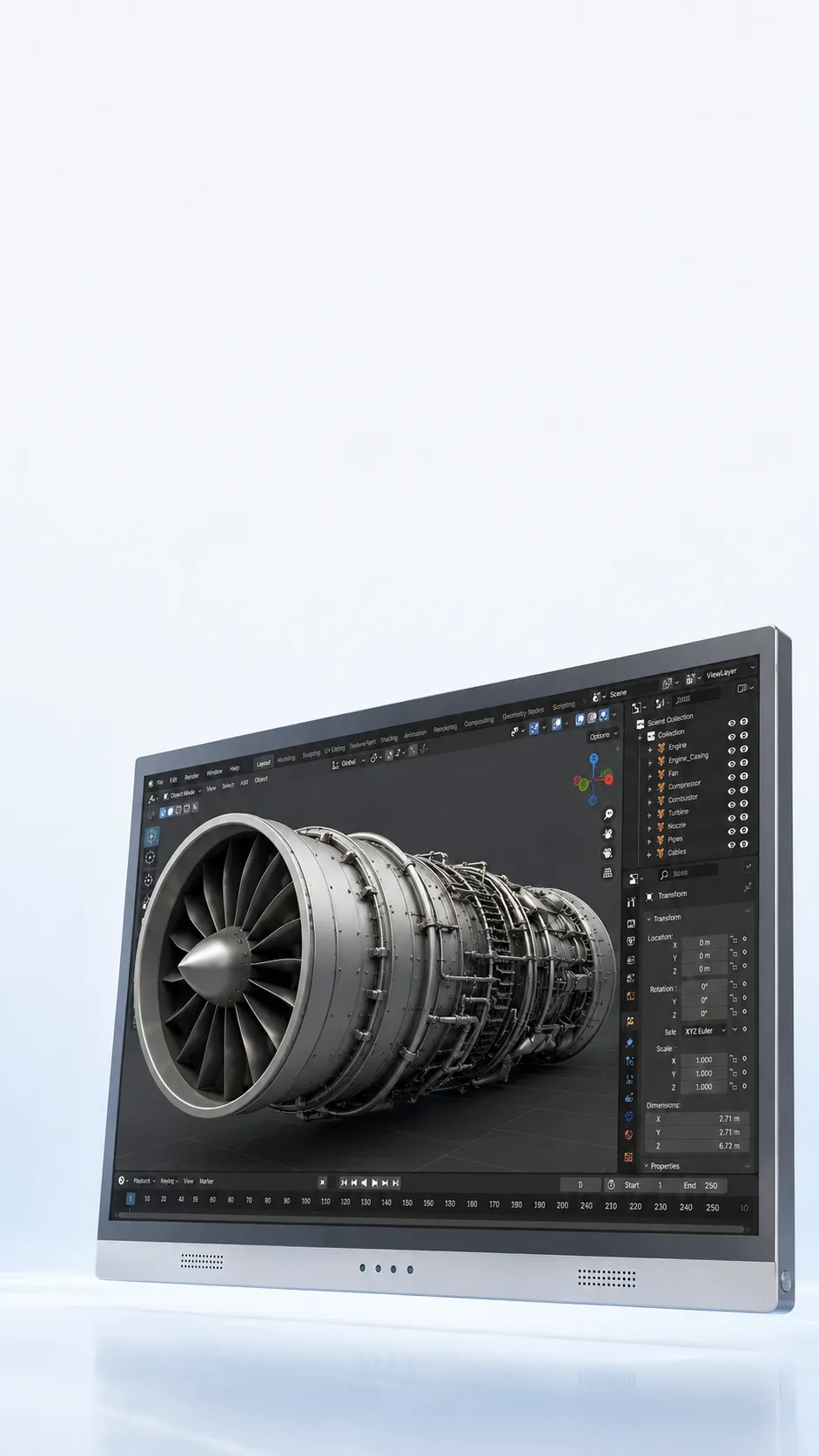
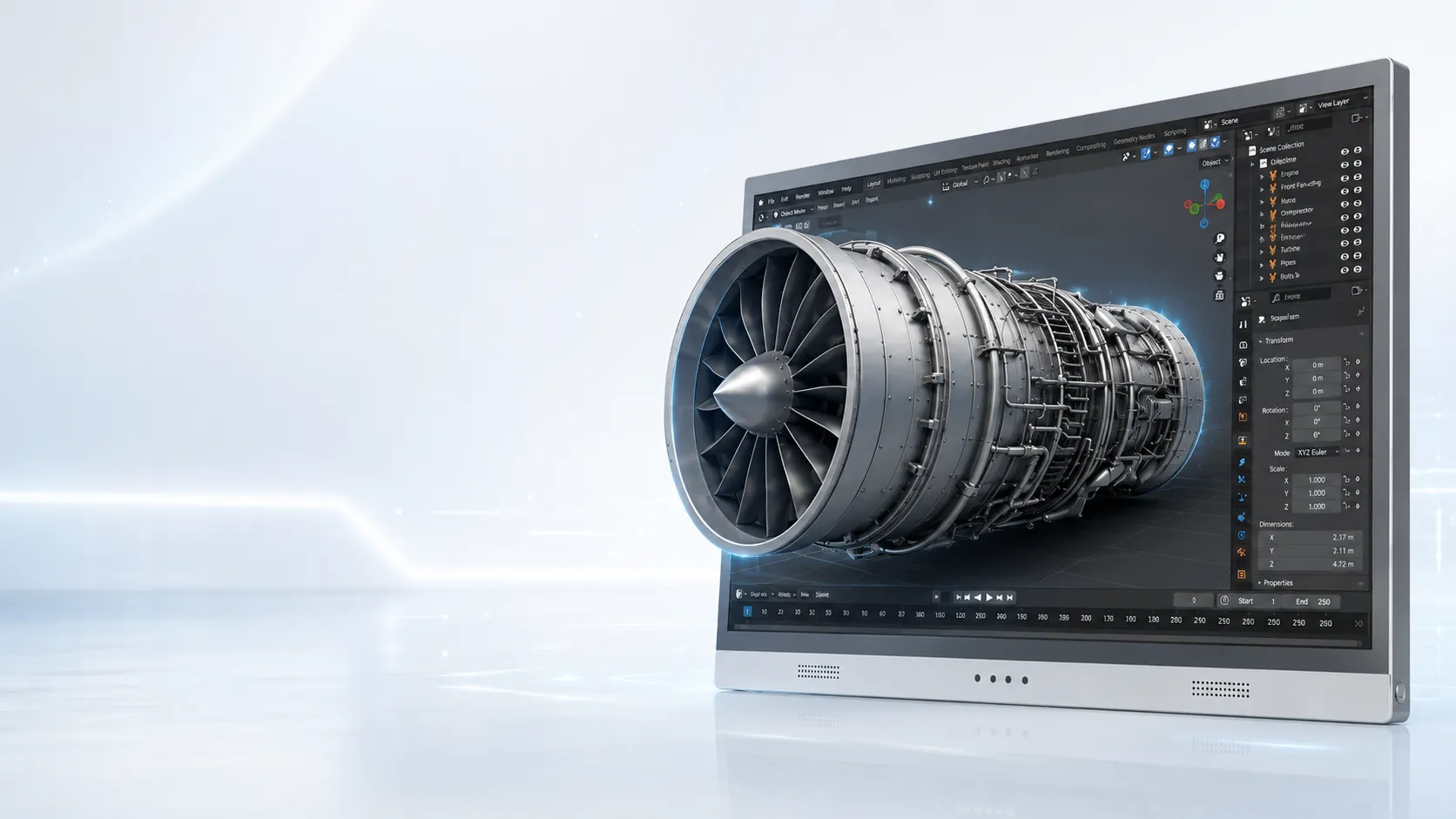
3DV Spatial Display
Review CAD data, 3D models, industrial CT, medical visuals, and stereo content with real depth — without VR headsets or 3D glasses.
Built for supported 3D content and professional review workflows. All current 3DV Spatial Display models are non-touch displays. Best results depend on source content, viewing distance, lighting, and setup.
Product Snapshot
3DV is available in compact, portable, workstation, and large-format models for different 3D review setups.
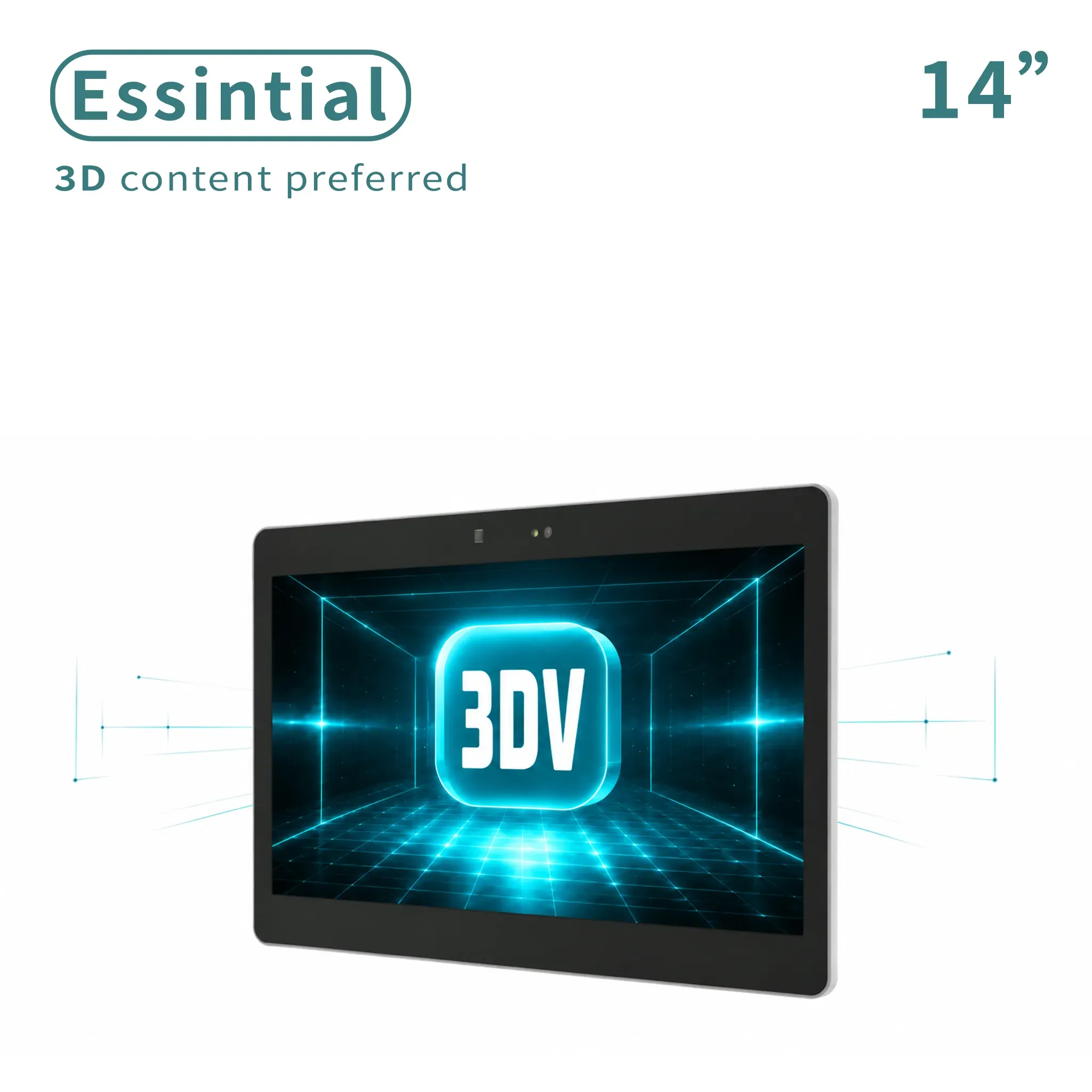
$1,799.00
Compact demos and dedicated 3D review setups.
View Product →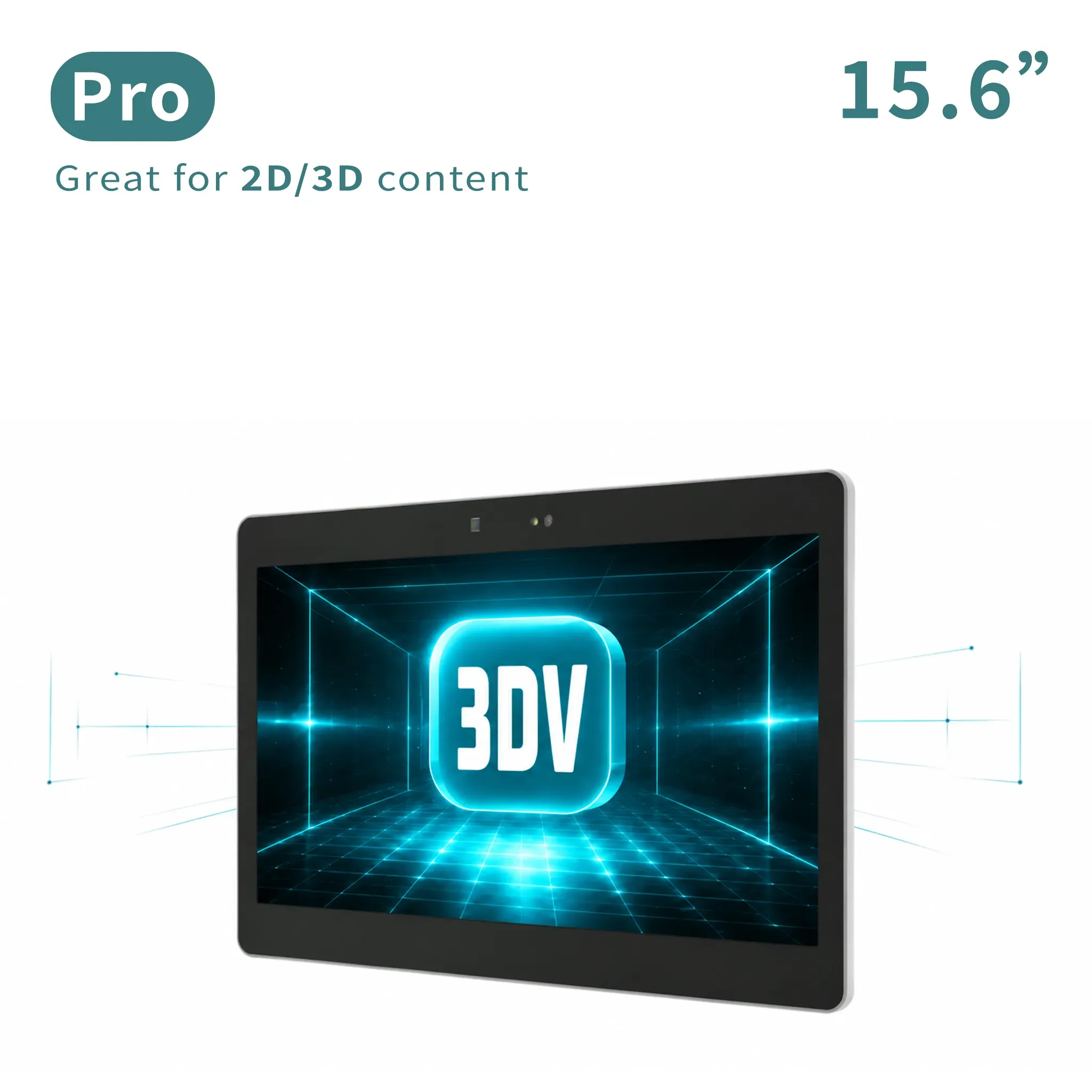
$2,399.00
Portable mixed 2D/3D workstation use.
View Product →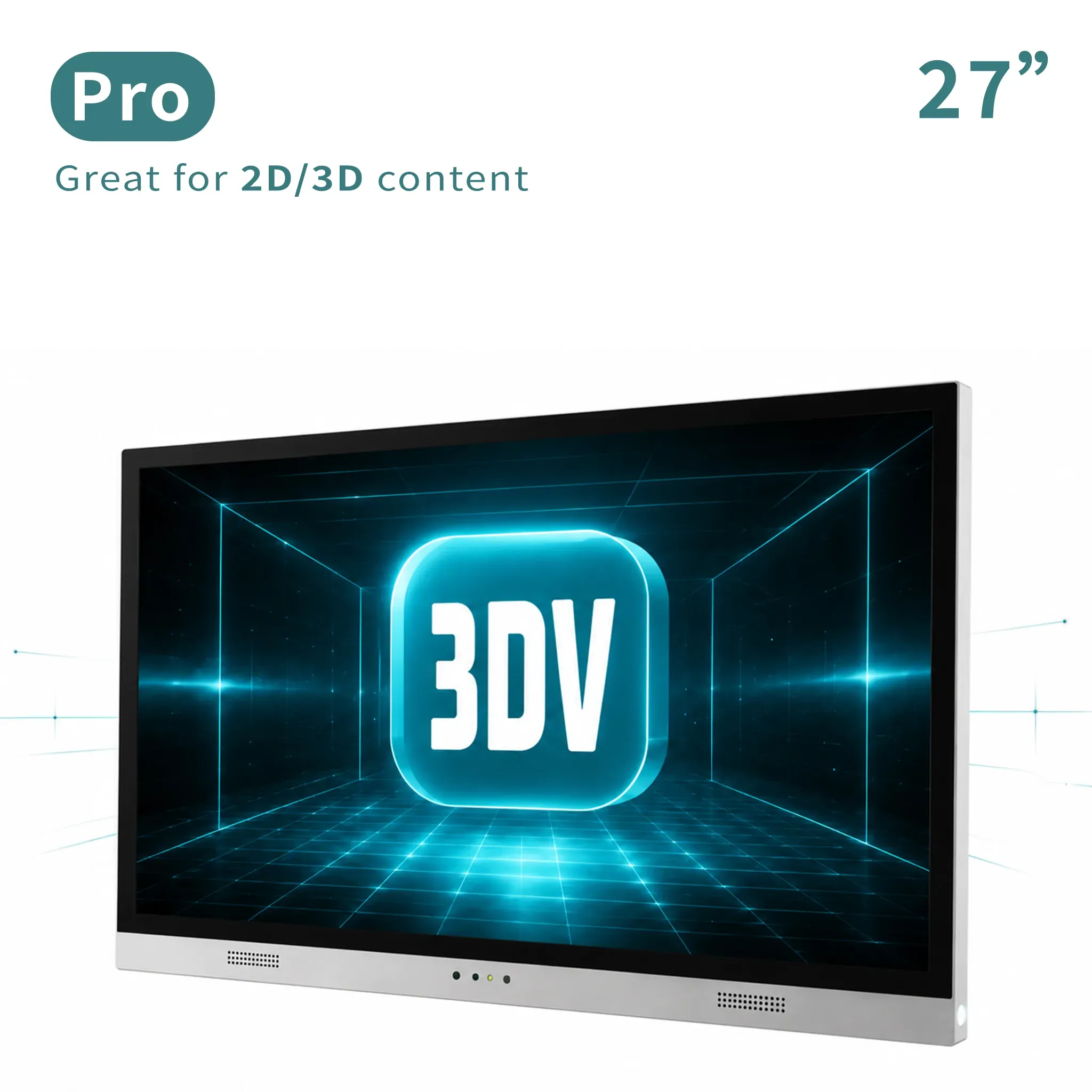
$2,999.00
Main professional review station for frequent 2D/3D switching.
View Product →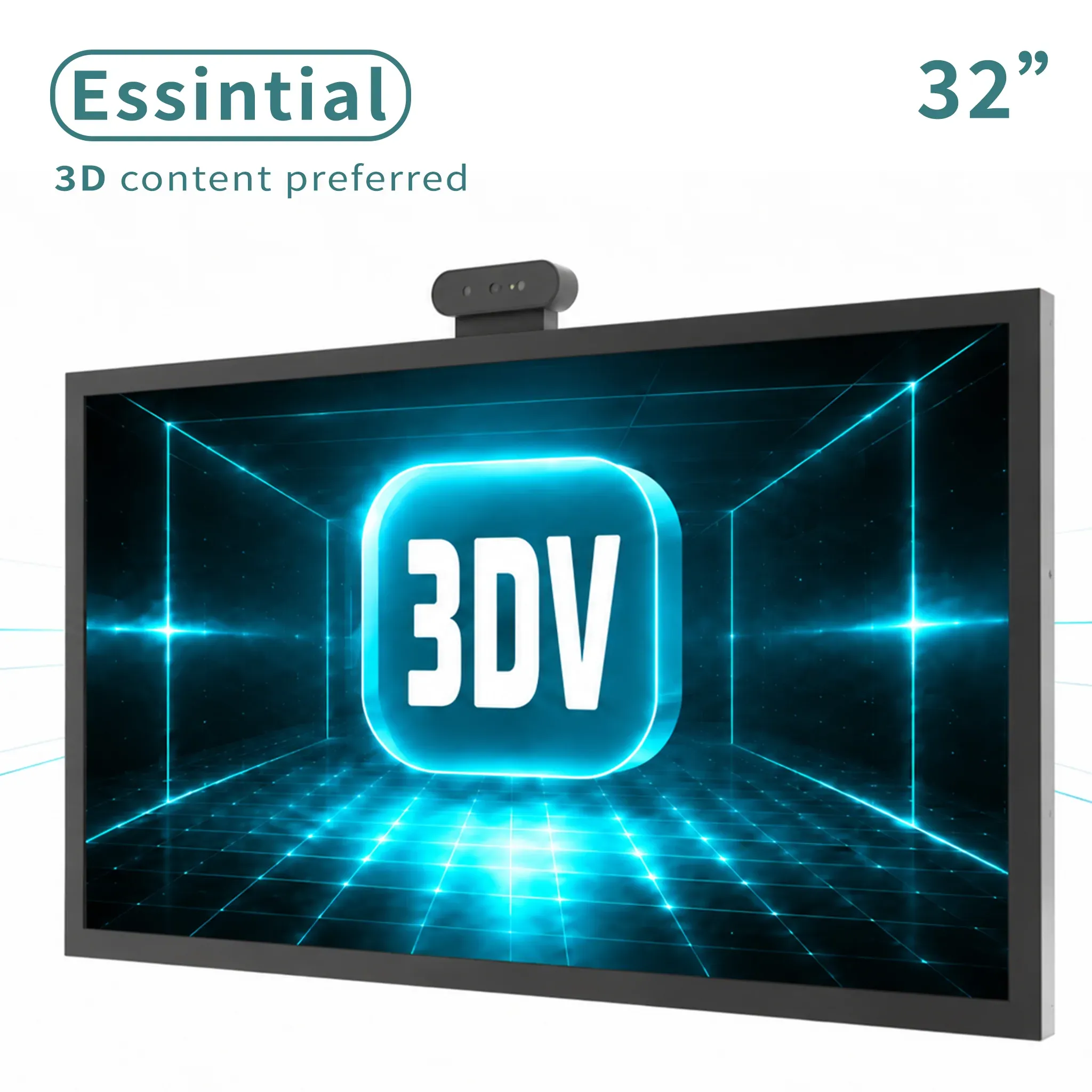
$3,199.00
Large dedicated 3D display for labs, showrooms, and review rooms.
View Product →Choose Pro if you frequently switch between 2D and 3D. Choose Essential when the display is mainly used as a dedicated 3D spatial monitor.
Use Cases
3DV is designed for workflows where depth, internal structure, or spatial relationships matter more than a flat 2D view can show.
Review internal geometry, hidden structures, defect location, inspection findings, and quality communication with spatial depth on a glasses-free 3D display.
See Content Path →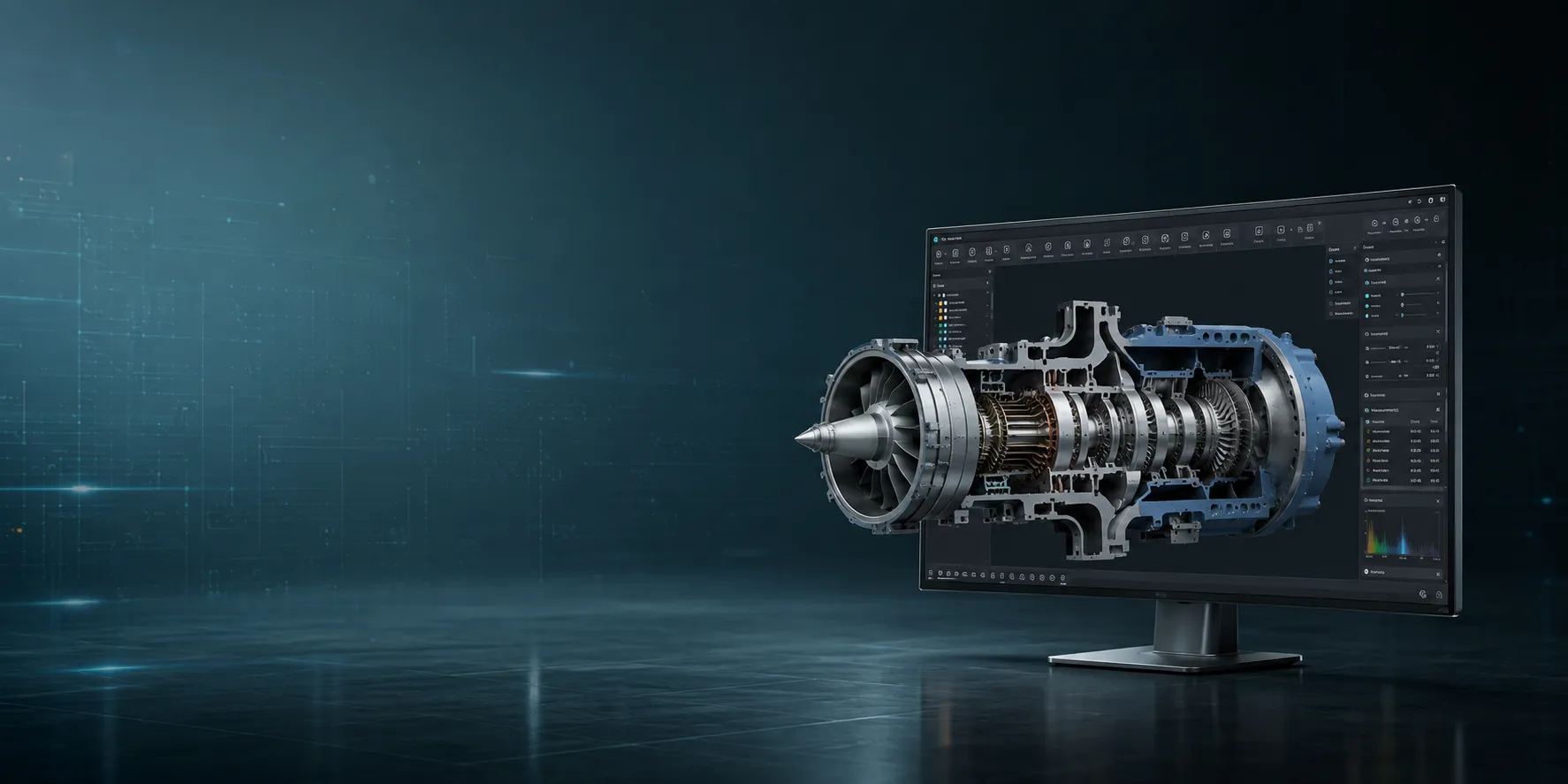
Review CAD models, product structures, mechanical parts, and spatial design details without moving the team into a headset.
Check 3D Model Fit →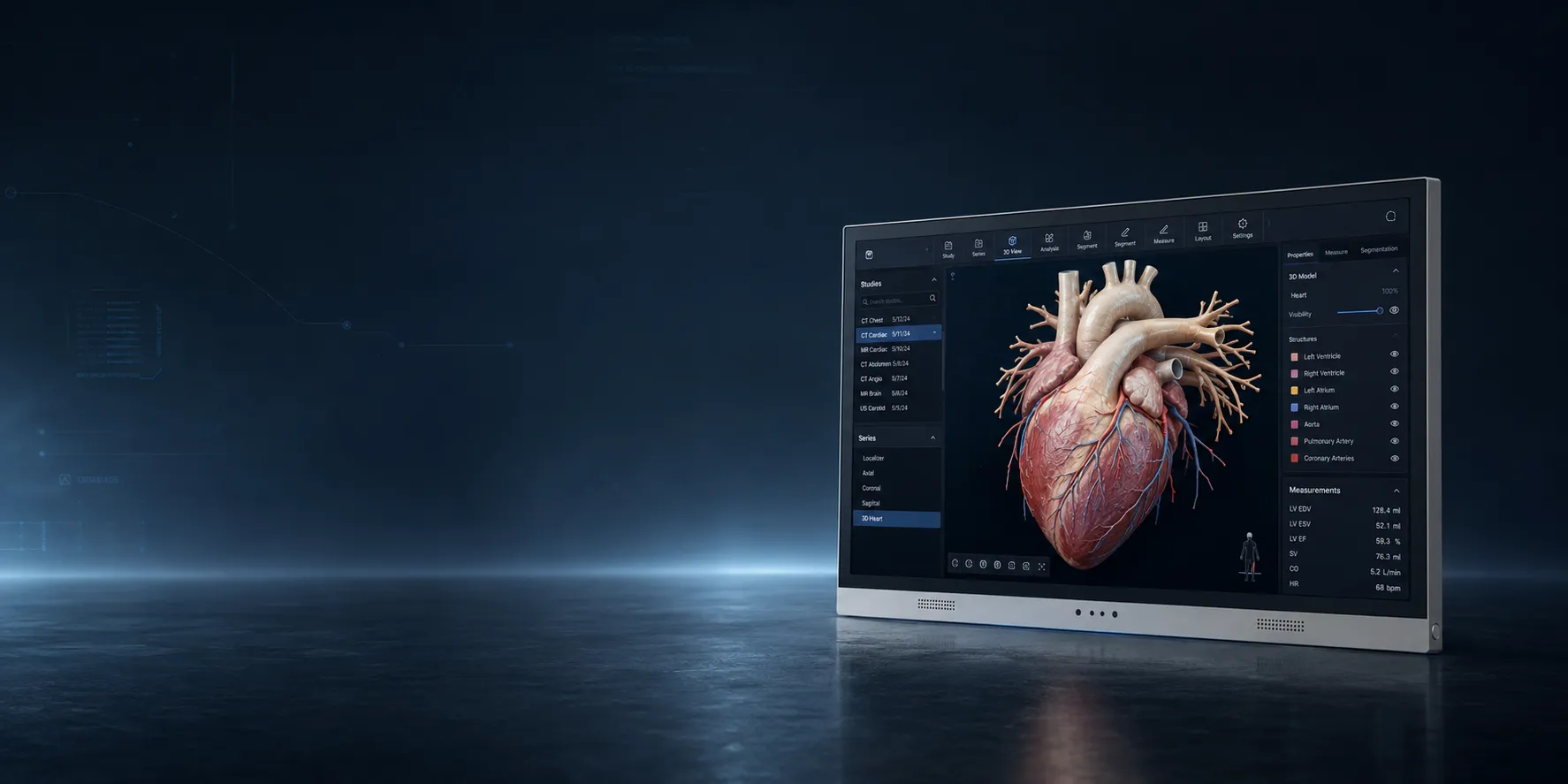
Support medical 3D visualization, anatomy education, training, patient communication, and team review without diagnostic display claims.
Review Workflow Fit →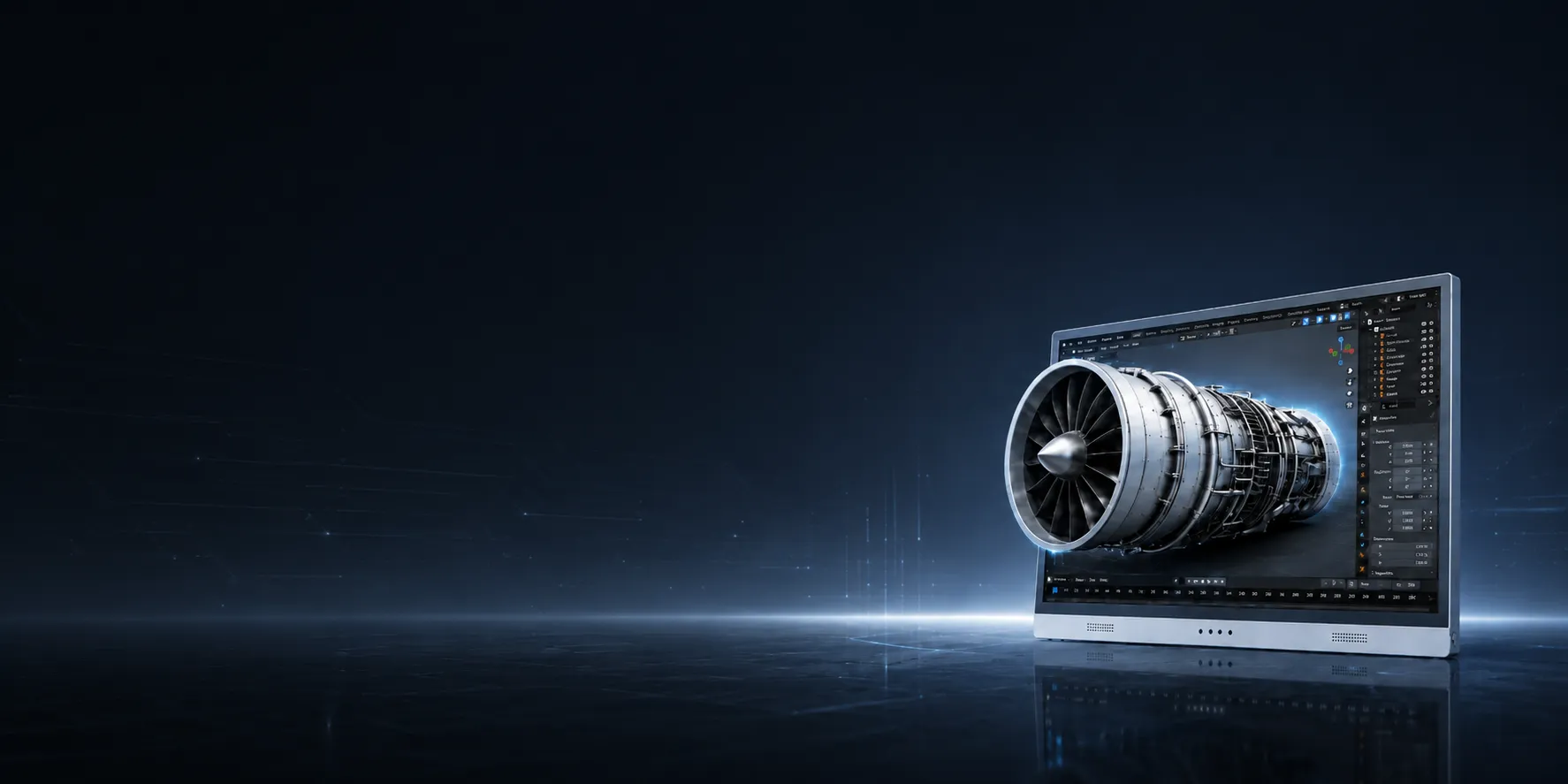
Present product demos, digital human display content, stereo content playback, showroom visuals, and prepared spatial media with monitor-style viewing.
Ask Before Ordering →Content Fit
Not sure? Start with your content, not the display model. 3DV works best when your workflow can output stereo or 3D-ready visual content, and some sources may need conversion, export settings, or a dedicated viewer.
3DV is a good fit when your workflow can output stereo or 3D-ready visual content, such as:
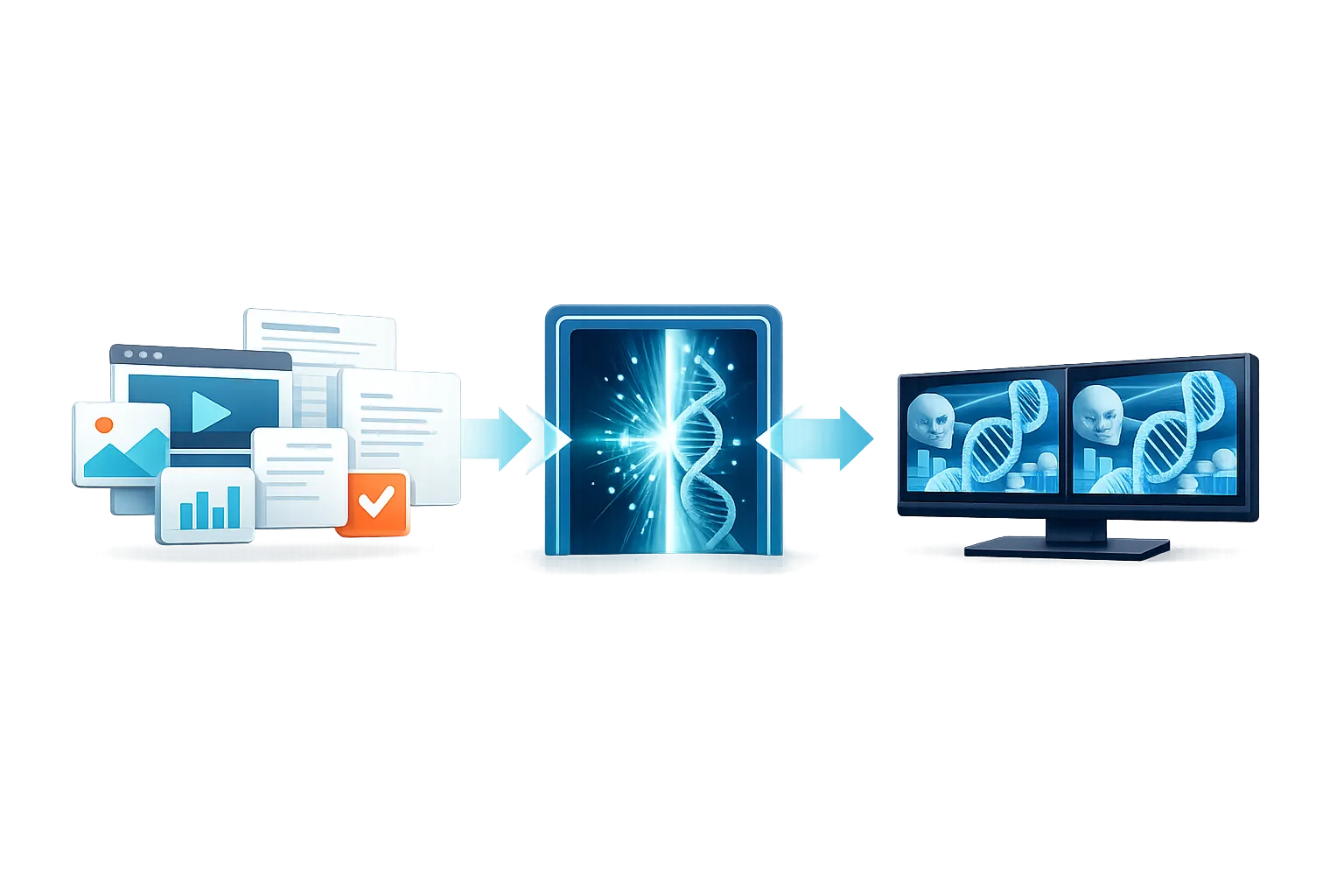
Some content may need conversion, export settings, or a dedicated viewer before it can be shown in 3D:
Not sure where your workflow fits? Send us your content type and software setup. We will help identify the most practical display path.
Spatial Display Lead Form
Share the model you are considering, the content or software you use, and the buying context. A 3DV pre-sales expert will reply with the practical next step.
What to send
Best for model choice, setup, content path, business purchase, distributor, or reseller questions.
Thanks - your inquiry has been sent.
A 3DV pre-sales expert will review your model, content path, and buying context, then reply with the recommended next step within one business day.
A 3DV pre-sales expert will reply within one business day.
Technology
3DV uses an eye-tracked autostereoscopic display architecture. Instead of splitting the panel across dozens of views, it delivers the right left-eye and right-eye views to the current viewer in real time.
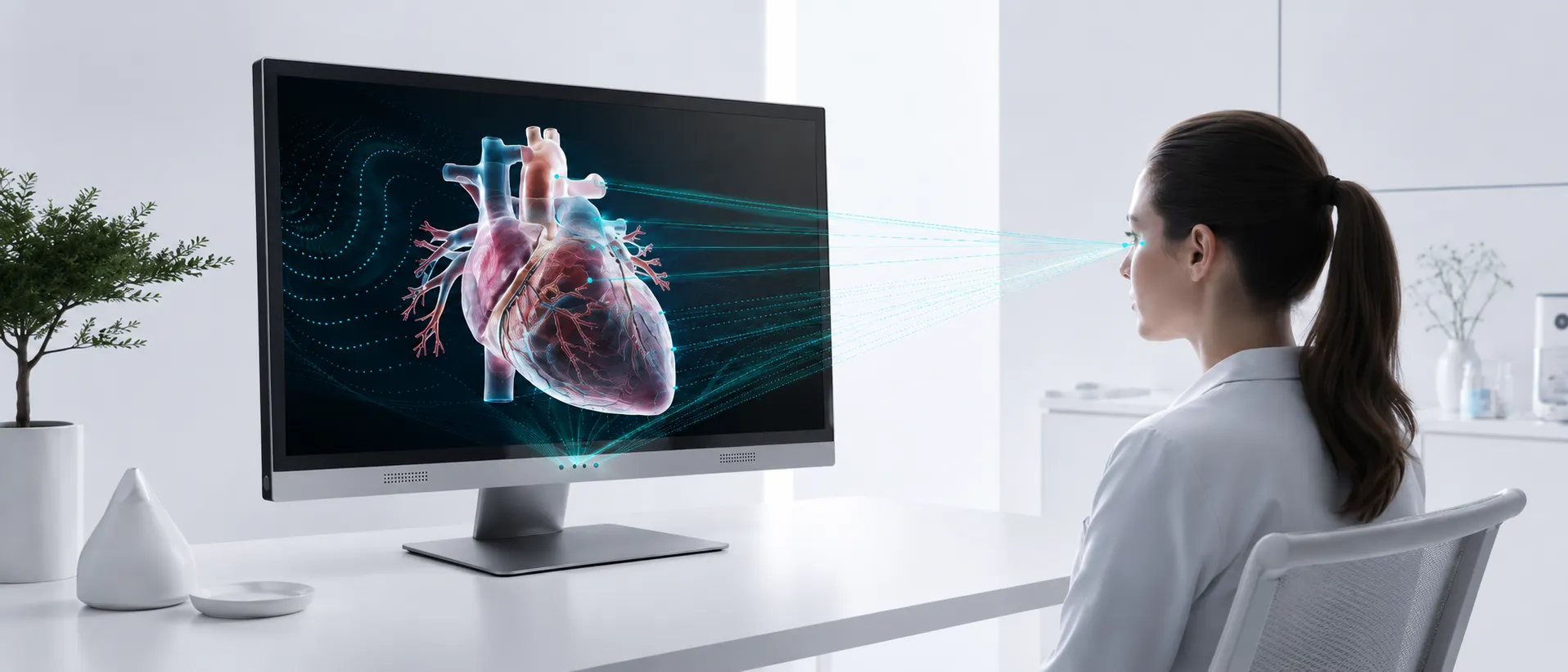
The display tracks the viewer’s eye position so the stereo view can stay aligned as the user moves.
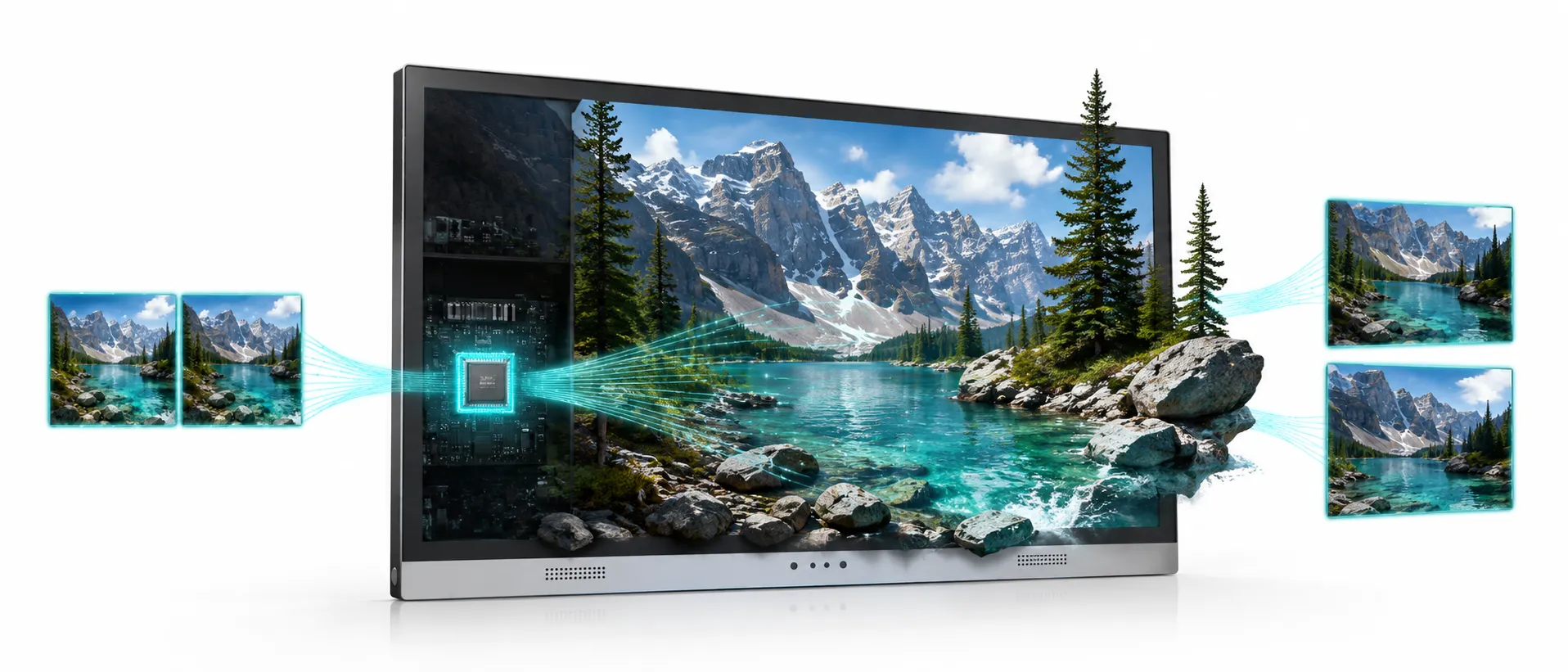
A dedicated FPGA pipeline processes view mapping inside the display, reducing host workload and supporting stable professional review.
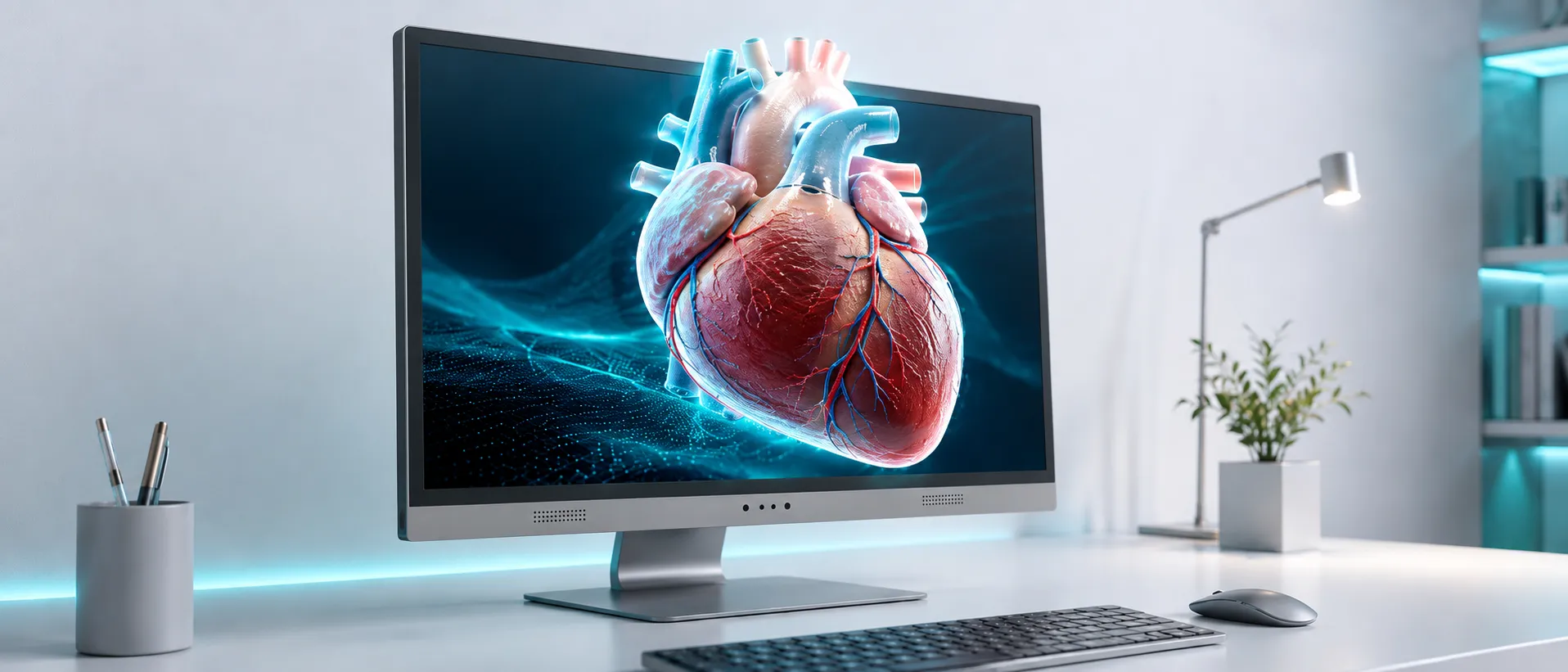
Use 3D when depth matters, and return to 2D when you need standard monitor-style viewing.
Your workstation still renders your 3D content, but 3DV handles eye tracking and display-side view mapping inside the display system. This helps reduce the extra host-side mapping burden often required by software-driven glasses-free 3D workflows.
Use standard display output with your existing workstation or media source. No dedicated 3DV driver software is required for the core display workflow. Specific viewers, plugins, export settings, or content pipelines may still be needed depending on your source format.
Customizable all-in-one configurations can reduce external PC clutter, making them a practical fit for museums, exhibits, and guided demo spaces.
Eye tracking locates the viewer. FPGA processing updates the stereo mapping and dynamic parallax. Optical direction sends the correct view to each eye.
See If Your Content WorksModels
Choose by screen size and how often you need high-quality 2D use.
| Need | Recommended Model | Why |
|---|---|---|
| Lowest-cost dedicated 3D setup | 14" Essential | Compact and cost-effective for dedicated 3D viewing, demos, and secondary setups. |
| Portable demo + frequent 2D use | 15.6" Pro | Portable size with better 2D/3D switching for mixed workflows. |
| Main professional workstation | 27" Pro | Best fit when the display is also used as a regular 2D monitor. |
| Large dedicated 3D room or showroom | 32" Essential | Larger 3D presentation area for dedicated spatial display setups. |
Web Simulator
Use the web simulator to understand how stereo content and viewing parameters affect the spatial effect. A browser preview cannot replace evaluation on a real 3DV display.
FAQ
A glasses-free 3D display sends different views to the left and right eyes so the viewer can perceive depth without wearing 3D glasses or a headset. 3DV is built for professional 3D review workflows rather than consumer 3D entertainment.
An autostereoscopic display creates a 3D effect without requiring glasses. 3DV uses eye tracking and display-side processing to keep the stereo view aligned with the viewer.
Yes. A spatial display keeps the familiar monitor workflow and adds depth directly on the screen. It is useful when users need to review 3D content while still working at a desk, in a lab, or in a shared review setting.
3DV can support CAD and 3D model workflows when the content can be rendered or exported into a compatible stereo or spatial viewing path. Use the content check page to confirm your software and format.
Yes. SBS / side-by-side stereo content is one of the best-fit content types for 3DV and can support an SBS 3D display workflow.
It depends on the viewer, export format, and workflow. 3DV is best evaluated by checking whether your software can output stereo, 3D model, or prepared spatial content.
3DV is primarily optimized for one tracked viewer at a time. This helps deliver clearer and more stable depth for professional review. For public multi-viewer installations, a light-field display may be a different fit.
Choose Pro if you frequently switch between 2D and 3D or use the display as a main workstation screen. Choose Essential when the display is mainly used as a dedicated 3D spatial monitor.
Tell us what content you want to display, what software you use, and which model you are considering. We will help you choose the most practical next step.