
How to Choose a Stereoscopic 3D Monitor: A Workflow-Fit Buyer Guide
A stereoscopic 3D monitor is a display that presents separate left-eye and right-eye views so the viewer perceives real depth on a flat panel. The term covers several delivery methods, including glasses-based stereoscopic displays and the glasses-free autostereoscopic route that 3DV builds around. This guide focuses on the buyer questions that matter before choosing one: what depth delivery means in practice, how a monitor-style workflow differs from a VR headset, and which requirements determine fit.
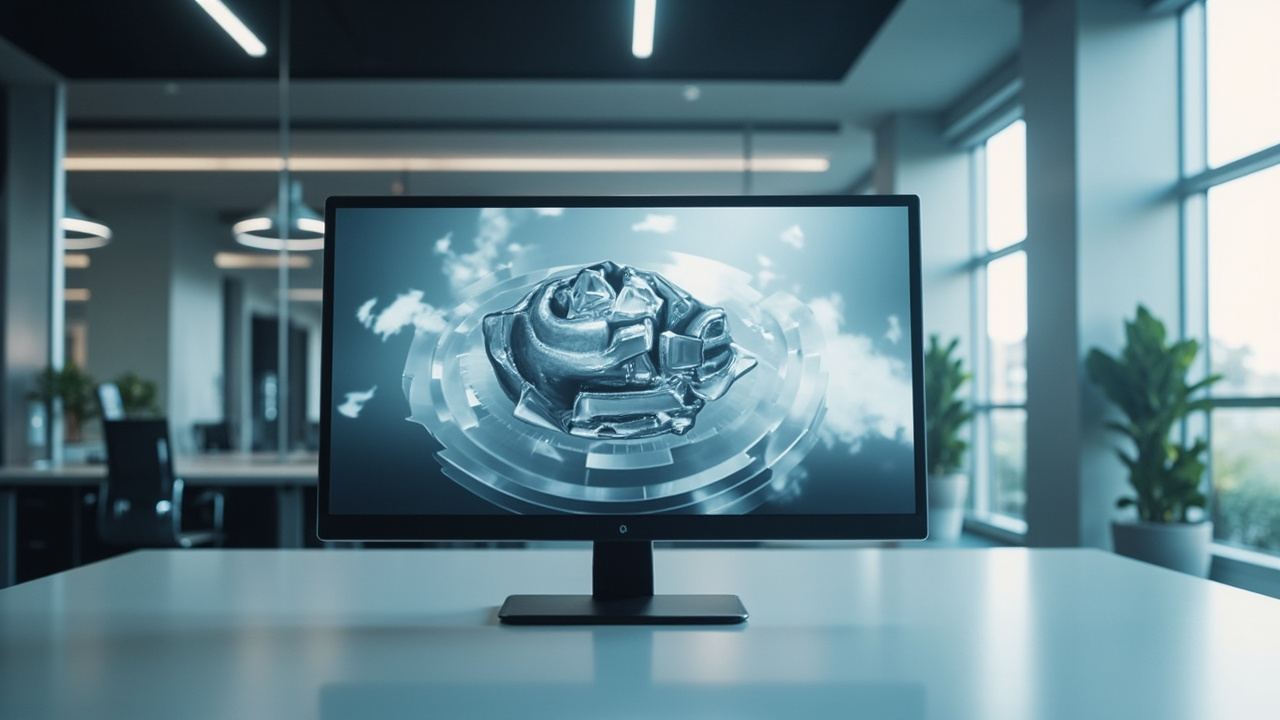
A glasses-free stereoscopic 3D monitor in a professional review setup, delivering depth without glasses or a headset.
What buyers mean by a stereoscopic 3D monitor
In current buyer search language, “stereoscopic 3D monitor” usually refers to one of three things:
- A glasses-based stereoscopic display that requires active shutter or polarized 3D glasses.
- An autostereoscopic, glasses-free 3D display that uses a lenticular or parallax optical layer plus eye tracking to direct left- and right-eye views to the viewer.
- A monitor that can switch between high-quality 2D use and 3D review on the same panel.
3DV’s Spatial Display product line is built around the second and third options. That framing matters for evaluation because the buyer question is rarely just “is it stereoscopic?” but rather “which delivery method fits my room, viewers, and source content?”
How stereoscopic 3D monitors deliver depth without glasses
Glasses-free stereoscopic displays, often called autostereoscopic displays, rely on three building blocks working together:
- A high-resolution panel that can interleave or address multiple viewpoints underneath a single image stack.
- An optical layer, typically a lenticular lens array or parallax barrier, that steers different pixel columns toward each eye.
- Eye tracking, usually structured-light based, that follows the viewer’s head position and updates the stereo mapping in real time.
The result is a monitor-style experience: the viewer sits at a normal viewing distance, sees a stable stereo image in the sweet spot, and does not need to wear glasses or a headset. 3DV Spatial Displays add display-side FPGA processing and dynamic stereo view mapping so the experience stays steady as the viewer moves within the supported range.
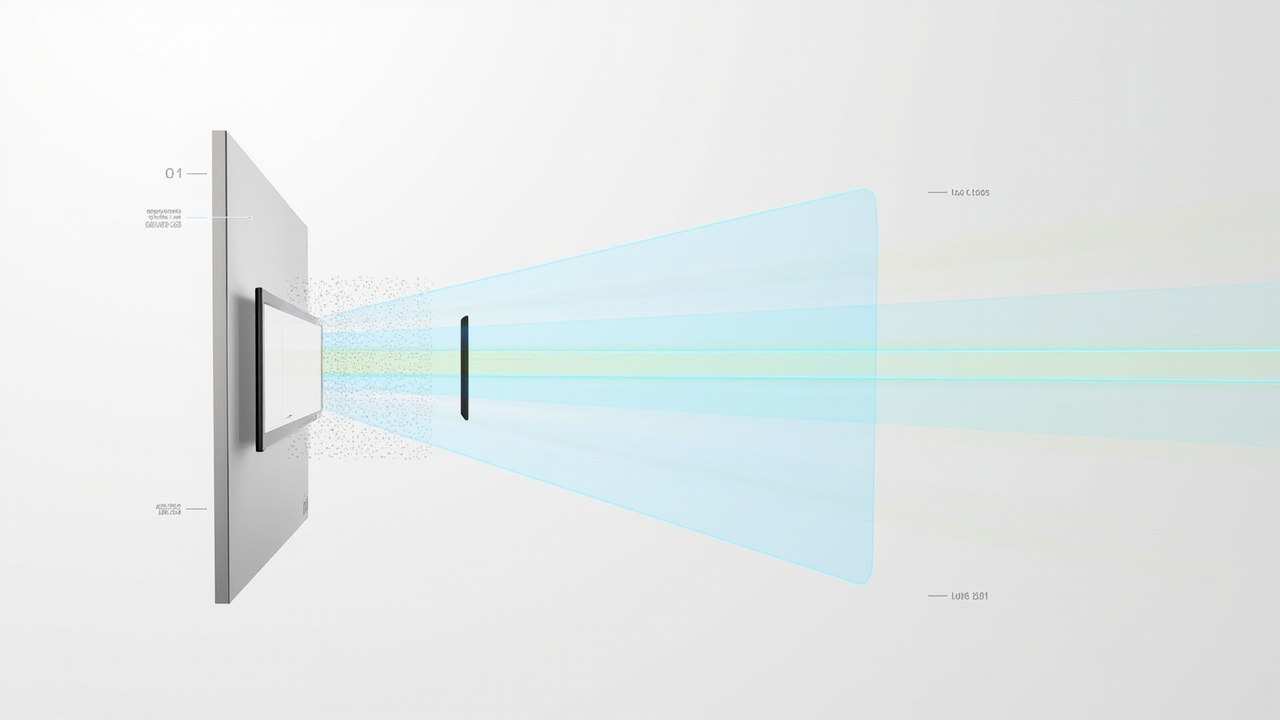
How a glasses-free stereoscopic 3D monitor delivers separate left-eye and right-eye views through a lenticular layer and eye tracking.
For the depth taxonomy, the Stereoscopic Display technical explainer covers the underlying left-eye and right-eye delivery concept, while the Stereoscopic 3D Display technical explainer compares stereoscopic implementations side by side.
Where a stereoscopic 3D monitor fits versus VR and 3D TVs
Most buyers evaluating a stereoscopic 3D monitor are weighing it against two alternatives: a VR headset and a living-room 3D TV. Each option has a different workflow profile.
- VR headset: a fully enclosed, head-mounted stereoscopic display with six-degrees-of-freedom tracking. Strong for individual immersive training and simulation, but it isolates the viewer from colleagues and is not a shared review surface.
- 3D TV: a glasses-based living-room display designed for short-form 3D video, now largely discontinued for new consumer purchases and rarely built around professional review workflows.
- Glasses-free stereoscopic 3D monitor: a shared panel that keeps a monitor-style workflow, supports team review, and fits into medical visualization, industrial inspection, CAD design review, microscope collaboration, education, and showroom scenarios.
If the buyer goal is shared depth review in a room with colleagues, clients, or students, a glasses-free stereoscopic 3D monitor is the closer workflow fit than either alternative.
Workflow requirements before you choose
Before comparing models, capture the workflow inputs that drive fit:
- Viewer profile: solo review at a workstation versus small-group review around one panel.
- Room and ergonomics: desk depth, viewing distance, lighting control, and how often the viewer changes position.
- Source content: whether existing software can output stereo, side-by-side (SBS), CAD, DICOM, CT, Unity, Unreal, WebGL, or 3D model content.
- Daily 2D versus 3D split: how much of the workday is ordinary 2D work versus dedicated 3D review.
- Connectivity: the host PC or workstation graphics pipeline, available outputs, and whether the content pipeline can be adjusted to feed stereo.
These inputs map directly to the compatibility knowledge in the Stereoscopic Display Software workflow and compatibility guide. Buyers should confirm that their source pipeline can produce stereo or SBS output before evaluating panel sizes and series.
Model fit: Essential versus Pro and screen size
Once the workflow inputs are clear, the model decision becomes a fit question rather than a ranking question.
- 14 inch Essential: a compact dedicated 3D review setup, useful for small desks or single-purpose demonstration stations.
- 15.6 inch Pro: a portable mixed 2D and 3D workstation, suited to buyers who frequently switch between ordinary 2D work and 3D review on the same panel.
- 27 inch Pro: the main professional review station, a common fit for medical visualization, CAD review, and engineering rooms where the display is the primary review surface.
- 32 inch Essential: a large dedicated 3D room, lab, showroom, or classroom panel, intended for shared viewing at a slightly longer distance.
A reasonable fit rule: choose Pro when the display has to behave like a high-quality 2D monitor most of the day and switch into 3D review on demand; choose Essential when the panel is reserved as a dedicated 3D spatial monitor. This buyer-guide framing avoids ranking language and keeps the decision grounded in workflow.
Content compatibility and source pipeline checks
A stereoscopic 3D monitor only earns its place when the content pipeline can actually feed it stereo. Before buying, work through a short compatibility pass.
- Confirm that primary software can output stereo, SBS, or a 3D-ready view. CAD viewers, medical viewers, 3D modelers, Unity, Unreal, and WebGL pipelines are the most common fit.
- Identify any 2D-only sources that will need conversion, for example flat images, ordinary 2D video, or software that emits a single view only.
- Run a representative sample through the Spatial Display Content Compatibility article and the Content-to-3D Path Checker to flag content that needs preparation.
- Use the Spatial Display Simulator and the 3DV Spatial Player to validate SBS assets before they reach the display.
Buyers who complete this pass tend to move faster through evaluation because the model decision is already constrained by what their content can deliver.
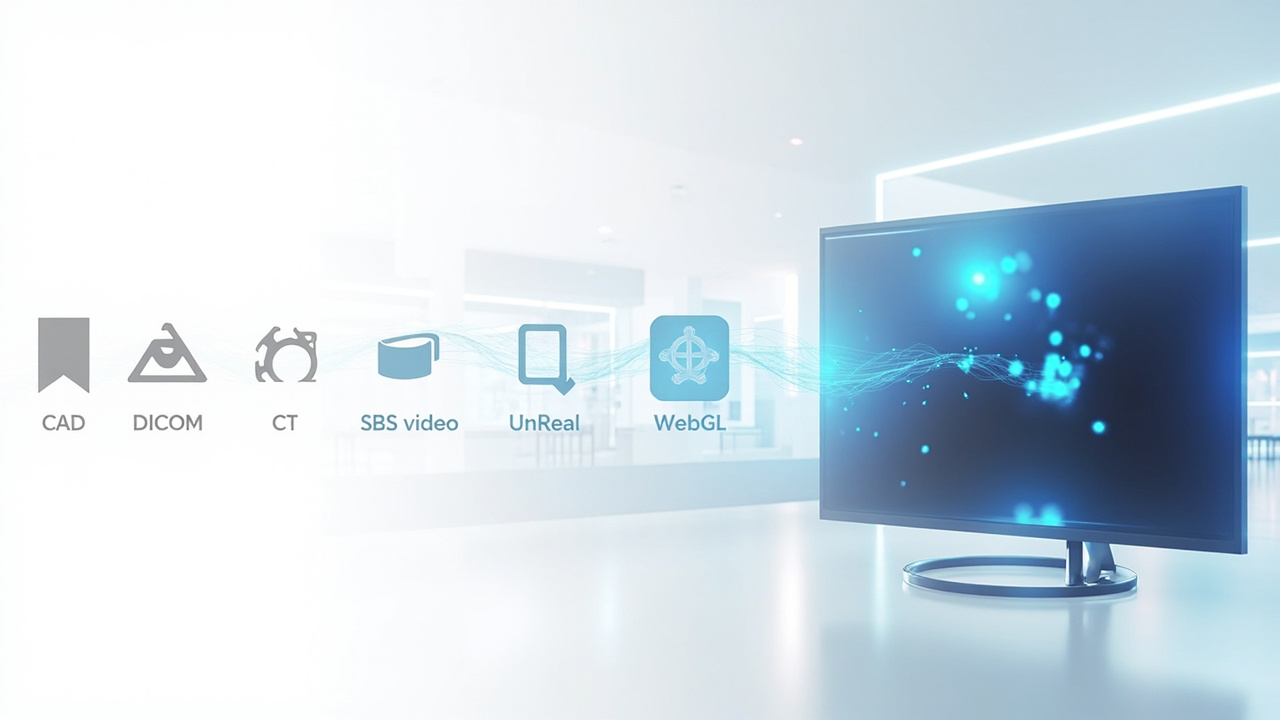
Pre-purchase content compatibility workflow: confirm source software, run the compatibility checker, validate SBS assets, then select a model.
Limits and trade-offs to evaluate
A glasses-free stereoscopic 3D monitor is a professional review tool, not a general-purpose replacement for every display in the room. Buyers should evaluate the limits honestly before committing.
- Optimal viewing is inside a defined sweet spot, so the strongest fit is one or two seated reviewers rather than a large audience.
- Source content that cannot output stereo will not benefit from the display’s depth capability and should be prepared, retimed, or replaced.
- Current 3DV Spatial Display models are positioned as non-touch, so touchscreen assumptions should be set aside during evaluation.
- The panel is built for review, visualization, education, training, communication, and workflow evaluation rather than consumer entertainment framing.
These limits are part of fit, not flaws. The right buyer is a team that has stereo-ready content and a clear shared-review use case.
Next steps and pre-purchase support
For buyers in the evaluate stage, the cleanest next steps are:
- Run content through the compatibility path described above to confirm the source pipeline.
- Use the Display Selector to map workflow inputs to a model.
- Open an Ask Before Ordering conversation for edge cases such as custom content pipelines, regulated environments, or multi-room deployments.
- Request a demo when hands-on evaluation of depth delivery is needed before purchase.
A stereoscopic 3D monitor is a workflow-fit decision. Once the viewer profile, room ergonomics, source pipeline, and 2D versus 3D split are clear, the model choice follows from those inputs rather than from a generic ranking.