
How To Get Free 3D Glasses
If you are searching for free 3D glasses, you are usually trying one of three things: previewing stereo content at home, getting eyewear for an event or classroom, or evaluating whether a glasses-based 3D workflow is worth buying into at all. This guide walks through where free 3D glasses are typically offered, the common formats you will encounter, what to watch for in compatibility, and when a glasses-free 3D display is a more practical fit for serious review work.
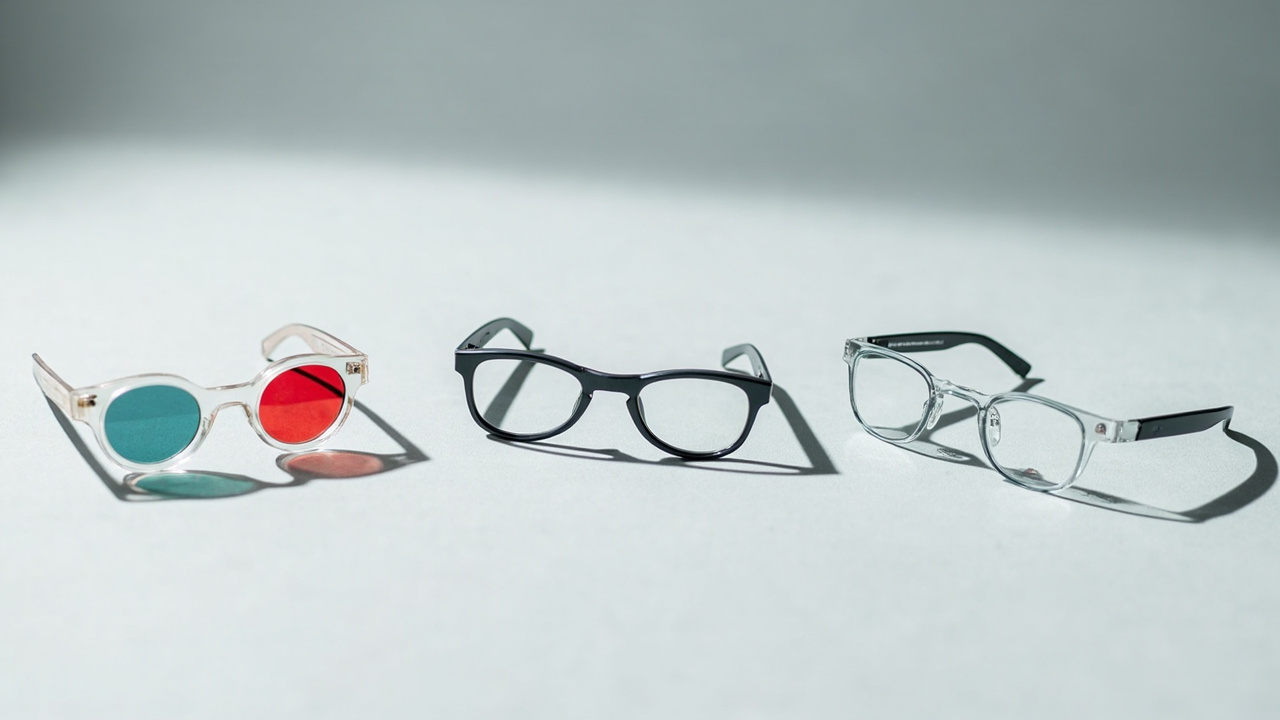
Free 3D glasses come in several formats, and matching the format to the display and source content is the first step.
What readers usually mean by free 3D glasses
The phrase “free 3D glasses” tends to cover three different needs:
- Promotional anaglyph or polarized glasses that ship with a 3D-capable TV, monitor, or projector bundle.
- Loaner or disposable glasses handed out at cinemas, museums, trade shows, and classroom demonstrations.
- Do-it-yourself approaches, such as printable anaglyph templates or simple cardboard frames, that some tutorials describe as “free.”
Each of these is built around a specific stereoscopic delivery method. Anaglyph glasses use red/cyan color filters, polarized glasses use orthogonal light polarization, and active-shutter glasses use synchronized LCD shutters. None of these are interchangeable, which is the first thing to confirm before you commit to any free option.
Where free 3D glasses are commonly offered
Based on the practical channels readers most often ask about, free 3D glasses typically come from these sources:
- Retailer and manufacturer promotions. Some 3D-capable displays, projectors, and bundles historically shipped with one or two pairs of passive or active-shutter glasses included. Promotional mail-in offers for additional pairs have appeared from time to time.
- Cinemas and event venues. Theaters running RealD, IMAX 3D, or Dolby 3D still hand out polarized glasses as part of the ticket experience. Trade shows, product launches, and museum installations sometimes distribute disposable glasses at the door.
- Schools, libraries, and education programs. STEM kits, planetariums, and classroom 3D content programs often include anaglyph or polarized glasses for shared viewing. Programs vary by region, so availability depends on local partners.
- Printable or DIY templates. Printable anaglyph frames are a long-standing workaround for casual experimentation. The glasses themselves are effectively free, but the viewing quality and eye comfort are limited.
A practical caution: any “free” offer should be checked for shipping fees, minimum purchase thresholds, regional restrictions, or expiration dates. A genuinely free pair from a reputable channel is much less risky than an unverified third-party listing.
Common types of 3D glasses you may receive
Before you choose a source, it helps to know what you might be getting:
- Anaglyph (red/cyan). The simplest format. Works with most color-based stereo content but can shift colors and cause eye fatigue during long sessions.
- Passive polarized. Lightweight, no batteries, generally comfortable. Requires a display or projector that outputs the matching polarization pattern.
- Active shutter. Battery-powered, generally higher fidelity, but heavier and prone to sync, fit, and interference issues. Usually specific to one display brand or family.
- Disposable cardboard or paper frames. Convenient for short demos, but fit, durability, and optical quality are inconsistent.
Matching the glasses to the source content and the display matters more than the price tag. A free pair of the wrong type is not actually useful.
Compatibility and content fit considerations
Free 3D glasses only deliver value when three things line up: the display format, the source content, and the viewer count.
- Display format. A polarized display needs polarized glasses. A 120 Hz or higher active-shutter display needs matching active-shutter glasses. An anaglyph workflow needs red/cyan content and the corresponding filters.
- Source content. Many legacy 3D movies are encoded in side-by-side (SBS) or top-bottom formats for polarized playback. CAD, medical, and microscope 3D content is usually delivered as discrete left-eye/right-eye image pairs. Without the right glasses, the stereo effect collapses into a blurry double image.
- Viewer count. Passive glasses scale easily across multiple viewers because there is no active synchronization. Active-shutter glasses can be expensive if each viewer needs a powered pair, and free pairs of active glasses are rare.
If any of these three elements does not match, the free glasses will not produce a usable 3D image. Confirming the format before requesting or printing a pair saves time.
Limits of free 3D glasses in professional workflows
Free 3D glasses are well suited to short, casual, or one-off viewing, but several limits show up quickly in professional review:
- Hygiene and sharing. Reusable glasses need cleaning between users. Disposable frames are often flimsy and uncomfortable for long sessions.
- Fit over prescription eyewear. Some viewers wear prescription glasses, and stacking 3D glasses on top is uncomfortable. This is a recurring topic covered in detail in How Do 3D Glasses Work If You Have Glasses.
- Color accuracy. Anaglyph filters distort color, which is a problem for medical imaging, industrial inspection, CAD review, and design work where accurate color and contrast matter.
- Eye comfort during long sessions. Long stereoscopic sessions through glasses can cause fatigue. This is covered in Is Stereoscopic Viewing Harmful To The Eyes and is worth reviewing before adopting any glasses-based workflow at scale.
- Viewer ergonomics. Active-shutter glasses add weight, and passive frames vary in fit. Neither is ideal for a multi-hour review meeting.
These limits are not reasons to avoid 3D glasses entirely. They are reasons to be clear-eyed about where free or low-cost glasses fit and where they do not.
When a glasses-free 3D display is the better fit
For viewers who want depth perception without handing out, cleaning, or wearing 3D glasses at all, the glasses-free category is the natural next step. This is the core category for 3DV’s spatial 3D work.
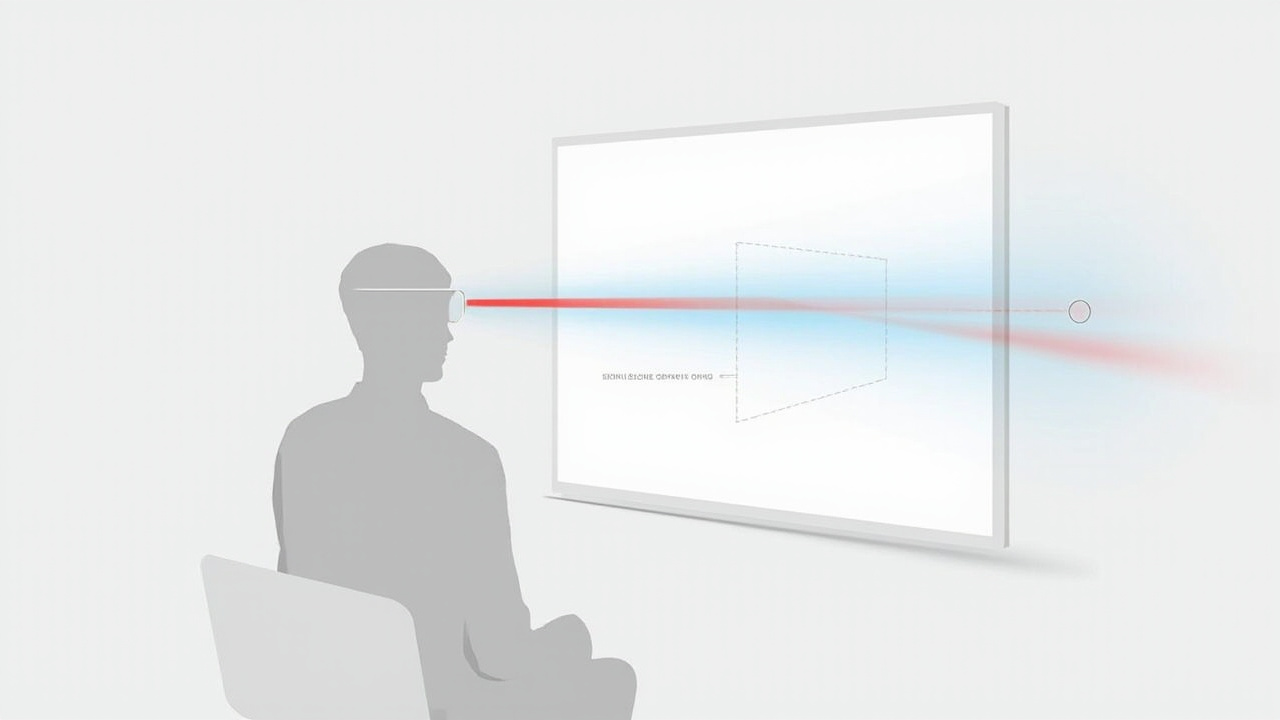
Glasses-free 3D displays use an optical layer and eye tracking to deliver left and right views without eyewear.
A glasses-free 3D display, also called an autostereoscopic display, uses an optical layer combined with eye tracking to deliver separate left-eye and right-eye views to the viewer. The result is real depth without eyewear, no batteries to charge, and no fit-over-glasses problem.
For professional buyers evaluating this route, the workflow typically looks like this:
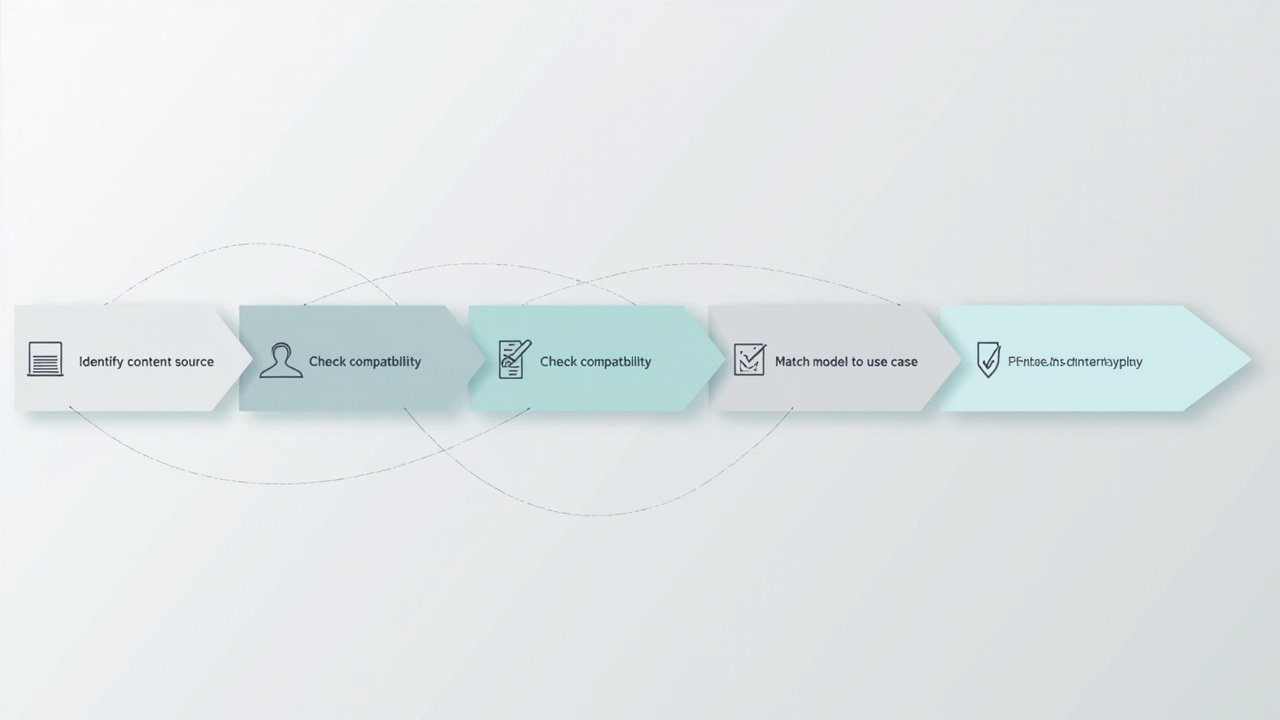
A typical evaluation workflow moves from content source to compatibility check, model selection, and pilot review.
- Identify the content source. CAD models, DICOM volumes, microscope captures, stereo video, and 3D applications that can output left/right views are all strong candidates.
- Check compatibility. Use the Spatial Display Content Compatibility guidance or the Content-to-3D Path Checker to confirm the source can be delivered in a stereo-ready format.
- Match the model to the use case. Pro series displays support frequent 2D/3D switching. Essential series displays are better suited to dedicated 3D stations. The Display Selector can help narrow the choice.
- Pilot the workflow. A demo or short-term evaluation is usually the fastest way to confirm that the content pipeline, viewer count, and viewing distance match the display.
This is also the category the question “what can I use instead of 3D glasses” usually points to. See What Can I Use Instead Of 3D Glasses and What 3D Does Not Require Glasses for adjacent context.
Choosing and next steps
If your goal is a short, casual, or one-time 3D experience, free 3D glasses from a verified retailer, venue, or educational program are a reasonable starting point. Confirm the format, confirm the source content matches, and keep expectations realistic about color, comfort, and viewer count.
If your goal is a repeatable professional workflow, especially for medical visualization, industrial inspection, CAD review, or microscope collaboration, the trade-offs of free or low-cost glasses usually outweigh the savings. In that case, a glasses-free 3D display is the more durable answer to the underlying question behind “how to get free 3D glasses” — how to get 3D viewing without the friction of glasses at all.
For buyers ready to evaluate that route, the most efficient next steps are:
- Review the Spatial 3D Display overview.
- Run content compatibility through the official checker.
- Use the Ask Before Ordering support path if your workflow has unusual requirements.
These steps keep the decision grounded in workflow fit rather than in the availability of a free pair of glasses.