
How 3D Glasses Work When You Already Wear Prescription Glasses
If you wear prescription glasses, the question “how do 3D glasses work if you have glasses?” usually comes down to a workflow problem, not a physics problem. Stereoscopic 3D glasses are designed to sit at a fixed distance from your eyes, and most prescription frames break that geometry. This explainer walks through what changes for prescription wearers, why glasses-free 3D spatial displays sidestep the issue, and what to confirm before you switch workflows.
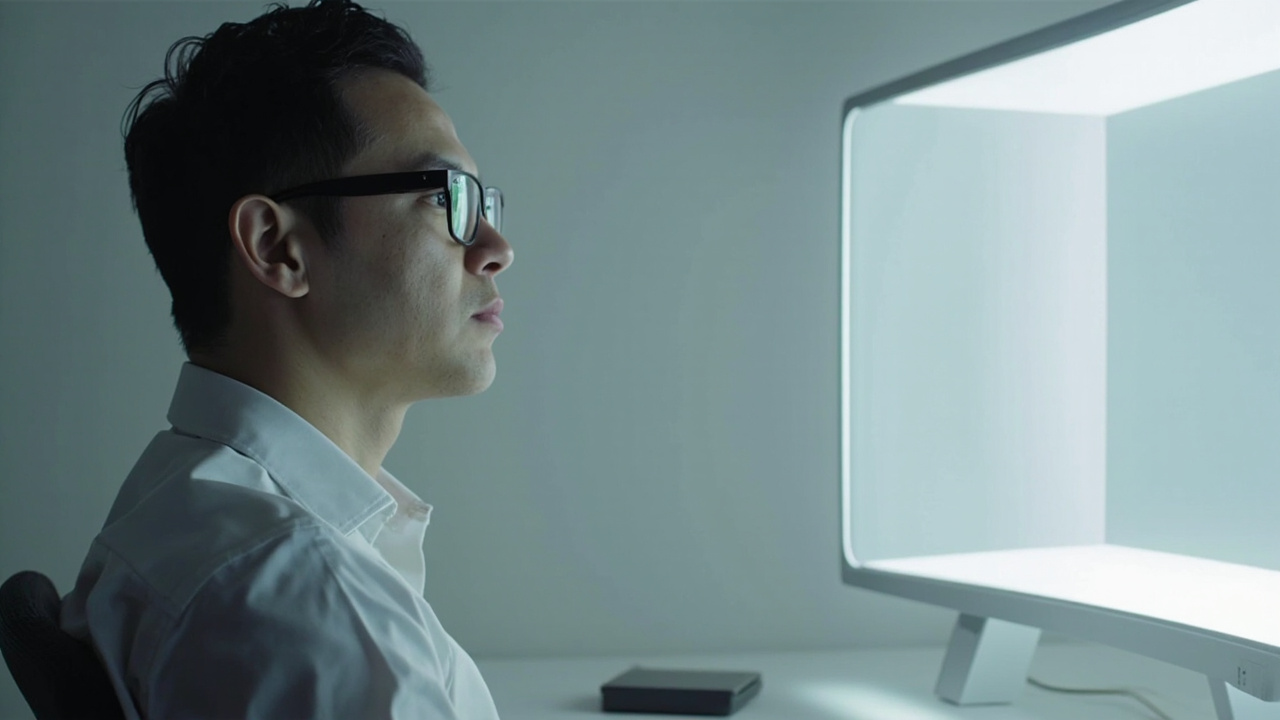
Prescription glasses stay on; the display handles left/right view mapping.
Why prescription wearers ask this question
The question shows up because the standard answer — “3D glasses deliver a separate image to each eye” — assumes the viewer can wear those glasses in a controlled position. Prescription frames change three things at once:
- Vertex distance. Stereoscopic 3D glasses are tuned for a specific eye-to-lens gap. Stacking them over prescription frames pushes your eyes farther from the active optics than the design expects.
- Lens tilt. Prescription frames rarely sit perfectly parallel to a second pair of glasses on top of them. A few degrees of tilt can soften contrast and break the left/right separation.
- Weight and stability. Two pairs of glasses on the bridge of the nose slip during a long review session, which moves the optics while you are trying to read fine 3D detail.
For professional review work — medical visualization, industrial inspection, CAD review, microscope collaboration — these are not edge cases. They affect whether depth reads correctly across a full shift.
How stereoscopic 3D glasses work — quick contrast
This section is intentionally brief so it does not duplicate the dedicated explainer.
Stereoscopic 3D glasses (shutter, polarized, or anaglyph) work by sending a different image to each eye so your brain fuses them into depth. The glasses have to sit at the design distance and angle to keep that left/right separation clean. For the full coverage of shutter, polarized, and anaglyph mechanics, see the Stereoscopic Displays: Technical Explainer.
The take-away for prescription wearers: the optics are sensitive to fit, and prescription frames are an uncontrolled variable on top of them.
Why fit-over glasses are a workflow problem
“Fit-over” frames are the usual workaround, but they introduce their own workflow costs:
- Re-issuing eyewear per user. Each viewer needs their own fit-over pair, sized to their prescription frames. Multi-user review sessions become an eyewear logistics problem.
- Hygiene for clinical review. Sharing fit-overs across a clinical or inspection team adds a cleaning step that other display workflows do not require.
- Alignment drift. Fit-overs slide during long sessions, so the left/right image separation quietly degrades and reviewers may not notice until a measurement is questioned.
- Vertex distance again. Even with fit-overs, the active lens is still farther from the eye than the design assumes, which can soften stereo effect at the edges.
These are workflow-fit issues, not product defects. They are the reason the question keeps coming up for teams that need stable depth perception across many users.
How glasses-free 3D spatial displays work for prescription wearers
Glasses-free 3D spatial displays remove the second pair of glasses from the equation. The depth work moves into the display itself.
A 3DV Spatial Display uses an autostereoscopic architecture that includes a microlens array or a lenticular layer, depending on the model, combined with structured-light eye tracking and display-side FPGA processing. The display tracks where the viewer’s eyes are and dynamically maps left-eye and right-eye views to those positions. Your prescription glasses are then the only optics in front of your eyes.
For the underlying terms — autostereoscopy, lenticular, microlens, parallax barrier — see the Autostereoscopy: Technical Explainer. For the broader question of how a 3D display works without glasses, see Which 3D Does Not Require Glasses: Technical Explainer.
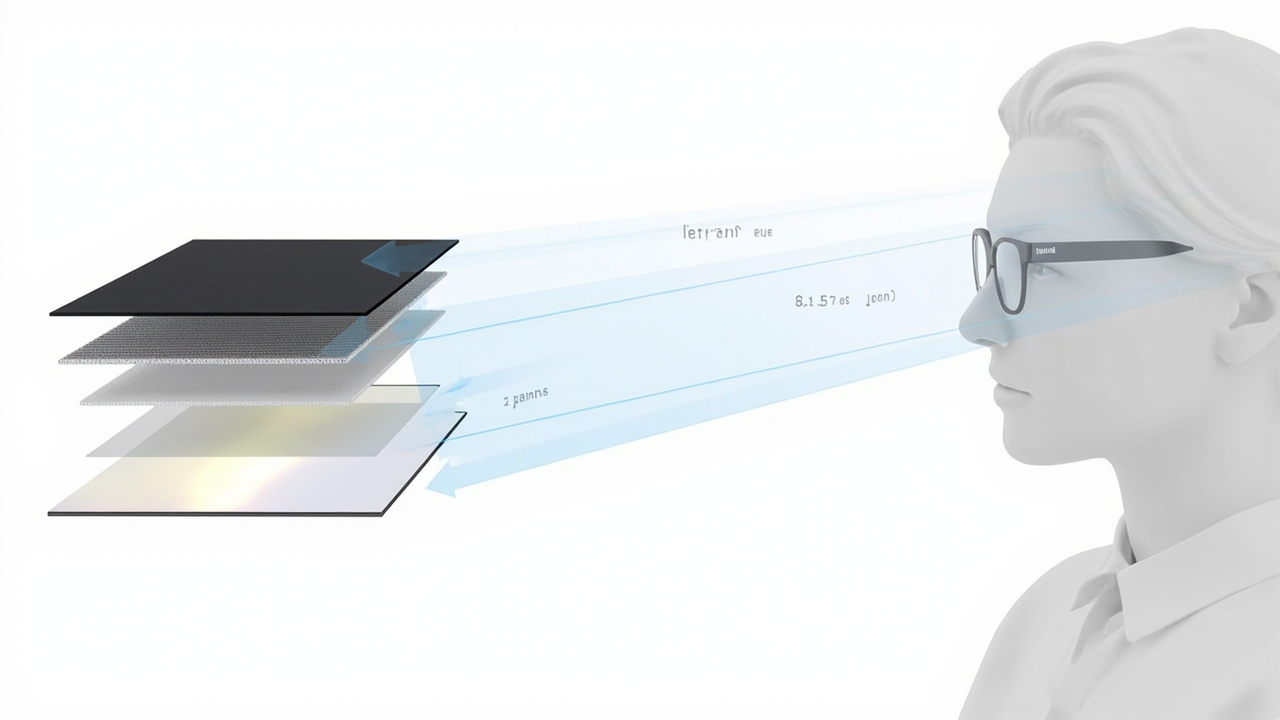
Autostereoscopic view mapping replaces the role of 3D glasses.
Prescription-glasses workflow fit on a Spatial Display
For prescription wearers, the practical workflow fit comes down to four checks:
- No fit-over layer. Your prescription glasses are the only optics on your face. There is no second pair to align, clean, or reissue.
- Eye-tracked view mapping. Because the display follows your eye position, small head movements during a long review session do not break the stereo view the way fit-over drift can.
- 2D / 3D switching on Pro models. If you switch between 2D documentation and 3D review, Pro models support 2D / 3D workflow switching without the viewer changing eyewear. That matters for prescription wearers who would otherwise need to remove and replace glasses for every mode change.
- Monitor-style posture. Spatial Displays are designed for a monitor-style working posture rather than a headset fit. Prescription wearers who find VR headsets uncomfortable for long sessions typically find a monitor-style workflow more sustainable.
To confirm that your existing content will feed this workflow, the Spatial Display Content Compatibility article walks through SBS, CAD, DICOM, and stereo-ready pipelines.
Multi-user rotation without re-issuing eyewear
For teams, the glasses-free workflow changes how a review session runs:
- Each viewer keeps their own prescription glasses on.
- The eye-tracking system re-maps to the new viewer’s position when they sit down.
- There is no shared fit-over pair to clean, swap, or size.
This is a workflow fit benefit, not a capability list. It is most relevant for clinical review rooms, inspection bays, and teaching setups where several specialists take turns at the same display.
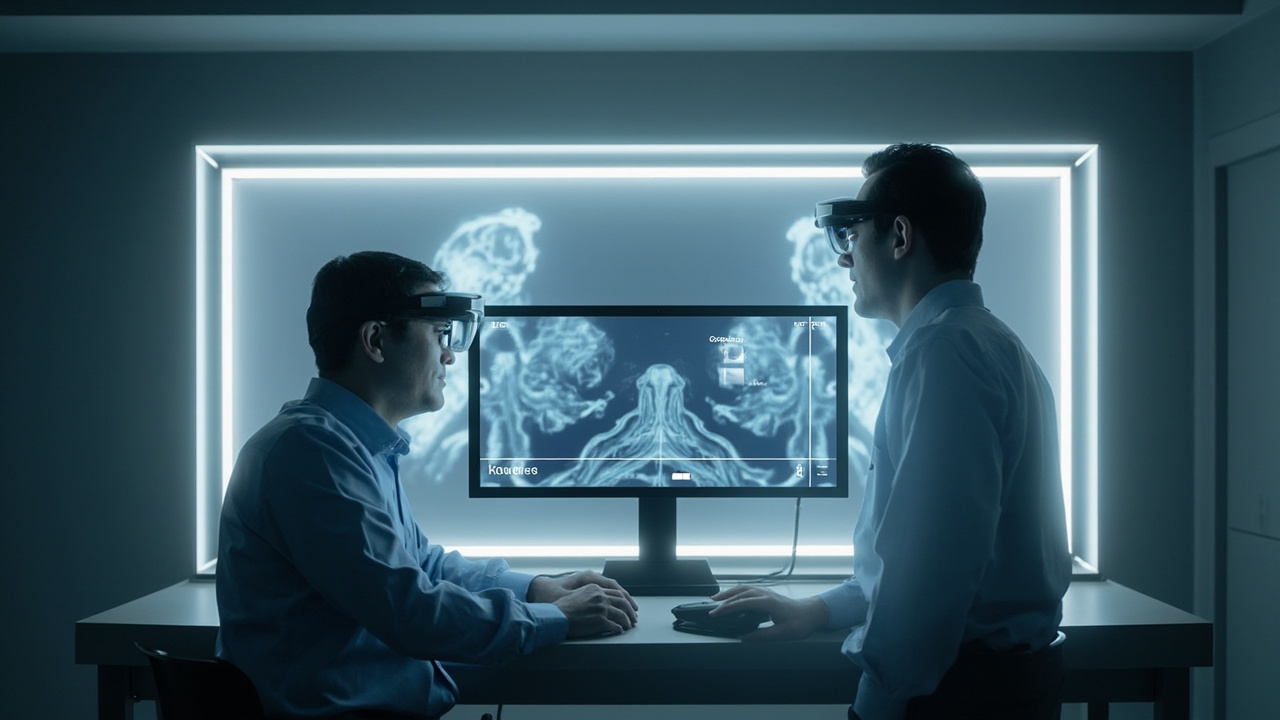
Multi-user rotation without re-issuing eyewear.
Fit, hygiene, and clinical-review considerations
Three practical points to keep in mind:
- Vertex distance is no longer shared. Your prescription glasses sit at their normal distance from your eyes. The display handles the rest of the optics.
- Hygiene stays simple. Because no shared fit-over eyewear is introduced, clinical and inspection teams avoid the cleaning step that comes with stacked glasses.
- Posture and viewing distance still matter. Spatial Displays are designed for a seated, monitor-style viewing distance. Very close viewing or extreme head tilt can push you outside the tracked sweet spot. For the general posture guidance, see What Does 3D Display Do.
Limits to confirm before you switch
Even with glasses-free 3D, a few items are worth confirming against the live product page before you commit:
- Single primary viewer framing. Some Spatial Display configurations are tuned for a single primary viewer at a time. Re-confirm this against the live Spatial Display product page before publishing or quoting it for a multi-user room.
- Source content readiness. Autostereoscopic depth only reads as well as the source content. Stereo or SBS content is the strongest fit; flat 2D content needs preparation.
- Workspace ergonomics. Because prescription glasses are the only optics now, your usual monitor viewing distance and lighting setup apply directly. Plan desk depth and ambient light accordingly.
- Buyer-decision framing. For the broader glasses-free buying context, the Naked-Eye 3D: Buyer Decision Primer is the closest adjacent read.
Next steps for prescription-wearer buyers
If you are evaluating a workflow change rather than just curiosity:
- Run your typical content through the Display Selector to see which Spatial Display model matches your review workload.
- Check your source pipeline against Spatial Display Content Compatibility to confirm your content is 3D-ready.
- Bring your prescription-wearer questions — vertex distance, multi-user rotation, clinical hygiene — to the Ask Before Ordering support path before you place a deployment order.
For prescription-wearer teams, the shift from stacked 3D glasses to a glasses-free 3D spatial display is less about new physics and more about removing a fit variable that stereoscopic workflows could never fully control.