
Is Stereoscopic Viewing Harmful To The Eyes: Technical Explainer
Stereoscopic viewing is a display technique, not a medical treatment. For most professional viewers, short, well-prepared stereoscopic sessions on properly tuned equipment do not cause structural eye damage, but they can produce the same kind of transient visual fatigue that any sustained near-focus task can produce. The relevant questions for a professional review team are which delivery method is being used, how long sessions run, and whether the source content is producing a clean stereo signal.
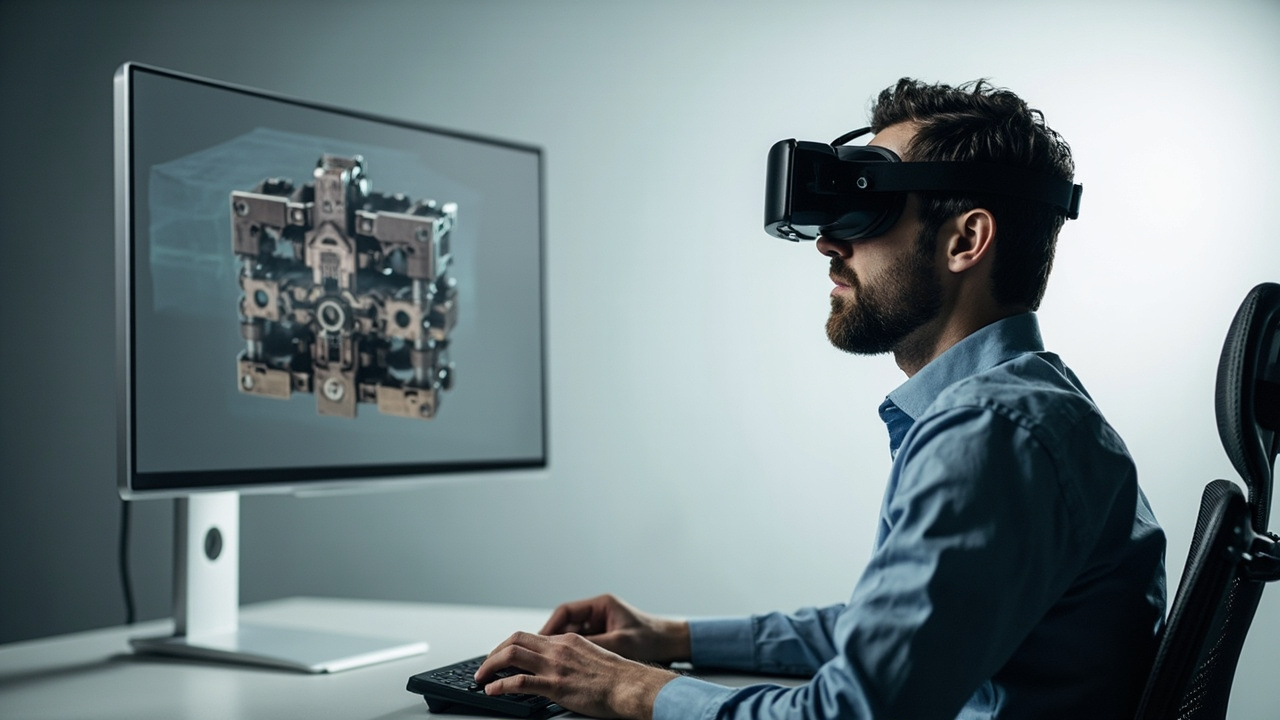
Glasses-free autostereoscopic displays keep stereoscopic viewing inside a normal monitor-style workflow.
Short Answer: Is Stereoscopic Viewing Harmful To The Eyes?
For the majority of viewers, stereoscopic viewing on a correctly configured display is not harmful to the eyes in the sense of causing injury. The more accurate framing is:
- Stereoscopic viewing can cause transient visual fatigue, similar to long sessions on any high-focus display.
- The mechanism of delivery matters. Head-mounted stereoscopic systems, polarized passive displays, and glasses-free autostereoscopic displays place different demands on the visual system.
- Session length, content quality, and viewer-specific factors determine whether a viewer feels strain during or after a session.
- Anyone with a pre-existing binocular vision condition should evaluate stereoscopic viewing with an eye-care professional before adopting it as a daily workflow tool.
3DV keeps its medical framing narrow on purpose. Stereoscopic displays are positioned here as visualization, review, education, training, communication, and workflow evaluation tools, not as diagnostic or therapeutic devices.
What “Harmful” Usually Means In Viewing-Comfort Conversations
When buyers and reviewers ask whether stereoscopic viewing is harmful to the eyes, they are usually asking one or more of these narrower questions:
- Will it damage my retina or eyesight over time?
- Will it cause headaches, nausea, or dizziness?
- Will it make my existing vision problems worse?
- Is it safe for daily professional use, several hours a day?
- Is one delivery method safer than another?
The honest technical answer is that the available evidence and the operating principles of stereoscopic displays are consistent with transient fatigue rather than structural harm, provided that:
- The display is producing a clean left-eye / right-eye separation.
- The convergence and focus cues are not in strong conflict.
- The viewer is taking normal screen breaks.
- The viewer does not have an undiagnosed binocular vision disorder.
3DV is not in a position to make medical claims beyond that scope. Readers with specific symptoms or conditions should consult a qualified eye-care professional.
How Stereoscopic Viewing Actually Delivers Depth
A stereoscopic display works by sending slightly different images to each eye, so the brain reconstructs depth the same way it does in natural binocular vision. The technical steps are:
- The application or pipeline prepares two views, typically a left view and a right view, from a stereo camera pair, a dual-camera render, a CAD or DICOM export, or a side-by-side (SBS) composition.
- The display routes each view to the correct eye using one of several optical mechanisms.
- The visual cortex fuses the two views into a perceived depth image.
The phrase stereoscopic viewing describes the end result, not the specific optical method. That matters for eye-comfort discussions because each delivery method stresses the visual system differently.
Where Eye Fatigue And Discomfort Come From
Most reported discomfort during stereoscopic viewing traces back to a small set of recurring causes. Review teams that understand these causes can prevent most of them before they reach a viewer.
Vergence–Accommodation Conflict
In natural vision, the eyes converge on a near object and the lens focuses at the same distance. In a stereoscopic display, the eyes still converge on the apparent depth of the scene, but the lens focuses on the screen surface. When the disparity is too large or the scene keeps shifting depth aggressively, the visual system has to reconcile two mismatched signals, which can produce fatigue.
Incorrect Stereo Calibration
If the left and right views are swapped, the disparity is inverted, the geometry is wrong, or the interocular distance setting does not match the viewer, the brain receives an inconsistent depth map. Symptoms are usually immediate and obvious: headaches, nausea, or a refusal to fuse into a single image.
Poor Source Content
Flat 2D content played on a stereoscopic display, or stereo content with weak disparity, tends to force the viewer to either fuse nothing useful or to constantly readjust. Either case wastes cognitive effort and tends to produce fatigue faster than well-prepared 3D content.
Session Length And Posture
Stereoscopic viewing inherits the fatigue profile of any high-focus display task. Long unbroken sessions, poor viewing distance, glare on the screen, and low ambient lighting all add to the load. These factors are not unique to stereoscopic viewing.
Viewer-Specific Conditions
Some viewers have reduced or absent stereopsis, amblyopia, strabismus, orvergence disorders. For these viewers, the visual system may not fuse the two views comfortably at all, and stereoscopic viewing can be more fatiguing than for the general population.
How Glasses-Free Autostereoscopic Displays Differ From Headsets
The “stereoscopic viewing is harmful” question changes noticeably when the delivery method changes. 3DV Spatial Displays are autostereoscopic, meaning they deliver separate left and right views without a headset or polarized glasses. That changes the eye-comfort profile in a few concrete ways.
No Head-Mounted Weight Or Confined Field Of View
Head-mounted stereoscopic systems place the screen very close to the eyes and add device weight to the head and neck. 3DV Spatial Displays are monitor-style workstations, so the eyes focus at a normal viewing distance and the user sits at a desk like with any other professional display.
Eye Tracking For Clean View Mapping
3DV Spatial Displays use eye tracking and structured-light sensing to map the correct view to the viewer’s actual eye position. When the system tracks the eyes correctly, the viewer stays inside the stereo “sweet spot” and does not have to hold an uncomfortable head pose to keep the image fused.
Dynamic Adjustment As The Viewer Moves
Because the mapping updates with eye position, small head and body movements do not break the stereo image the way they often do on fixed-viewpoint stereoscopic monitors. This reduces one of the most common sources of discomfort on lower-end stereoscopic displays.
No Peripheral Conflict From A Headset
A headset blocks peripheral vision and forces the visual system to accept only the display’s view of the world. A glasses-free spatial display keeps peripheral vision intact, so the vergence load is limited to the display content rather than the entire field of view.
These differences do not make autostereoscopic viewing risk-free, but they do reduce several of the most common fatigue drivers found in headset-based stereoscopic workflows.
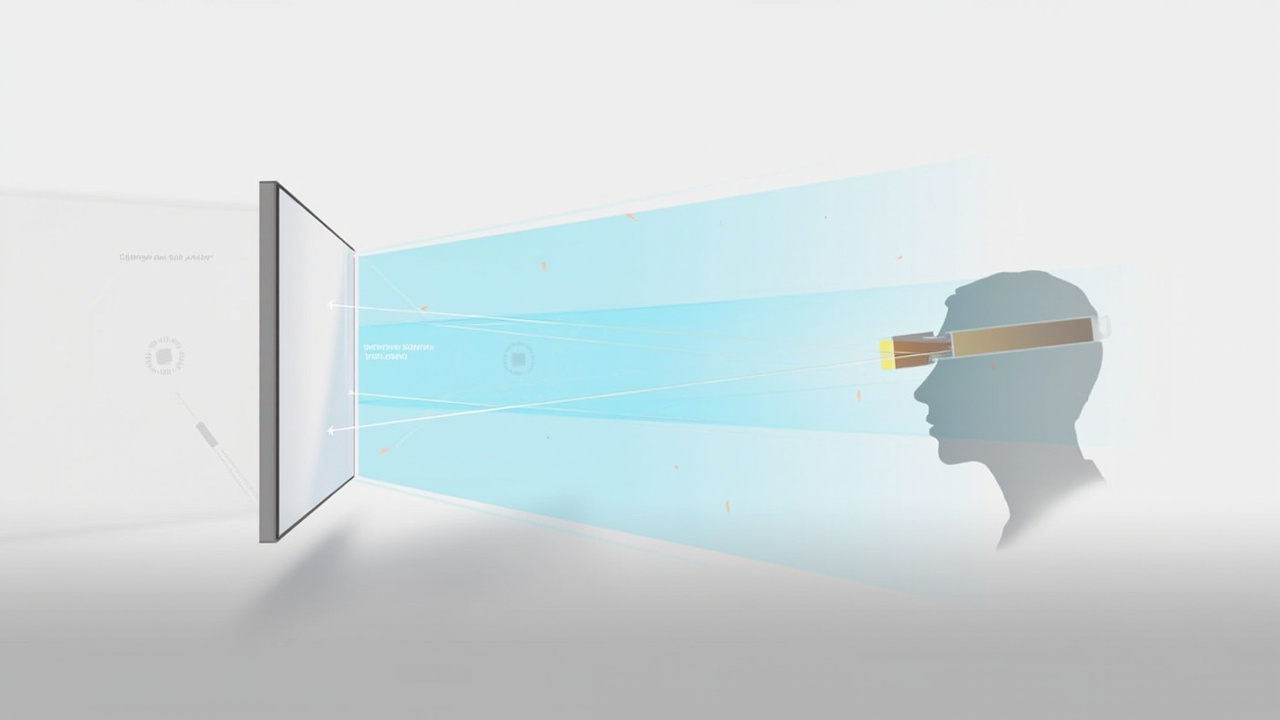
Autostereoscopic delivery removes several of the most common fatigue drivers found in headset-based stereoscopic viewing.
Workflow-Fit Considerations For Professional Review Teams
For a 3DV-style review team, the eye-comfort question is really a workflow-fit question. The display only performs as well as the content and the viewing conditions allow.
Content Quality
The display delivers the cleanest stereo when the source content can output a proper left and right view:
- Side-by-side (SBS) stereo content
- CAD or 3D model viewers with stereo output
- Medical or industrial 3D exports with paired views
- Unity, Unreal, WebGL, or custom 3D applications with stereo camera output
Flat 2D content, single-camera video, and software without stereo output will not produce a useful depth image and may add to viewer fatigue without delivering review value.
Display Selection
Different 3DV Spatial Display models fit different roles:
- 14 inch Essential for compact demos and dedicated 3D review setups
- 15.6 inch Pro for portable mixed 2D / 3D workstation use
- 27 inch Pro for the main professional review station
- 32 inch Essential for larger dedicated 3D rooms, labs, showrooms, or classrooms
The Pro models are a stronger fit when reviewers frequently switch between 2D and 3D workflows. The Essential models are a stronger fit when the display is mostly used as a dedicated 3D spatial monitor.
Viewing Distance And Lighting
Reasonable defaults for professional review sessions:
- A viewing distance roughly 1.5 to 2 times the screen diagonal
- Even, glare-controlled ambient lighting, not a dark room
- A seated posture that keeps the eyes level with the upper third of the screen
These are the same defaults that reduce fatigue on any high-focus professional display.
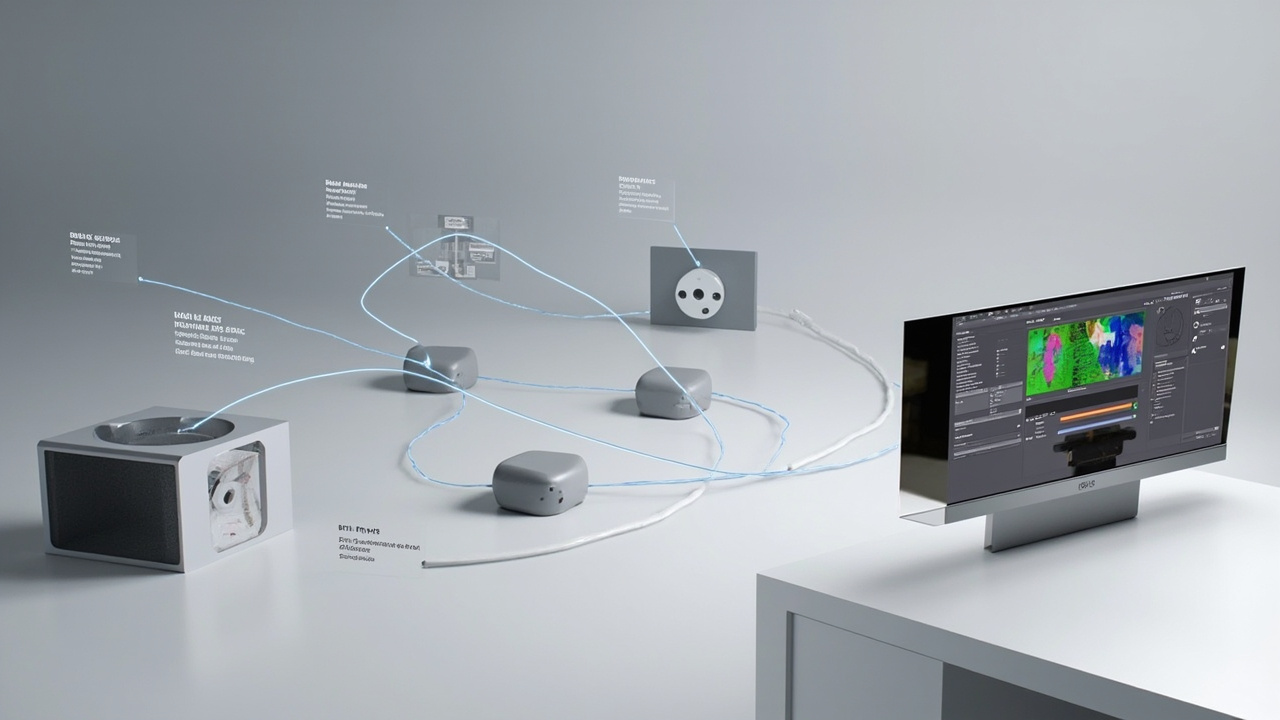
A clean stereo source signal is the foundation of a low-fatigue stereoscopic review session.
Practical Viewing Habits And Limits
These habits reduce transient fatigue for most viewers regardless of which stereoscopic system they use:
- Use the 20-20-20 pattern during long review sessions: every 20 minutes, look at something about 20 feet away for at least 20 seconds.
- Keep stereo sessions shorter for unfamiliar content. New disparity ranges take time to adapt to.
- Adjust content, not the viewer, when fatigue appears. Reduce disparity, soften depth motion, or switch to a 2D mode if available.
- Keep the room at a comfortable ambient brightness rather than fully dark.
- Avoid using stereoscopic viewing as a primary screen for general office work. Use a standard monitor for email, documents, and long text tasks.
- Treat persistent headaches, double vision, or nausea as a signal to stop and investigate rather than push through.
When To Escalate To A Specialist
Stereoscopic viewing should be paused and discussed with an eye-care professional if a viewer regularly experiences:
- Headaches or eye strain that does not resolve after a short break
- Persistent double vision after a session
- New difficulty focusing on near objects
- Dizziness or nausea triggered specifically by stereoscopic content
- A known or suspected binocular vision disorder
3DV does not diagnose or treat vision conditions. The role here is to flag when a viewing workflow is producing symptoms that warrant professional evaluation.
Next Steps With 3DV
For professional teams that want to evaluate stereoscopic viewing as part of a real workflow, the practical path is:
- Review content compatibility to confirm that your source formats can deliver stereo-ready output to a 3DV Spatial Display.
- Match a display model to your review room, session length, and 2D / 3D switching needs.
- Request a demo through the official 3DV site to evaluate viewing comfort on a real autostereoscopic display before committing to a deployment.
Stereoscopic viewing is a delivery method, not a medical risk by default. The right display, the right content, and reasonable session habits are what keep it a comfortable tool for professional visualization, review, education, training, communication, and workflow evaluation.