
What Can I Use Instead Of 3D Glasses
If you need 3D depth perception but do not want to wear 3D glasses, the main professional option is a glasses-free 3D display, also called an autostereoscopic or spatial display. These systems deliver separate left-eye and right-eye views through a lenticular optical layer combined with eye tracking, so viewers see real depth on a flat panel without headsets, polarized lenses, or shutter eyewear. For teams that review 3D models, medical visuals, CAD data, or stereo content regularly, this category is the practical replacement for legacy 3D glasses.
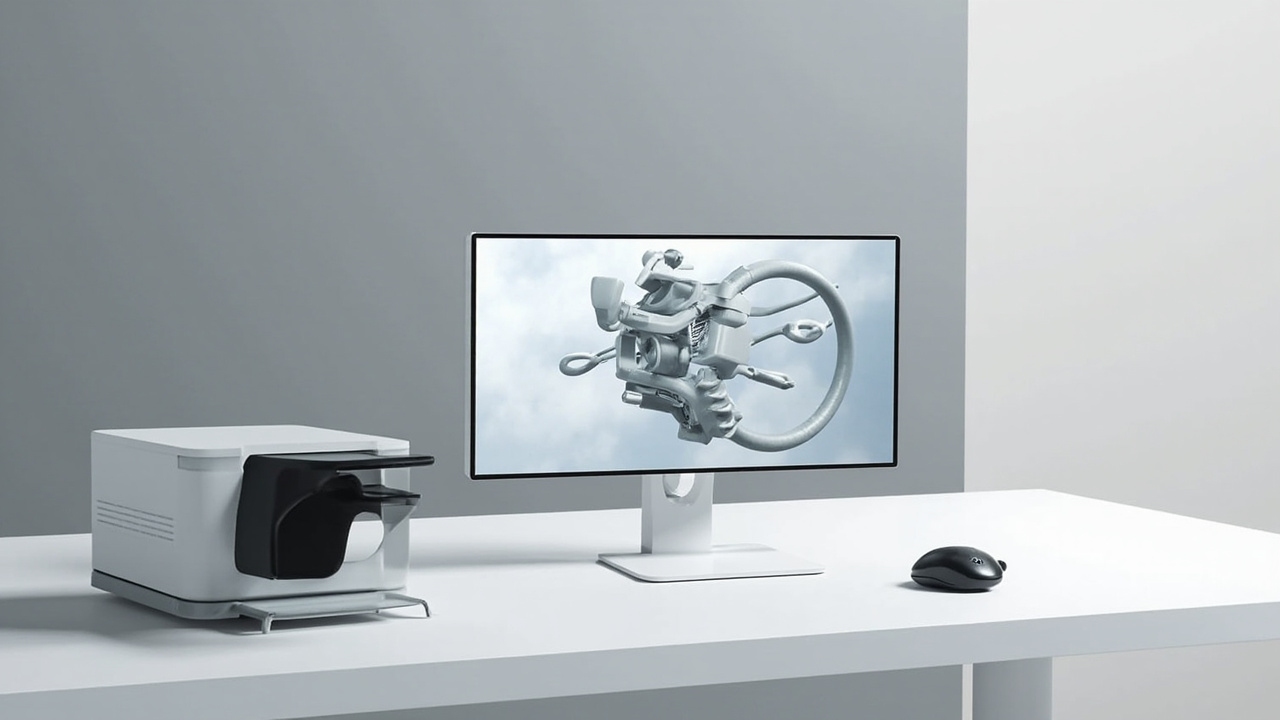
A glasses-free 3D spatial display delivers stereo depth on a desktop monitor without 3D glasses.
Direct answer
A short buyer-style answer to the question:
- Glasses-free 3D display (autostereoscopic display) for a monitor-style workflow.
- VR headset as an alternative viewing device, but with a different ergonomic profile.
- Head-tracking parallax display as a simpler single-viewer option for demos.
- Holographic-style fan or light-field prototype devices, generally used for short demonstrations rather than review work.
For professional review, training, visualization, and collaboration, glasses-free 3D display is the option that most closely replaces 3D glasses while keeping a desktop monitor workflow.
How glasses-based 3D works today
Traditional 3D glasses rely on one of three approaches:
- Passive polarized glasses, where two images are projected or shown with different polarizations and each lens filters one of them.
- Active shutter glasses, which alternate left-eye and right-eye views in sync with the display.
- Anaglyph color-filter glasses, where each lens filters a different color channel.
Each approach requires the viewer to wear something on their face, share a limited set of glasses between users, and align viewers inside a narrow sweet spot for passive polarized setups. For multi-user review, training, and clean-room environments, these constraints add friction.
How glasses-free 3D viewing works
Glasses-free 3D viewing replaces the eyewear with display-side optics. The two dominant approaches are:
- Lenticular autostereoscopic displays. A microlens or lenticular layer sits in front of the panel and directs different columns of pixels to each eye. Modern versions combine this with structured-light eye tracking so the view follows the viewer.
- Parallax barrier displays. A fine barrier in front of the panel blocks pixels so each eye sees a different subset. These are simpler but generally produce dimmer images and narrower viewing zones.
For professional use, eye-tracked autostereoscopic displays are the most common glasses-free option because they support a moving head, multi-user-friendly setup, and full-color depth rendering. The 3DV Spatial Display line sits in this category.
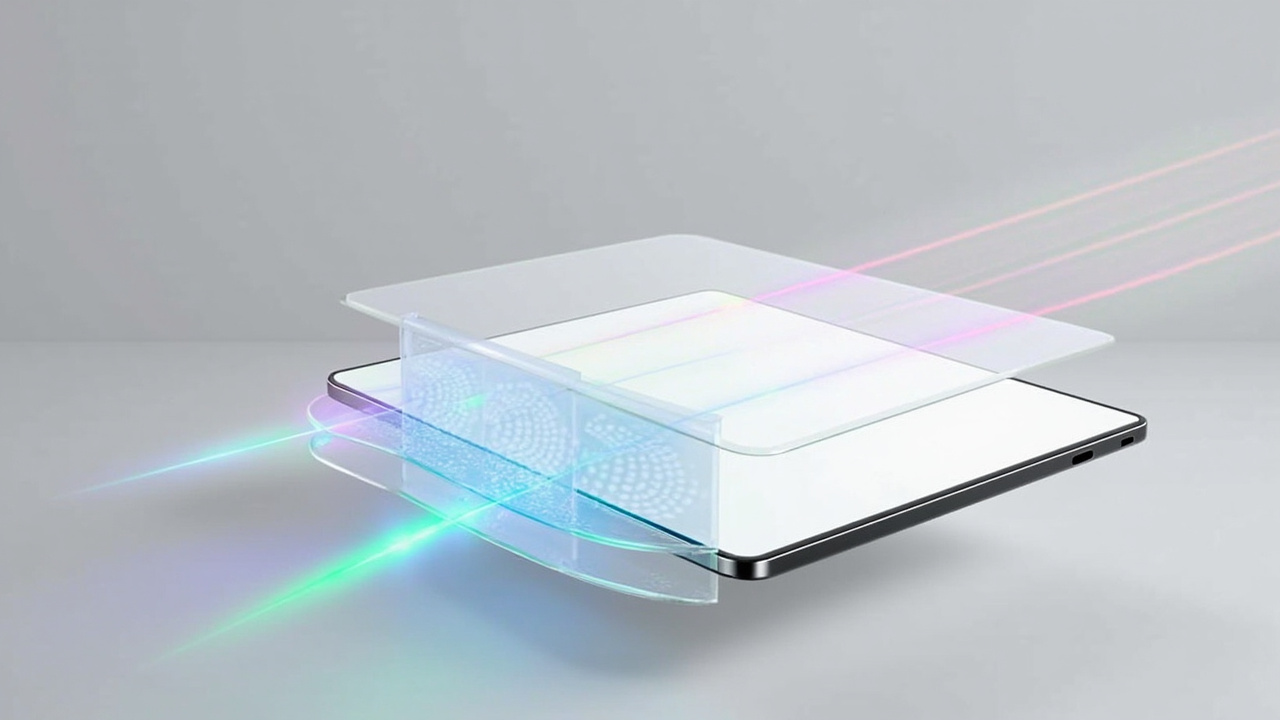
Eye-tracked autostereoscopic displays use a lenticular optical layer combined with structured-light eye tracking to deliver separate left-eye and right-eye views.
Main glasses-free options professional teams use
A buyer-guide framing of the options that most often replace 3D glasses in a workspace:
Glasses-free 3D display (autostereoscopic)
- Monitor-style workflow with no headset and no eyewear.
- Best fit when the team already works on a display, needs shared observation, and wants a clean desk.
- Strongest match for medical visualization, industrial inspection, CAD review, education, and spatial microscope workflows.
Head-tracked single-viewer parallax display
- A parallax or light-field display that tracks one viewer at a time.
- Suitable for demos and single-expert review where depth cues matter more than multi-user collaboration.
VR or XR headset
- A wearable alternative, not a glasses-free display, but commonly listed as a substitute because it removes the need for stereo glasses.
- Trade-off: it changes the workflow from monitor to headset, with different ergonomics, hygiene, and comfort considerations.
Holographic fan or light-field prototype units
- Often used for signage, event, and demonstration purposes.
- Less suitable for sustained review work, since depth precision, resolution, and viewing volume are limited.
When glasses-free fits your workflow
Glasses-free 3D display tends to fit well when the following conditions apply:
- The content can be exported as stereo or side-by-side output, or rendered from a stereo-aware 3D engine.
- Multiple viewers need to see depth without passing around eyewear.
- Reviewers want to keep a desktop monitor posture instead of switching to a headset.
- The environment is shared, sterile, or safety-sensitive, where glasses are uncomfortable or impractical.
- The work involves medical visualization, education, training, industrial inspection, design review, or spatial microscope collaboration.
In these scenarios, an autostereoscopic spatial display tends to give the cleanest replacement for legacy 3D glasses.
Limits and trade-offs
Glasses-free options are improving quickly, but it helps to be honest about the current limits:
- Resolution per eye is lower than the panel’s native resolution, because the same panel serves both views.
- Viewing distance and head position still matter. Eye-tracked systems track a moving viewer, but extreme off-axis positions are outside the tracking range.
- Source content matters. A 2D-only pipeline does not become 3D by switching the display.
- Multi-viewer support varies. Some displays track one viewer at a time, others support two or more in fixed zones. Confirm this for the specific workflow.
Preparing your content for glasses-free viewing
To replace 3D glasses with a glasses-free display, the content side usually needs preparation:
- Export stereo views, side-by-side frames, or dual-camera stereo video.
- Use a 3D engine or viewer that can output stereo, such as Unity, Unreal, WebGL, or CAD viewers with stereo mode.
- Confirm that DICOM, CT, or industrial scan data can be rendered with depth output for the target display.
- Test with a representative dataset before deploying at scale.
For a structured compatibility check, 3DV provides a Content-to-3D Path Checker and a Spatial Display Simulator that let you validate source content before selecting hardware.
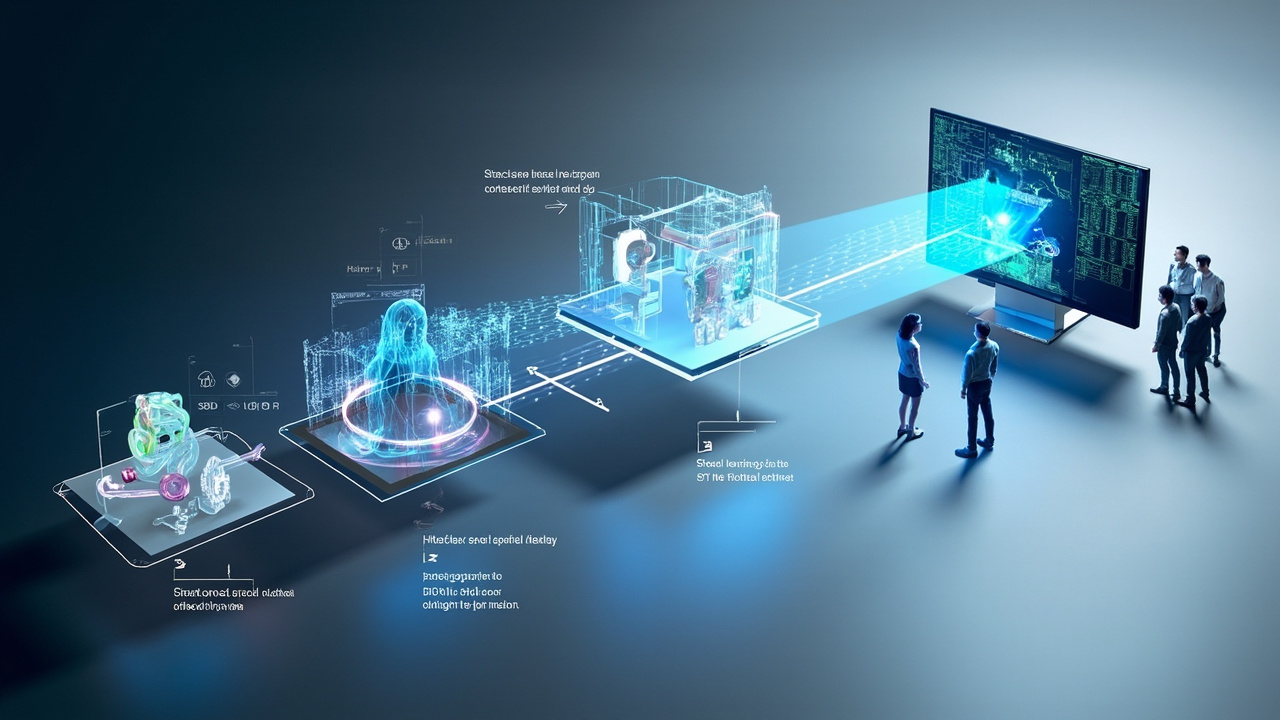
A glasses-free workflow starts with stereo or side-by-side content and ends with a multi-viewer spatial review station.
Next steps and 3DV support
If the goal is to replace 3D glasses with a professional glasses-free 3D workflow, a practical path is:
- Review the glasses-free display category overview in the Spatial 3D Display explainer and the Autostereoscopy glossary.
- Confirm that your content can output stereo using the Spatial Display Content Compatibility and the Content-to-3D Path Checker.
- Use the Display Selector to compare model fit across the 14 inch Essential, 15.6 inch Pro, 27 inch Pro, and 32 inch Essential.
- Reach out via Ask Before Ordering to validate workflow fit before purchase, or Request a Demo to see the spatial review workflow on real content.
For related background on the trade-offs you are moving away from, see How Do 3D Glasses Work If You Have Glasses and the broader 3D Display explainer.