
What 3D Does Not Require Glasses
Not every 3D display technology needs glasses, headsets, or special eyewear. The approach that delivers 3D depth without anything worn on the face is generally called glasses-free 3D, or in more technical language, autostereoscopic 3D. A 3DV Spatial Display is one example of this category: it uses an autostereoscopic optical layer and eye tracking to send separate left-eye and right-eye views directly to the viewer, so depth is perceived without glasses, headsets, or VR equipment.
This explainer clarifies which 3D approaches work without glasses, how they differ from stereoscopic and headset-based 3D, and how professional teams can evaluate glasses-free 3D for medical visualization, industrial inspection, CAD review, microscope collaboration, and other spatial review workflows.
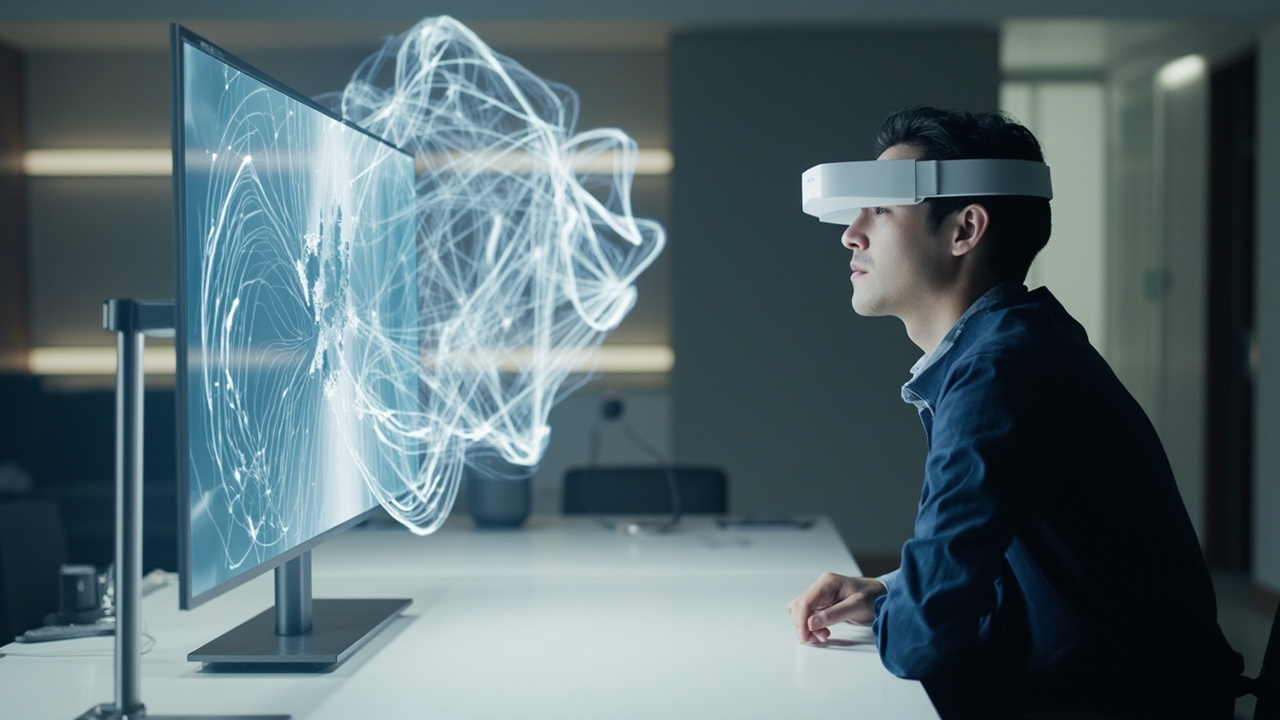
Glasses-free 3D delivers depth on a monitor-style workflow without eyewear.
How glasses-free 3D produces depth without eyewear
Glasses-free 3D works because the display, not the viewer, separates the left-eye and right-eye images. Several optical methods make this possible, and the most common in professional spatial displays are:
- Lenticular lens arrays — a sheet of precisely shaped cylindrical lenses sits in front of the LCD panel and refracts different columns of pixels toward different viewing angles.
- Parallax barrier layers — a mask with fine vertical slits blocks certain pixels from each eye so each eye sees its own view.
- Microlens arrays — smaller lens structures distribute views across wider or finer viewing zones, sometimes supporting multiple simultaneous viewers.
In current 3DV Spatial Display products, the optical layer is paired with structured-light eye tracking and display-side FPGA processing so the system can continuously adjust the stereo view to the viewer’s position. This dynamic mapping is what makes a single viewer perceive stable depth even when they shift posture or move slightly within the viewing zone. A static lenticular display with no eye tracking still shows 3D without glasses, but the comfort zone is narrower and the perceived depth can break more easily.
The key conceptual point is that glasses-free 3D is a display-side solution. Stereoscopic 3D, by contrast, is a viewer-side solution: the display shows both views at once and the glasses decide which eye sees which image.
Glasses-free vs stereoscopic vs headset vs light-field
Buyers comparing 3D display technologies often encounter overlapping terminology. A practical comparison helps frame the categories.
| Approach | Eyewear needed | How it works | Typical fit |
|---|---|---|---|
| Glasses-free 3D / autostereoscopic | No | Optical layer separates left/right views at the display | Monitor-style professional review, shared viewing, demos |
| Stereoscopic 3D (passive polarized or active shutter) | Yes | Display shows both views; eyewear filters them to each eye | Single-viewer depth on a conventional monitor |
| Head-mounted 3D / VR | Headset on the head | One screen per eye inside a head-worn display | Immersive single-user simulation, training rigs |
| Light-field 3D | Usually no | Reconstructs multiple light rays so true parallax is preserved | Niche research and high-end visualization setups |
| Holographic display | No in principle, but rare in commercial use | Wavefront reconstruction with coherent light | Largely experimental at commercial scale |
When someone asks “which 3D does not require glasses,” the practical answer is glasses-free 3D / autostereoscopic 3D, and in the professional monitor category, that is what a 3DV Spatial Display delivers. Stereoscopic monitors, VR headsets, and most passive 3D TV systems all require eyewear of some kind.
For a deeper terminology walk-through, see the Autostereoscopy glossary and the Stereoscopic display technical explainer.
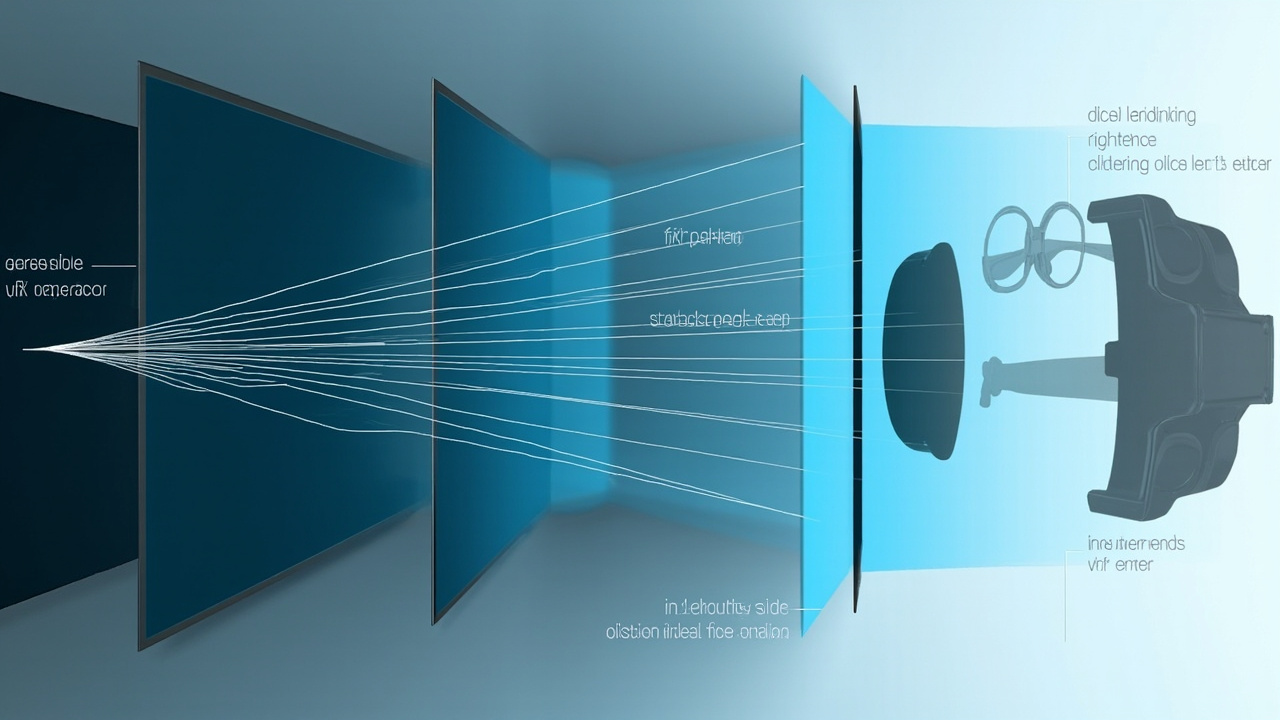
Glasses-free 3D separates left and right views at the display; stereoscopic and VR systems separate them at the viewer.
Where glasses-free 3D fits professional workflows
Glasses-free 3D is not a consumer entertainment format. Its strongest fit is in professional review workflows where a team needs to see depth on a monitor, share observations, and keep a workstation-style posture rather than a headset-style workflow.
Common workflow-fit areas:
- Medical visualization — anatomy review, surgical case preparation, education, and team review of volumetric or DICOM-derived 3D content.
- Industrial inspection and NDT — defect review on CT, X-ray, or scanned geometry, where depth cues help interpret internal features.
- CAD and design review — product, mechanical, and architectural models shown at full scale with real depth, supporting group discussion.
- Microscope collaboration — autostereoscopic microscope workflows where multiple specialists view stereo microscope imagery together without passing a headset.
- Showrooms, demos, and education — public or semi-public viewing where handing out glasses or fitting a headset is impractical.
For buyers comparing this category to naked-eye 3D consumer displays, the Naked-eye 3D buyer primer explains the professional review framing in more detail.
Requirements and content fit for glasses-free review
Glasses-free 3D only delivers depth when the source content is prepared correctly. This is the most common reason a glasses-free setup disappoints on first use.
Source content generally needs to fall into one of these categories:
- Side-by-side (SBS) stereo content — two views delivered as a single frame or stream.
- Stereo-ready 3D applications — CAD viewers, DICOM viewers, or custom tools that can output left/right views.
- 3D engines and pipelines — Unity, Unreal, WebGL, or custom 3D applications that can render to the display’s stereo pipeline.
- Stereo video and prepared visualizations — content authored with the correct camera geometry for the display.
Content that is likely to need preparation:
- Ordinary 2D video and flat images, which have no left/right separation.
- Software that only outputs a single 2D view.
- 3D applications without stereo camera or SBS output.
For teams evaluating compatibility before ordering, the Spatial Display content compatibility article, the Content-to-3D Path Checker, and the Spatial Display Simulator are useful preparation tools. The Spatial 3D display technical explainer also sets out the broader category context.
Limits and trade-offs to evaluate
Glasses-free 3D is a strong fit for monitor-style professional review, but it is not a universal replacement for every other 3D approach. Honest evaluation means looking at the trade-offs directly.
Practical limits to weigh:
- Viewing zone geometry — depth is only delivered inside the eye-tracked or optical viewing zone. Walking far outside the sweet spot collapses the 3D effect.
- Viewer count — current 3DV Spatial Displays are tuned for a single primary viewer. Multi-viewer autostereoscopic displays exist but are a different category.
- Resolution per view — because each eye receives its own subset of pixels, effective per-eye resolution is lower than the panel’s native 2D resolution. Pro models are designed to keep this comfortable for sustained review; Essential models emphasize dedicated 3D use.
- Content dependency — without stereo or 3D-ready source content, the display cannot invent it.
- Workspace posture — glasses-free 3D supports a normal seated review posture, which is often preferable to headset workflows for long sessions, but it is not a substitute for full immersive VR where that posture is appropriate.
- Current Spatial Display positioning is non-touch — touch interaction is not a feature of current Spatial Display models, so buyers should not assume tablet-style interaction.
These limits are not flaws; they are the boundaries of the category. The right question for a buyer is whether those boundaries match the workflow.
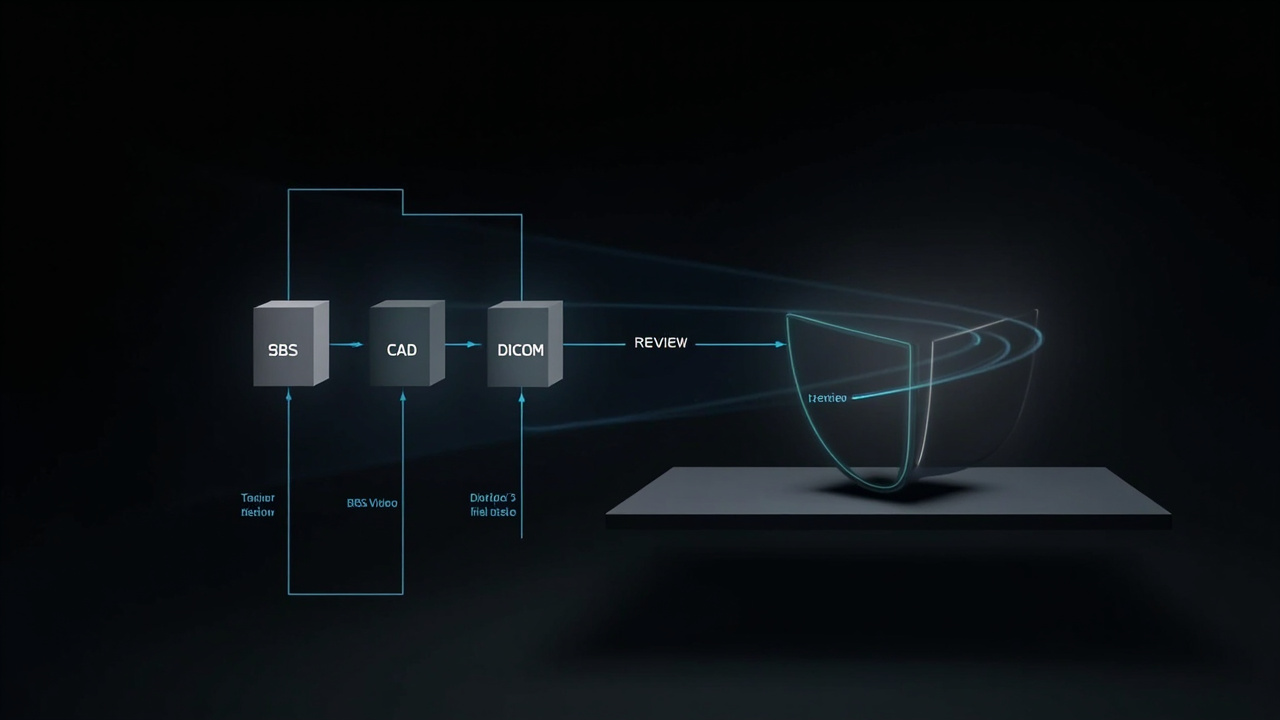
Glasses-free 3D review depends on stereo or 3D-ready source content delivered to the spatial display.
Next steps and decision support
For teams evaluating whether glasses-free 3D fits their workflow, three checkpoints tend to clarify the decision quickly:
- Confirm the content pipeline. Can the team actually produce stereo, SBS, or 3D-ready output from the tools they already use? If not, plan for content preparation before ordering.
- Match the model to the room. Compact demo setups, mixed 2D/3D workstations, main review stations, and dedicated 3D rooms each favor different display sizes. The Display Selector helps match a model to a workflow.
- Validate with a pre-purchase conversation. For specialized review environments, a short conversation before ordering avoids costly mismatches. The Ask before ordering page is the official pre-purchase support route.
Glasses-free 3D, in the form of an autostereoscopic spatial display, is the 3D category that does not require glasses, does not require a headset, and keeps the professional review workflow on a monitor. For teams whose content and use case fit that profile, it is the most workstation-friendly way to work with depth today.