Stereoscopic Animation: Technical Explainer
Stereoscopic animation is the practice of producing animated content with separate left-eye and right-eye views so that a viewer can perceive real depth. Instead of painting or rendering one flat picture, the animation pipeline delivers two perspectives that the visual system fuses into a single three-dimensional impression.
For professional animation, review, and visualization teams, stereoscopic animation matters because flat previews cannot communicate how a scene will read in depth. A glasses-free 3D spatial display, such as the 3DV Spatial Display lineup, allows reviewers, directors, and clients to evaluate stereo animation on a monitor-style workflow without VR headsets or 3D glasses.

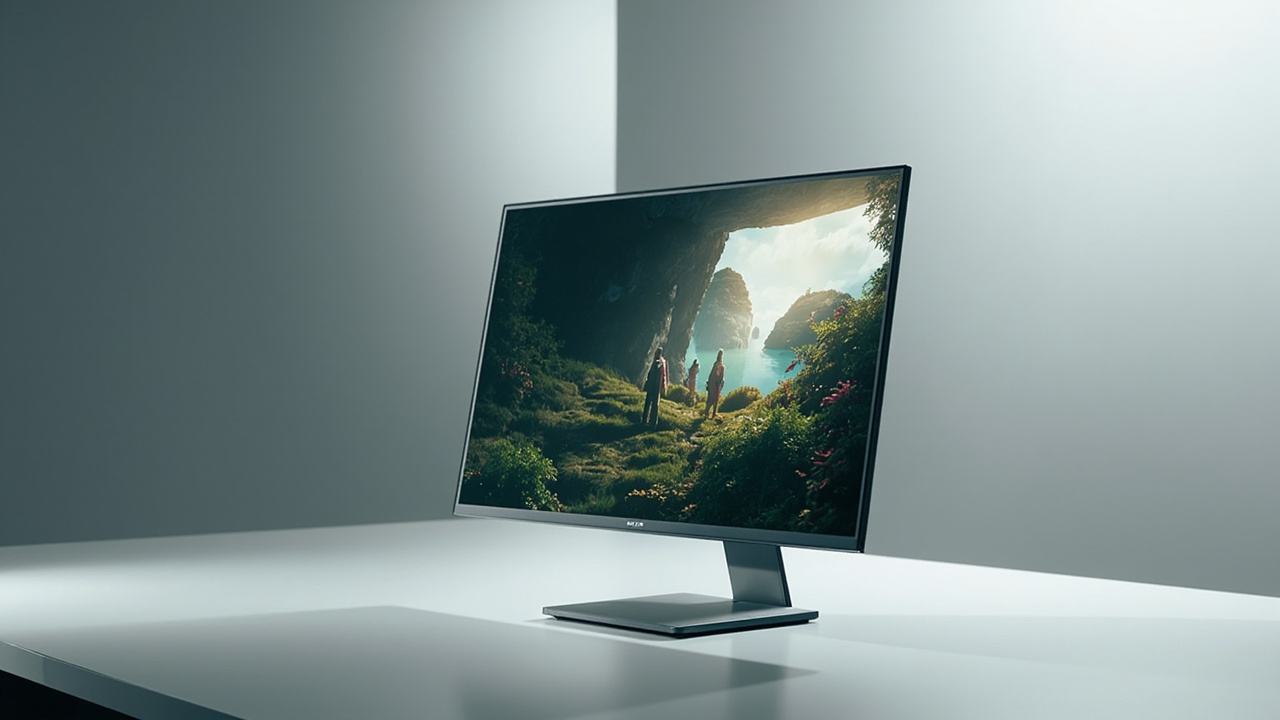
Stereoscopic animation rendered as a stereo pair, presented on a 3DV glasses-free Spatial Display.
What stereoscopic animation is
Stereoscopic animation is animated content that has been authored, rendered, or composited as a stereo pair: one view intended for the left eye and one view intended for the right eye. The horizontal offset between the two views mimics the parallax that human eyes naturally experience when looking at the real world.
The term is broader than any single delivery format. A stereoscopic animation project may involve:
- Stereo camera rigs inside a 3D engine such as Blender, Maya, Cinema 4D, Houdini, Unreal, or Unity.
- Stereo-aware compositing passes that preserve left-eye and right-eye separation through post-production.
- Stereo-format deliverables such as side-by-side, over-under, or interleaved image sequences and video files.
Stereoscopic animation is distinct from autostereoscopic display technology, which describes the optical method a screen uses to present stereo content without glasses. The animation is the content; the display is the delivery surface. For terminology across the rest of this topic, see the Autostereoscopy: Technical Explainer glossary.
How stereoscopic animation works
The core mechanism is binocular parallax. Two viewpoints are generated, separated by a small horizontal distance roughly matching the average interpupillary distance of a human viewer. When each eye receives only its intended view, the brain interprets the difference between them as depth.
In an animation pipeline, this means every stage that influences camera geometry can influence the stereo effect:
- Scene layout and the position of the virtual stereo camera pair
- Focal length, convergence, and interaxial separation
- Animation of subjects, cameras, and rigs that may shift depth cues over time
- Rendering passes, color management, and compositing that must keep left and right views aligned
- Output formatting that preserves stereo separation all the way to the display
If any stage drops the stereo information or merges the two views into one, the animation reverts to a flat 2D picture and depth is lost.

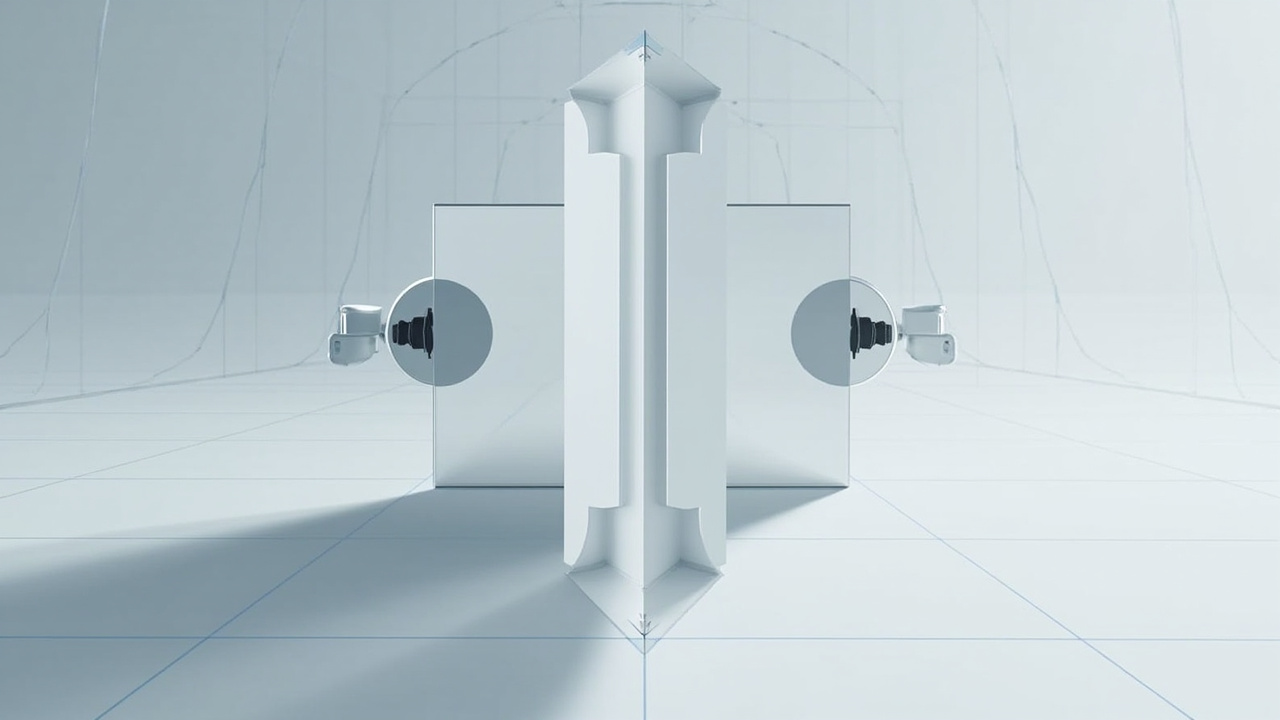
A stereo camera rig generates left-eye and right-eye views that are packaged into formats such as side-by-side for downstream review.
Stereo camera rigs and left-eye / right-eye views
Most stereoscopic animation is created with a virtual stereo camera rig rather than two separate cameras. A stereo rig acts like a pair of cameras with shared parameters and a defined relationship between them.
The key rig parameters that shape the resulting animation are:
- Interaxial distance, the horizontal separation between the left and right virtual cameras. Larger values exaggerate depth; smaller values flatten it.
- Convergence distance, the point at which the left and right camera axes meet. Convergence controls where the scene reads as being at the screen plane, in front of it, or behind it.
- Focal length and sensor size, which determine how strongly depth is rendered for a given interaxial value.
- Parallax budget, the practical limit on how much screen-space offset a scene can produce before viewers experience eye strain or window violations.
Animators also need to control how rigs behave during camera moves. A flythrough that looks comfortable in 2D can violate the parallax budget when stereo is added, especially when subjects move rapidly between near and far depth. Rig presets are common: parallel rigs for floating scenes, toe-in rigs when a strong convergence subject is required, and floating-window rigs that compensate for shifts in depth over time.
Stereoscopic animation formats: SBS, over-under, anaglyph
Once left-eye and right-eye views exist, they must be packaged for delivery. The most common packaging formats for stereoscopic animation are:
- Side-by-side (SBS): left and right views are stored next to each other in a single frame, typically at half width each. SBS is the most widely supported format on glasses-free spatial displays and is the format used by the 3DV Spatial Player for content review.
- Over-under (top-bottom): left and right views are stacked vertically inside a single frame, typically at half height each. Over-under is common for streaming and broadcast stereo pipelines.
- Anaglyph: left and right views are merged into one frame using color filtering, usually red-cyan. Anaglyph is a legacy format and is not a fit-for-use target for professional animation review on autostereoscopic hardware.
- Frame-packing or dual-stream stereo: each eye view is delivered as a separate signal, frame, or stream. Frame-packed stereo is typical for high-end monitoring and some hardware interconnects.
For teams preparing animation for glasses-free review on a 3DV Spatial Display, SBS is usually the simplest and most reliable packaging choice. Frame rate, color space, and resolution should match the display model and the Spatial Display Simulator should be used to confirm the result before a review session.
Where stereoscopic animation fits in a review workflow
A stereoscopic animation pipeline is most useful at the stages where depth communicates something that a flat image cannot:
- Layout and previz review to confirm camera, framing, and parallax decisions early.
- Lighting and shading review to evaluate how depth reads across surfaces and atmospheres.
- Animation polish and timing review to confirm that depth motion remains comfortable over time.
- Client and stakeholder review to communicate creative intent in three dimensions.
- Technical QC to flag scenes that exceed the parallax budget or that produce depth violations.
Outside of these moments, a 2D fallback is often more efficient. Stereoscopic animation is a deliberate review and presentation tool, not a default render path.

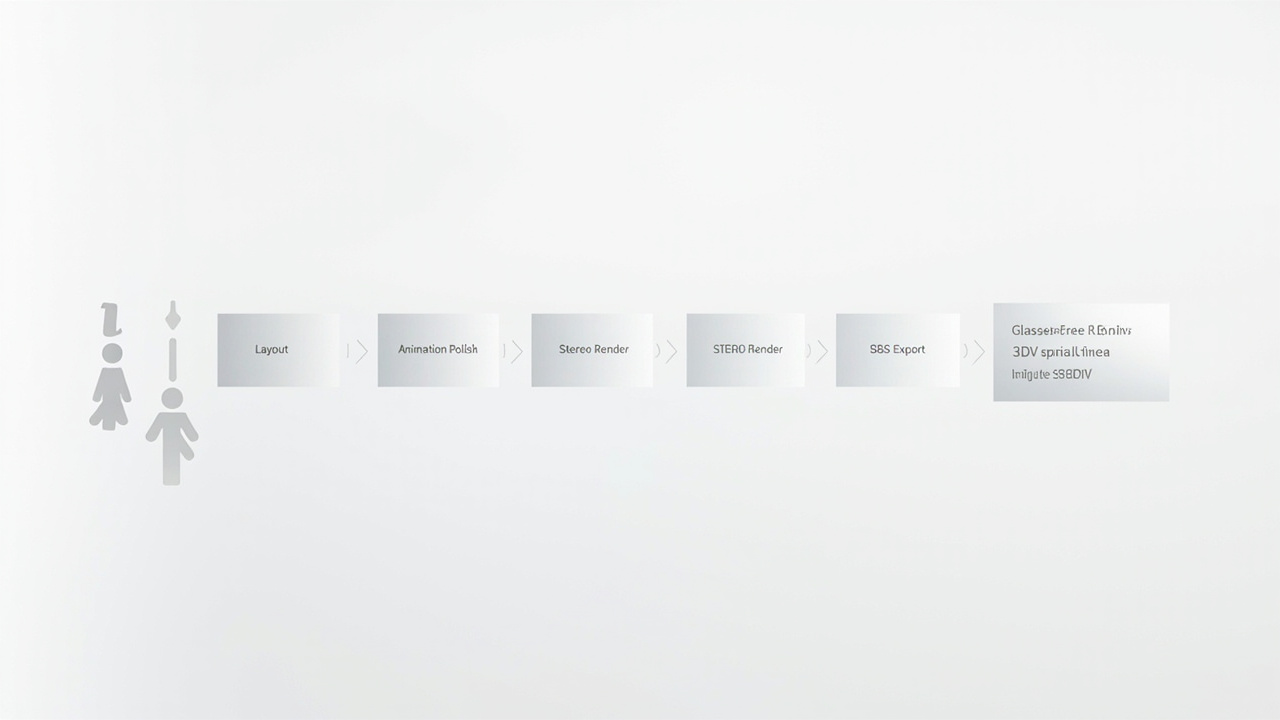
Stereoscopic animation review workflow: layout, animation, stereo render, SBS export, and glasses-free review on a 3DV Spatial Display.
How 3DV Spatial Displays handle stereoscopic animation
3DV Spatial Displays are glasses-free 3D display systems based on autostereoscopic architecture. They are designed for professional review workflows where teams want depth perception without a headset.
For stereoscopic animation specifically, the key points are:
- Stereo content is the natural input. A Spatial Display is most useful when the animation pipeline can deliver stereo output, ideally SBS, that the display can present directly.
- Eye-tracked viewing. Structured-light eye tracking and dynamic stereo view mapping allow the display to present correct left-eye and right-eye views to the viewer without glasses.
- Monitor-style workflow. Reviewers work at a desk, not inside a headset, which supports side-by-side discussion during reviews.
- 2D and 3D switching. Pro-series Spatial Displays are a strong fit when a team also needs high-quality 2D use between review sessions.
- Current models are non-touch. Spatial Displays in the current lineup are positioned as non-touch review displays and should not be described as touch hardware.
To confirm that a given animation package works on the hardware, teams can run the Spatial Display Content Compatibility guide and test files through the Spatial Display Simulator. The 3DV Spatial Player provides a focused SBS playback path for stereoscopic animation review.
Workflow fit, limits, and next steps
Stereoscopic animation is a strong fit when:
- The source content can be rendered or exported as stereo, ideally SBS.
- Review sessions need to communicate depth, parallax, or spatial relationships that 2D previews cannot.
- The team values a monitor-style review workflow over a headset workflow.
Limits to plan around:
- Stereo animation is more expensive to produce than 2D animation at every stage that touches camera, render, or post.
- Stereo pipelines need QC for parallax budget, convergence, and window violations.
- Not every animation format maps cleanly to a glasses-free display; anaglyph and some streaming stereo formats are not fit-for-use targets for autostereoscopic review.
Next steps for teams evaluating stereoscopic animation review on 3DV hardware:
- Use the Display Selector to match a Spatial Display model to the team’s review workflow.
- Validate source content with the Spatial Display Simulator and SBS playback in the 3DV Spatial Player.
- Review the Stereoscopic 3D Display: Technical Explainer for the underlying display architecture.
- Use the Ask Before Ordering path for pre-purchase questions specific to animation review pipelines.
- For design, CAD, and visualization teams that also review animation, see the Solutions: Design page and the Spatial Display product page.
Stereoscopic animation becomes valuable when depth carries information. With a glasses-free spatial display, that depth is available to the full review team without changing how they work at their desks.