
What Glasses Help With Looking At Screens All Day
People searching for glasses that help with looking at screens all day usually want one of three things: more comfortable long sessions, sharper focus at a fixed viewing distance, or a better way to view 3D content without fatigue. The honest answer is that there is no single pair of glasses that fits every screen workflow, and the right starting point depends on whether your goal is comfort, prescription correction, or 3D viewing. This article frames the question in 3DV terms: as a buyer-fit and workflow-fit decision, with glasses-free 3D spatial displays treated as one of the paths a professional team can evaluate.

All-day screen work is usually a comfort and vision question before it is a 3D question.
Intent answer: do you need glasses for all-day screen work?
Most people asking this question are not asking about 3D glasses at all. They are asking about everyday eyewear that makes long screen sessions easier on the eyes. The glasses that tend to come up in this context fall into four loose categories, and each one is fit-for-use rather than universally “best”:
- Prescription glasses optimized for intermediate distance. A standard monitor sits roughly 50–80 cm from the eyes, so lenses tuned for that range can reduce the effort of sustained focus.
- Blue-light filtering glasses. Tinted lenses that reduce short-wavelength light. Useful as a comfort option for some users, with mixed evidence on measurable eye strain reduction.
- Lightweight computer glasses with anti-reflective coatings. Designed for desk distance and designed to cut reflections from overhead lighting and adjacent monitors.
- 3D viewing glasses. Polarized, anaglyph, or active-shutter eyewear used to view stereoscopic 3D content. Only relevant if the workflow actually produces stereoscopic content.
The first three categories are about screen comfort. The fourth is about 3D viewing, which is a separate workflow question.
Why people reach for glasses during long screen sessions
Discomfort during all-day screen use is usually one of three things: uncorrected or under-corrected vision, glare and reflection, or viewing 3D content in a way the eyes find tiring. The glasses that help are different in each case.
Vision correction at desk distance
If the eyes struggle to hold focus at monitor distance, the problem is often a refractive issue, not the screen. A lens prescription tuned for the working distance is the most direct solution. Generic “computer glasses” bought without a refraction check can mask an issue that a proper eye exam would resolve more reliably.
Glare, reflections, and lighting
Anti-reflective coatings and tinted lenses help when glare from overhead lights or bright windows is forcing the eyes to constantly adapt. Glasses here are a comfort layer on top of an environment that should already be evaluated for lighting and monitor placement.
3D viewing fatigue
When content is genuinely stereoscopic — left and right eye views delivered separately — the eyes are asked to converge and focus on a depth plane that does not physically exist at the screen. Some viewers tolerate this well, others do not. This is the one case where the glasses are part of the 3D workflow, not just a comfort accessory.
Types of glasses commonly used for screen work and how each fits a workflow
Treating this as a buyer-guide question rather than a ranking, each type of glasses fits a different use profile.
Prescription glasses tuned for screen distance
Fit for use: Professional desks, review stations, control rooms, and any role where the user spends most of the day at one fixed viewing distance.
What to evaluate: Lens focal range matched to the monitor distance, weight, frame fit for long wear, and whether progressive or intermediate-distance designs introduce a head-tilt requirement.
Blue-light filtering glasses
Fit for use: Users who prefer a tinted lens and are looking for a comfort layer, especially in mixed-lighting offices.
What to evaluate: Tint level, color shift impact on color-critical review work, and whether the user notices a subjective difference. This category is fit-for-use, not a clinical fix.
Lightweight computer glasses with AR coatings
Fit for use: Multi-monitor setups, brightly lit rooms, and roles where reflections are a real source of fatigue.
What to evaluate: Coating durability, lens clarity for text and small UI elements, and how the frames sit during repeated head movement.
Stereoscopic 3D glasses (polarized, anaglyph, active shutter)
Fit for use: Workflows that produce genuine stereo content — side-by-side (SBS) video, stereo camera capture, or 3D applications that output separate left/right views. Often relevant for visualization, training, and review scenarios.
What to evaluate: Whether the source content is actually stereo, whether the display supports the same 3D format, and whether the team accepts the trade-offs of wearing 3D eyewear during long sessions.
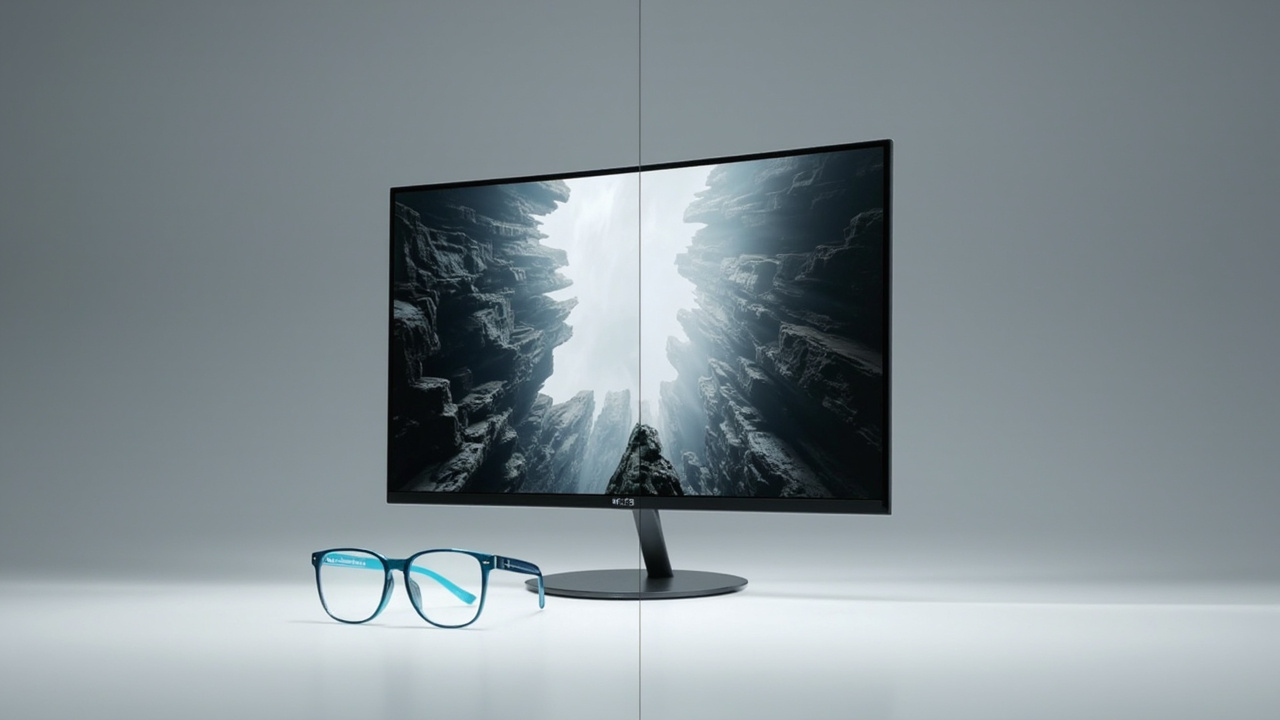
Glasses-based 3D and glasses-free 3D deliver depth in different ways; the choice depends on the workflow.
Where glasses-free 3D displays change the requirement
For professional teams reviewing 3D content — medical visualization, industrial inspection, CAD and design review, microscope collaboration — the question often shifts from “what glasses help?” to “do we need glasses at all?” Autostereoscopic displays deliver separate left-eye and right-eye views without eyewear, using a microlens or lenticular optical layer combined with eye position tracking on the display side. That changes the workflow in a specific way: the depth perception is delivered by the display, not by something worn on the face, so the long-session comfort question becomes a display question rather than an eyewear question.
The 3DV product line in this category is the Spatial Display family. Pro and Essential series differ in how well they handle mixed 2D / 3D use, screen size, and price point, but the glasses-free delivery is the common feature. For teams whose 3D workflow currently requires polarized or active-shutter eyewear, this is the category to evaluate before buying more glasses.
If the underlying question is “we want to keep doing 3D review all day without putting glasses on,” the glasses-free 3D category is the direct answer. If the question is really about flat-screen comfort, the glasses-free angle is not the right fit.
Fit-for-use checklist before choosing eyewear or a display upgrade
A short, honest checklist helps avoid buying the wrong thing:
- Clarify the goal. Comfort at a flat screen, prescription correction at desk distance, or 3D viewing. Each has a different fit.
- Check the viewing distance. Measure the typical monitor distance before choosing any lens tuned for a specific range.
- Confirm the content type. If the workflow is 2D only, glasses-free 3D displays add cost without changing the experience. If the workflow is stereo, glasses-free 3D is a direct alternative to eyewear.
- Evaluate the environment. Lighting, glare sources, and monitor count affect whether anti-reflective or tinted lenses help at all.
- Match to the team. Multi-user review stations benefit more from glasses-free 3D than from handing out 3D glasses per person.
- Test before committing. For 3D specifically, a short evaluation with representative content is more reliable than any spec sheet.
A short fit-for-use checklist is the most reliable way to decide between more glasses and a display upgrade.
Workflow fit: matching screen comfort to review, training, and visualization tasks
Three common professional workflows illustrate how the choice lands differently.
Medical and anatomy visualization. Reviewers look at volumetric or stereo reconstructions for extended periods. Glasses-free 3D displays fit this workflow because they remove the eyewear step during shared team review, while still preserving depth cues. A flat-screen setup with prescription glasses is the fallback when budget or content does not justify a spatial display.
Industrial inspection and NDT. Inspection teams working from CT, X-ray, or stereo capture often review the same dataset repeatedly. Glasses-free 3D reduces the eyewear bottleneck in team review. For solo inspection at a single workstation, prescription or computer glasses tuned to the working distance remain the baseline.
CAD, design, and engineering review. For teams that switch between 2D drawings and 3D models throughout the day, a display that supports both 2D and 3D review without an eyewear step fits the workflow cleanly. The choice between a glasses-free 3D display and standard eyewear depends on how often the 3D mode is actually used.
In each case the question is fit-for-use, not “best.”
Limits and trade-offs to keep in mind
A few constraints are worth naming directly.
- No eyewear fixes a refractive issue that needs a prescription. Computer glasses and blue-light filters cannot replace a proper refraction check.
- Glasses-free 3D is not universal. It depends on the display supporting the right optical architecture and the source content being stereo or 3D-ready. The 3DV spatial display compatibility article is the reference point for what works.
- 3DV Spatial Display positioning is non-touch. Any workflow that requires direct touch on the spatial display itself needs a separate input device, not a glasses-related fix.
- Comfort claims are subjective. Blue-light filtering and anti-reflective coatings report mixed results across studies and users. Treat them as fit-for-use options, not guaranteed improvements.
- 3D glasses and glasses-free 3D are not interchangeable. A workflow built around polarized or active-shutter 3D will not automatically work on an autostereoscopic display without checking the content format.
Next steps with 3DV
If the question is really about screen comfort at a flat monitor, a proper eye exam and a lens prescription tuned for the working distance is the right starting point. If the question is about removing 3D eyewear from a professional review workflow, the next steps are: confirm the source content is stereo or 3D-ready via the spatial display content compatibility article, use the display selector to match screen size and series to the workflow, and use the ask-before-ordering route for evaluation questions specific to a deployment. The 3DV Spatial Display family — both Pro and Essential series — is the relevant product line for teams evaluating a glasses-free 3D path.
For teams still choosing between more glasses and a different display category entirely, the glasses-free 3D explainer, the stereoscopic 3D technical explainer, and the content compatibility article are the three references that frame the decision in 3DV terms.