
What Does 3D Display Mean
A 3D display is a screen engineered to present visual content with real perceived depth, rather than as a single flat image on a panel. In practice, a 3D display delivers separate left-eye and right-eye views to the viewer so the brain fuses them into a three-dimensional image, similar to how human stereoscopic vision works in the real world.
For professional buyers, the practical meaning is more specific. A 3D display is a tool that lets teams review 3D models, medical visualizations, microscope imagery, CAD data, and industrial scans with depth, without forcing every user into a headset.
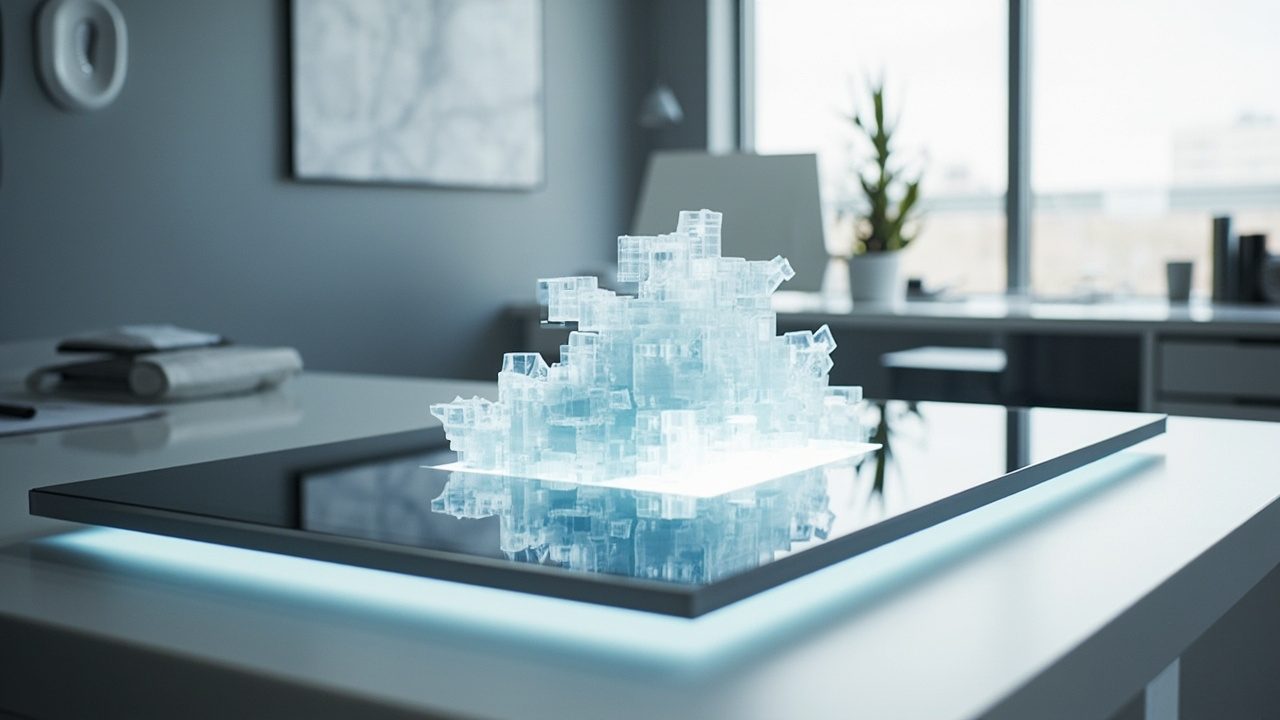
A glasses-free 3D display delivers left- and right-eye views so viewers perceive real depth without headsets or 3D glasses.
How 3D displays create depth
Most 3D displays rely on the same core idea: each eye must see a slightly different image. The implementation varies, which is why the term covers several distinct technologies.
Key principles behind modern 3D displays:
- Separate left-eye and right-eye views. Content is rendered or formatted so the left eye and right eye receive different perspectives of the same scene.
- Stereoscopic delivery. The display, glasses, or optical layer separates the two views so they reach the correct eye.
- Real perceived depth. When the views are correct, the viewer perceives volume, parallax, and spatial relationships instead of a flat picture.
In 3DV’s product category, the underlying technology is usually autostereoscopic, often combined with eye tracking. The display tracks the viewer’s eyes and steers the correct left- and right-eye views toward them through a microlens or lenticular optical layer. No glasses or headset are required.
Main types of 3D display
The phrase “3D display” covers several very different products. Buyers should understand the distinction before choosing.
Stereoscopic 3D displays
These require glasses or a headset. Active shutter glasses, polarized glasses, or anaglyph filters separate the two views. The screen itself is often a standard panel; the glasses do the work.
Autostereoscopic 3D displays (glasses-free)
These deliver two views directly to the viewer using a parallax barrier, lenticular lens, or microlens array, often combined with eye tracking. No glasses are needed. 3DV Spatial Displays fall into this category.
Light-field and holographic displays
These aim to reproduce a fuller set of light rays, sometimes supporting multiple simultaneous viewers or different views per position. They are more specialized and are generally distinct from mainstream autostereoscopic products.
Volumetric 3D displays
These use moving screens, lasers, or rotating elements to create imagery that appears to occupy real space. They are uncommon in mainstream professional review workflows.
For most professional teams evaluating 3D review equipment today, the practical decision is between stereoscopic with glasses and autostereoscopic glasses-free, with 3DV focusing on the latter.
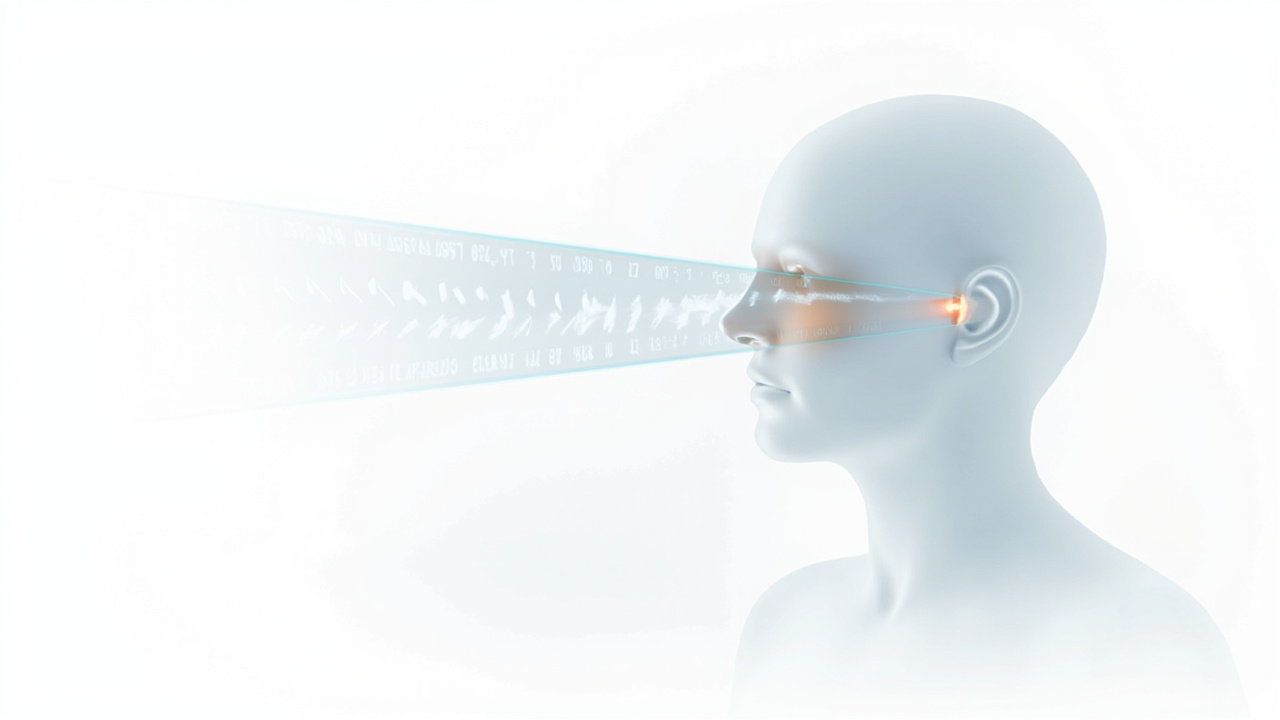
Autostereoscopic displays send different images to each eye using an optical layer and eye tracking, creating stereoscopic depth without glasses.
How a 3D display fits into a professional review workflow
A 3D display is not just a screen that shows depth. In a professional setting it changes how a team reviews content:
- Medical visualization. Anatomy, CT, MRI, and surgical planning data can be reviewed in true 3D, supporting education, case review, and clinical communication workflows.
- Industrial inspection and NDT. Internal structures from CT scans and 3D X-ray data can be examined with depth, useful for defect review and QA.
- CAD and design review. Product, mechanical, and architectural models can be discussed in a way that preserves spatial intent, which is hard to convey on a flat panel.
- Microscope review. Stereo microscope outputs and 3D-ready microscope workflows benefit from glasses-free 3D displays for shared observation and teaching.
- Sales, demos, and showroom use. 3D content can be presented without headsets, lowering friction for visitors and stakeholders.
In all of these cases, the 3D display replaces or augments a flat panel in a monitor-style workflow. The viewer sits or stands in front of the screen and works as they normally would, instead of putting on a VR or AR device.
What “3D display” means for buyers evaluating 3DV Spatial Displays
When a 3DV buyer sees the term 3D display in product material, it refers specifically to a glasses-free autostereoscopic 3D spatial display, not a generic 3D-capable monitor. Important attributes to evaluate:
- Glasses-free experience. No shutter glasses, polarized glasses, or headset required. Viewers see depth immediately.
- Eye-tracked viewing. The display follows the viewer’s eyes and adjusts the stereo view in real time, supporting natural head movement.
- Monitor-style workflow. Current 3DV Spatial Display models are positioned as non-touch professional review stations, not interactive touch displays.
- Content compatibility. A 3D display is only useful if your workflow can output stereo or 3D-ready content such as side-by-side (SBS) stereo, CAD stereo exports, DICOM-based 3D visualizations, Unity, Unreal, or WebGL pipelines. Flat 2D video or single-view 3D applications may require preparation.
- Model fit. 3DV offers 14” Essential, 15.6” Pro, 27” Pro, and 32” Essential Spatial Displays. Pro models are a stronger fit for buyers who frequently switch between high-quality 2D and 3D work; Essential models are a stronger fit for dedicated 3D review setups.
Buyers comparing options should treat “3D display” as a category term and confirm whether a given product is glasses-free, what viewer model it uses, and whether their source content is 3D-ready.
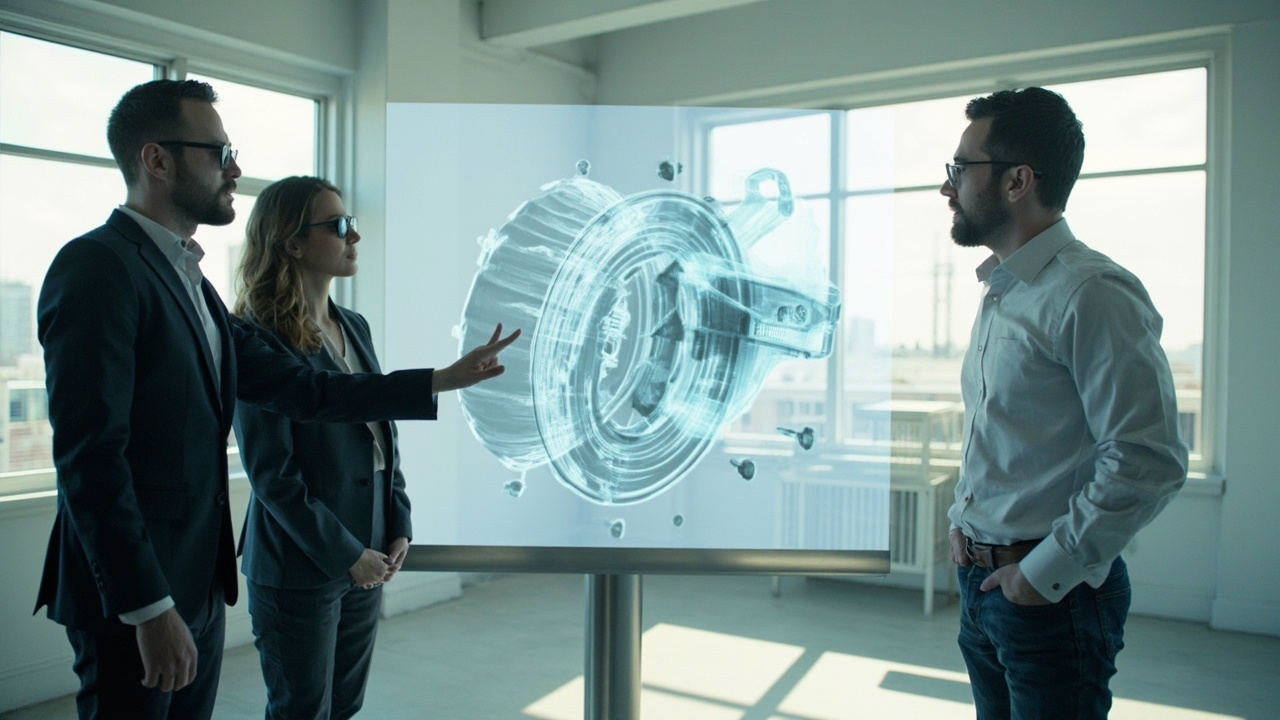
In a professional review workflow, the 3D display replaces the flat panel so teams can discuss 3D content with shared depth.
Limitations and honest boundaries
It is important to be clear about what a 3D display does and does not guarantee:
- A 3D display does not make ordinary flat content 3D. Single-view 2D video or images will still appear flat.
- Glasses-free 3D performance depends on viewing position, content quality, and lighting. Best results come from properly formatted stereo or 3D-ready source material.
- Current 3DV Spatial Displays are non-touch. They are designed for review, visualization, and collaboration, not for direct on-screen touch interaction.
- A 3D display is a review and visualization tool. It does not replace medical diagnostic reading, certification processes, or hands-on inspection steps. Use it for visualization, review, education, training, communication, and workflow evaluation.
Next steps and resources
If you are evaluating what a 3D display could mean for your team:
- Review the 3D Display Technical Explainer for a deeper category overview.
- Read What Does 3D Display Do for use-case language and typical workflows.
- Check content compatibility for your source files before deciding on a model.
- Use the Display Selector to match your workflow to a 3DV Spatial Display model.
- Reach out through the Ask Before Ordering path if you need confirmation that your content and environment will work with a specific model.
A 3D display, in the 3DV sense, is a glasses-free professional review tool that brings real perceived depth into a monitor-style workflow, suited to teams that need shared, headset-free 3D viewing for medical, industrial, CAD, microscope, and demonstration work.