
Professional Video Monitor: Technical Explainer
A professional video monitor is a class of display built for production, post-production, broadcast, color grading, and review environments rather than for casual home viewing. The term covers reference displays, on-set monitors, grading monitors, broadcast monitors, and the growing segment of 3D-ready review screens used in medical, industrial, and design teams.
This explainer defines what a professional video monitor is, what makes it different from a consumer display, where it is typically deployed, and how the category relates to glasses-free 3D Spatial Display systems such as the 3D Spatial Display line. It is intended for technical buyers, integration teams, and review-station planners evaluating fit for a specific workflow.
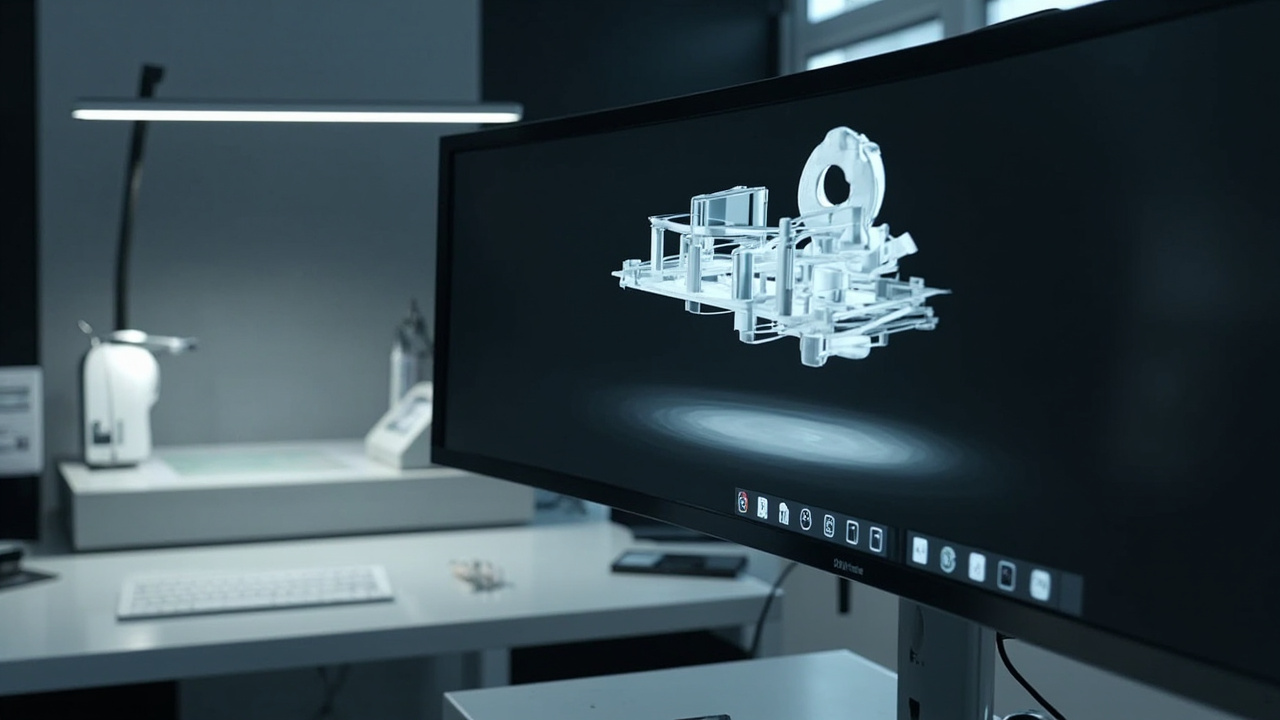
A professional video monitor and a glasses-free 3D Spatial Display as complementary layers of a review workflow.
What Is a Professional Video Monitor
A professional video monitor is a calibrated display designed to present image, video, or 3D content with predictable, verifiable accuracy to a trained user. Where a consumer display is tuned to look appealing at a store shelf, a professional video monitor is tuned to look correct under known viewing conditions.
Core traits shared across most professional video monitors:
- A documented color gamut, white point, and gamma curve, often with factory or pre-shipment calibration reports.
- Lookup table (LUT) support, including 1D and 3D LUTs, for matching a broadcast, cinema, or mastering standard.
- Stable brightness and color over time, with drift behavior the vendor is willing to publish.
- Signal path support for SDI, HDMI, DisplayPort, and in 3D workflows, stereo pairs or side-by-side feeds.
- Monitoring tools such as waveform, vectorscope, false color, zebra, and audio meters for live production or post review.
- Placed in fixed review environments with controlled ambient light, calibrated probe support, and standardized signal flows.
The term professional video monitor is therefore less about screen size or panel type and more about predictable behavior under a defined color and signal pipeline.
How a Professional Video Monitor Differs From a Consumer Display
Consumer displays and professional video monitors can share the same panel family, but the engineering priorities and QA behavior diverge.
Key differences in practical terms:
- Calibration discipline. A professional video monitor is expected to be re-measured against a known source; a consumer display is usually left at factory defaults.
- LUT and EOTF control. Reference monitors expose tone curves, gamut, and white point for operator adjustment; consumer displays rarely expose these in a meaningful way.
- Signal integrity. Broadcast and post workflows depend on SDI and clean HDMI or DisplayPort chains. Professional monitors are expected to stay locked to signal even in 4K, UHD, HDR, or high-frame-rate use.
- Tooling overlays. Waveform, vectorscope, audio meters, markers, and safe-area overlays are routine on professional video monitors and absent on consumer TVs.
- Documentation and support. Vendors of professional video monitors publish calibration data, error budgets, and service procedures; consumer vendors typically do not.
- Mean time between calibration. Even among professional monitors, drift behavior varies. Buyers compare not just initial specs but how the panel holds calibration over months of use.
A related concept, the reference display, sits inside this category. Reference displays are a stricter subset of professional video monitors intended for color-critical grading or mastering, with tighter uniformity, finer LUT control, and stricter calibration discipline than general production or on-set monitors.
Where Professional Video Monitors Are Used
Professional video monitors are deployed wherever a recorded or rendered image must be judged by an operator rather than just shown to an audience.
Common deployment contexts:
- Broadcast and live production. Control rooms, OB vans, and galleries where image must be evaluated against broadcast safe-area and timing rules.
- Post-production and color grading. Suites where a colorist sets the look that downstream viewers will see, against a known mastering target.
- QC and review. Technical review of deliverables against a standard such as a delivery specification or a house reference look.
- Medical imaging review. Diagnostic, surgical planning, and education teams reviewing DICOM-derived visualization on calibrated grayscale or color displays.
- Industrial inspection and NDT. Teams reviewing CT, X-ray, and 3D scan data where defect visibility matters and display behavior is part of the audit chain.
- Design and CAD review. Industrial design, automotive, and engineering teams evaluating 3D models for proportion, clearance, and surface treatment.
- Microscope and laboratory review. Pathology, materials science, and biomedical teams reviewing micro-scale imagery where contrast and stable calibration affect interpretation.
Across these contexts the underlying requirement is the same: a professional video monitor is expected to render source content faithfully enough that an experienced operator can make decisions, certify a deliverable, or sign off on a finding.
Professional Video Monitor vs. Glasses-Free 3D Spatial Display
The category of professional video monitor and the category of glasses-free 3D Spatial Display overlap, but they emphasize different things. Buyers should understand where each approach fits.
A traditional professional video monitor is typically:
- A 2D reference surface optimized for color, gamma, and signal discipline.
- Equipped with monitoring overlays and LUT pipelines familiar from broadcast work.
- Used by a single operator in a controlled environment.
- Either 2D-only, or 3D-capable only when paired with active or passive 3D glasses.
A glasses-free 3D Spatial Display, such as the 3D Spatial Display line, is typically:
- An autostereoscopic professional monitor with a structured-light eye-tracking and view-mapping pipeline that delivers left- and right-eye images without glasses.
- Used by one viewer at a time inside a defined eye-tracking sweet spot.
- Optimized for stereo or 3D-ready source content, including CAD, medical, and industrial 3D, rather than for consumer TV viewing.
- Available across Pro and Essential series, so teams can choose between frequent 2D/3D switching (Pro) and a more dedicated 3D review posture (Essential).
In practice, many buyers treat these as complementary tools rather than substitutes:
- A colorist’s grading monitor handles the mastering pass.
- A glasses-free 3D Spatial Display handles spatial review of 3D, CAD, DICOM-derived, or stereo-paired content.
- A traditional on-set or QC monitor handles broadcast compliance checks.
If a professional workflow is fundamentally 2D and centered on mastering, broadcast, or grading, a traditional professional video monitor is the right anchor. If the workflow centers on spatial review of 3D assets and the user wants to stay in a monitor form factor instead of a headset, a glasses-free 3D Spatial Display is the better fit for that portion of the review chain.
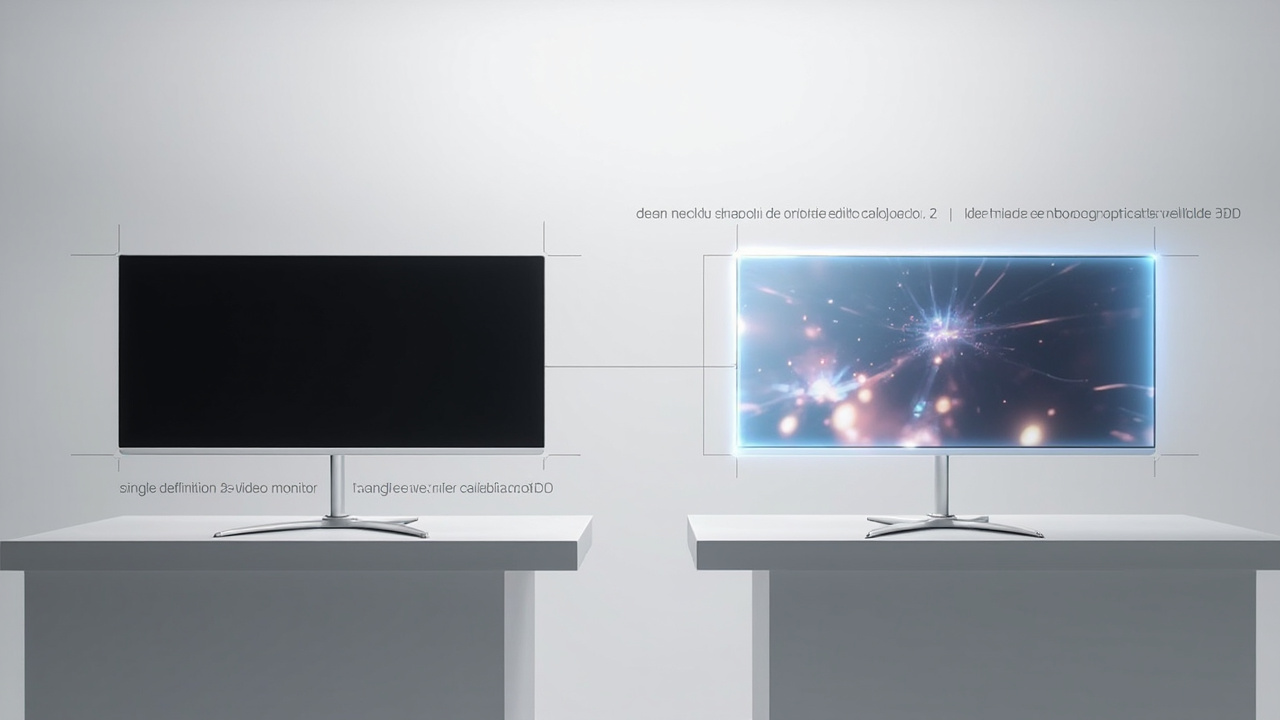
Comparison of a 2D professional video monitor and an autostereoscopic glasses-free 3D Spatial Display at the same review station.
Workflow Fit: Choosing the Right Professional Video Monitor
The right professional video monitor depends on what signal you trust, what audience you serve, and what failure modes your team is responsible for catching.
A practical fit checklist:
- 2D broadcast or grading. Prioritize a calibrated reference display or grading monitor with documented EOTF, LUT control, and QC tooling.
- 3D-ready content review. Confirm stereo, SBS, or multi-view pipeline support, or evaluate a glasses-free 3D Spatial Display alongside the master monitor for spatial judgment.
- Medical imaging review. Use grayscale or color displays calibrated against your facility’s DICOM or diagnostic display standard, paired with controlled ambient lighting.
- Industrial CT or NDT. Look for stable gray ramp, adequate panel size for defect walk-through, and the option to keep a 3D review display nearby.
- Microscope and laboratory review. Plan for ergonomic station layout, repeatable calibration, and the option to share findings via a 3D-capable screen if multi-observer review is part of the process.
- Mobile or field production. Consider a robust 15.6-inch-class panel that can hold calibration after transport.
- Shared review rooms. Treat the display as part of a calibrated environment, including cabling, signal converters, and lighting, not as a standalone purchase.
Within the 3DV glasses-free 3D line, common starting points for buyers are the Spatial Display product page for model-level detail and the Display Selector flow for a structured fit check.
Source content compatibility should be evaluated in parallel with hardware choice. The Content-to-3D Path Checker and Spatial Display content compatibility explain which professional video and 3D sources actually map to a 3DV setup, and the autostereoscopic terminology itself is summarized in the Autostereoscopy glossary.
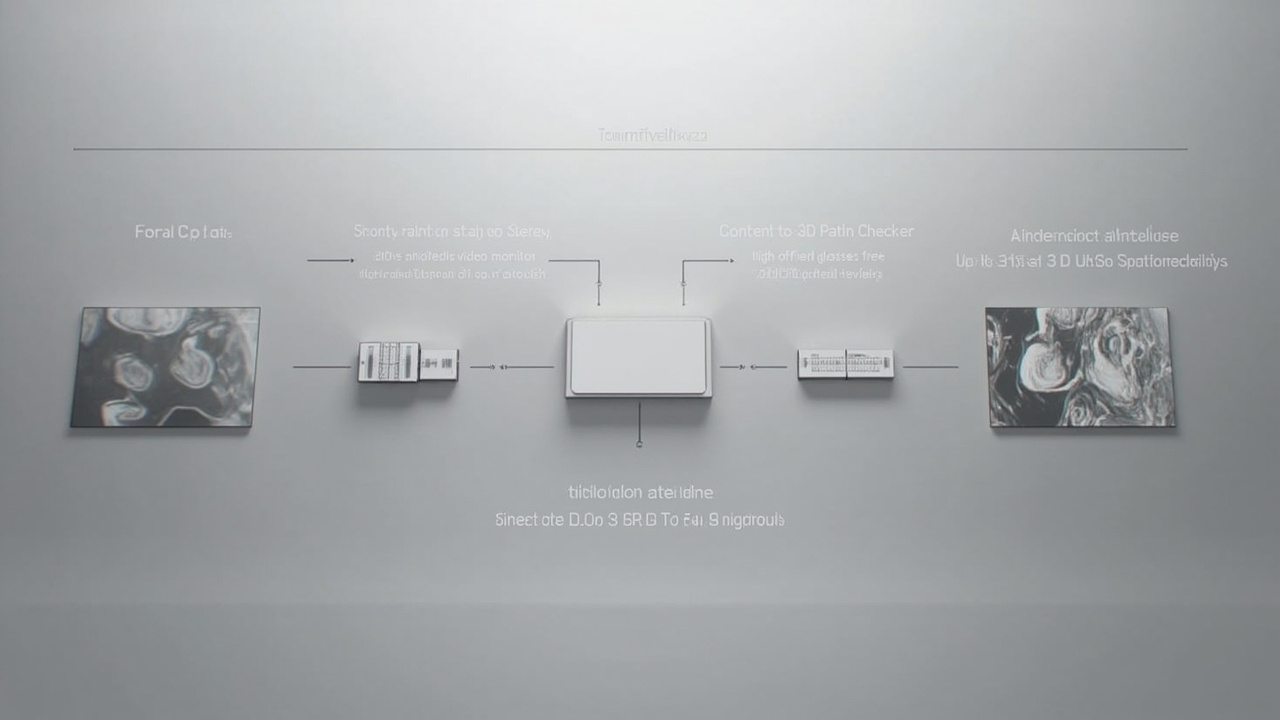
Workflow from source content through compatibility check to monitor choice and review session.
Limits and Fit Considerations
Even a well-chosen professional video monitor has boundaries. Buyers should plan around them.
- Single-operator assumption. Most reference and grading monitors serve one operator at a time. Multi-observer review rooms need to plan station layout accordingly.
- Calibration drift. All monitors drift. A reference monitor is a system, not a one-time purchase; the calibration loop, probe, and schedule matter as much as the panel.
- Ambient light dependency. Both traditional reference monitors and glasses-free 3D displays depend on controlled lighting. Treat the room, the hooding, and the probe as part of the deliverable.
- Content pipeline dependency. Glasses-free 3D review only delivers value when the upstream pipeline can produce stereo or 3D-ready assets. 2D-only source content cannot be turned into a 3D review just by changing displays.
- Headset alternative. VR or AR headsets offer multi-viewer 3D in some contexts but introduce ergonomic, hygiene, and session-length trade-offs compared with a monitor-style workflow.
- Medical, forensic, or certification use. Any claim that a professional video monitor is appropriate for diagnostic, certification, or regulated review must be tied to the specific standard the facility is required to follow. Display choice is only one part of that chain.
These limits do not weaken the category. They are the reasons the category exists: a professional video monitor is the predictable link in a review chain whose other links are content, environment, and operator.
Next Steps with 3DV
If you are evaluating a professional video monitor for a 3D-aware review workflow, the most efficient path is to start with content and use case rather than panel size.
- Review how your current source maps to glasses-free 3D using the Content-to-3D Path Checker and the Spatial Display content compatibility article.
- Compare 15.6-inch, 27-inch, and 32-inch Spatial Display models against your monitor-class workload on the Spatial Display product page and through the Display Selector.
- For a structured pre-purchase conversation, use the Ask Before Ordering route so 3DV can confirm fit, content readiness, and station requirements before a purchase decision is made.
- For terminology that often arises during monitor evaluations, including autostereoscopic, eye-tracked, and glasses-free 3D, see the Autostereoscopy glossary and the 3D Spatial Display overview.
A professional video monitor is most valuable when the display, the calibration regime, and the source pipeline all point at the same review goal. 3DV positions its Spatial Display line as the spatial review layer of that pipeline, working alongside the traditional 2D monitors a professional team already relies on.