
Can a Person Have 3D Vision: Technical Explainer
Yes. A person can have 3D vision. In routine optometric and visual-science usage, “3D vision” describes the visual system’s ability to perceive depth in the surrounding scene, rather than a flat 2D picture. This capability is built from a combination of physiological hardware (two eyes, eye muscles, the optic pathway, and the visual cortex) and learned interpretation of depth cues. It is the biological foundation that glasses-free 3D displays, including 3DV Spatial Display systems, are designed to engage.
This explainer separates the human-side answer from the display-side answer, then connects them through a workflow-fit lens. It is written for technical buyers and review teams evaluating whether glasses-free 3D belongs in their visualization, training, design, or inspection workflow.
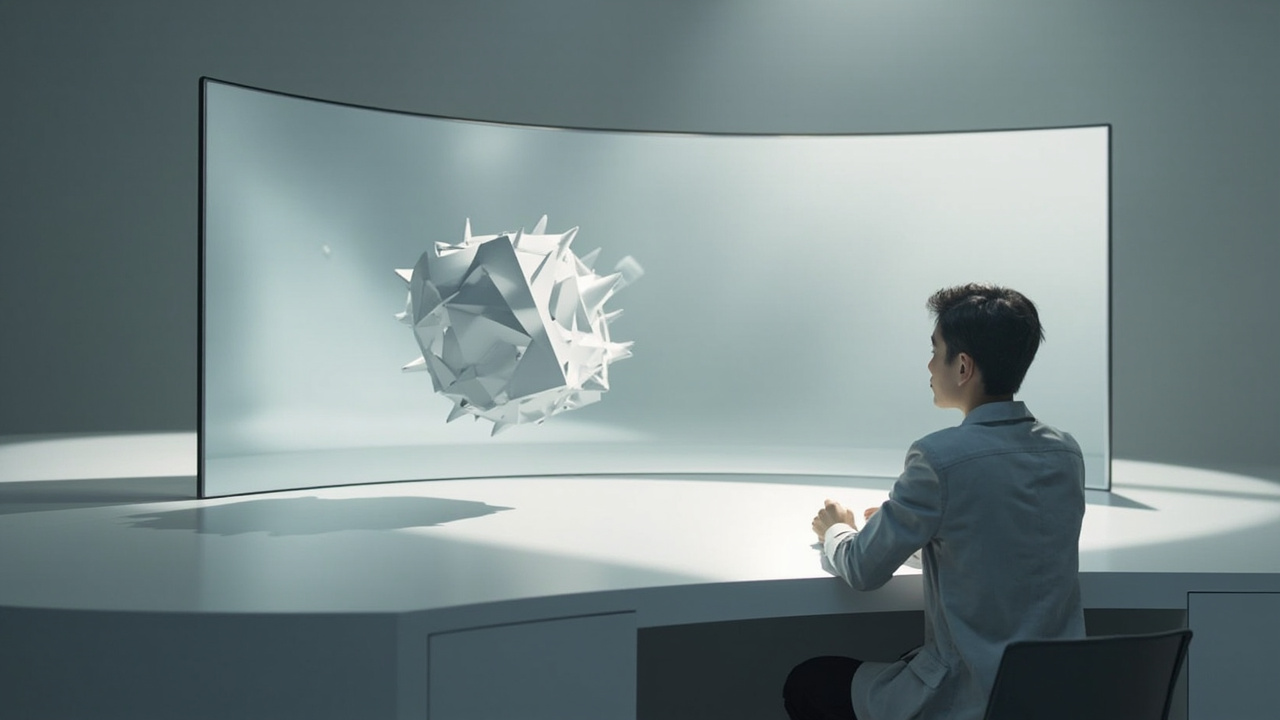
A glasses-free 3D display engages the viewer’s existing binocular 3D vision without headsets or 3D glasses.
Direct answer: what it means for a person to have 3D vision
When the question “can a person have 3D vision?” appears, it usually points to one of two slightly different meanings:
- The visual-system meaning: the person can perceive depth in the real world, including the relative distance of objects, surface shape, and the three-dimensional structure of a scene.
- The clinical meaning: the person has functional binocular vision, meaning both eyes contribute usable input and the brain fuses the two retinal images into a single percept that includes stereoscopic depth.
In both cases the answer is the same in principle: most people with normally developed eyes and visual pathways have 3D vision, and it is the everyday baseline, not a special ability. People who have lost vision in one eye, who have a pronounced eye turn (strabismus), or who have untreated amblyopia may have reduced or absent stereoscopic depth, while still seeing the world with apparent depth through other cues. This article treats “3D vision” in the broad visual-system sense, and notes where stereoscopic, binocular depth is specifically involved.
How the human visual system produces depth
Human depth perception is built from multiple cues that the brain combines automatically. For technical readers evaluating 3D workflows, it helps to separate them into two families.
Monocular cues
Monocular cues can be picked up with one eye and still produce a strong sense of depth:
- Relative size: smaller retinal images of known objects read as farther away.
- Linear perspective: converging parallel lines, such as railway tracks, signal distance.
- Texture gradient: surface detail gets denser and finer with distance.
- Occlusion (interposition): a near object covering part of a far object establishes order.
- Shading and shadows: gradients on a surface and cast shadows reveal 3D shape on a flat image.
- Aerial perspective: distant objects lose contrast and shift toward atmospheric color.
- Motion parallax: as the viewer moves, nearer objects shift faster across the visual field than farther objects.
These cues are why a flat photograph or a single-view monitor still feels spatial. They are also why a monocular viewer, or a person using one eye, can still judge depth reasonably well in many real-world situations.
Binocular cues
Binocular cues depend on having two eyes with overlapping visual fields:
- Retinal disparity: each eye sees the scene from a slightly different angle, so the two retinal images are not identical.
- Stereopsis: the visual cortex fuses the two retinal images and uses the small differences between them to compute very precise depth, especially at near and mid range.
- Convergence: the eyes rotate inward to fixate on a near object; the brain reads the muscular state as a depth signal.
- Accommodation: the lens changes shape to focus at different distances; this is a weaker depth cue than convergence but contributes to perceived sharpness at depth.
Stereopsis is the cue most directly engaged by a stereoscopic or autostereoscopic 3D display. It is also the cue that disappears when a person has only one functioning eye, or when the two eyes cannot be fused into a single image.
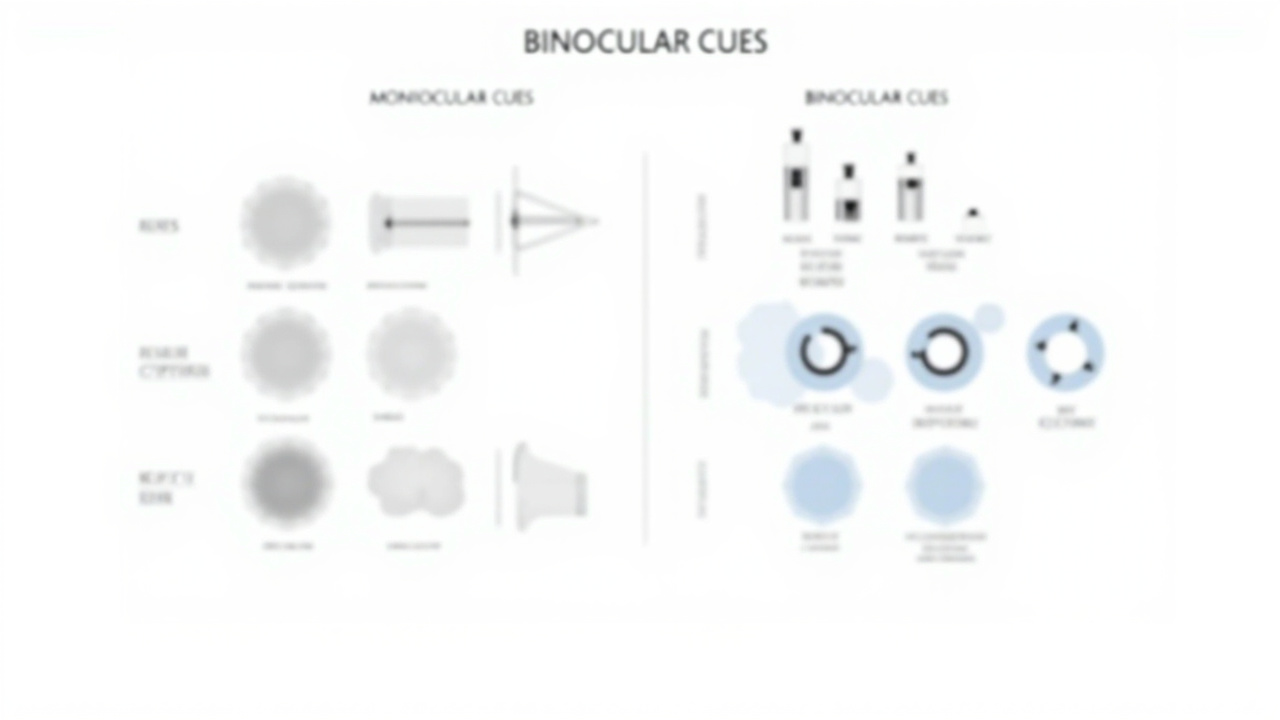
Human depth perception combines monocular cues (size, perspective, shading, occlusion) with binocular cues (retinal disparity, stereopsis, convergence).
How a display delivers 3D to a viewer without glasses
A glasses-free 3D display does not change the viewer’s biology. It changes what each eye receives, so that the display engages the same binocular depth machinery the viewer already has.
The general approach is:
- Generate a stereo pair of images, one intended for the left eye and one intended for the right eye. These may come from a dual-camera rig, a 3D-rendered scene with two virtual cameras, a CAD or medical viewer with stereo output, or a side-by-side (SBS) encoded video.
- Direct each image to the correct eye using an optical layer in front of the panel. Common methods include:
- Lenticular lens array: a sheet of cylindrical microlenses refracts light so each eye sees a different set of pixels.
- Parallax barrier: a precisely aligned mask in front of the panel blocks certain pixels from reaching one eye.
- Eye-tracked autostereoscopic display: the system tracks the viewer’s eye position and dynamically steers the left-eye and right-eye views to follow the viewer. 3DV Spatial Display systems use this approach.
- Track the viewer so the stereo window stays correctly placed as the viewer moves their head slightly. Eye-tracked systems adjust the mapping in real time.
- Run the pipeline on dedicated hardware so that the per-eye view remapping and tracking feedback happen with low latency. On 3DV displays this includes display-side FPGA processing for the view-mapping step.
The result, for a viewer with normal binocular vision, is a percept of real depth without a headset, shutter glasses, or polarized glasses. The experience is closer to looking through a window into a small 3D scene than to watching a flat screen.
If the viewer has reduced stereoscopic vision (for example, due to amblyopia or monocular vision), the glasses-free display still shows the correct left-eye and right-eye images, but the brain may not fuse them into a full stereoscopic percept. The viewer will still see a clean, sharp image, and may still pick up apparent depth from the monocular cues the content carries.
Where glasses-free 3D displays fit a professional workflow
For 3DV customers, the question “can a person have 3D vision?” is usually the starting point for a more practical question: does our team actually benefit from a glasses-free 3D display, and in which scenarios?
Common workflow fits:
- Medical visualization and anatomy education: review of 3D-reconstructed CT or MRI volumes, surgical planning review, and anatomy teaching, where depth helps separate overlapping structures.
- Industrial inspection and NDT: reviewing CT scans, X-ray volumes, or 3D-reconstructed defect data, where depth aids in locating voids, cracks, or inclusions.
- CAD and design review: walking through 3D models in design reviews without forcing reviewers into VR headsets.
- Microscope collaboration: shared depth-based review of microscope imagery where multiple specialists benefit from the same spatial percept.
- Education and training: teaching spatial concepts, anatomical structures, or engineering assemblies where a flat 2D image loses too much information.
- Demo and showroom: presenting prepared 3D content to visiting stakeholders in a monitor-style setup.
In each of these cases the underlying assumption is the same: the reviewer’s visual system is capable of 3D vision, and the workflow can supply content that is 3D-ready.
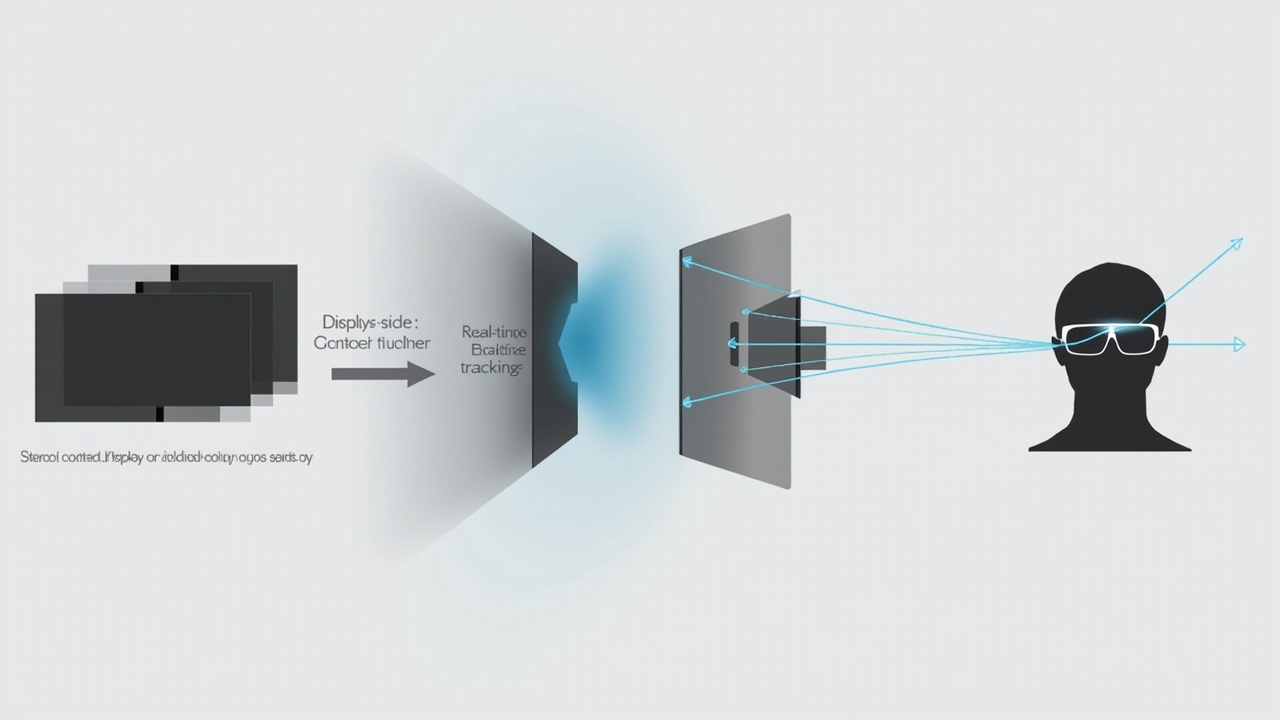
A glasses-free 3D workflow: stereo or SBS source content is processed on the display, mapped per eye, and steered to the tracked viewer in real time.
Workflow-fit checklist before evaluating a glasses-free 3D display
A short, practical checklist helps separate a good fit from a forced fit:
- Content readiness: does your source content export to stereo, side-by-side (SBS), or a stereo-capable 3D viewer? Examples include CAD viewers with stereo output, DICOM viewers with 3D volume export, Unity, Unreal, and WebGL pipelines, and stereo camera rigs.
- Viewer setup: is the display used by a single primary viewer at a time, or by a small group? Eye-tracked autostereoscopic displays are typically optimized for one tracked viewer; shared multi-viewer modes are a different category with different trade-offs.
- Workflow blend: do you need to switch often between high-quality 2D work and 3D review? Pro series models are designed for that 2D / 3D switching. Essential models are designed more for a dedicated 3D spatial monitor.
- Room and mounting: is there a stable viewing position, or will the viewer move significantly? Eye tracking has a comfortable headbox, but it is not unlimited.
- Stereo awareness of the team: reviewers who have never worked in stereo may need a short orientation. Stereoscopic depth is natural for most viewers, but reading stereo imagery fluently is a small skill that pays off quickly.
If most of these items are positive, a glasses-free 3D display is likely to land well in the workflow. If several items are negative, a more conventional high-quality 2D review display may be the more honest choice.
Common limits and trade-offs to be aware of
A glasses-free 3D display is a specialist tool. The honest limits include:
- Content dependency: a glasses-free 3D display cannot turn flat 2D-only content into true stereoscopic depth. Content that only outputs a single 2D view will not engage stereopsis, even if the display hardware is capable.
- Viewer count: most current 3DV Spatial Display systems are tuned for one primary viewer at a time, not a crowd.
- Reduced stereoscopic viewers: reviewers with monocular vision or significantly reduced stereopsis will see a sharp image and may still benefit from monocular depth cues, but they will not get the full stereoscopic effect.
- Headset alternative: for some scenarios, especially fully immersive walk-around review, a headset workflow may still be the better fit. The two approaches are complementary, not interchangeable.
Next steps and supporting resources
If the team is still in evaluation mode, the next practical moves are:
- Confirm that the source content can output stereo or SBS, and prepare a short sample.
- Walk through the related Learn articles linked above to build a shared vocabulary around stereoscopic vision, autostereoscopy, and naked-eye 3D.
- Use the spatial display compatibility resources on 3DV.io to check whether your specific content pipeline is a good fit before quoting or specifying hardware.
- Reach out through the official inquiry routes when the team is ready to talk about model fit, room setup, and content preparation.
For technical buyers and review teams, the answer to “can a person have 3D vision?” is yes, in the routine, biological sense. The follow-on question is whether the workflow is set up to actually engage that capability. A glasses-free 3D display like the 3DV Spatial Display is designed to do exactly that, without forcing the team into headsets or 3D glasses.