
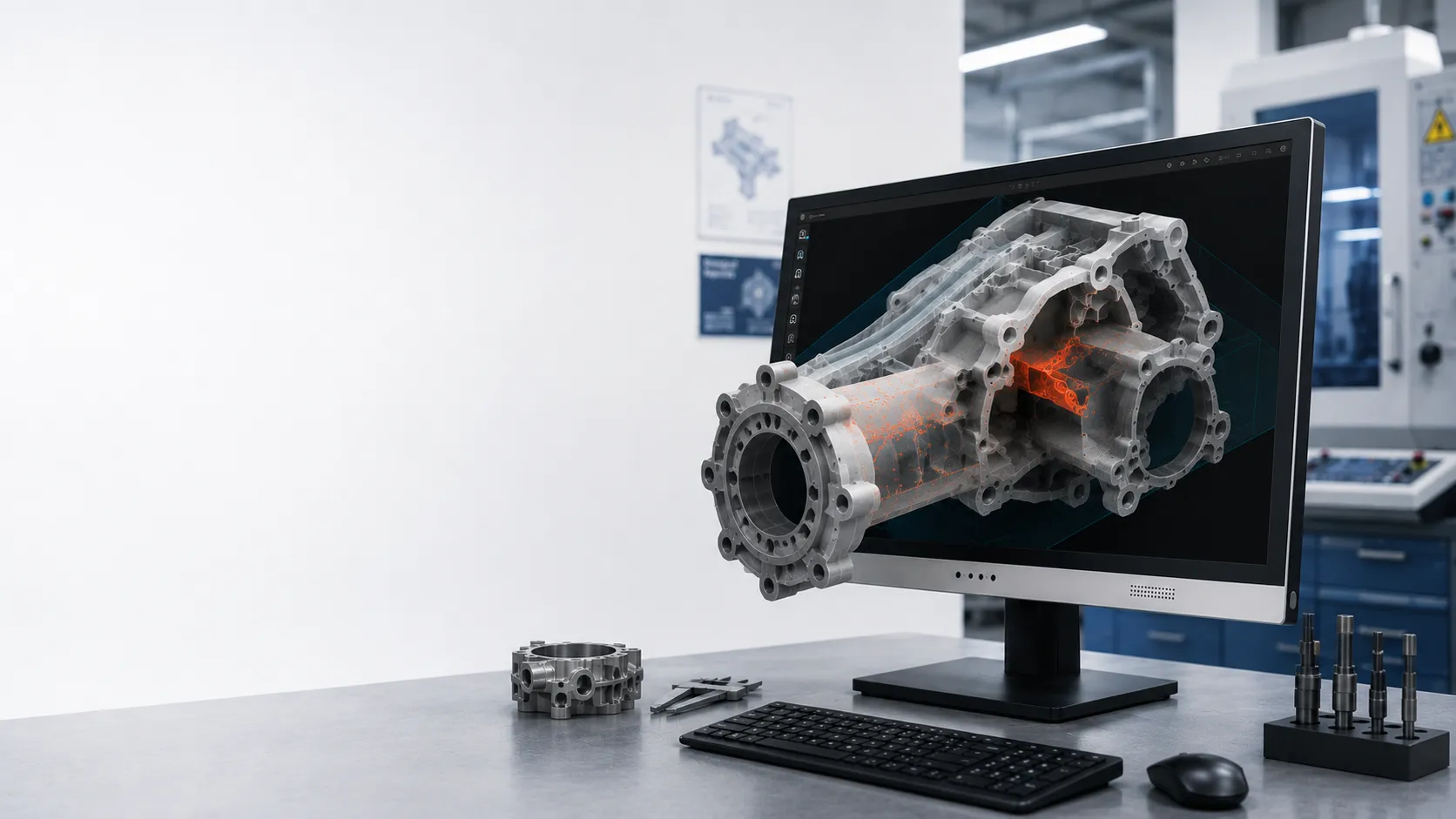
Ready to test
- Exported mesh or defect model
- Viewer with stereo or 3D output
- Prepared inspection demo scene
- SBS or custom review app
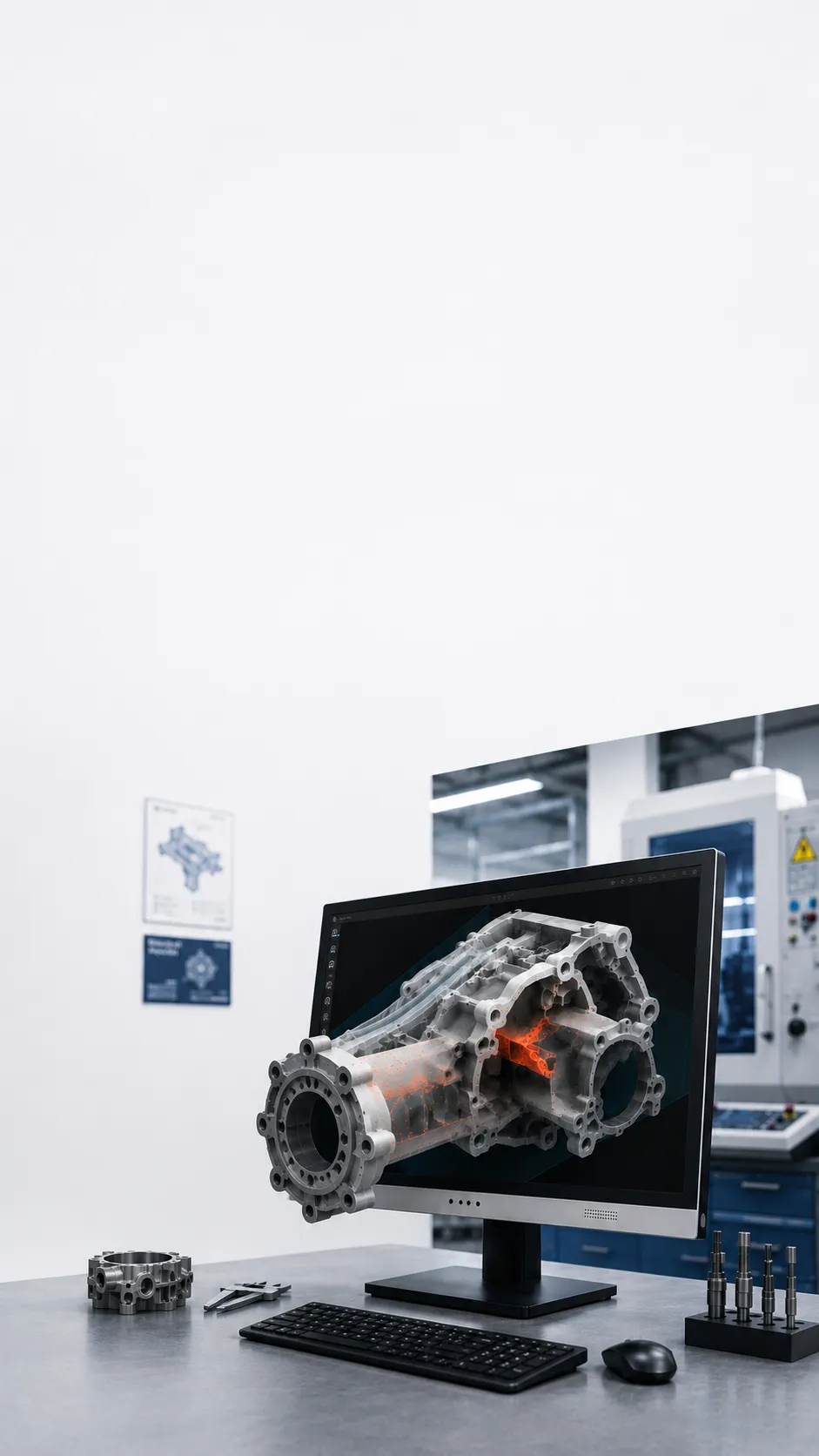
Industrial CT / X-Ray / NDT
Review industrial CT, X-ray, NDT, and defect visualization outputs with visible depth when your current software can provide a suitable 3D or stereo view.
3DV is the display layer. Your current viewer still needs a suitable 3D or stereo output.
CT, X-ray, and NDT review
Focused on lab, engineering, and inspection review paths.
Defect and internal geometry visualization
Built for review, communication, training, and explanation workflows.
Workstation or lab review setup
Choose the model size around the real review environment.
Check the path first
Check the content, viewer, and output you already use before choosing only by screen size.
Check your content
Use these groups as a first check. If your software or format is missing, ask us instead of guessing.
Workflow boundary
Models and prices
Large review rooms often start with 27 inch or 32 inch. Portable review carts can start with 15.6 inch Pro.
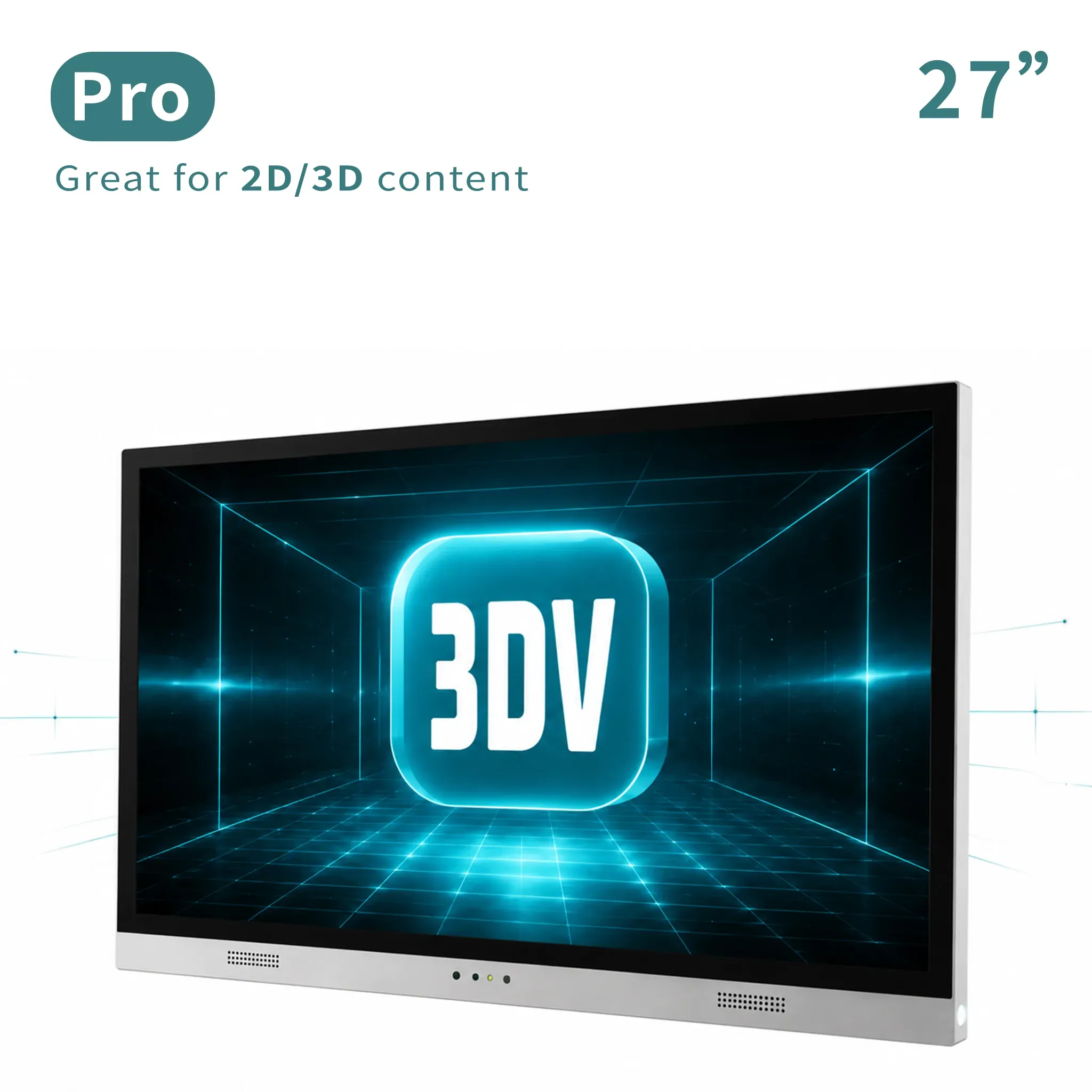
Main review workstation
Main professional review station for frequent 2D/3D switching.
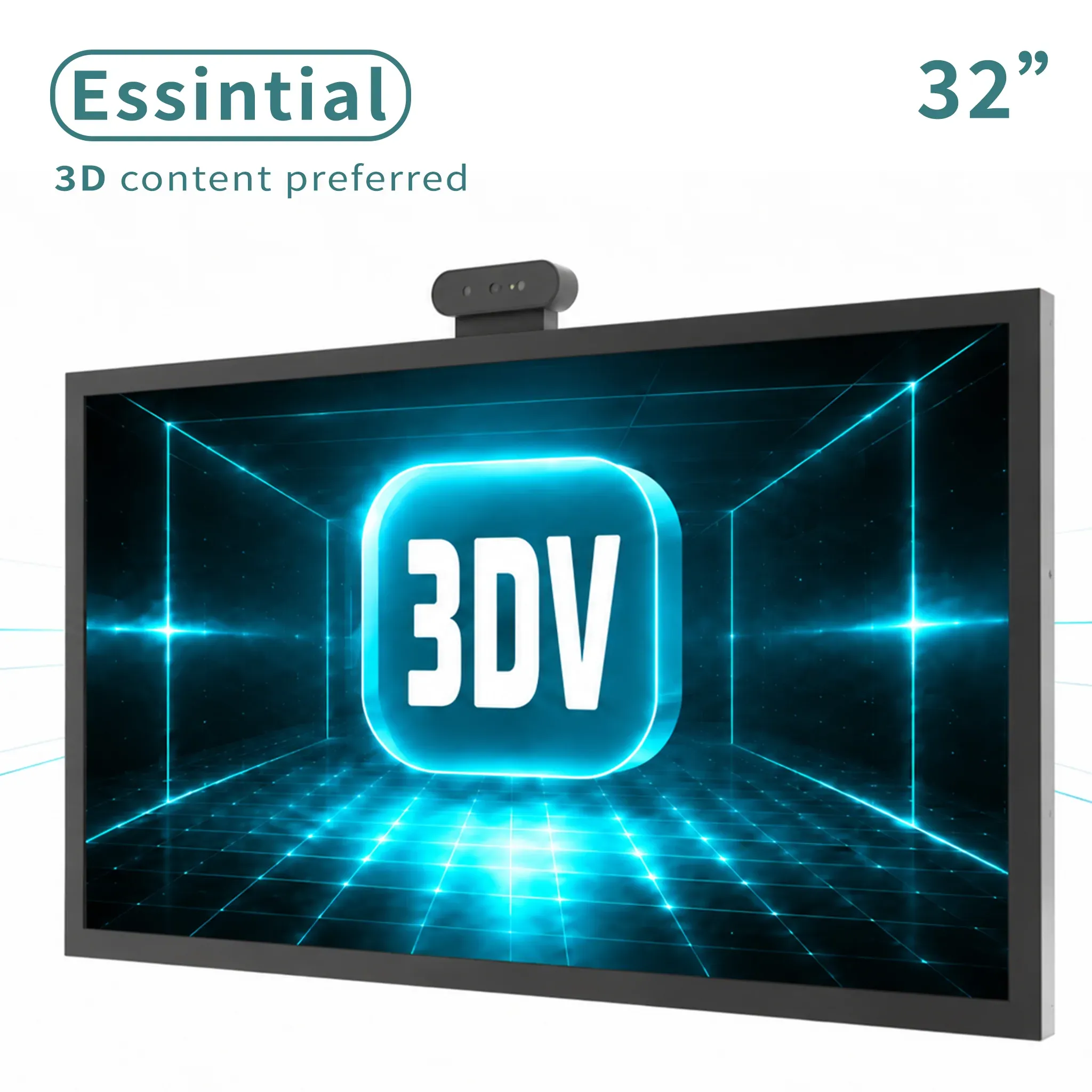
Large dedicated 3D
Large dedicated 3D display for labs, showrooms, and review rooms.
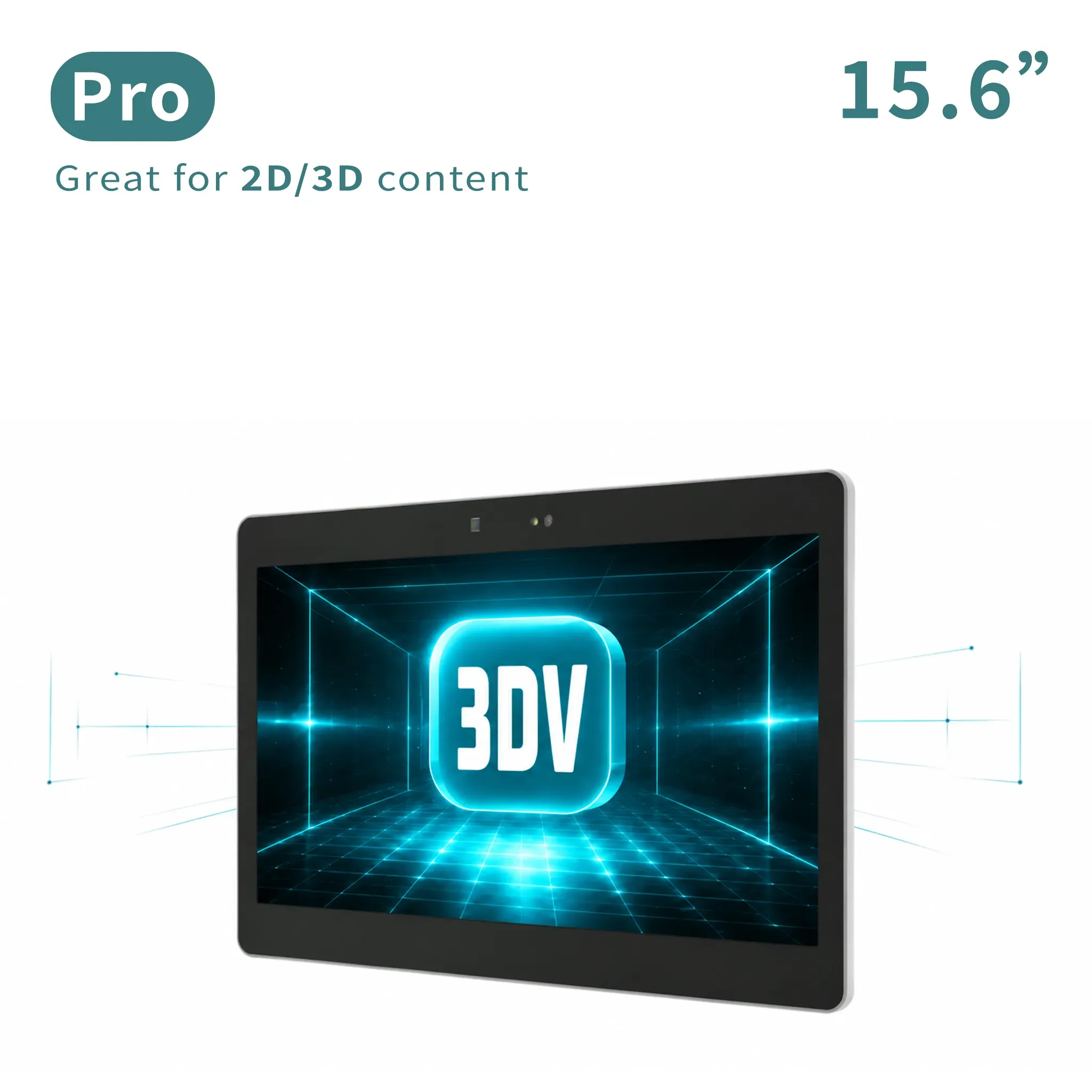
Portable 2D / 3D
Portable mixed 2D/3D workstation use.
Pro or Essential?
If this will also be your everyday 2D monitor and you expect to switch between 2D and 3D often.
If the display will mainly show prepared 3D content in a demo, lab, showroom, or review station.
Not sure which description sounds like your setup? Tell us how you plan to use it.
Check it with usCommon questions
The right display depends on both the physical setup and the content workflow.
No. It is the display layer for a suitable 3D or stereo visualization output from your existing analysis workflow.
Raw volume data normally needs a CT viewer or processing application that can render or export a suitable visualization.
No such claim should be made. It can support spatial review and communication, while analysis performance still depends on the software and review process.
Send the data type, viewer software, available 3D or stereo output, workstation setup, viewing distance, and preferred screen size.
Ask 3DV
Tell us the data type, viewer, and output path you already use.
Thanks - your request has been sent.
We will review your content path and reply with the recommended next step within one business day.