
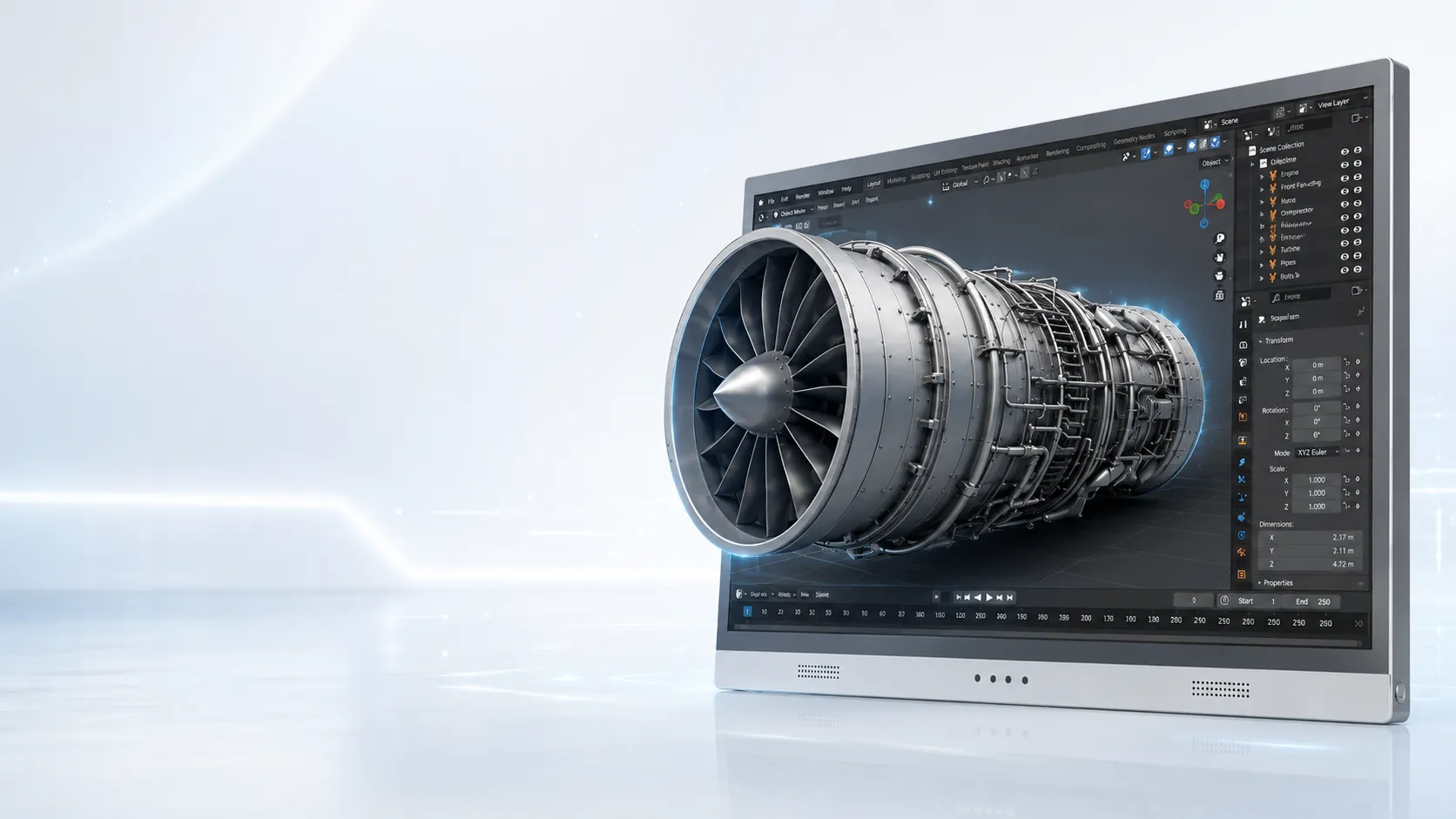
Ready to test
- Stereo image or video output
- 3D model viewer with stereo view
- SBS or dual-view content
- Controlled single-user workstation
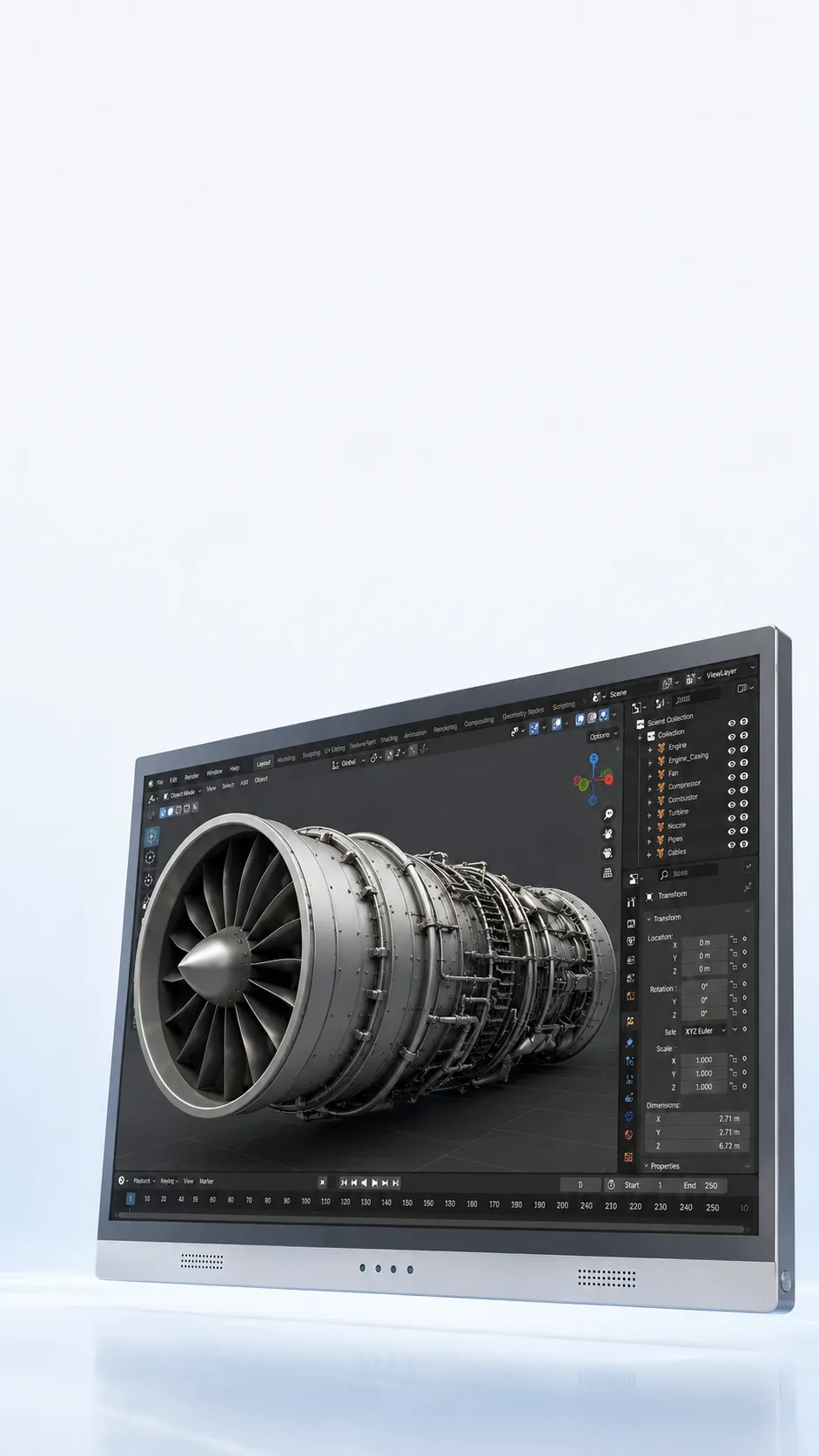
Autostereoscopic Display
3DV uses eye-tracked left and right view mapping to deliver glasses-free 3D on a professional monitor-style display.
The display method matters, but your stereo or 3D output path matters too.
Eye-tracked left and right view mapping
The active viewer stays aligned to the correct stereo views.
Display-side 3D processing
3DV handles display-side mapping inside the hardware path.
Monitor-style workflow
Use visible depth without moving the review into a headset.
Check the path first
Check the content, viewer, and output you already use before choosing only by screen size.
Check your content
Use these groups as a first check. If your software or format is missing, ask us instead of guessing.
Mini explainer
Comparison
Usually project many views at once and are often better suited to shared viewing or exhibition settings.
Immersive, but they require wearing a device and change the review workflow.
Often depend on glasses or fixed viewing conditions.
Designed for professional review workflows where a user needs visible depth on a monitor-style setup.
Models and prices
Teams usually start with 15.6 inch or 27 inch for desk-based review, then move to 32 inch when they need a larger dedicated station.
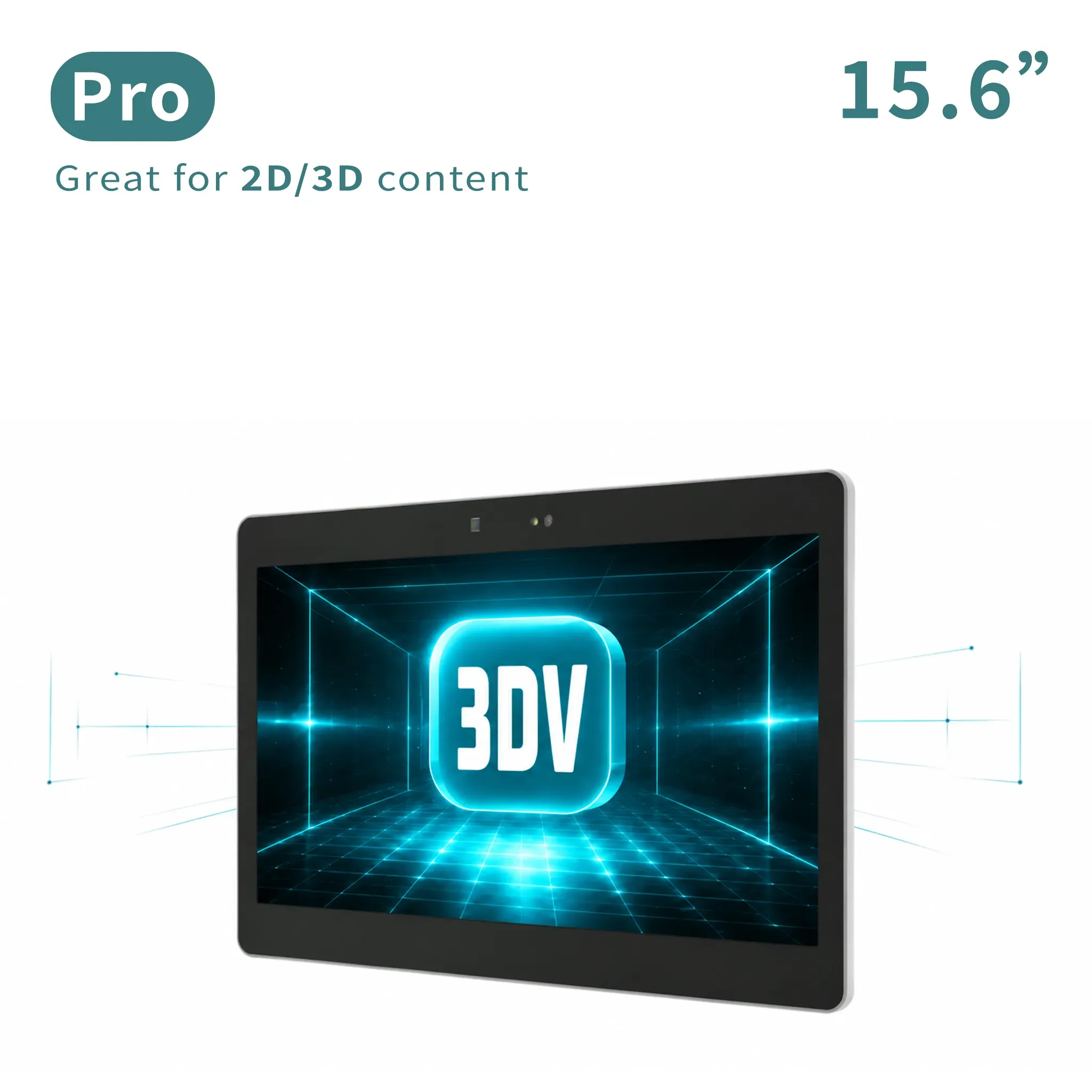
Portable 2D / 3D
Portable mixed 2D/3D workstation use.
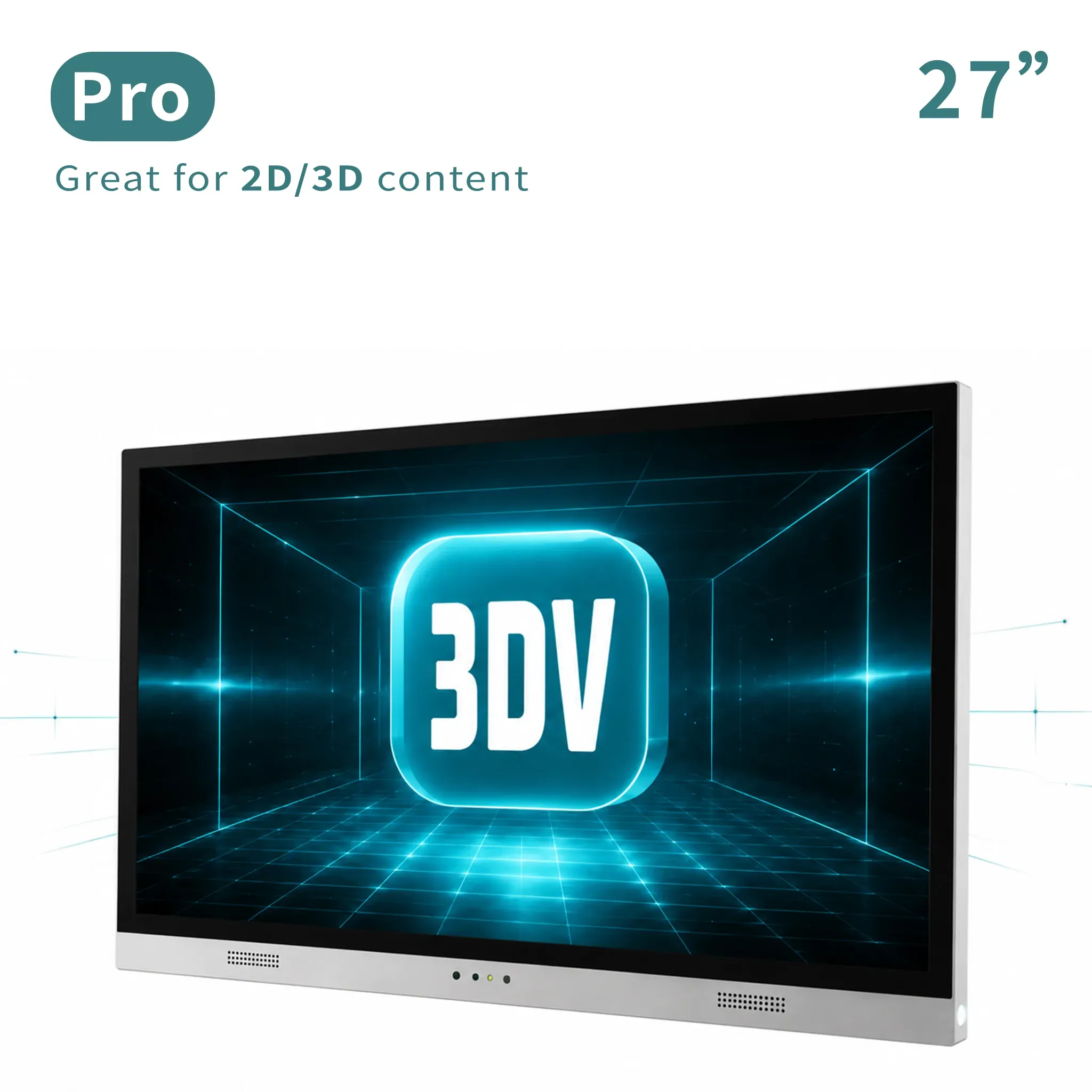
Main review workstation
Main professional review station for frequent 2D/3D switching.
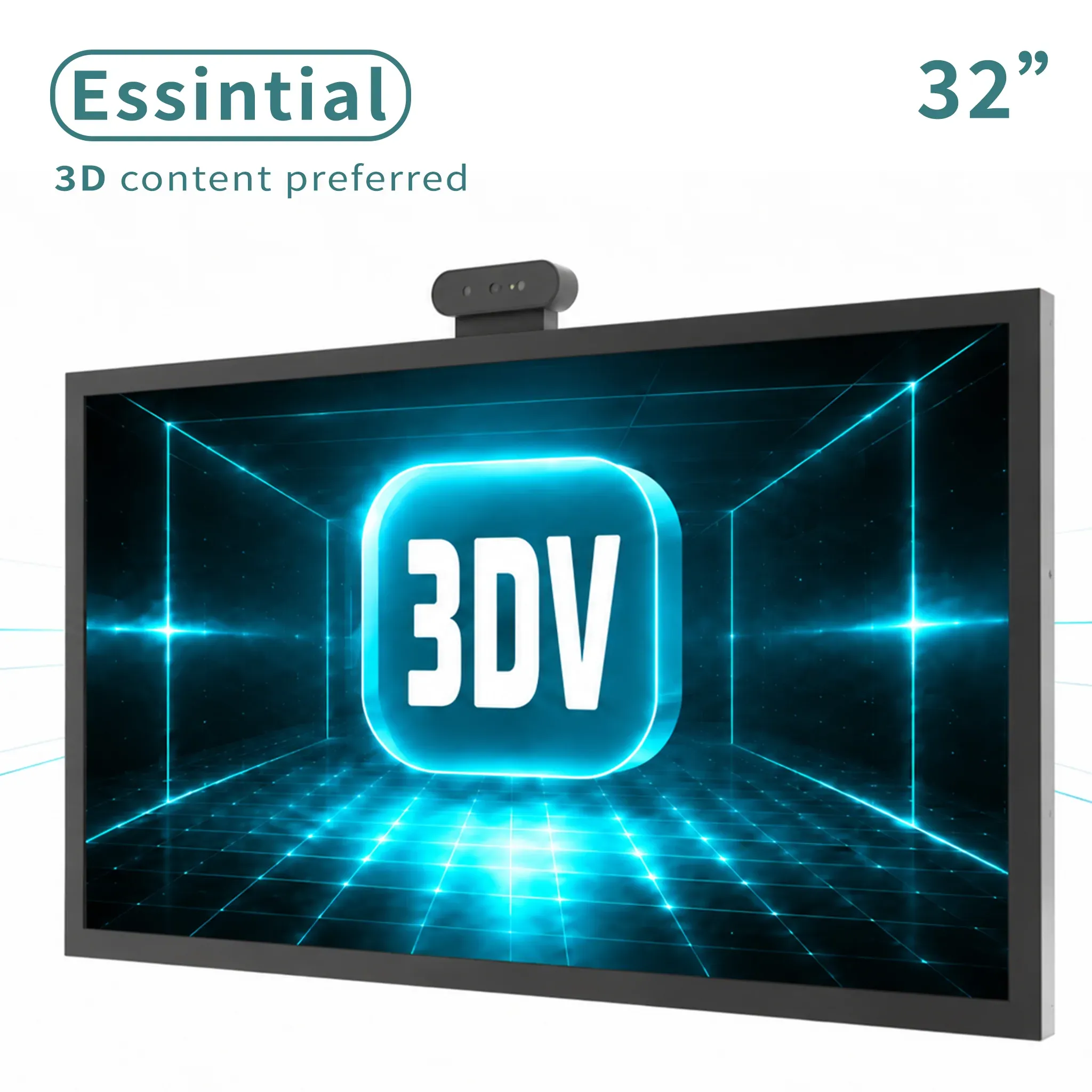
Large dedicated 3D
Large dedicated 3D display for labs, showrooms, and review rooms.
Pro or Essential?
If this will also be your everyday 2D monitor and you expect to switch between 2D and 3D often.
If the display will mainly show prepared 3D content in a demo, lab, showroom, or review station.
Not sure which description sounds like your setup? Tell us how you plan to use it.
Check it with usCommon questions
The right display depends on both the physical setup and the content workflow.
It sends different views to the left and right eyes without requiring wearable 3D glasses.
The current 3DV workflow is optimized around a tracked primary viewer. Shared-view requirements should be checked against the room setup.
No. Your content still needs a stereo, 3D, or spatial output path that the display workflow can use.
It keeps review on a monitor-style workstation, without moving the user into a wearable immersive device.
Ask 3DV
Tell us your content path and viewing setup. We will check it with you.
Thanks - your request has been sent.
We will review your content path and reply with the recommended next step within one business day.