
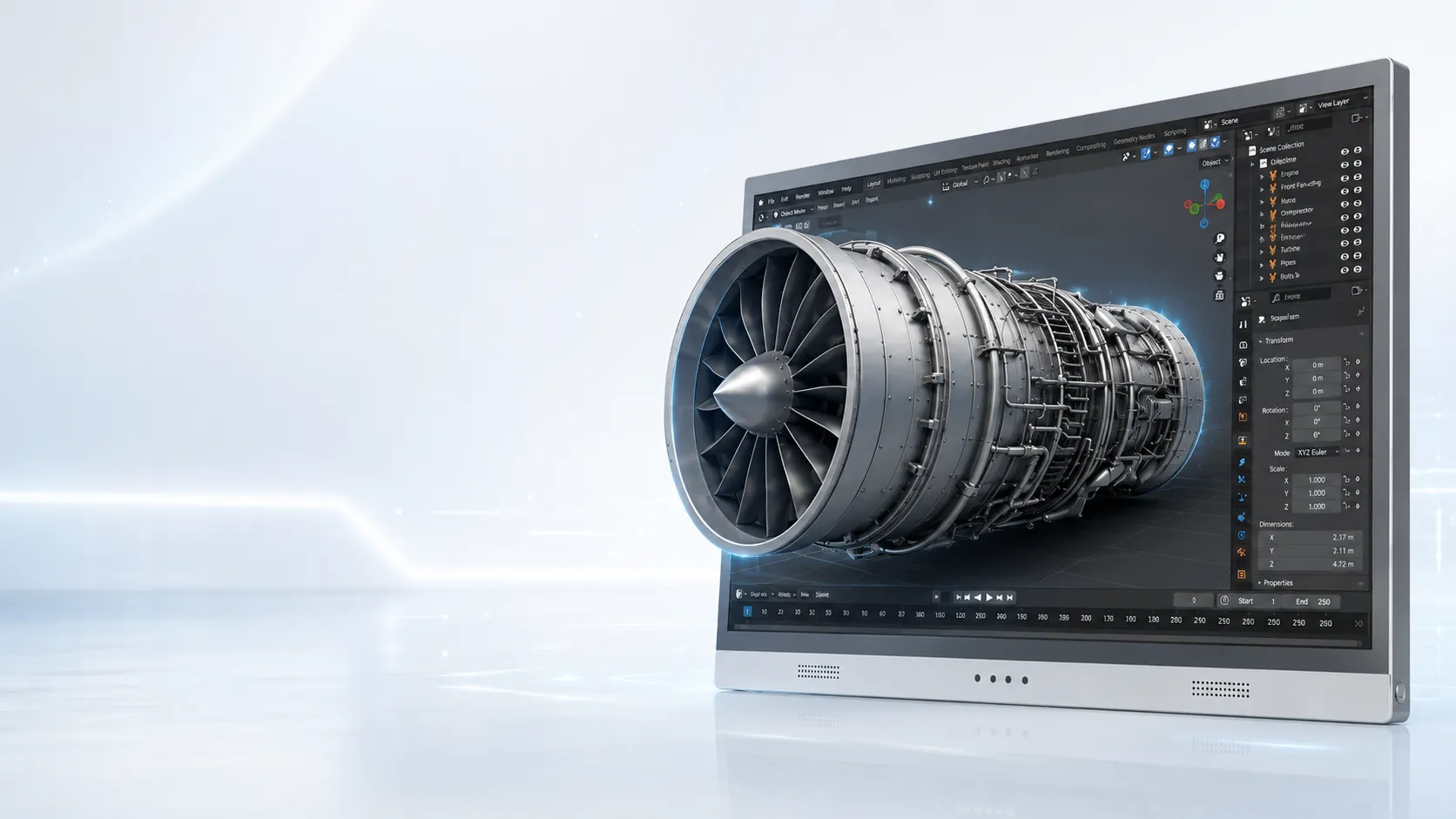
Compact dedicated 3D
14" Essential
Compact demos and dedicated 3D review setups.
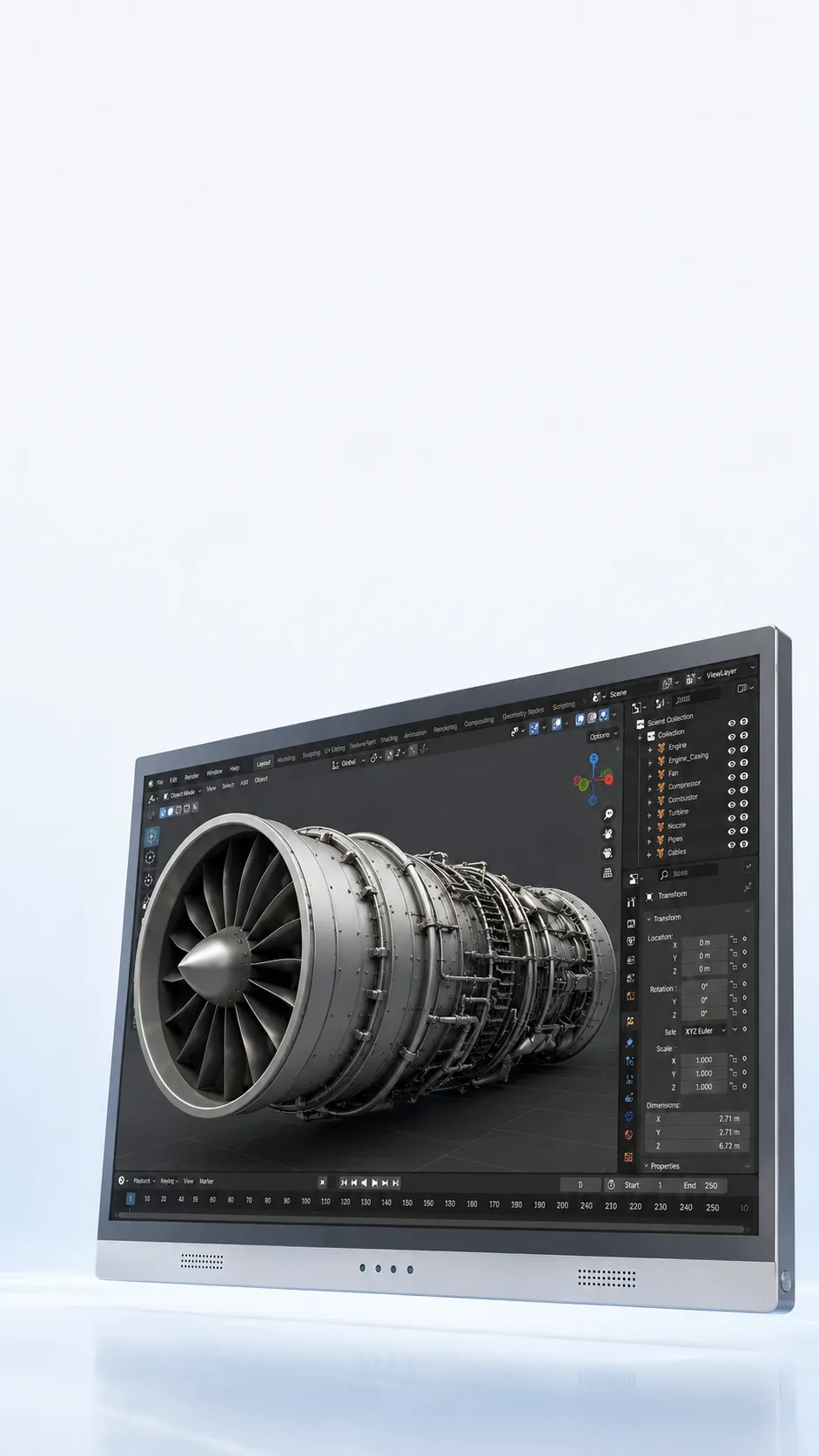
Model Selection
Compare 3DV display sizes for CAD, 3D models, stereo media, and professional review. Keep a familiar monitor workflow while adding visible spatial depth.
Not sure whether your content or desk setup will work? Check it with us before you decide.
14 to 32 inch display options
Current sizes and snapshot pricing are shown below.
Pro and Essential series
Choose by how often you switch between 2D and 3D.
Shop or ask before ordering
Buy online or confirm fit first with a short pre-order note.
Models and prices
Start with portable, workstation, or dedicated 3D use. Then decide whether frequent 2D switching makes Pro the better fit.
Compact dedicated 3D
Compact demos and dedicated 3D review setups.
Portable 2D / 3D
Portable mixed 2D/3D workstation use.
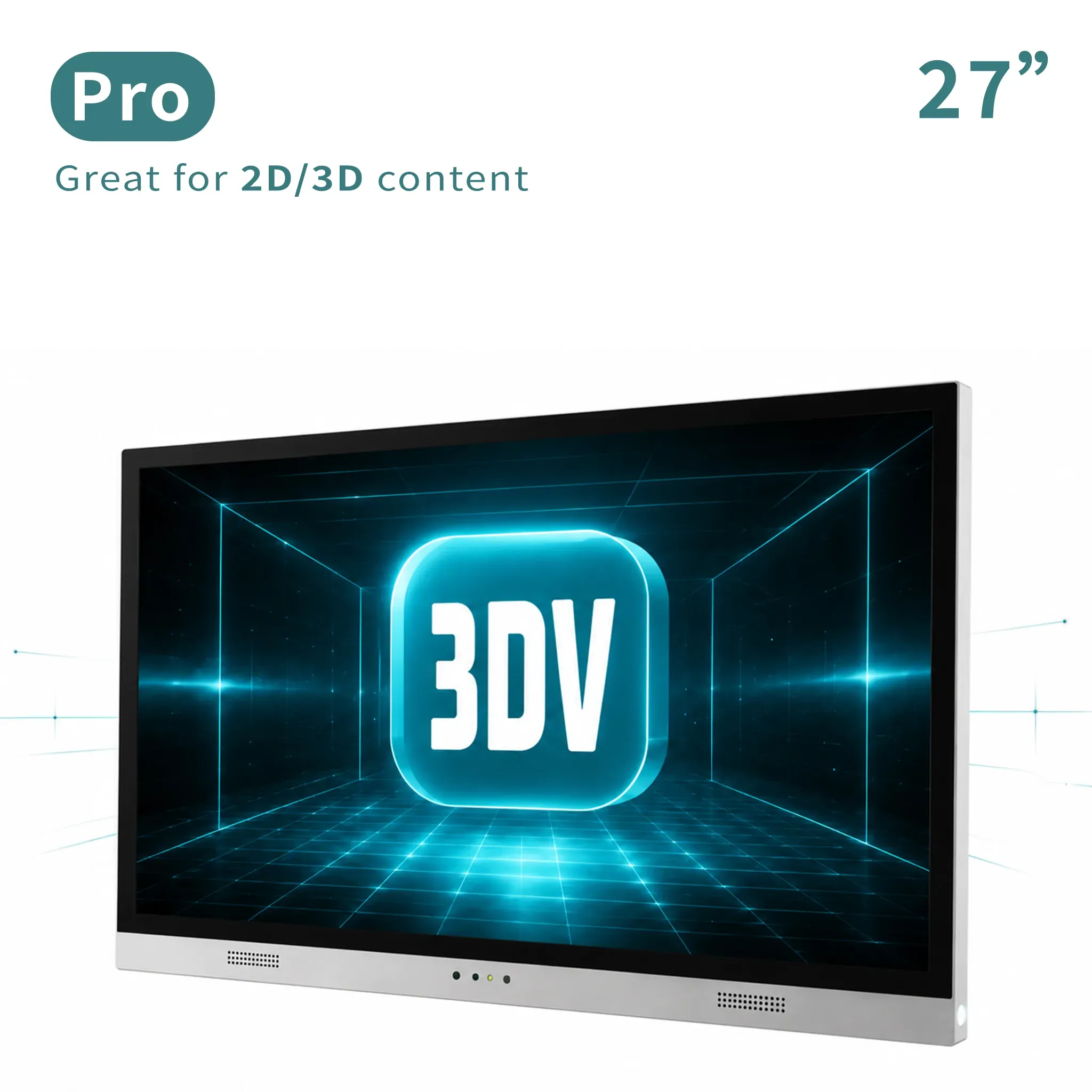
Main review workstation
Main professional review station for frequent 2D/3D switching.
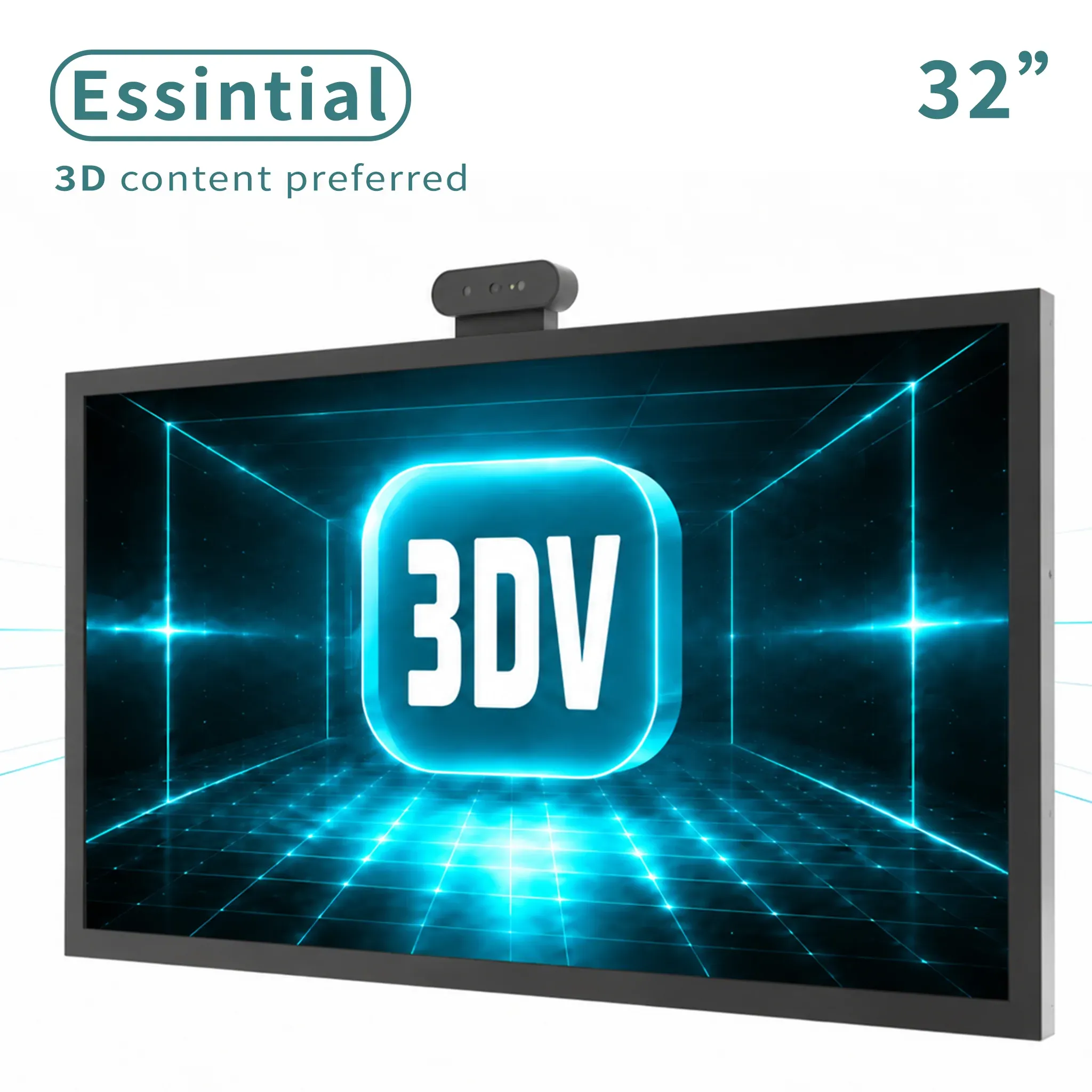
Large dedicated 3D
Large dedicated 3D display for labs, showrooms, and review rooms.
Pro or Essential?
If this will also be your everyday 2D monitor and you expect to switch between 2D and 3D often.
If the display will mainly show prepared 3D content in a demo, lab, showroom, or review station.
Not sure which description sounds like your setup? Tell us how you plan to use it.
Check it with usHow the viewing path works
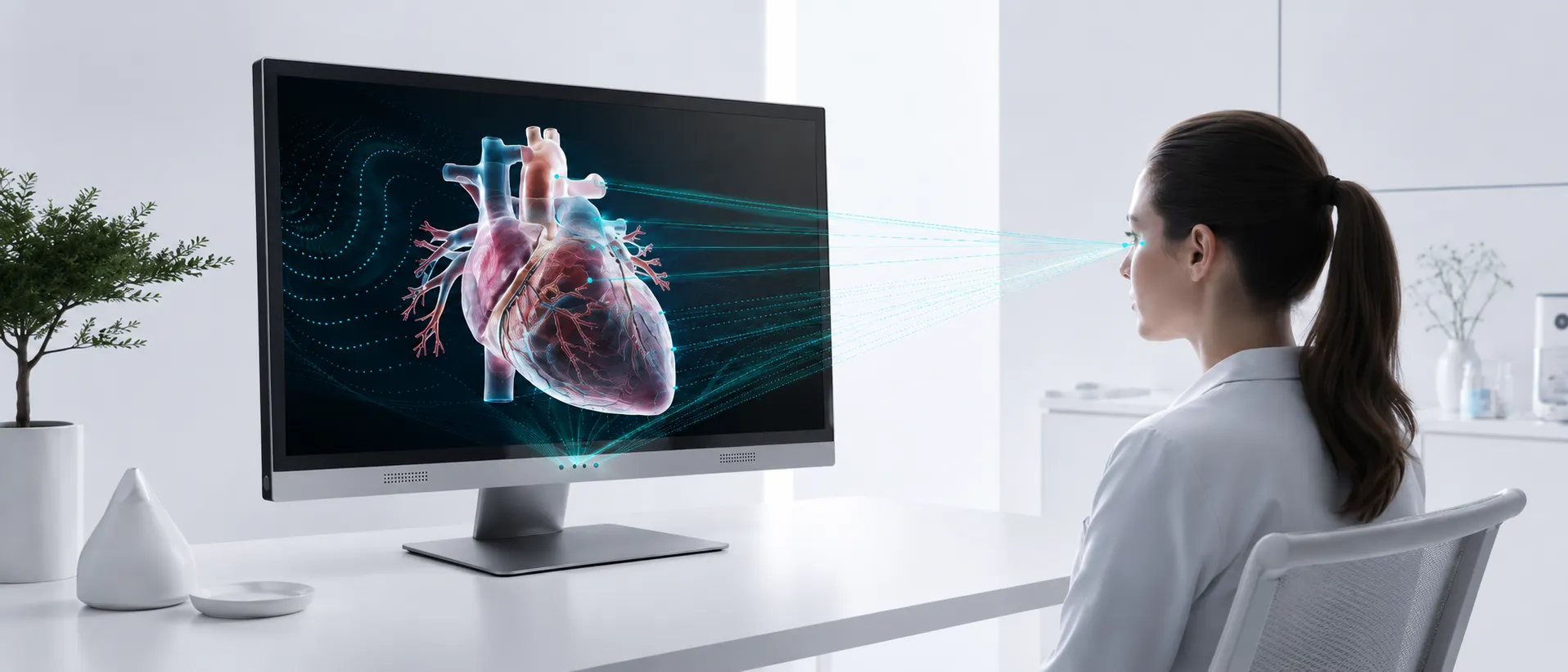
The display follows the primary viewer and updates the stereo view in real time. Your content path still matters, so the right buying decision starts before screen size.
Eye tracking locates the primary viewer so the left and right views stay aligned.
On-device processing updates the view mapping as the viewer moves naturally.
The optical layer creates the visible depth effect without wearable glasses.
Check your content
Start with the format or software you already use. If you do not see it here, ask us and we will check it with you.
Common questions
The right monitor depends on both the physical setup and the content workflow.
Pro models are the stronger fit when you frequently switch between ordinary 2D work and glasses-free 3D review. Essential models are better suited to a dedicated 3D station.
Start with the role of the display. The 14-inch and 15.6-inch models suit compact or portable setups, 27-inch Pro is the main workstation option, and 32-inch Essential suits a larger dedicated review or presentation station.
No. The best results come from stereo or 3D-ready output such as SBS content, prepared 3D viewers, or applications with a supported stereo path. Check the content workflow before choosing only by screen size.
No. 3DV uses eye tracking and an autostereoscopic optical system to direct the appropriate view to each eye without wearable glasses or a VR headset.
The current workflow is optimized around an eye-tracked primary viewer. If shared viewing is important, tell us the room layout and review scenario so we can confirm the practical fit.
Yes. Current models and snapshot prices link to the 3DV shop. If you are uncertain about content output, desk distance, or Pro versus Essential, use the short model-advice form before ordering.
Ask 3DV
Tell us what you want to view. We will help you check the fit.
Thanks - your request has been sent.
We will review your content path and reply with the recommended next step within one business day.